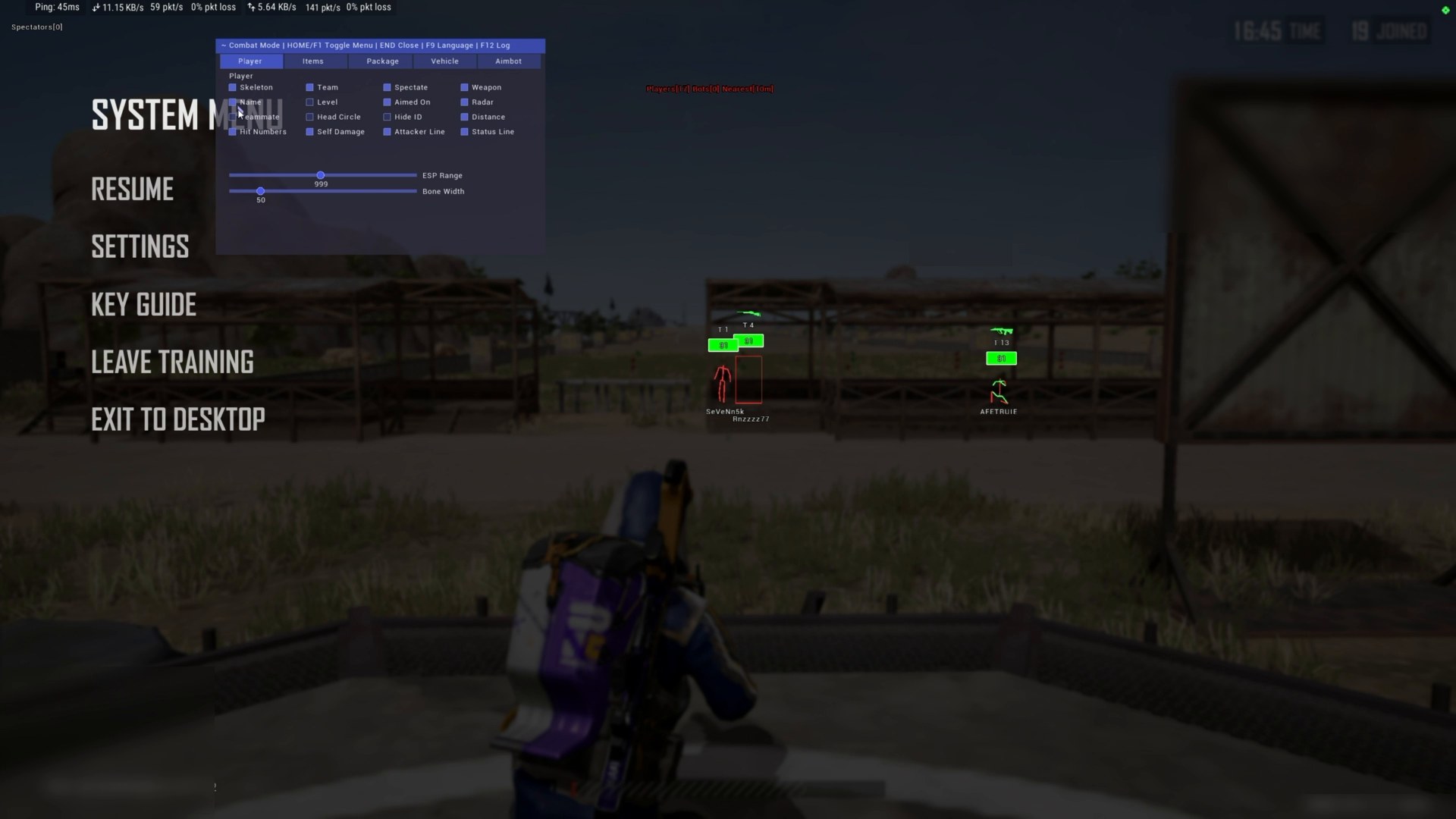
CC PUBG — activation and controls
Obtain your CC key, open the activation website and use the menu controls shown in the developer demonstration.
A concise Ravzino guide. Follow only the procedure for your edition; if the supplied build differs, check its current materials before activating the key.
Steps to follow
- After payment, open the DigiSeller key for your selected duration and keep the order number.
- Enter the key in the activation form at download.cacao.ink. After verification, the website provides login.zip.
- Extract the archive into a separate folder, open the program and sign in using the activation details. Follow its prompts; the demonstration uses Steam.
- Home or F1 opens and closes the menu. End hides the menu and cheat. F9 switches the menu to English.
- The developer lists Windows 10/11 and permits one device change. Individual Windows builds have not been independently tested.
- If an error or security warning appears, stop and send its exact wording to support. Third-party software carries a risk of game-account restrictions.
Files and additional materials
External manuals may use another language. Downloading a file does not establish its safety or compatibility.
Illustrations and videos