
JAV PUBG — setup and launch
Preparation, activation and important details for JAV PUBG.
A concise Ravzino guide. Follow only the procedure for your edition; if the supplied build differs, check its current materials before activating the key.
Steps to follow
- Windows 10 only; Windows 11 is unsupported. Before buying, check enabled VT-x/SVM with LeoMoon CPU-V; do not activate a key if virtualization has a red indicator. PUBG needs Borderless.
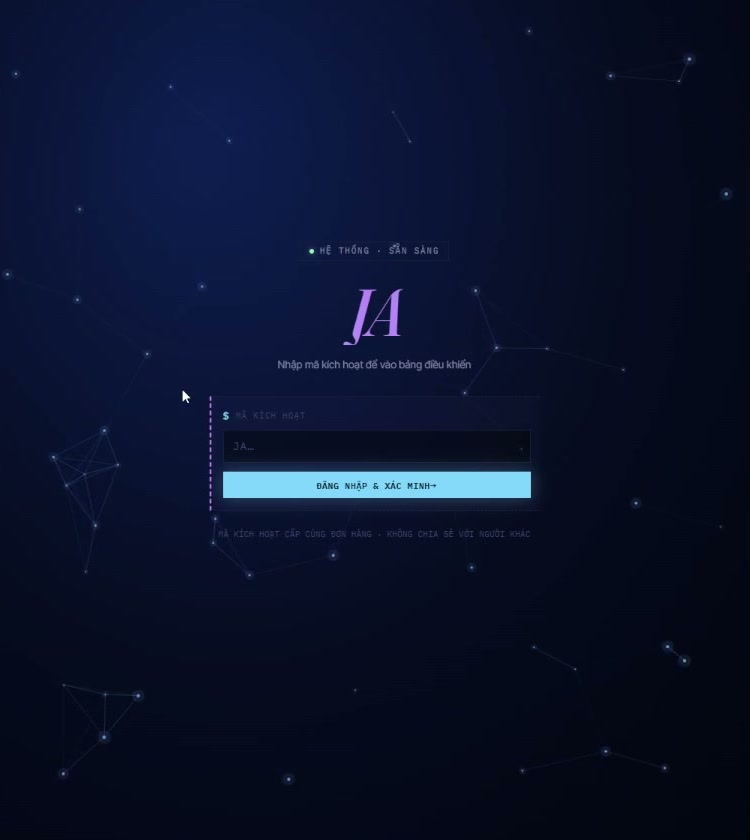
- Sign in with your key at moguiwang.space/user/login. Copy your loading command, open PowerShell as administrator and run it. Wait for client extraction and the subscription expiry time.
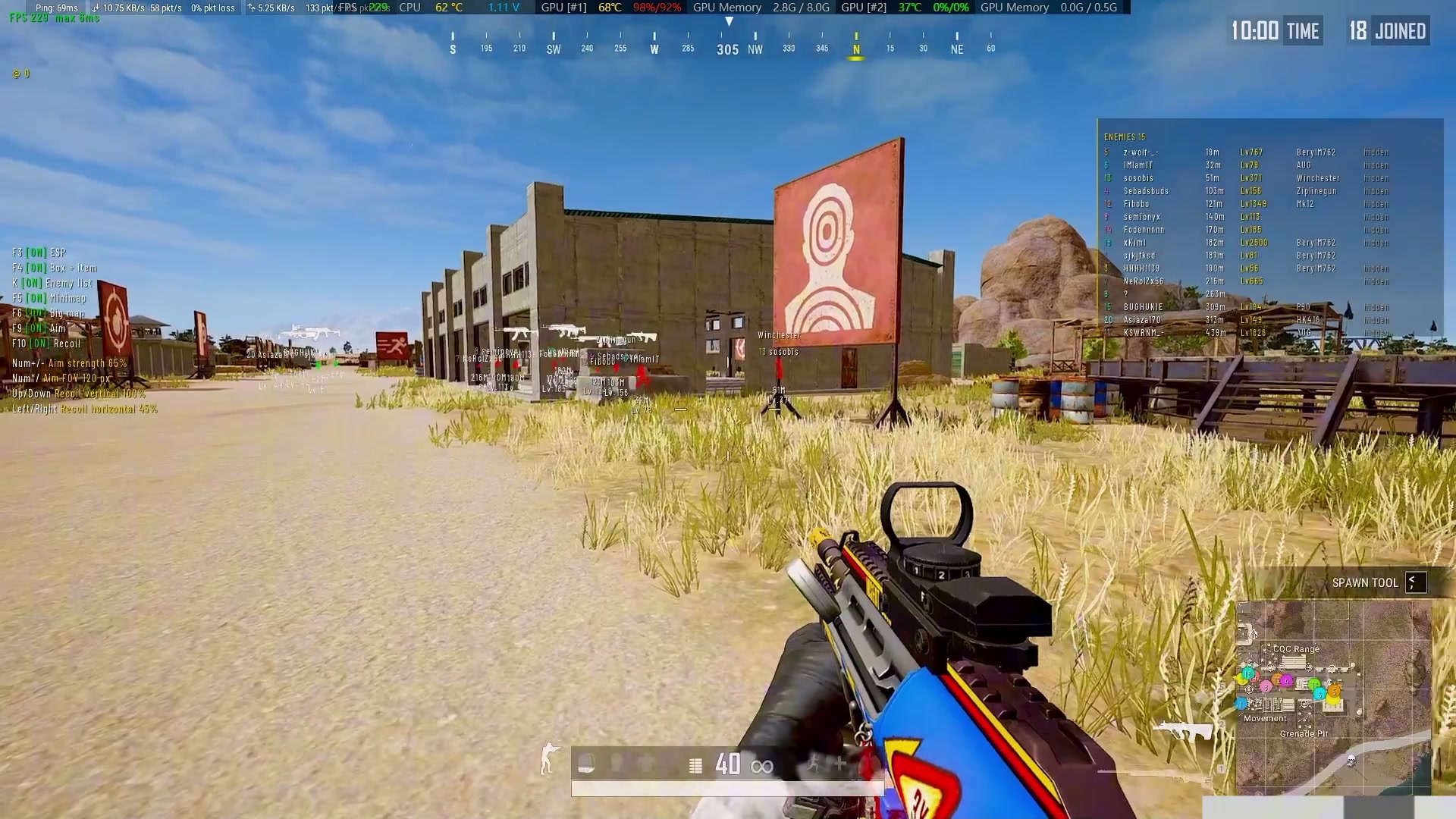
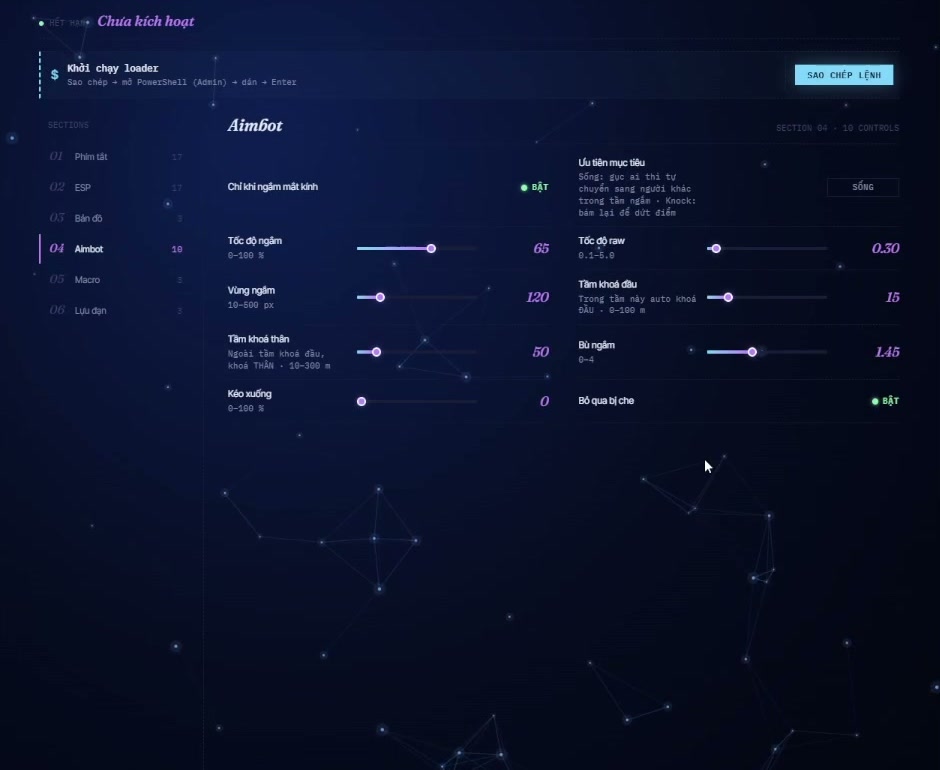
- F2 shows status, F3 toggles ESP, F4 loot, K the enemy list, F5/F6 maps and F8 overlay visibility. F9 enables aimbot: left mouse provides free aiming and Shift locks to the head. Numpad +/− changes strength by 5%, */÷ adjusts FOV.
- F10 toggles recoil compensation; arrow keys change vertical/horizontal compensation by 5%. With a mortar, right mouse turns toward an enemy and Ctrl toward a vehicle.
- One HWID reset per day is free; later resets that day each deduct 6 hours. The source states the seller's no-refund condition for keys; check the actual order terms before paying.
Files and additional materials
External manuals may use another language. Downloading a file does not establish its safety or compatibility.
Illustrations and videos
Matching products
Related catalog materials
These products may have separate primary guides. Check the link on their product page.