Recommended
Radar Ancient Delta Force Web Radar
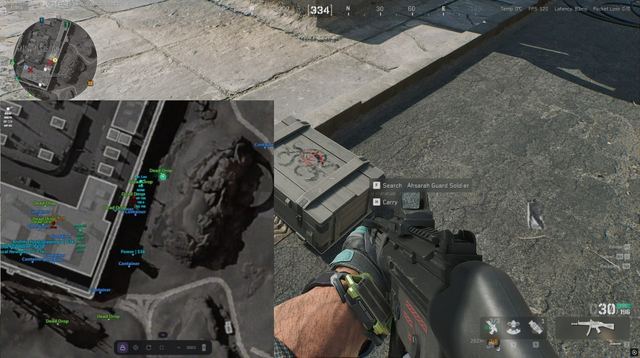
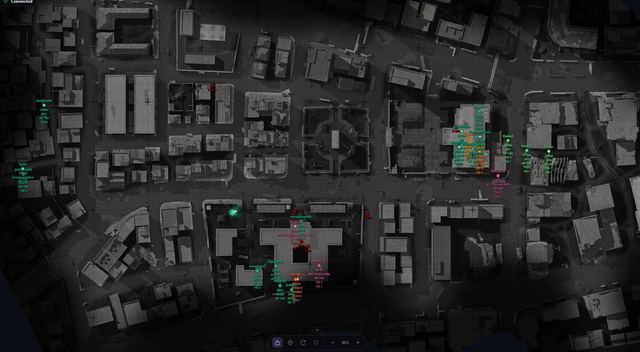
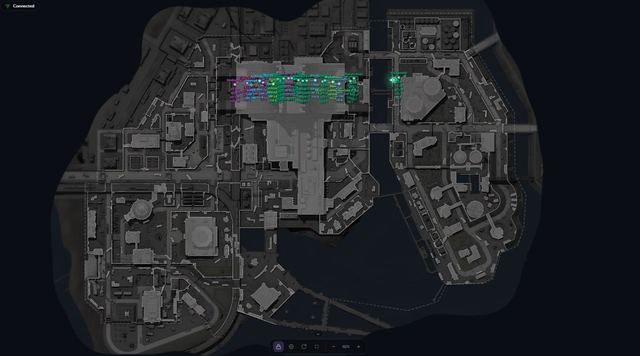
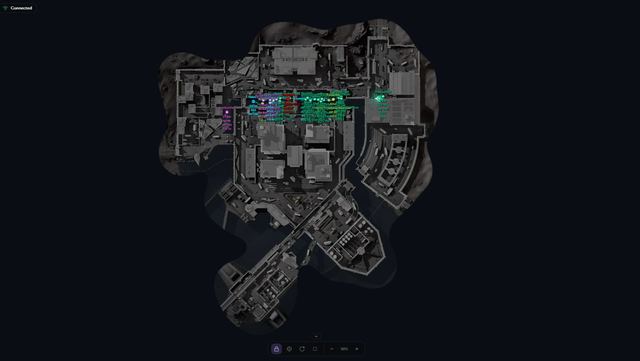
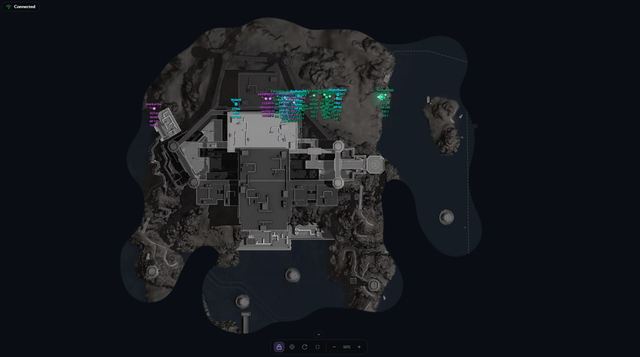
Ancient Delta Force Web Radar opens player and AI maps in a browser. Loot is shown only in Operations; the map link can be shared.
Compatibility
- RAM
- 16 GB or more
- Virtualization
- Enabled: SVM (AMD) / VT-X (Intel)
- Hyper-V
- Disabled (AMD and Intel)
- BIOS mode
- UEFI / Legacy (AMD / Intel)
- Disk format
- GPT / MBR (AMD / Intel)
- Secure Boot
- Disabled
- Viewing the radar
- Browser on a PC, phone or tablet
Features
About the radar
- Live browser map for Delta Force showing enemies, AI and loot
- Open on a PC, phone or tablet alongside the game
- Share the radar link with teammates
Players and AI
- Real-time enemies and teammates
- Regular AI enemies and bosses
- Separate markers for living, knocked and dead targets
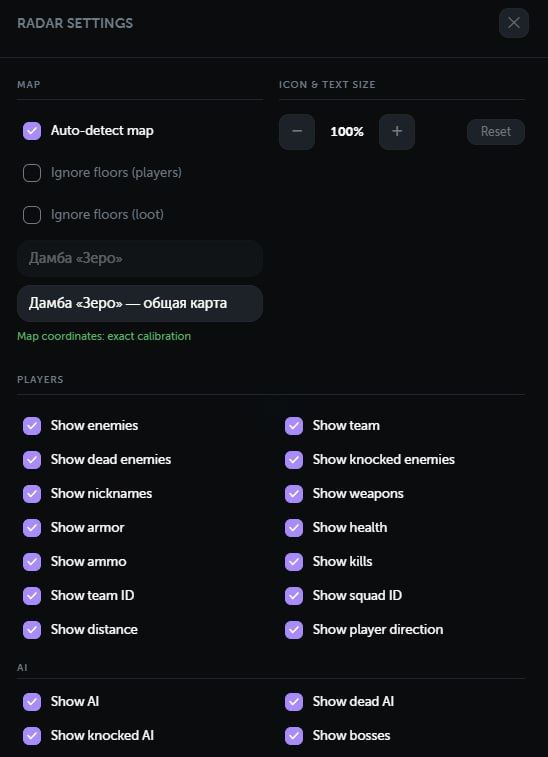
- Player names
- Equipped weapon
- Current and maximum ammunition
- Health and health while knocked
- Helmet and body armour tiers
- Kill count
- Team and squad IDs
- Distance to each target
- Player viewing direction
- Indicator showing targets above or below your floor
- Separate colours for visible targets
- Automatic colour grouping of enemies on the same team
- Correct positions for players in vehicles
Loot categories — Operations maps only
- Weapons
- Attachments
- Ammunition
- Resources
- Consumables
- Keycards
- MandelBricks
- Backpacks
- Helmets
- Body armour
- Chests
- Dead bodies
- Computers
- Containers
- Safes
- Unknown items for diagnostics
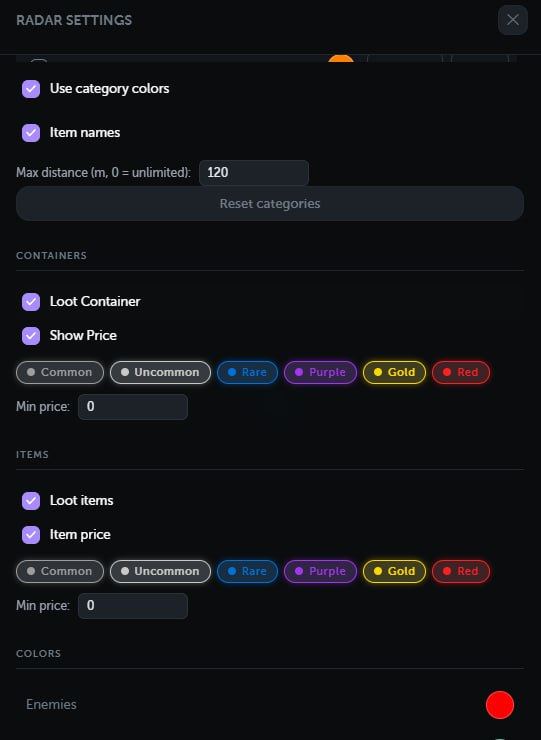
Loot settings
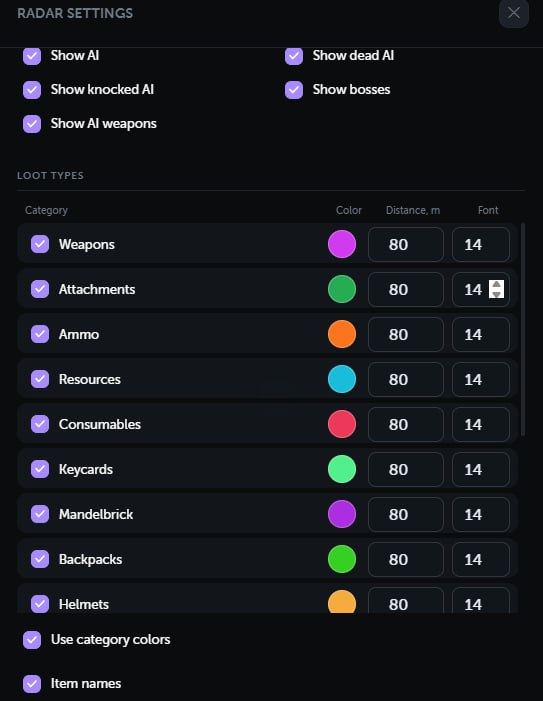
- Enable or disable each category
- Item names
- Item or container value
- Rarity filter: tiers 1–6
- Minimum price filter
- Global maximum distance
- Separate distance for each category
- Separate colour for each category
- Separate text size for each category
- Separate item and container settings
- Filter loot by floor
Maps
- Support for 22 Delta Force maps
- Automatic current map detection
- Manual map selection
- Multiple map floors and layers
- Separate player and loot floor filters
- Accurate alignment of game coordinates with the map
- Built-in calibration tool for new maps
- Calibration controls automatically hidden on calibrated maps
- Relative coordinates for maps that are not yet calibrated
- Loot automatically disabled on maps where it is unavailable
Radar controls
- Automatically follow your player
- Pan freely with the mouse or touch
- Quick return to your player
- Optional rotation with viewing direction
- Zoom with buttons, mouse wheel or gestures
- Fullscreen mode
- Collapsible bottom control panel
- Adjustable marker and text sizes
- Your player’s viewing direction and field of view
Interface
- Player, AI and loot counters
- Client connection status
- Notification when the client is not in a match
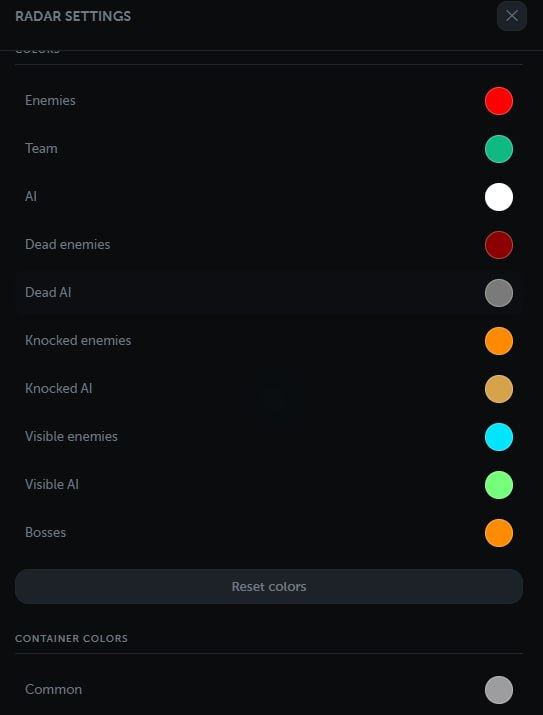
- Custom colours for each target type
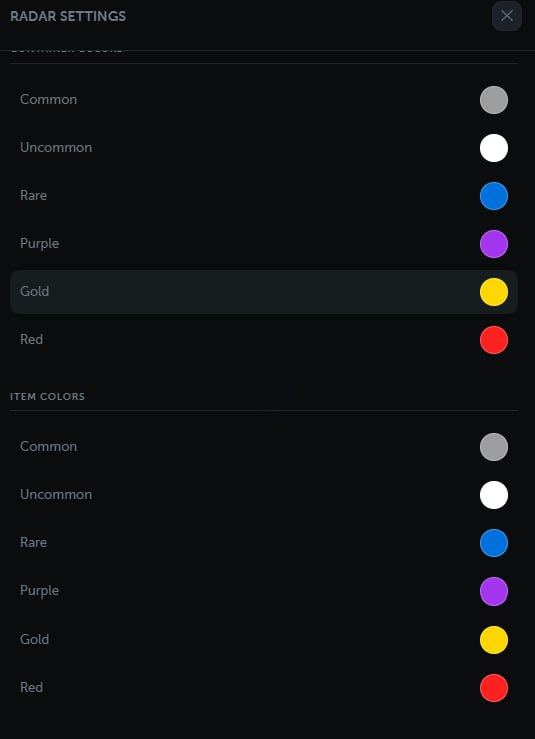
- Separate rarity colours for items and containers
- Settings saved in the browser
- Russian, English and Chinese interface
- Works on computers and mobile devices