Recommended
Buy private cheat Arcane COD for Black Ops 7
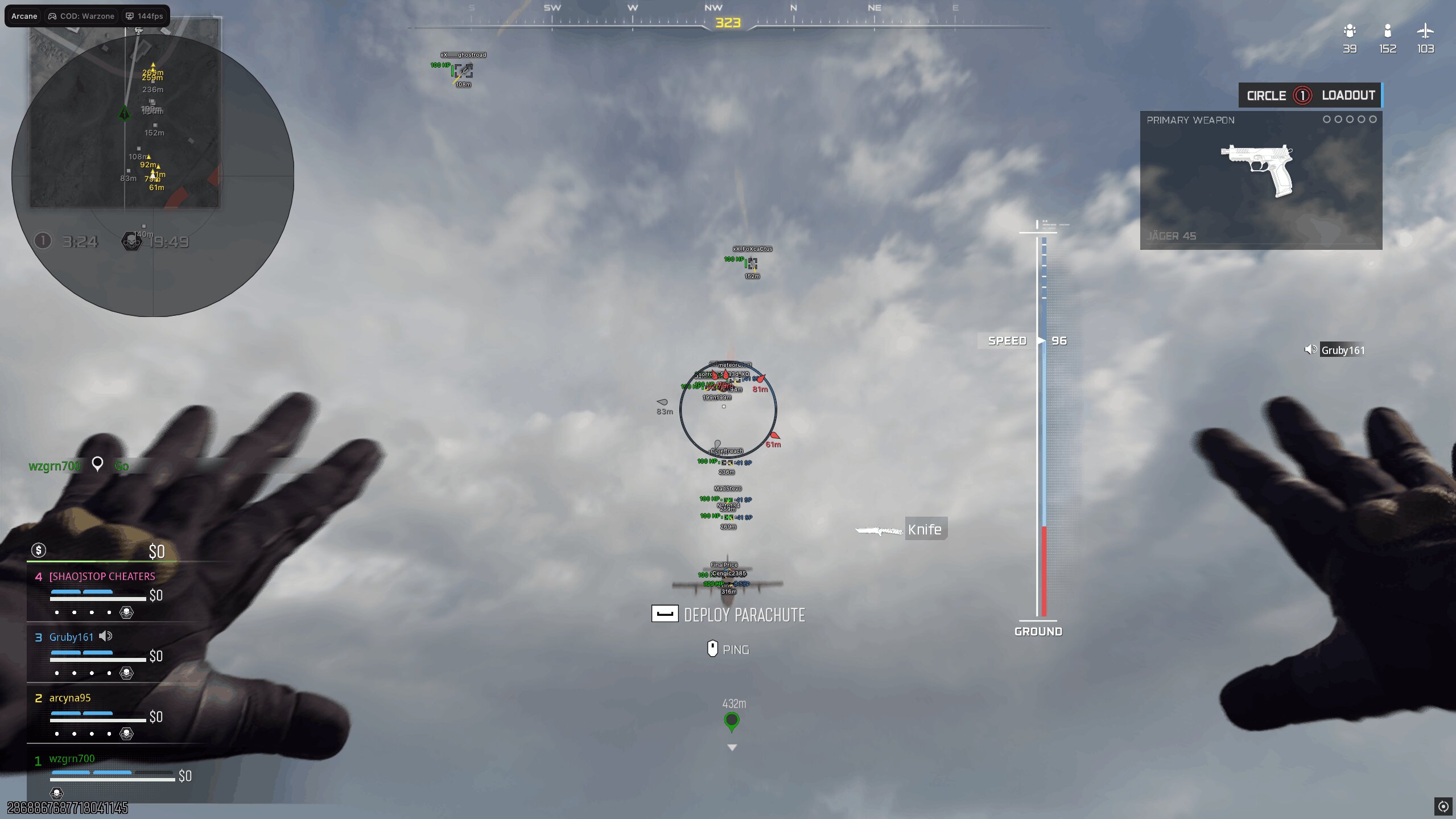
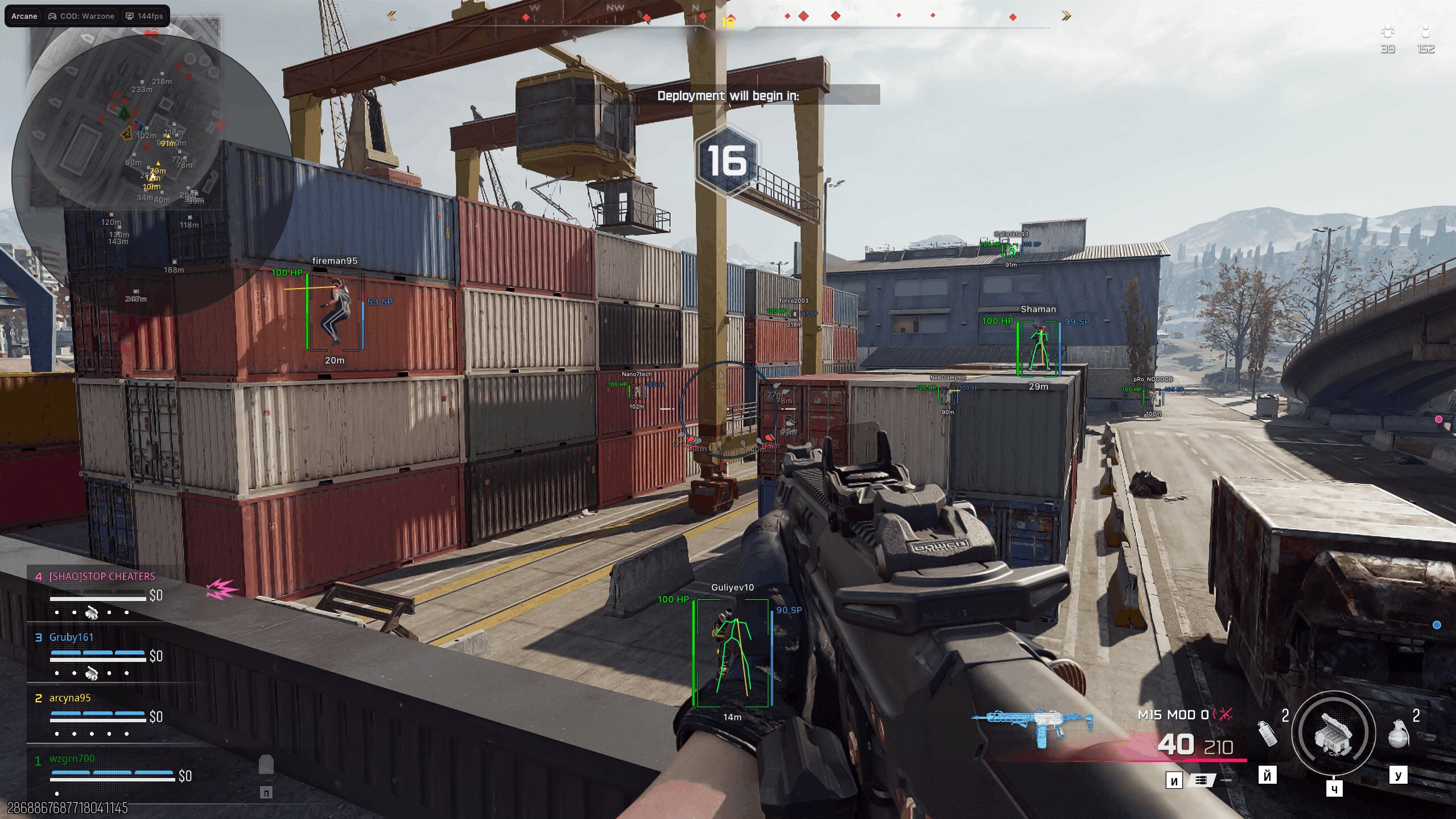
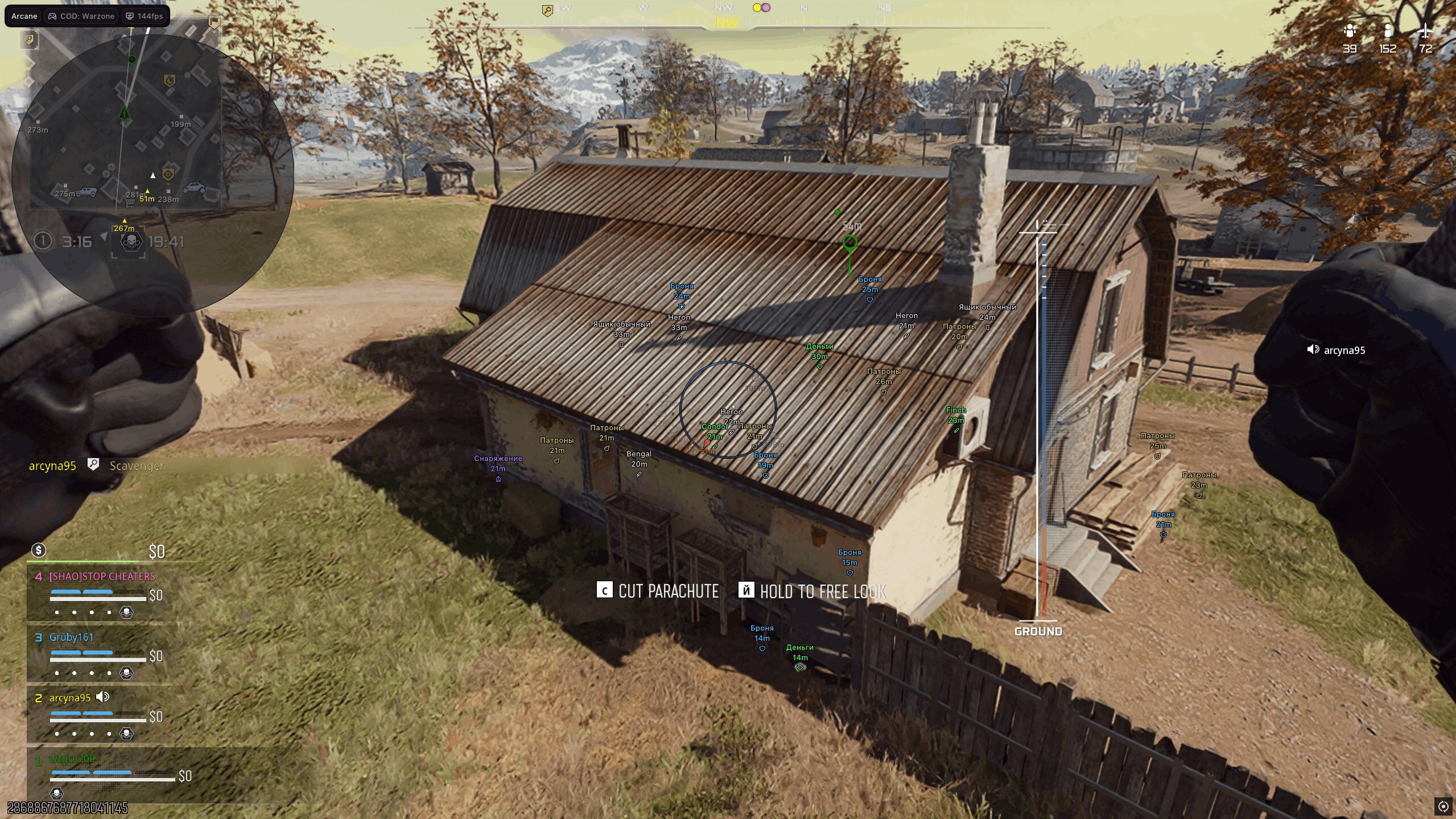
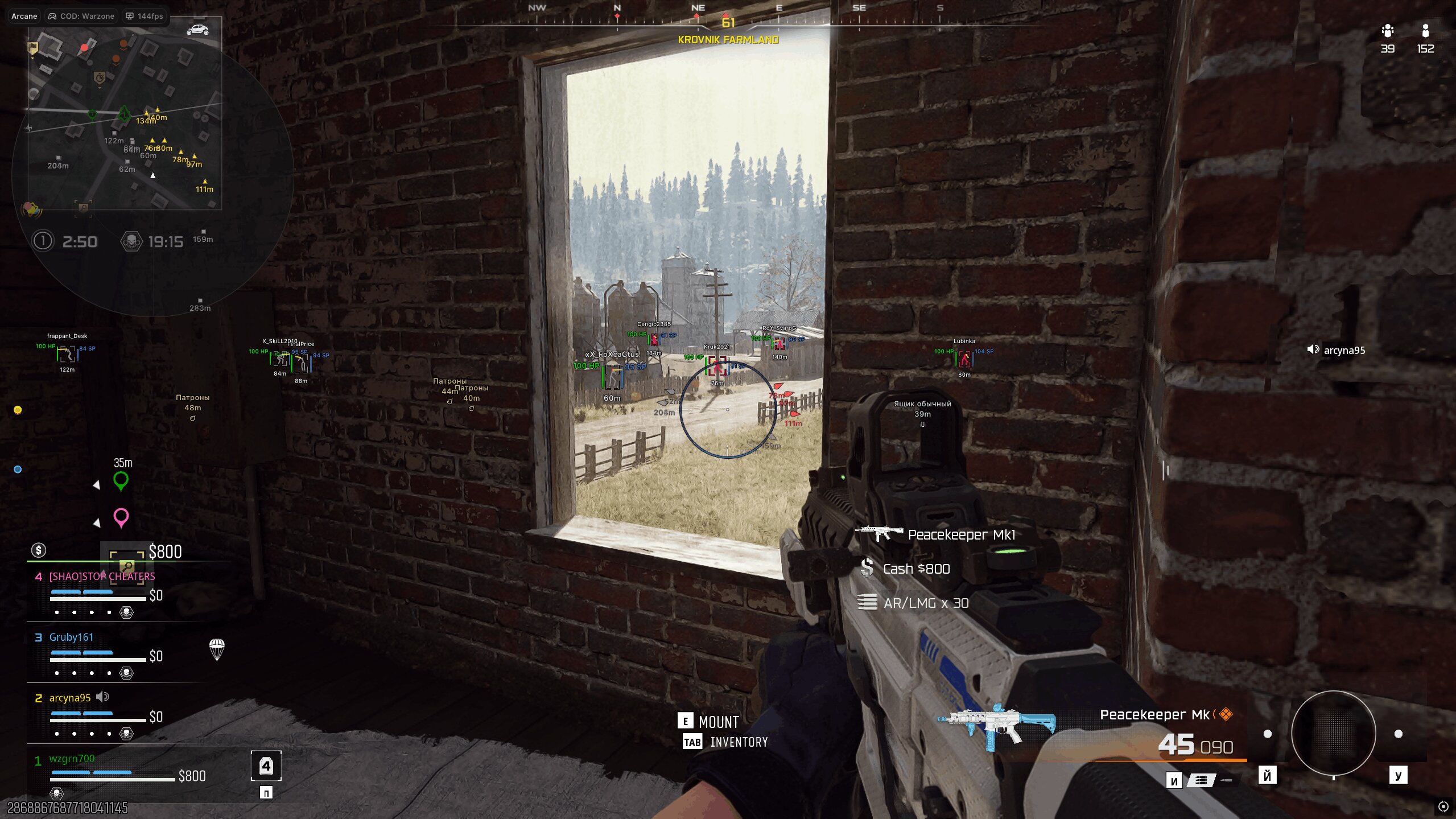
Private cheat Arcane COD for Black Ops 7 — drone display, aiming controls and quest information. Also included: off-screen indicators and NPC display. Client: Steam.
Compatibility
- supported games
- Call of Duty: Black Ops 7 / Modern Warfare 4 (Steam)
- client
- Steam
- launcher
- Any
- Game mode
- Windowed / Borderless
- Operating system
- Windows 10 / 11 (26H1, 26H2)
- processor
- Intel / AMD
- graphics card
- Any
- laptops
- Not supported
- spoofer
- Not included / not required according to the developer
- usb drive
- Not required
Features
Update 2026-11-03
- Fixed the team check; improved performance and FPS in MW4 and DMZ.
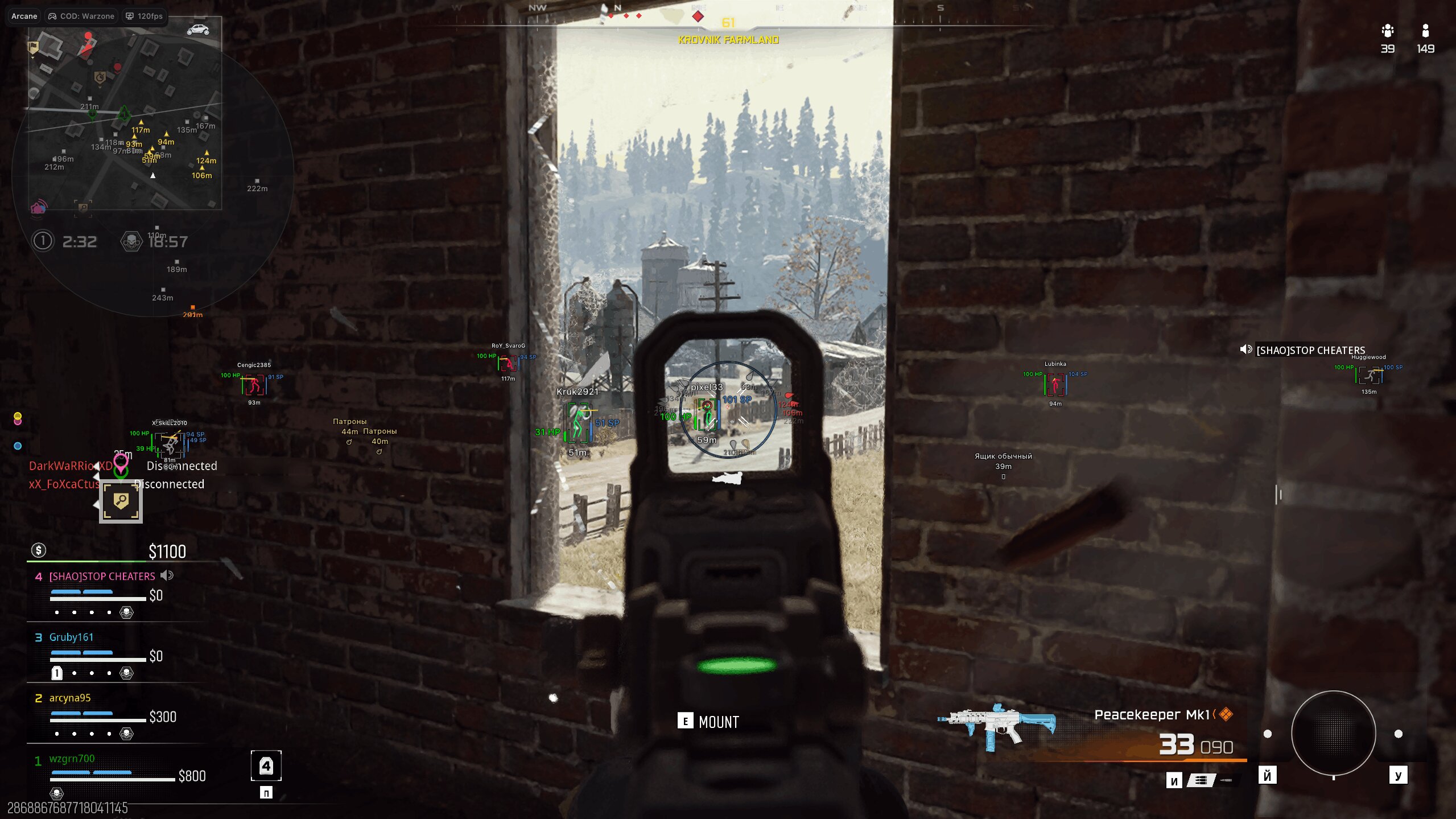
- Visible players use a lighter color and thicker boxes, lines and skeletons; players behind cover use thinner strokes, with smooth transitions.
- Player ESP renders players beyond approximately 1,000 m; this distance extension does not apply to AI.
- In MW4, Aimbot ignores distant players rendered as standing figures when their actual pose is unknown.
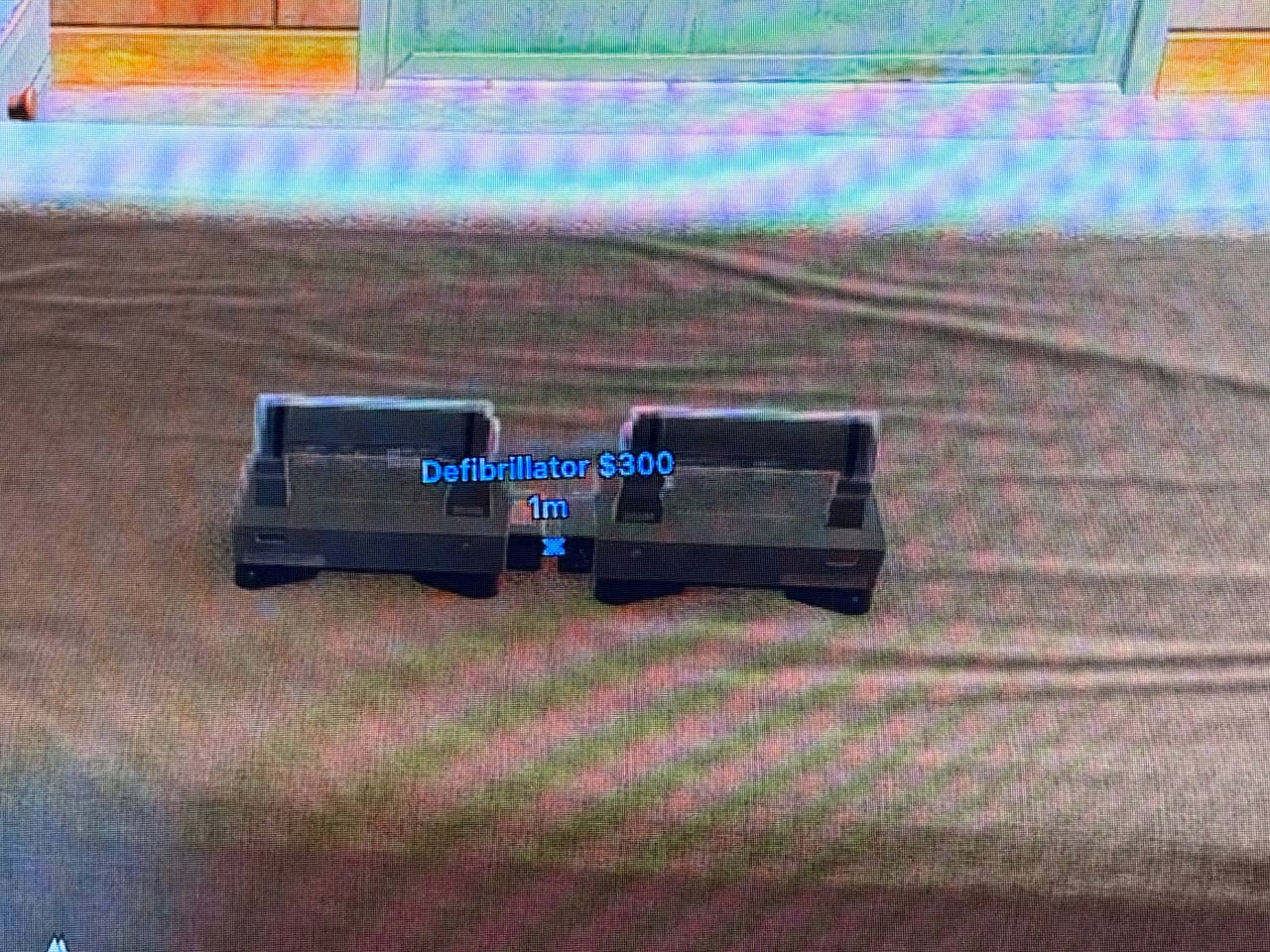
- Loot ESP: separate icons for weapon classes, ammo and equipment, including Frag, Semtex, Molotov, Thermite, Claymore, C4, Flash, Stun, Smoke, Gas, Stim and more.
- In MW4 and DMZ, item prices appear beside names and match current in-game prices.
- In MW4 and DMZ, more valuables, crafting materials, keys and keycards, backpacks, medical items, dog tags, killstreaks and contracts are recognized, with clean names and correct rarity.
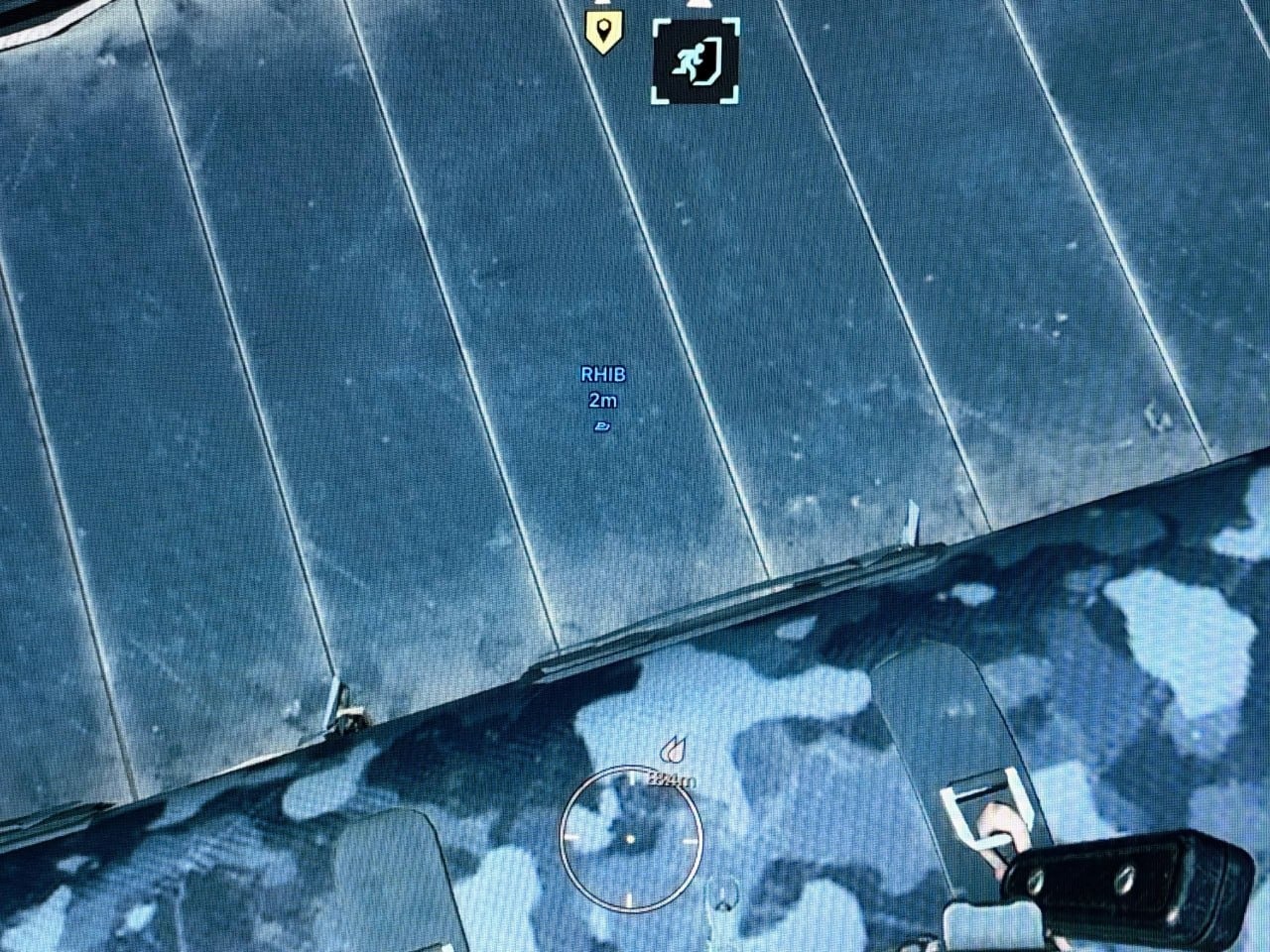
- Vehicle ESP: distinct icons for cars, off-road vehicles, SUVs, vans, trucks, tanks / APCs, motorcycles, boats, helicopters, planes and drones.
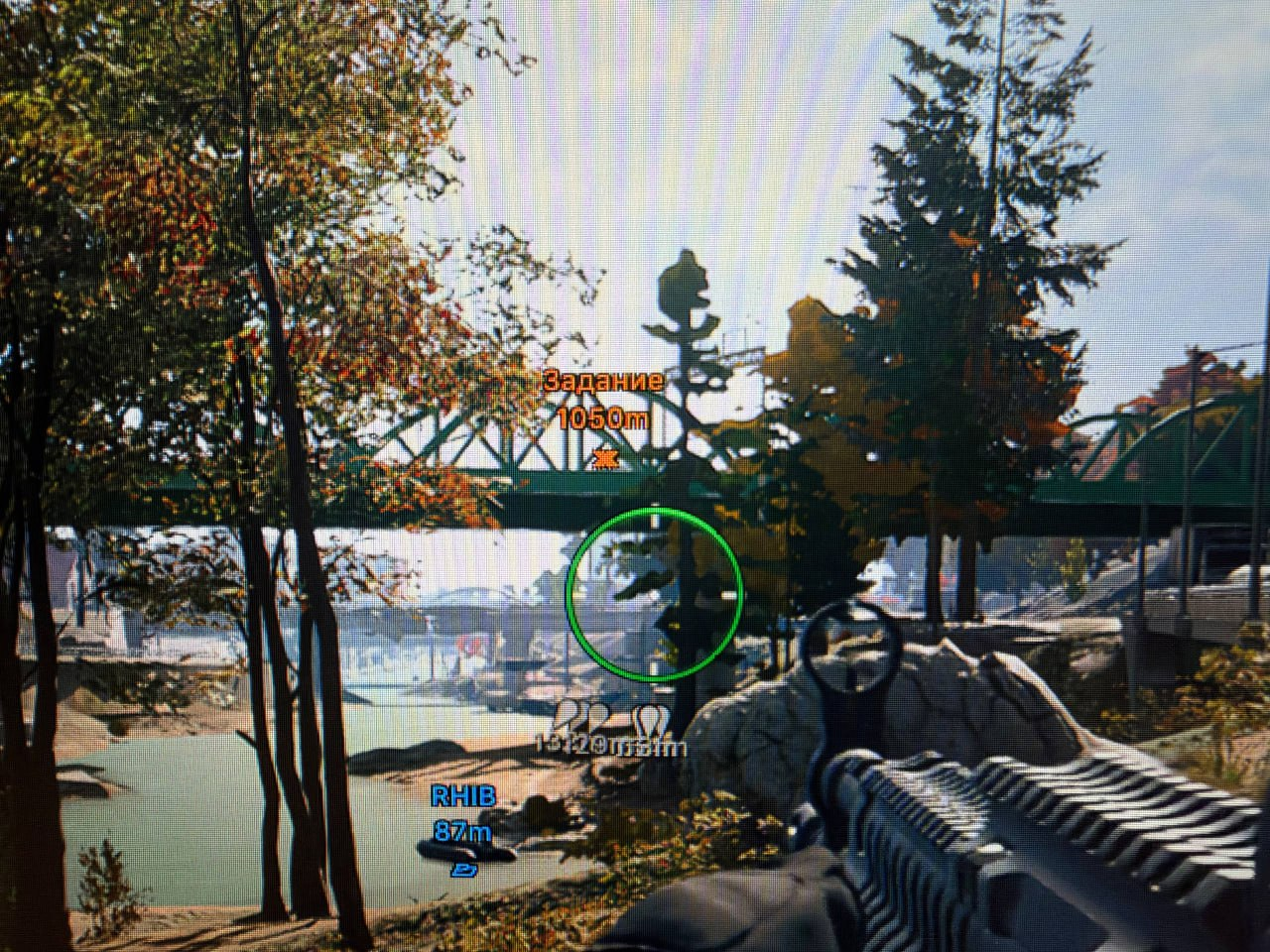
- In MW4, vehicles have proper names, including Light Helicopter, Transport Helicopter, JLTV, 6x6 Truck and RHIB.
Aimbot
- Vector or Silent aim type
- Always-on or hold-key activation
- Targets dropdown: Visibility check, Teammates, Bots, Knocked
- Selected, closest or random bone; head, neck, chest and pelvis
- Movement prediction and humanization
- Recoil control system
- FOV circle with background and a slider limit of 1000°
- Adjustable smoothing
- Maximum distance with corrected distance handling
Target switching and sway
- Switch delay: wait 0–5000 ms after losing a target before selecting the next player
- Aim releases immediately when the target dies
- Aim releases immediately on knockdown when knocked players are filtered out
- Weapon sway compensation adjusts the aim point for crosshair sway
Player ESP
- Regular or corner bounding box with solid or gradient fill
- Skeleton with thickness and head-circle controls
- View line and line to enemy
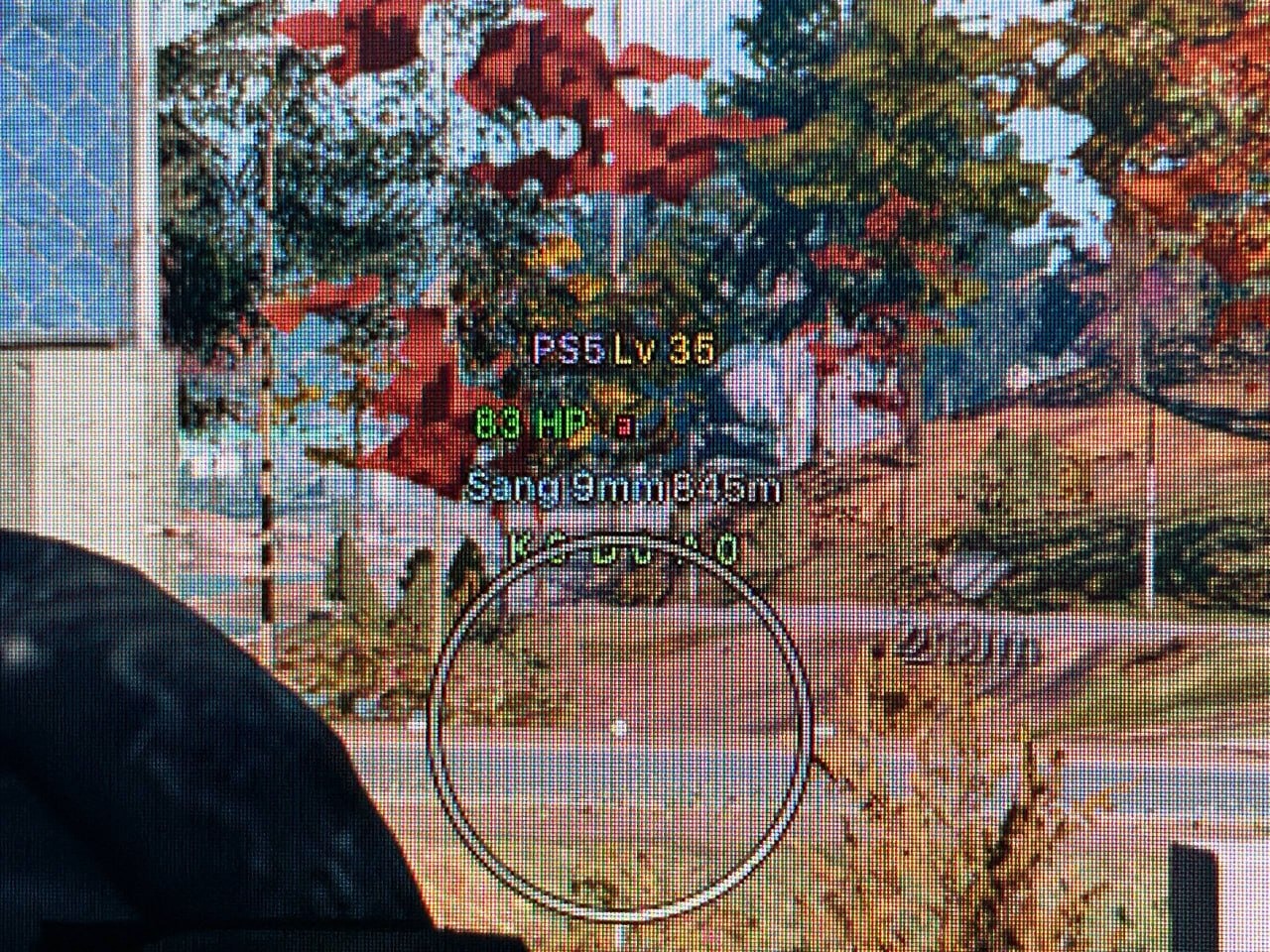
- Health and shield bars
- Nicknames, held weapon, team name and distance
- Team colors, knocked-player and bot display
- Visibility check and maximum distance
Armor plates
- Armor Plates above the ESP box show the number of plates carried
- Armor Satchel icon appears next to the plates when more than 5 plates are carried
- Corrected knocked-player detection
- Corrected bot detection for Draw bots
World ESP
- Object distance, transparency and maximum distance
- World ESP tabs: General, Weapons, Chests, Other
- Weapons and chests by rarity: Common, Uncommon, Rare, Epic, Legendary
- Dropped-item display
- Armor display
- Money display
- Ground and air vehicles in a separate tab
- Opened chests no longer remain visible in ESP
Weapon and ammo filters
- Weapon class filter: AR, BR, SMG, Shotgun, LMG, Marksman, Sniper, Pistol, Launcher, Melee, Special
- Class tag before the weapon name, for example [AR] or [Sniper]
- AR ammo with its own toggle and color
- Pistol / SMG ammo with its own toggle and color
- Sniper ammo with its own toggle and color
- Shotgun ammo with its own toggle and color
- Rockets with their own toggle and color
Equipment filters
- Separate Frag display filter
- Separate Semtex display filter
- Separate Cluster display filter
- Separate Thermite display filter
- Separate Molotov display filter
- Separate Claymore display filter
- Separate C4 display filter
- Separate Throwing axe display filter
- Separate Flash display filter
- Separate Stun display filter
- Separate Smoke display filter
- Separate Gas display filter
- Separate EMP display filter
- Separate Decoy display filter
- Separate Shock charge display filter
- Separate Sensor dart display filter
- Separate Stim display filter
- Separate Deployable cover display filter
- Separate Support box display filter
- Separate Heartbeat sensor display filter
- Separate Napalm strike display filter
- Separate Perk case display filter
Radar
- Enemies, teammates, bots and knocked players
- Item display
- Position and size controls
- Distance display
- Draw vehicles
- Ammo type filters also apply to radar
- Equipment filters also apply to radar
Off-screen
- Enemies, teammates, bots and knocked players
- Position and radius controls
- Distance display
Battle mode
- Configurable keybind
- Hide players, items, world items, radar or off-screen indicators
Settings and configs
- Menu and unload keys
- DPI scale, VSync, dark or light theme and watermark
- Menu languages: EN, RU and CH
- Create, load, save, rename, share and remove configs
Miscellaneous
- FOV Changer: 60°–125°, automatically adapts to the in-game FOV and screen resolution
- Default FPS limit raised to 244
- Performance improvements
Custom radar (MW4)
- New look with a darker background, distance rings labelled in meters and compass ticks around the edge
- New markers and default colors: dots for enemies and bots, a ring with a cross for knocked players, and a ring with a car icon for vehicles
- Pin players beyond the edge keeps out-of-range players at the radar edge with an arrow pointing toward them
In-game radar (MW4 / DMZ)
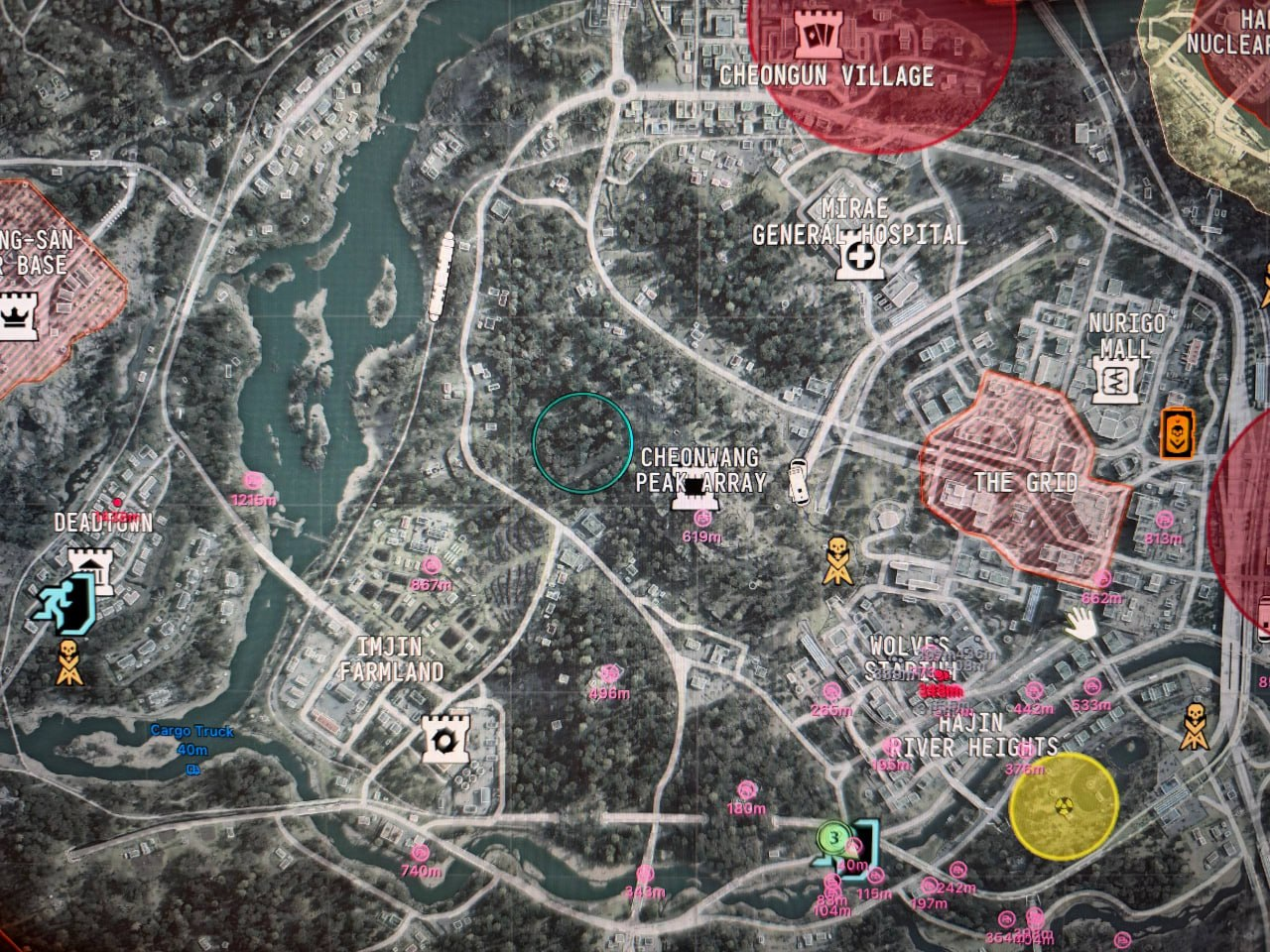
- Enemies, teammates, bots, knocked players and vehicles on the game’s own maps
- Separate switches for the corner minimap and the open tactical map
- InGame in the Radar tab beside Custom: adjustable marker size, maximum distance and optional distance labels
Quest ESP (MW4 / DMZ)
- Quest points displays HUD objectives for missions, contracts and their steps, with distance and a custom color
- Markers appear automatically as tasks are accepted and disappear as they are completed
Setup and launch
Check the launch procedure for this exact edition before activating the key.
Open launch guide