Buy private cheat Flamingo for The Isle
Private cheat Flamingo for The Isle — health indicators, night visibility and smoothing controls. Also included: configuration profiles and color controls. OS: Windows 10 / Windows 11.

Compatibility
- os
- Windows 10 / Windows 11
- additional requirements
- Run the loader as administrator; Windows memory integrity must be disabled according to the developer instructions
Features
Aiming
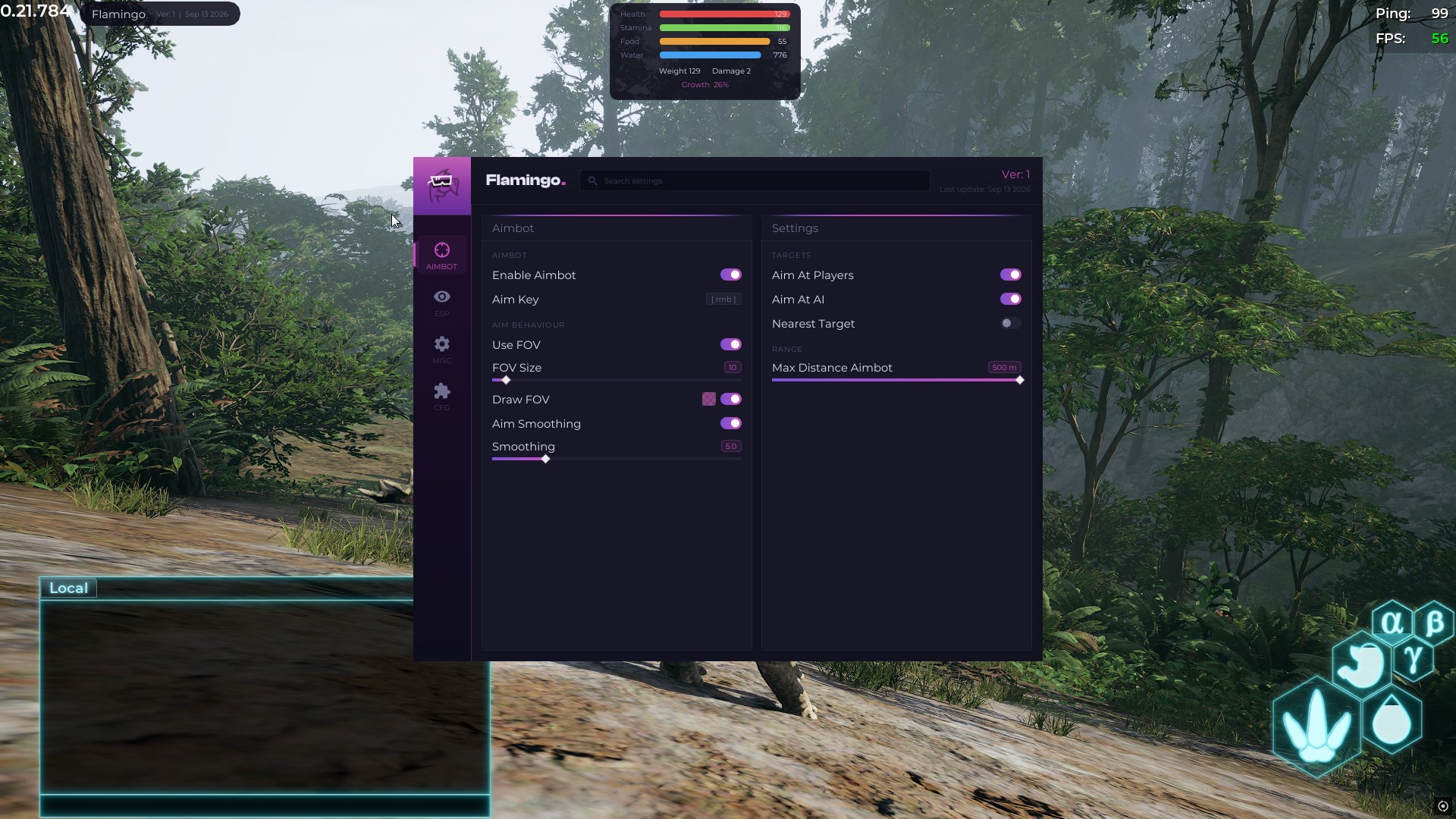
- Memory-based aiming while holding the activation key
- Skeleton-based aiming at the center of the torso
- Adjustable smoothing
- Acquisition angle from 1 to 180 degrees
- Acquisition circle with a customizable color
- Maximum aiming distance of 500 m
- Select players or AI-controlled animals
- Nearest-target selection
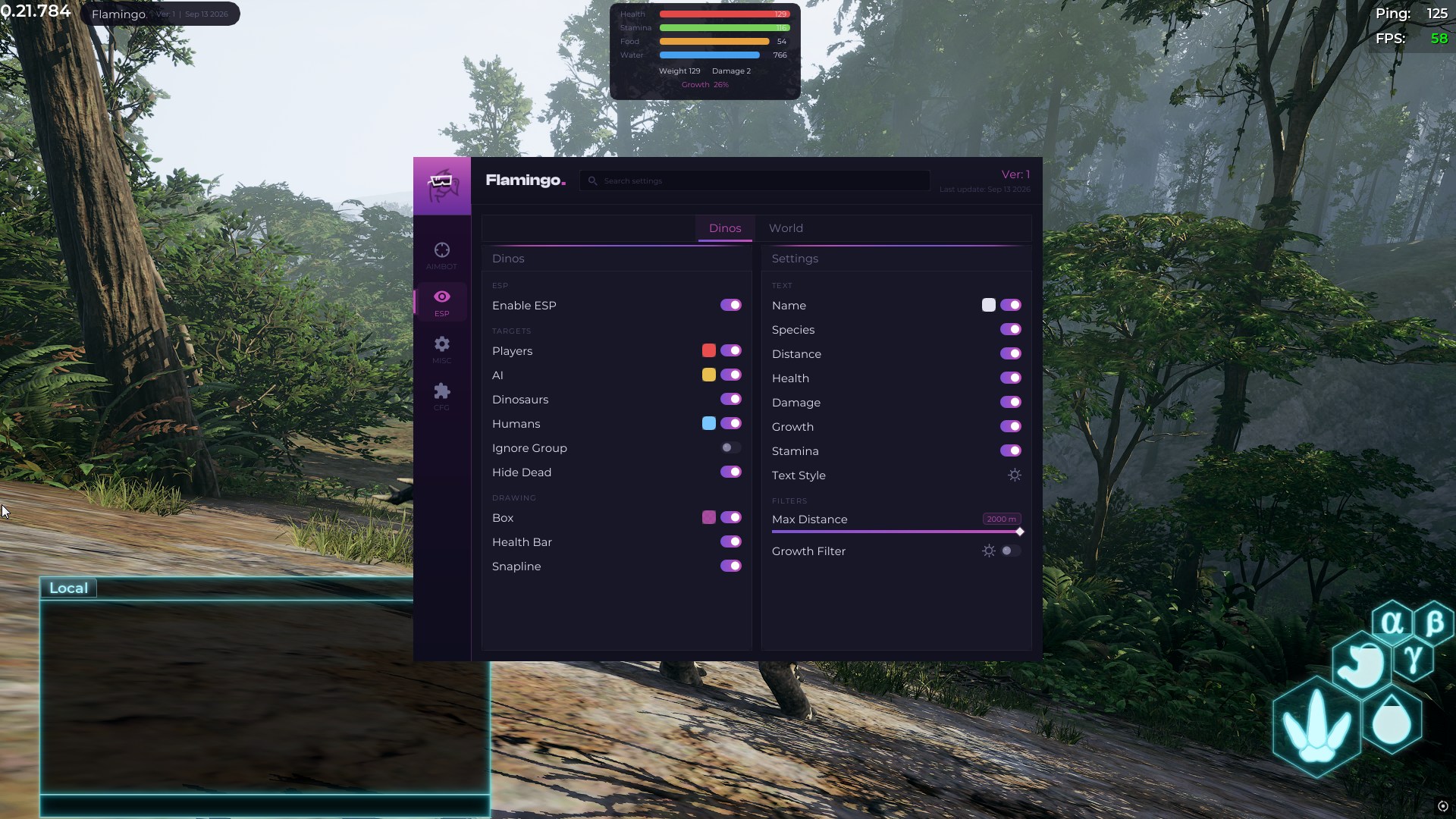
Creature ESP
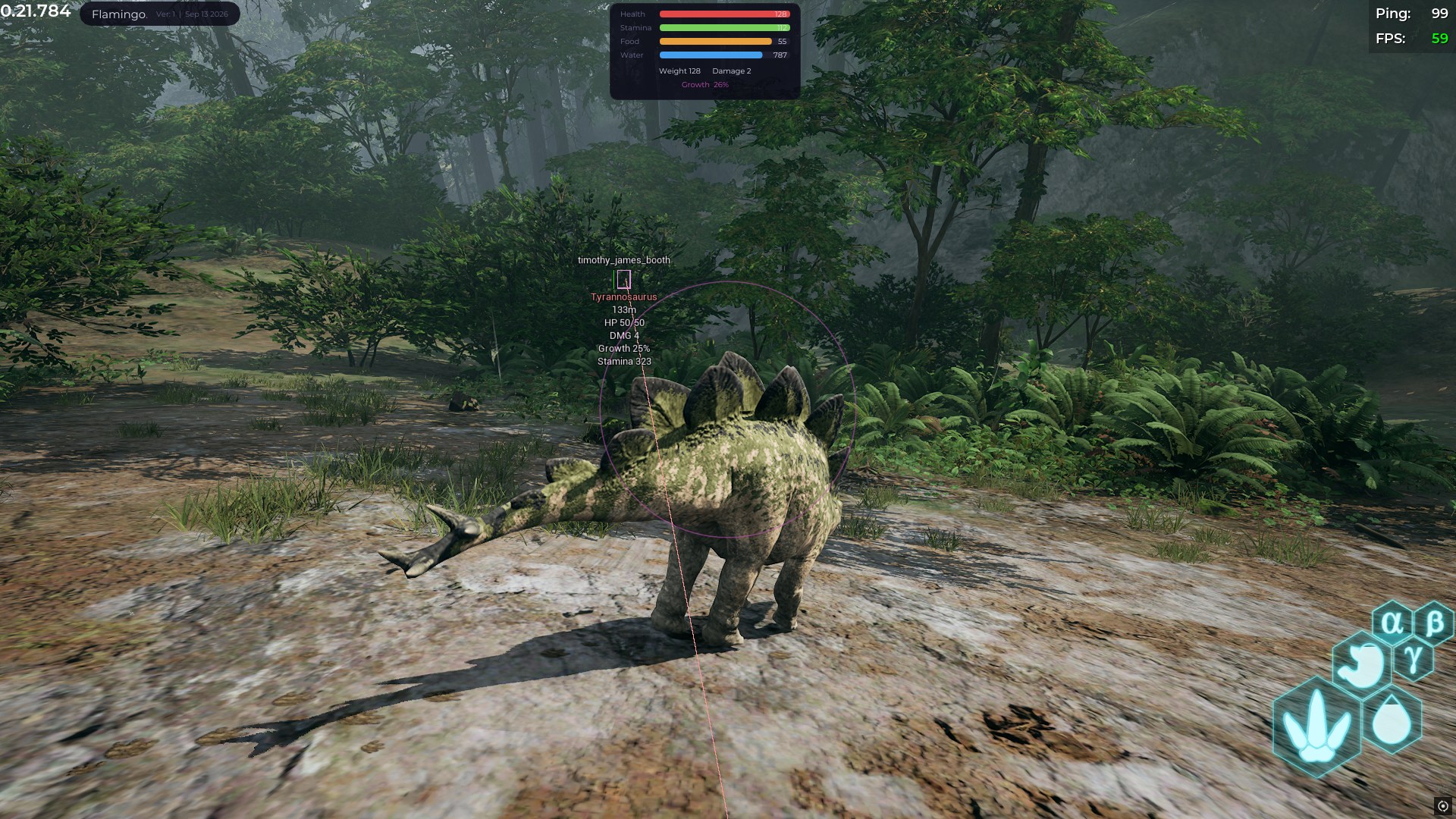
- Skeleton-based boxes reflecting size and pose
- Target nickname
- Creature species
- Distance to the target
- Health value and vertical health bar
- Target stamina
- Growth stage as a percentage
- Target lines
- Separate colors for players, AI and humans
Damage and world objects
- Actual enemy damage calculated from game balance tables (Damage ESP)
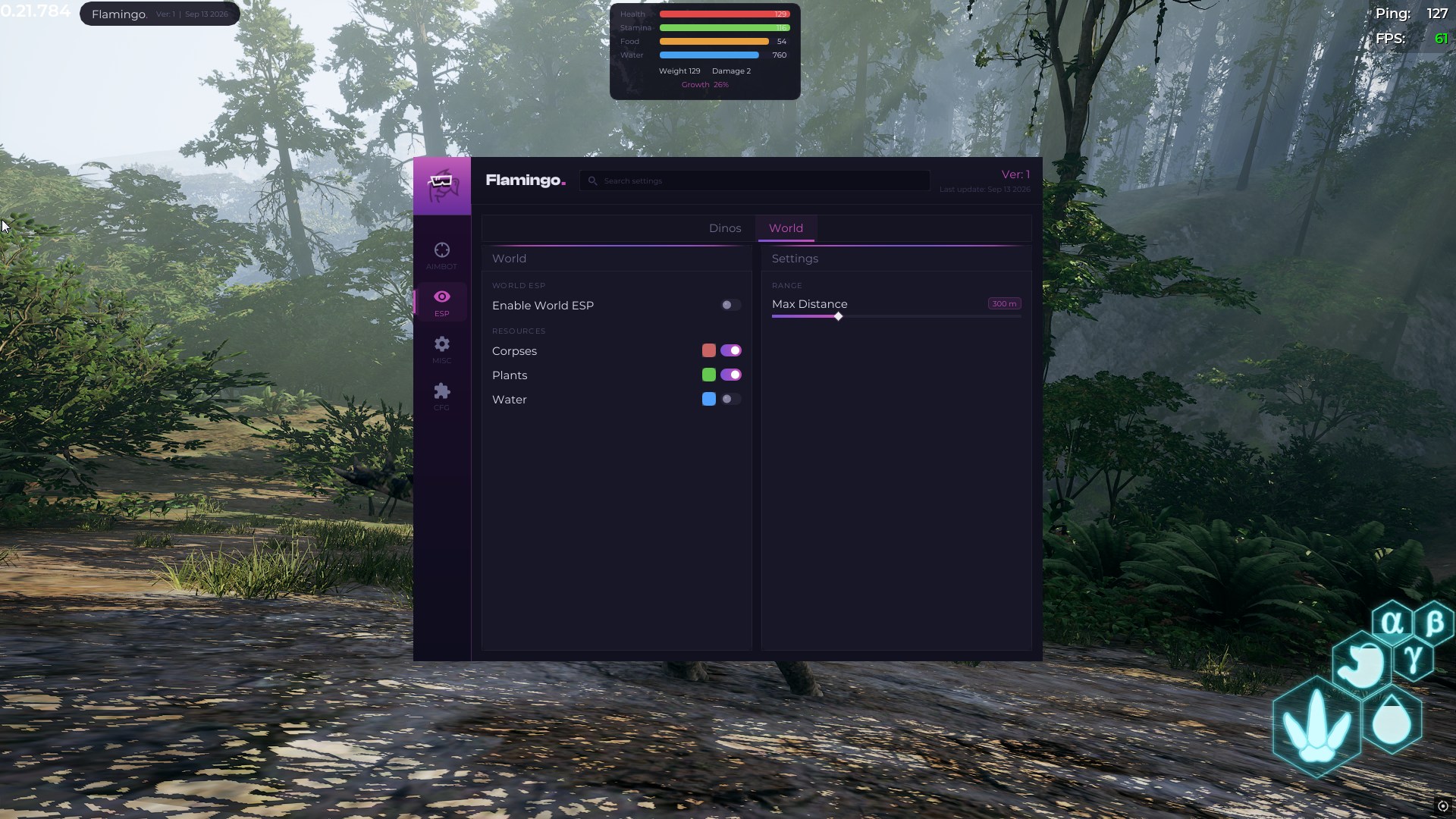
- Edible carcass markers
- Markers for bushes with remaining food
- Drinking water markers
- Individual world marker category toggles
- World category color and distance settings up to 1000 m
Filters
- Minimum growth-stage filter (Growth Filter)
- Hide group members (Group Filter)
- Hide dying and dead targets from the main ESP
- Move dead targets to carcass markers
Visuals and HUD
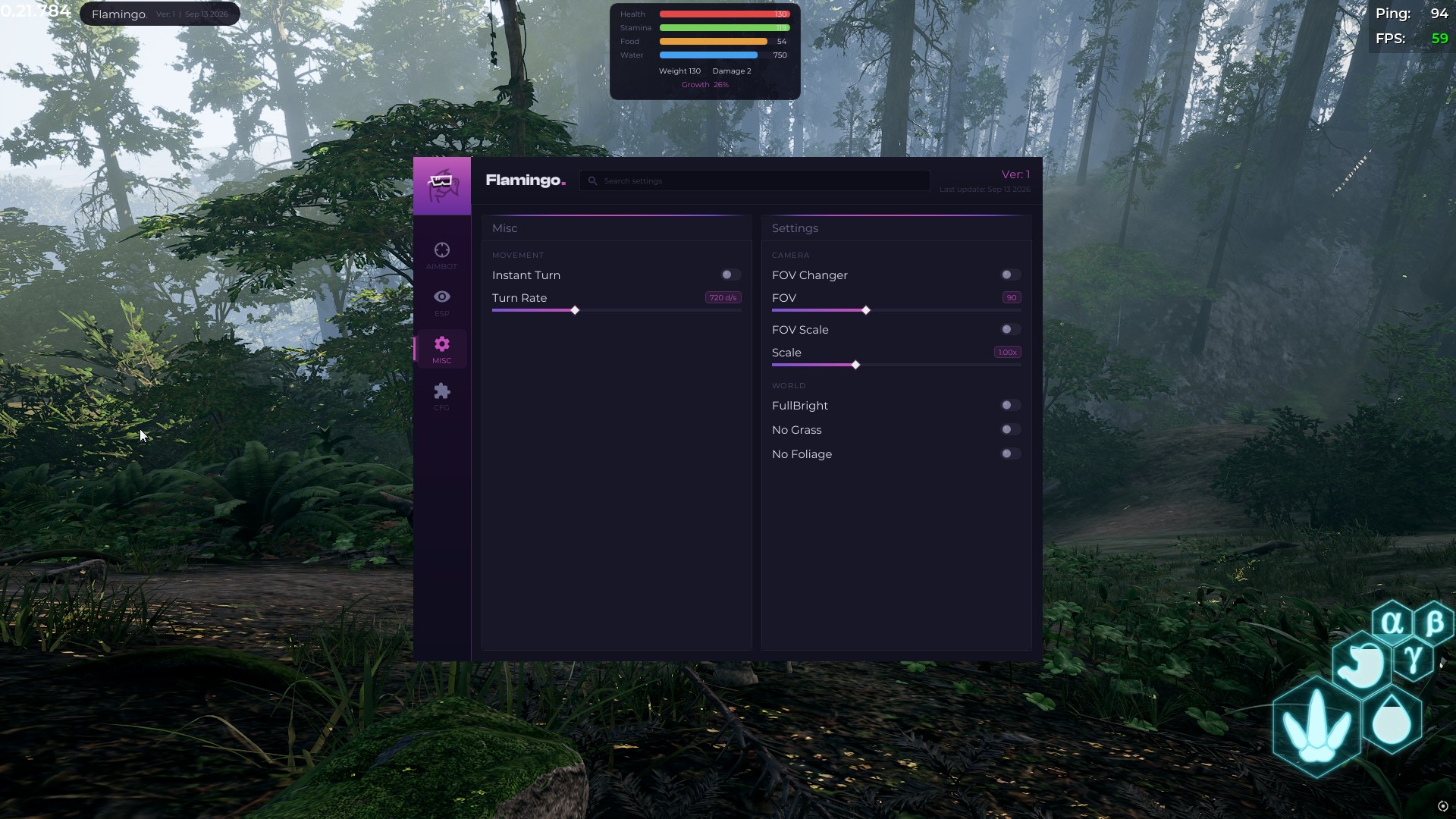
- Disable lighting calculations, shadows, fog and darkness (FullBright)
- Disable grass (No Grass)
- Disable foliage (No Foliage)
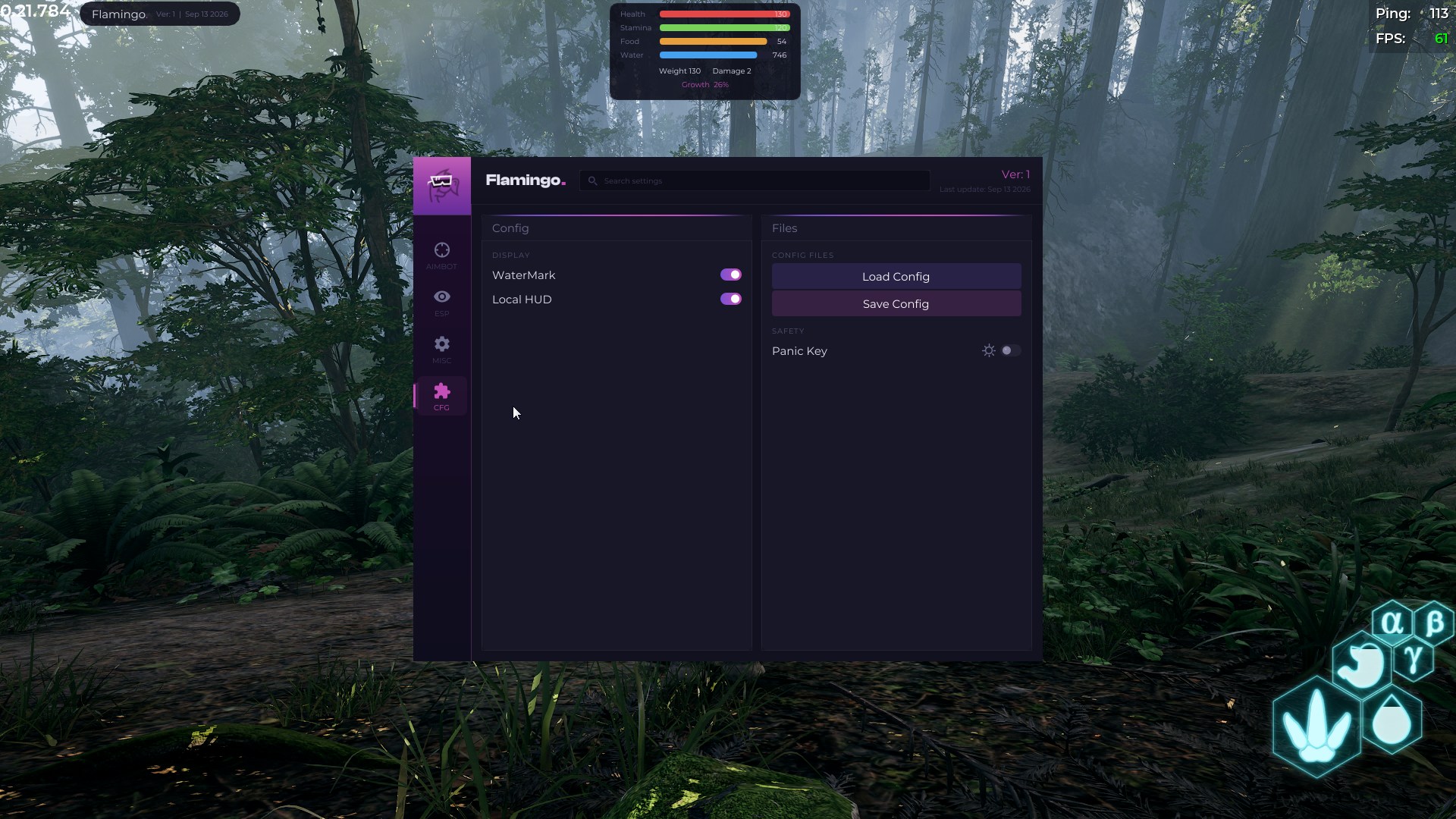
- Health, stamina, food and water panel (Local HUD)
- Weight on the local panel
- Current bite force on the local panel
- Growth stage on the local panel
Camera
- Custom field of view
- Stretch the standard field of view
- Turn with the mouse without inertia (Instant Turn)
- Adjustable turning speed
Settings
- Move the watermark and Local HUD with the mouse while the menu is open
- Save panel positions in the configuration
- Adjustable element colors
- Text size and outline
- Separate distance limit for each category
- Customizable hotkeys
- Save and load configurations
- Settings search
- Instantly hide all rendered elements (Panic Key)
Setup and launch
Check the launch procedure for this exact edition before activating the key.
Open launch guide