Account manager FOCUS Account Manager for Roblox
FOCUS Account Manager for Roblox — session controls and account management. OS: Windows 10 22H2.

Compatibility
- Windows 10
- 22H2
- Windows 11
- 25H2
- Operating system
- Windows 10 / 11
- Runtime
- .NET Framework 4.7.2+
- Processor
- AMD / Intel
- Architecture
- x64 only (64-bit)
Features
Accounts
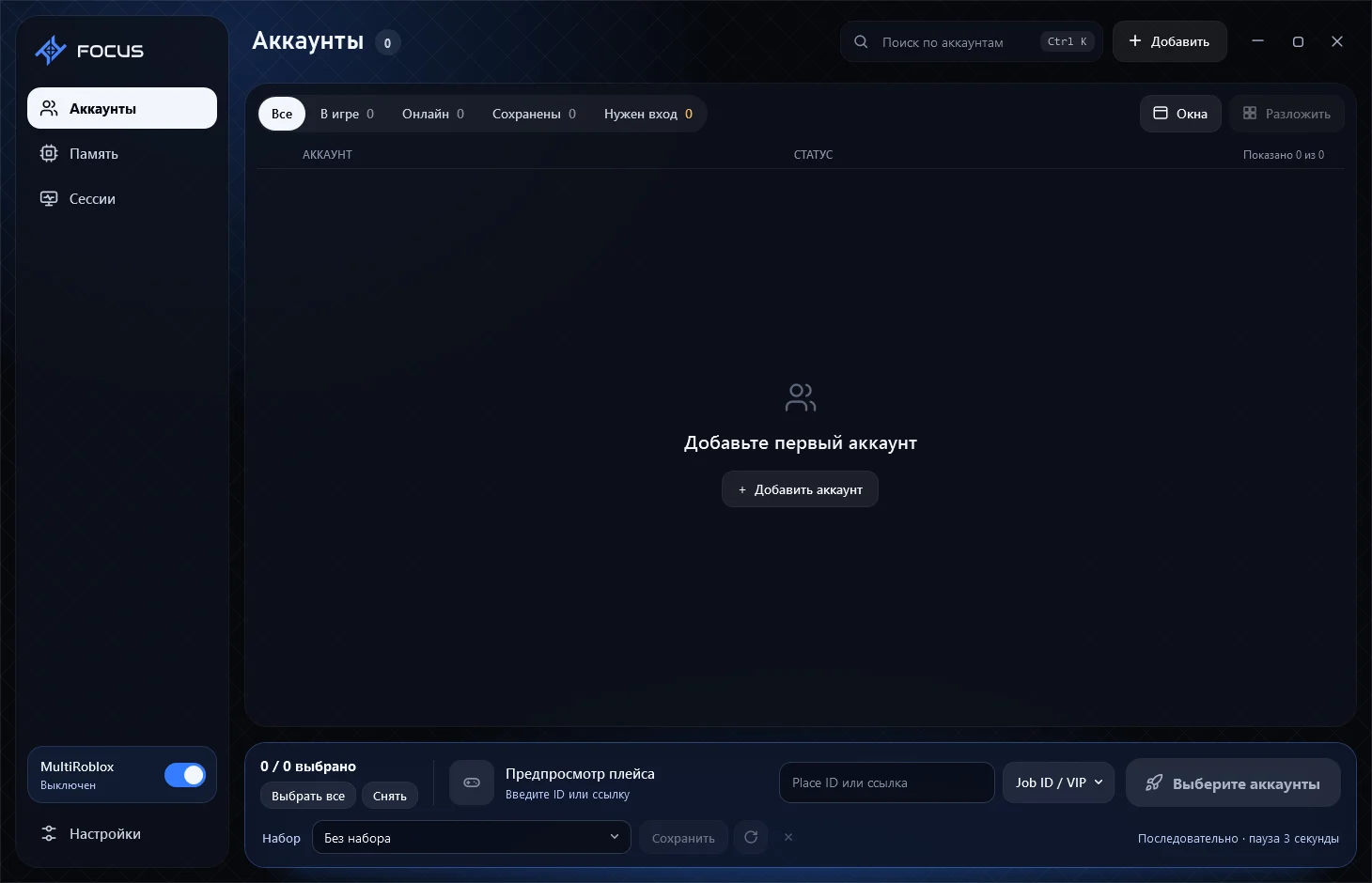
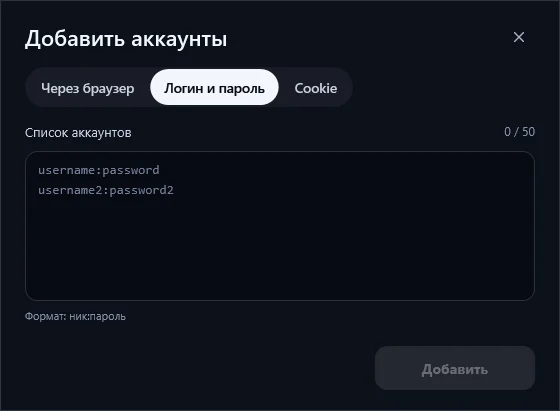
- Use a browser, a username/password list or cookies. (Add accounts)
- Search accounts and select several to launch. (Search and selection)
- Account data stays in a local Windows-encrypted vault. (Storage)
Launch and windows
- Launch selected accounts using server parameters. (Place ID, Job ID and VIP)
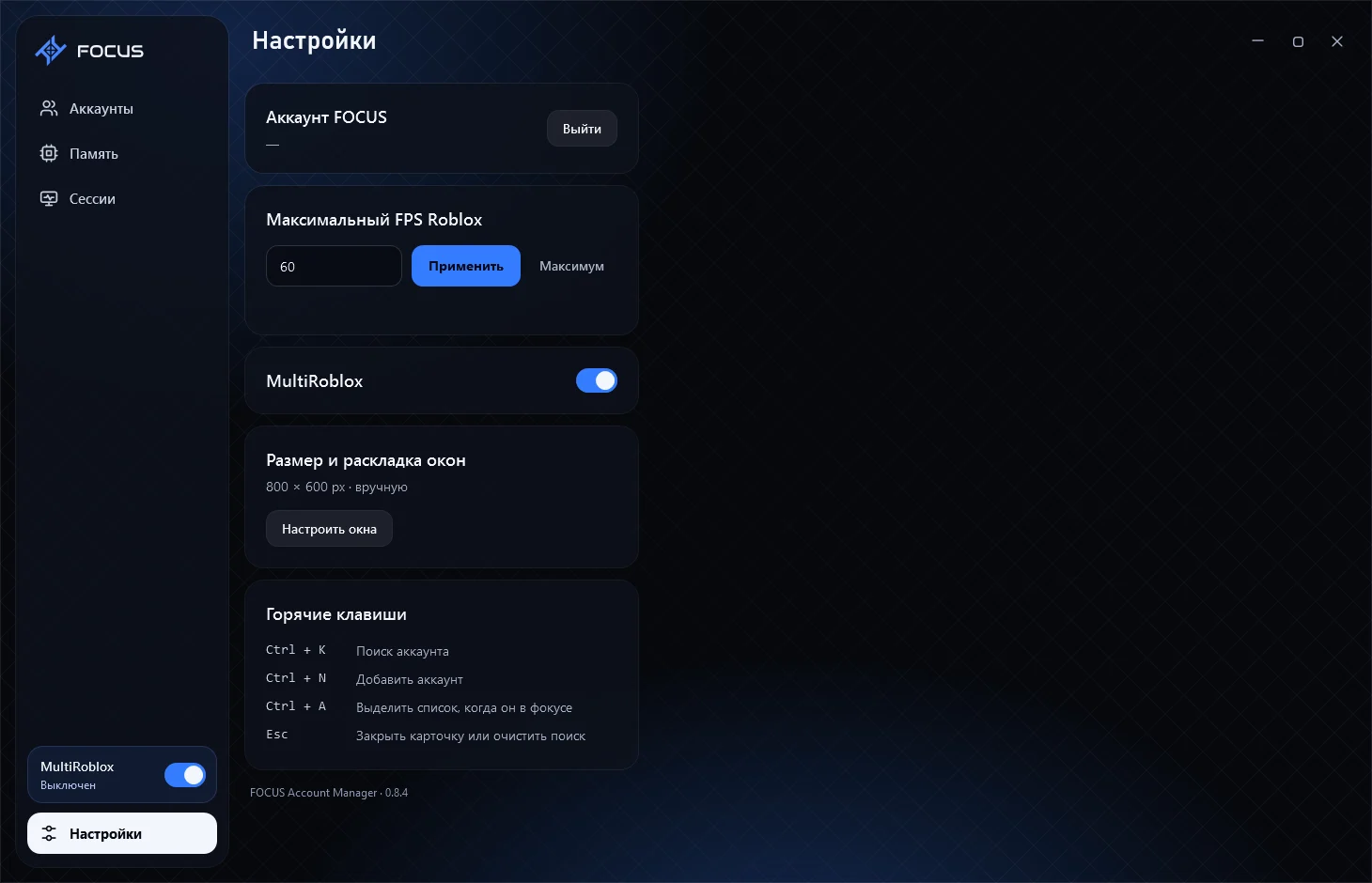
- Toggle support for multiple clients. (MultiRoblox)
- Window sizing, arrangement and saved launch settings. (Window settings)
Memory and sessions
- Roblox process memory readings, manual and automatic cleanup. (Memory)
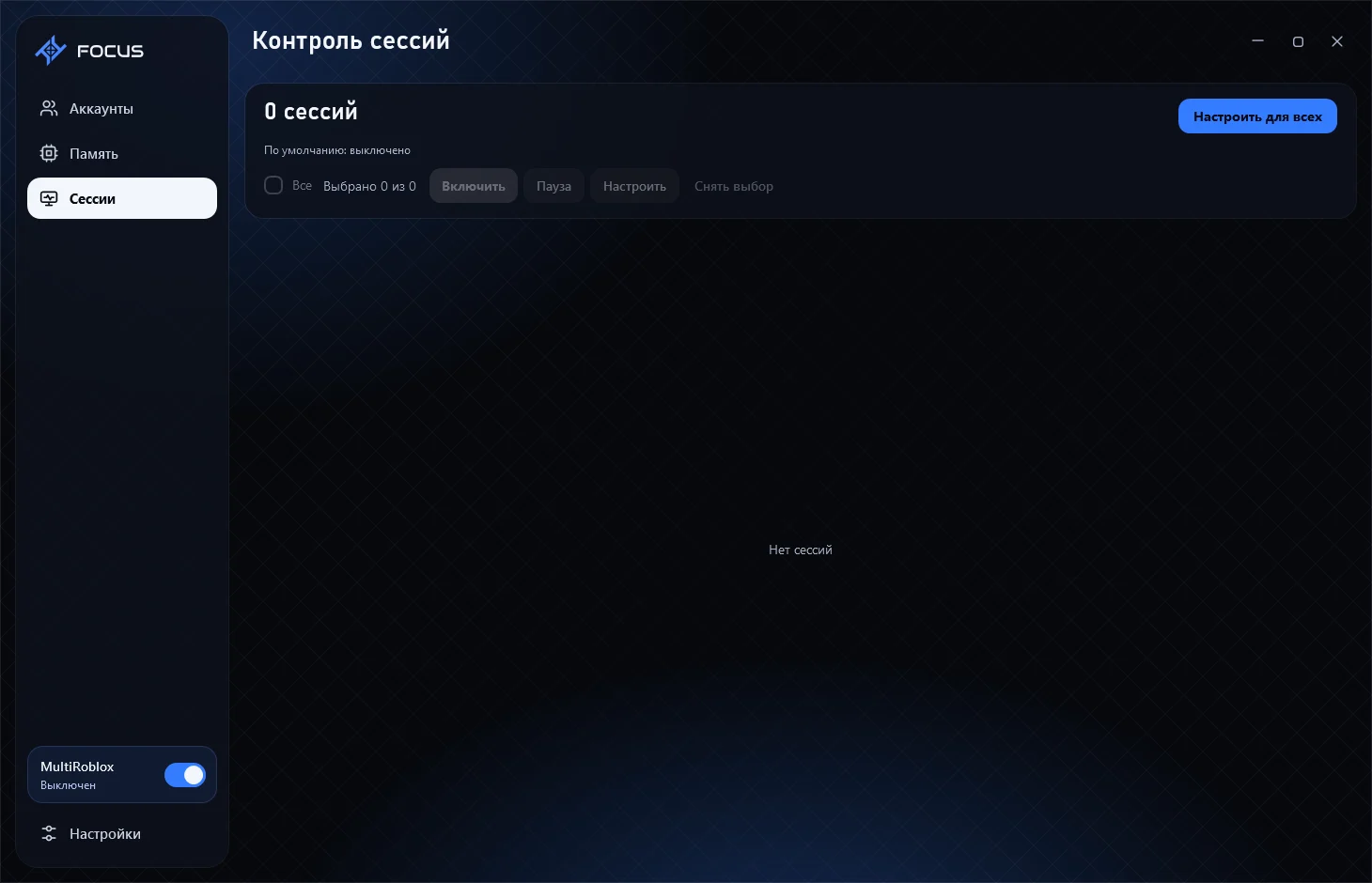
- Game status and reconnection settings. (Sessions)
- A separate manager key is required; a FOCUS Roblox key does not activate it. (Manager license)