Buy private cheat FOCUS Arma Reforger
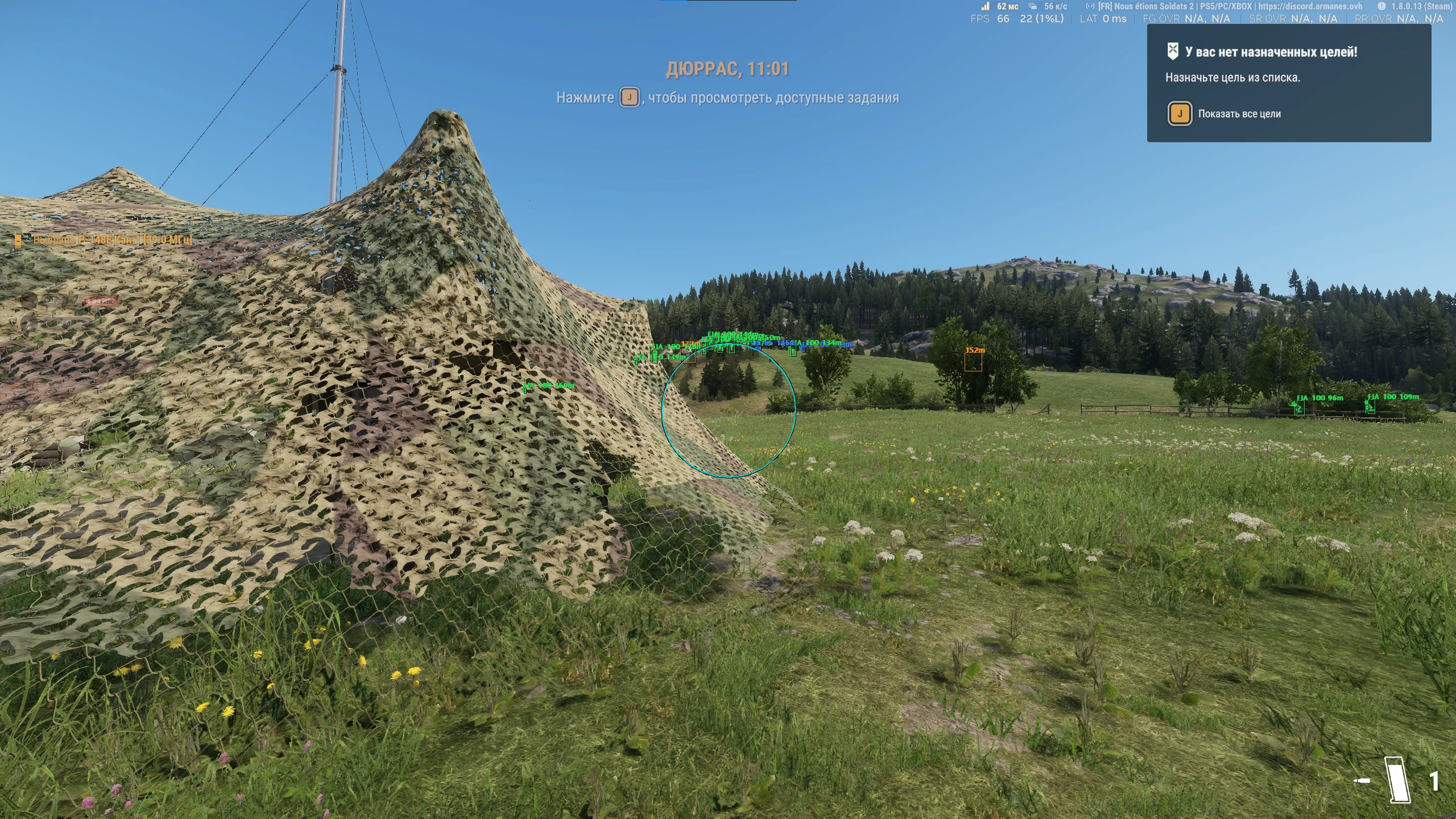
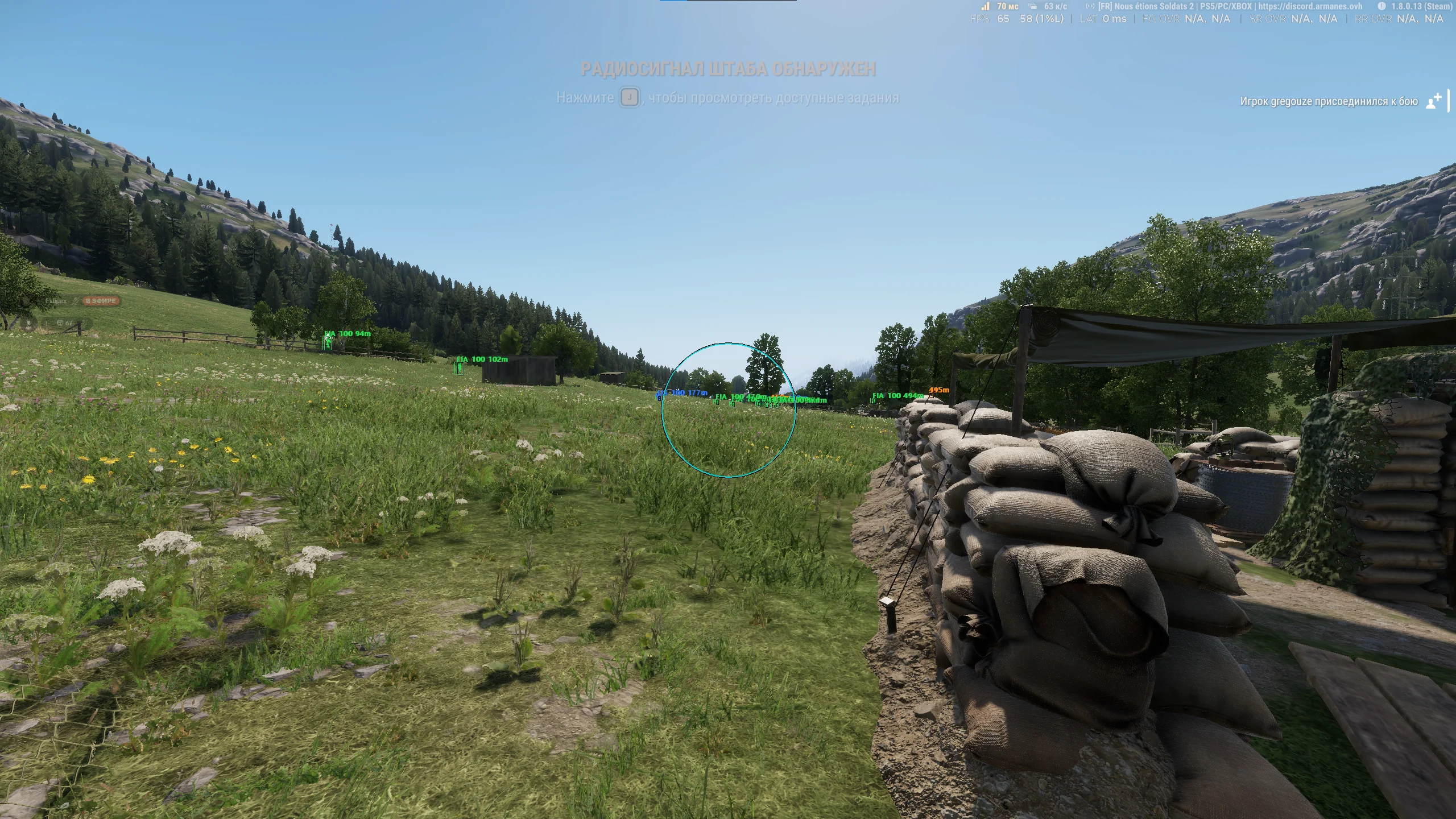
Private cheat FOCUS Arma Reforger — NPC display, aiming controls and minimap. Also included: health indicators and team filters. Client: Only Steam.
Compatibility
- Windows 10
- 22H2
- Windows 11
- 25H2
- Processor
- AMD / Intel
- Architecture
- x64 only (64-bit)
- Platform
- Steam only
Features
Aimbot
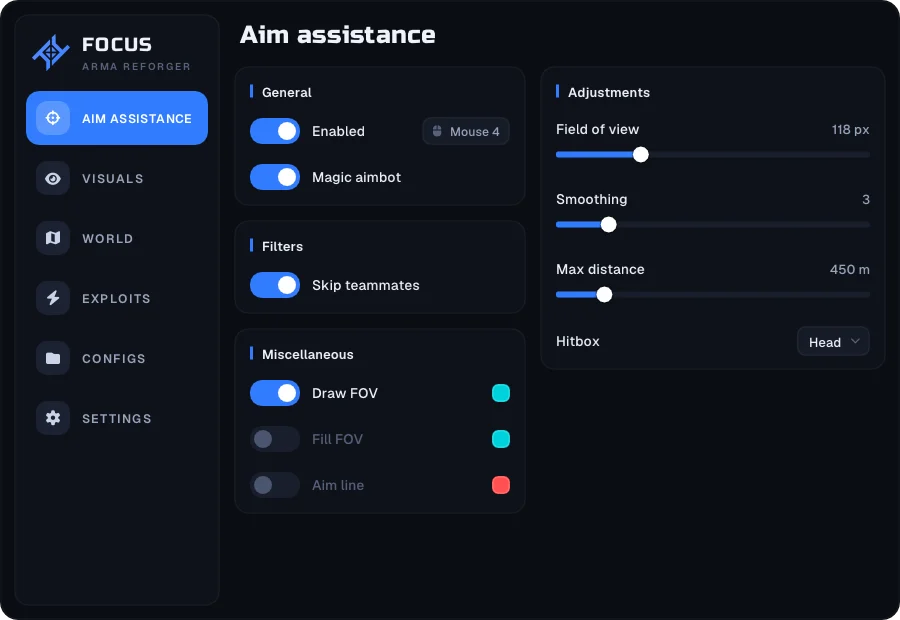
- Enable aim assistance and assign a key. Default: Mouse 4. (Enabled and keybind)
- Separate Magic aimbot toggle. (Magic aimbot)
- FOV size: 20–400 px. (Field of view)
- Smoothing adjustment: 0–20. (Smoothing)
- Maximum distance: 50–3000 m. (Max distance)
- Head, neck or chest. (Hitbox)
- Exclude teammates from target selection. (Skip teammates)
- Display the FOV circle and choose its color. (Draw FOV)
- Fill the FOV circle with a chosen color. (Fill FOV)
- Line from the crosshair to the target with a chosen color. (Aim line)
Players
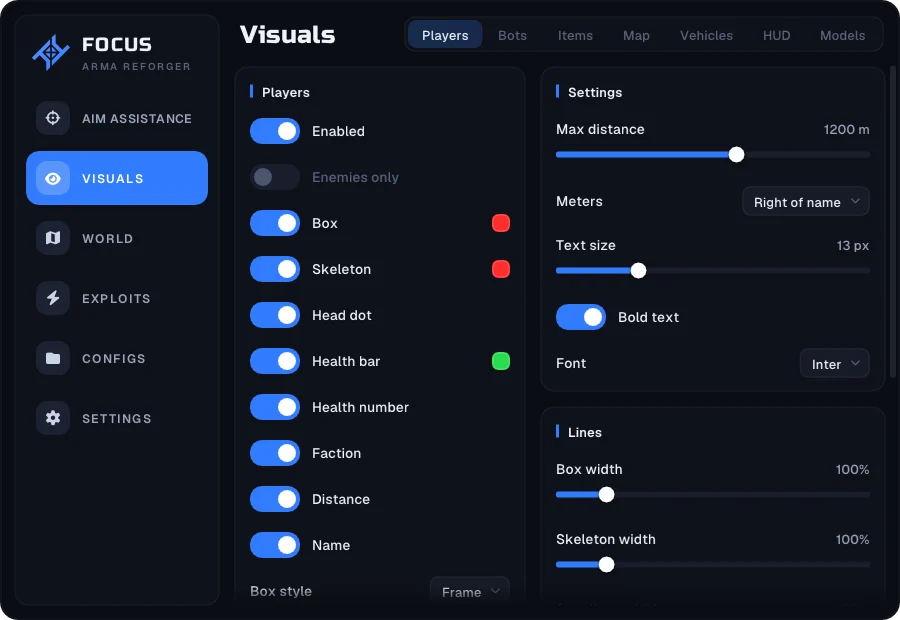
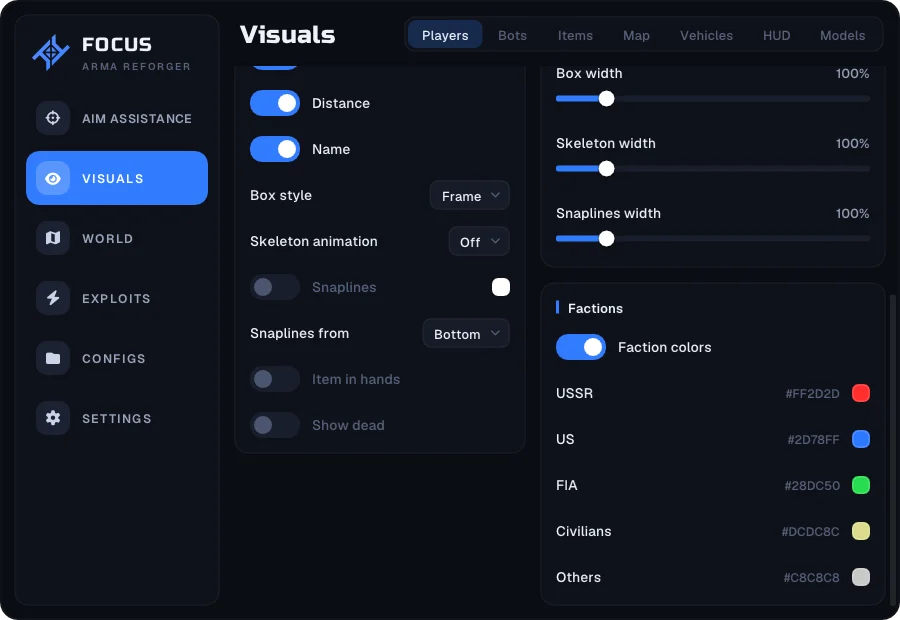
- Enable player ESP. (Enabled)
- Team check: hide teammates. (Enemies only)
- Box color and style: full frame or corners. (Box)
- Skeleton color. Animations: off, Pulse, Rainbow, Wave, Flow, Neon, Fire. (Skeleton and animation)
- Mark the player’s head. (Head dot)
- Health bar with a chosen color and numeric health value. (Health bar and number)
- Display the player’s faction. (Faction)
- Place distance above, below, at the side or to the right of the name. (Distance and meters)
- Display the player’s name. (Name)
- Line color and origin: bottom, center or top of the screen. (Snaplines)
- Display the item held by the player. (Item in hands)
- Display dead players. (Show dead)
- Maximum distance: 100–2000 m. (Max distance)
- Size: 10–22 px; bold text. Fonts: Inter, Segoe UI, Arial, Tahoma, Verdana, Consolas, Bahnschrift, Trebuchet MS. (Text style)
- Box, skeleton and snapline widths: 50–400%. (Line widths)
- Enable faction colors. Separate colors for USSR, US, FIA, Civilians and Others. (Faction colors)
Bots
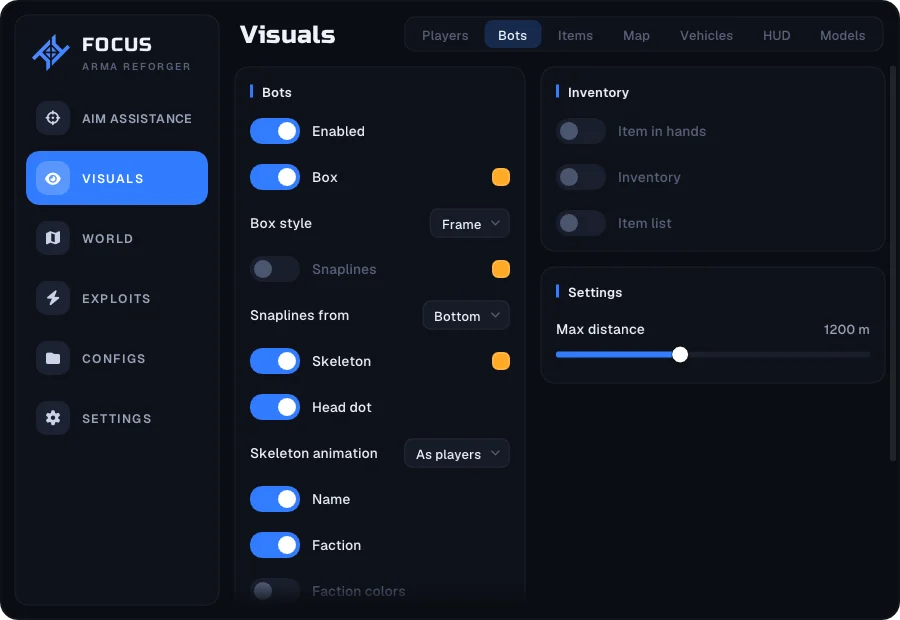
- Enable bot ESP. (Enabled)
- Box color and style: full frame or corners. (Box)
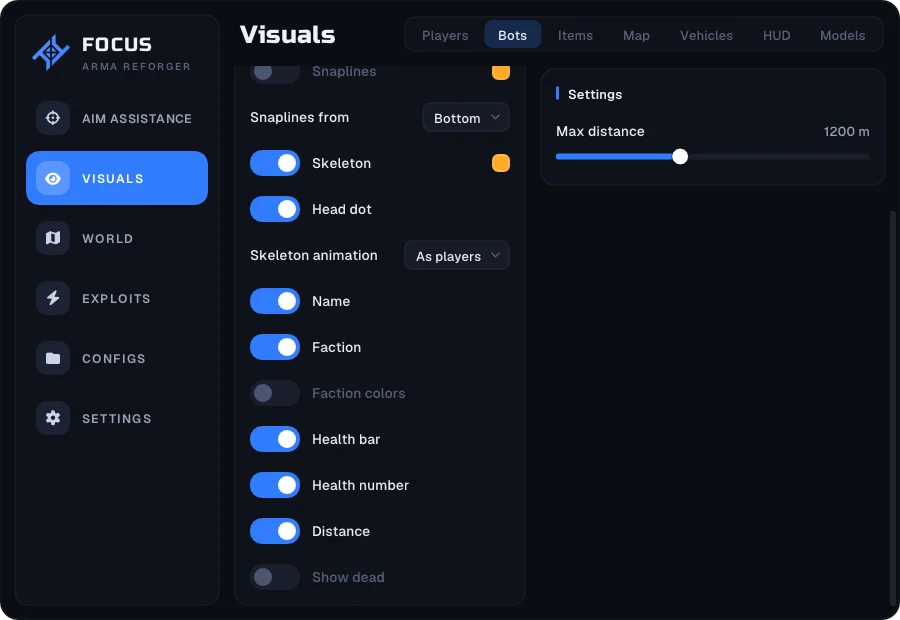
- Line color and origin: bottom, center or top of the screen. (Snaplines)
- Display the skeleton with a chosen color and a head dot. (Skeleton and head dot)
- Off, Pulse, Rainbow, Wave, Flow, Neon, Fire. (Skeleton animation)
- Name, faction and faction colors. (Name and faction)
- Health bar, numeric health value and distance. (Health and distance)
- Display dead bots. (Show dead)
- Held item, inventory and item list. (Items and inventory)
- Maximum distance: 50–3000 m. (Max distance)
Ground items
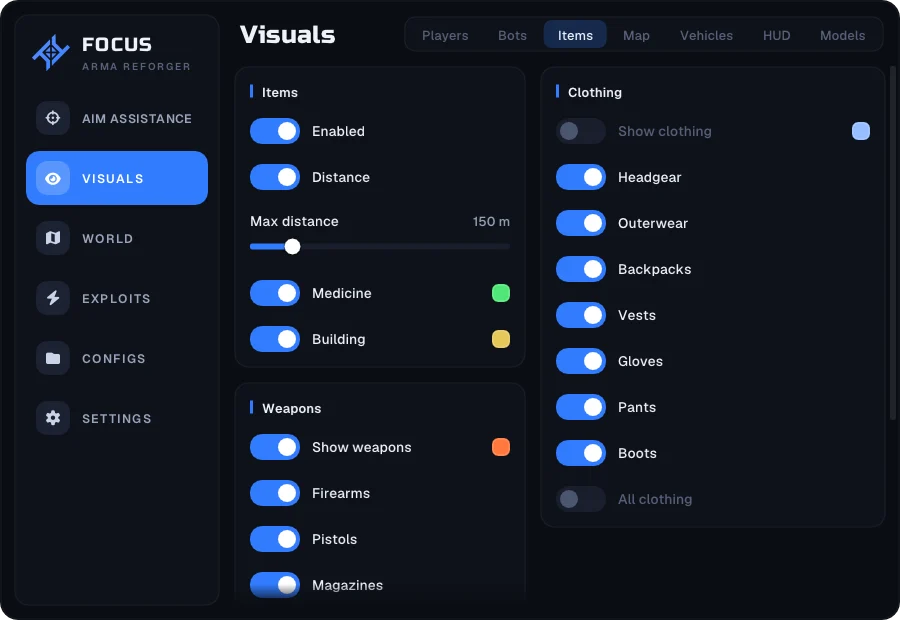
- Enable item ESP, show distance and set a maximum distance of 10–1000 m. (Enabled and distance)
- Separate toggles and colors for medical and building items. (Medicine and building)
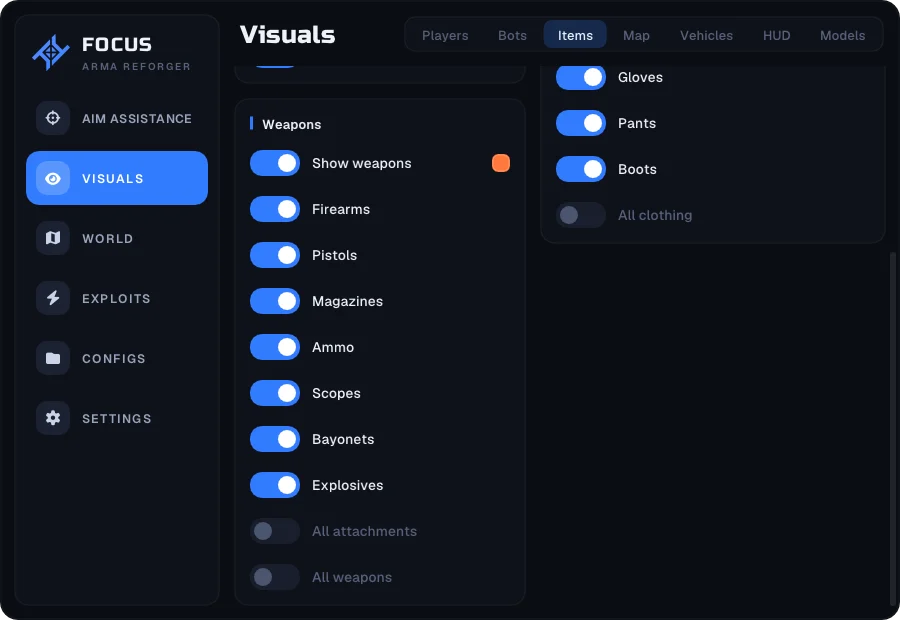
- Color and categories: headgear, outerwear, backpacks, vests, gloves, pants, boots or all clothing. (Clothing)
- Color and categories: firearms, pistols, magazines, ammo, scopes, bayonets, explosives, all attachments or all weapons. (Weapons)
Vehicles
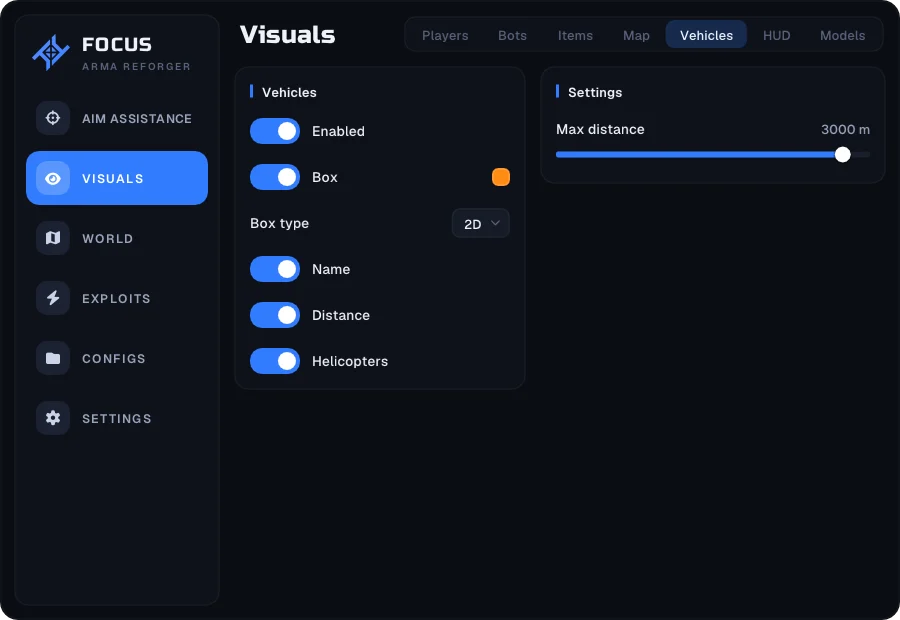
- Enable vehicle ESP. (Enabled)
- Box color and type: 2D or 3D. (Box)
- UH-1, Mi-8, MH-6, Chinook, BTR, BMP, BRDM, Ural, HMMWV, UAZ, Lada and other vehicles. (Name)
- Display distance to vehicles. (Distance)
- Separate helicopter visibility toggle. (Helicopters)
- Maximum distance: 100–3200 m. (Max distance)
Minimap
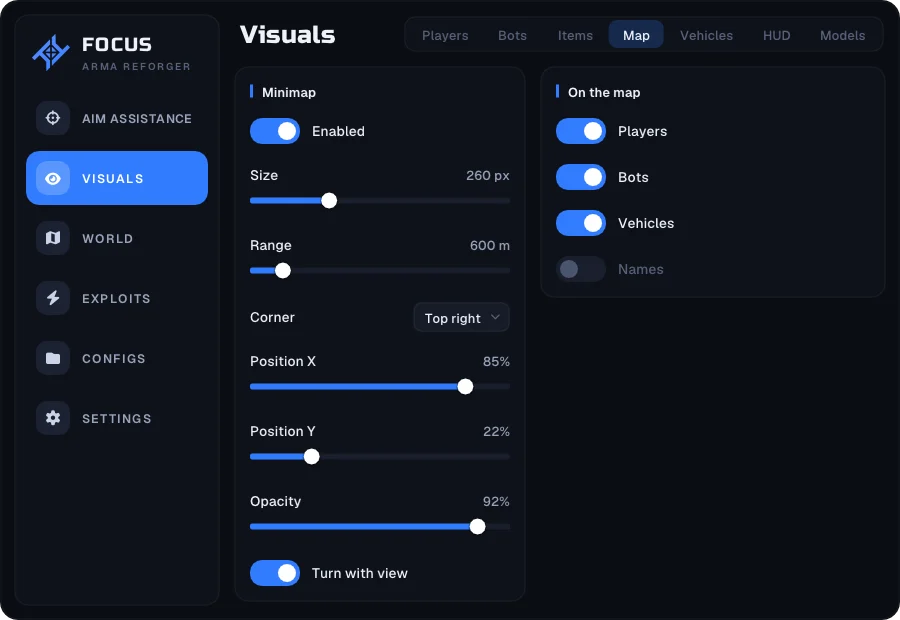
- Enable the minimap. (Enabled)
- Size: 120–600 px. Range: 100–5000 m. (Size and range)
- Any screen corner or a custom position. X and Y coordinates: 0–100%. (Corner and position)
- Opacity adjustment: 20–100%. (Opacity)
- Rotate the minimap with the camera view. (Turn with view)
- Players, bots, vehicles and names. (Map objects)
HUD
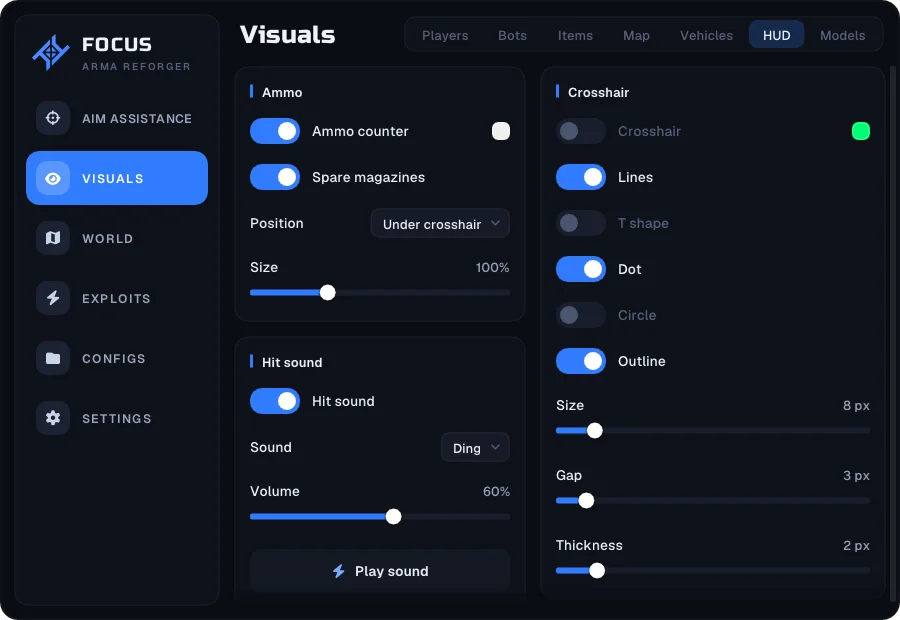
- Display ammunition with a chosen color. (Ammo counter)
- Display spare magazines. (Spare magazines)
- Below the crosshair, bottom center or bottom right. Size: 60–200%. (Counter position and size)
- Color and style: lines, T shape, dot or circle. Separate outline setting. (Crosshair)
- Size: 2–60 px. Gap: 0–40 px. Thickness: 1–10 px. (Crosshair dimensions)
- Ding, Bell, Pop, Tick, Chime. Volume: 10–100%. Sound preview button. (Hit sound)
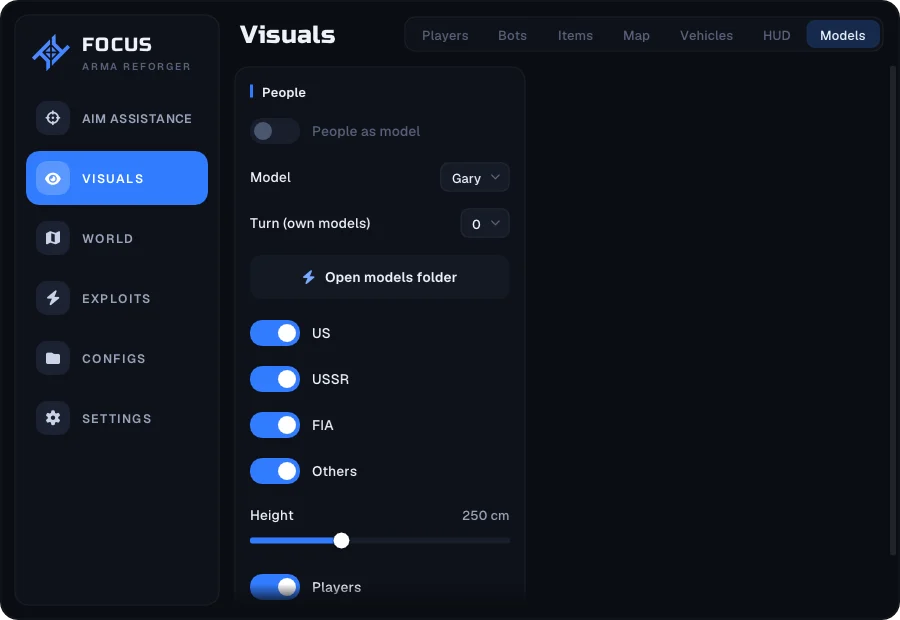
3D character models
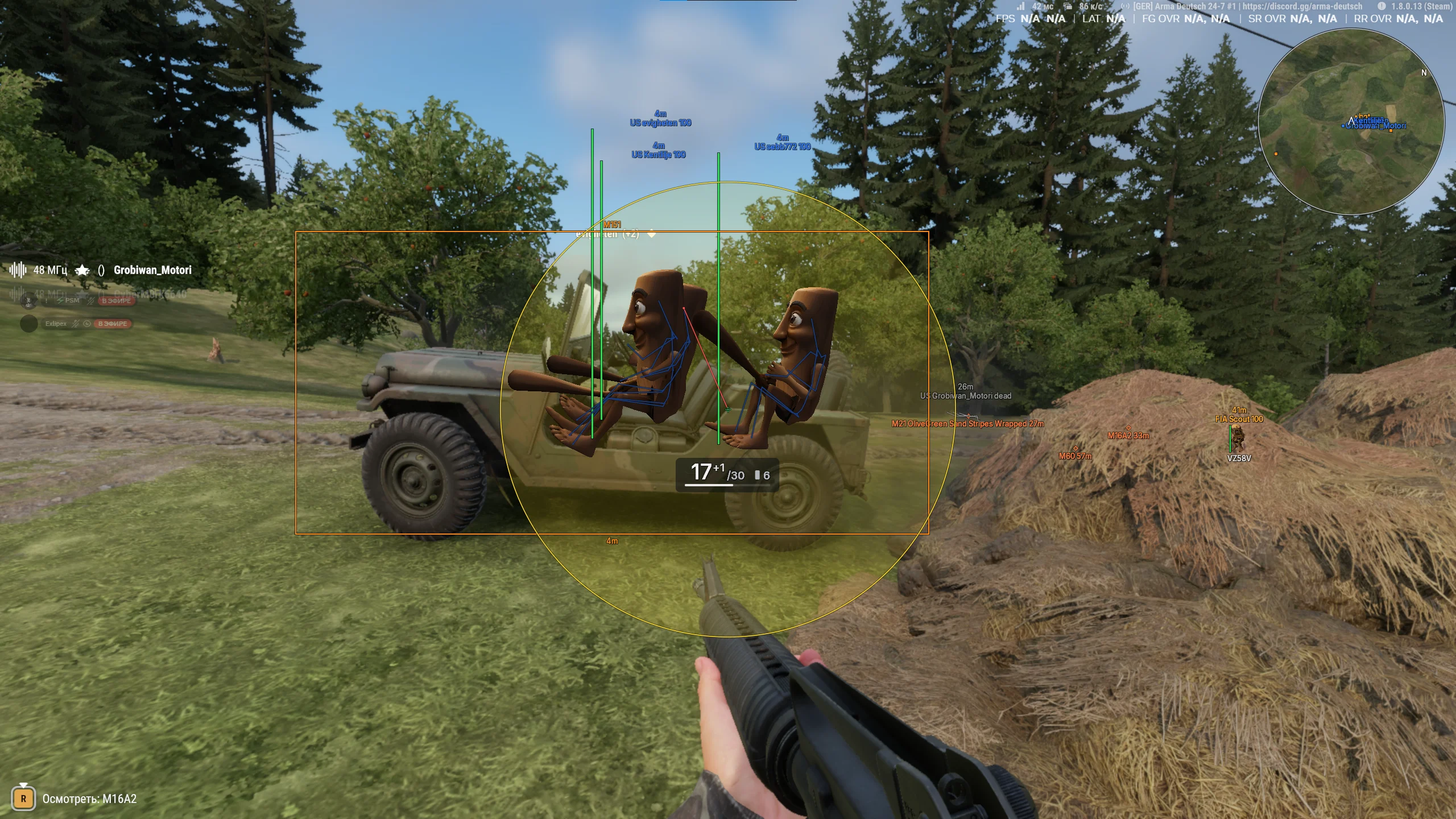
- Display people using selected 3D models. (People as model)
- Gary, Hulk, SpongeBob, Shiba, Hatsune Miku, Tung Tung Sahur or custom .obj models. (Model)
- Rotate by 0°, 90°, 180° or 270°. (Turn own models)
- Open the folder containing custom models. (Open models folder)
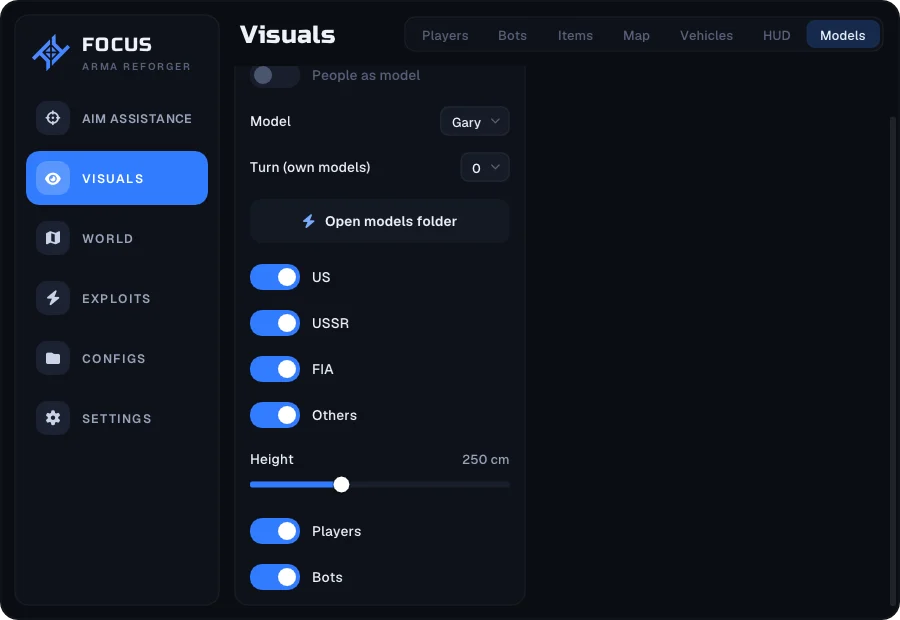
- Separate selection for US, USSR, FIA and Others. (Factions)
- Model height: 120–500 cm. (Height)
- Enable models separately for players and bots. (Players and bots)
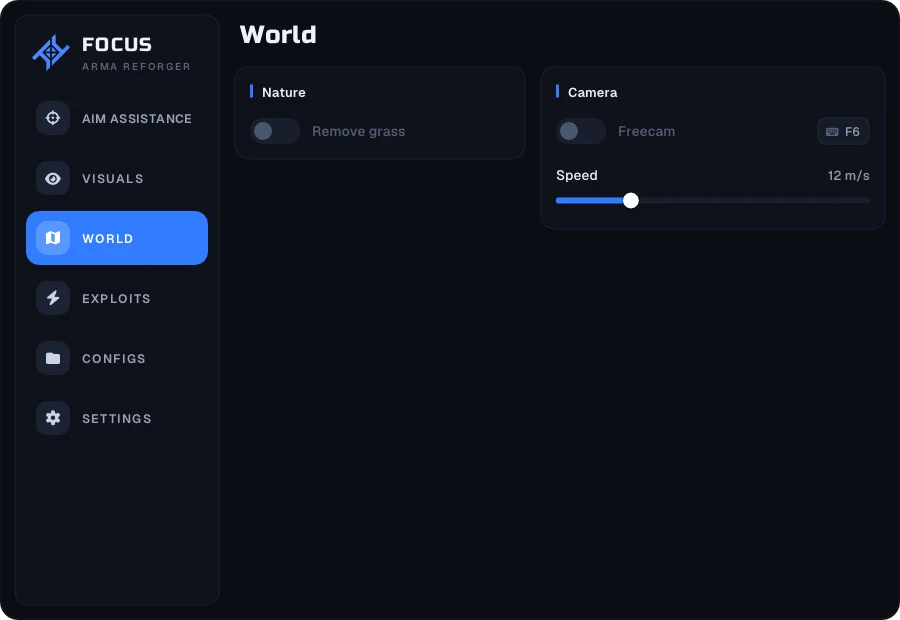
World
- Disable grass rendering. (Remove grass)
- Free camera with a configurable key. Default: F6. (Freecam)
- Camera movement speed: 1–50 m/s. (Camera speed)
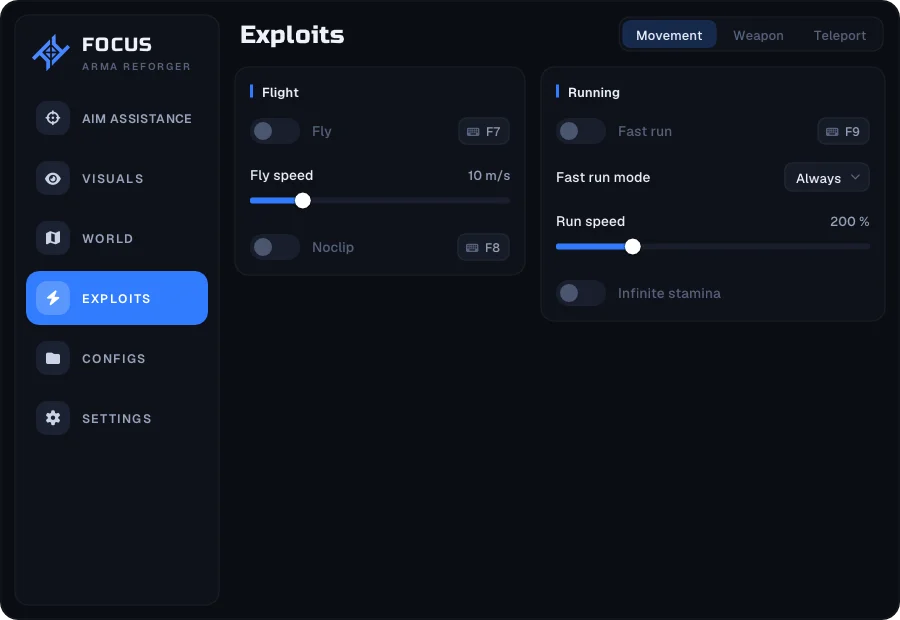
Exploits · Movement
- Default key: F7. Flight speed: 1–50 m/s. (Fly)
- Enable Noclip. Default key: F8. (Noclip)
- Default key: F9. Modes: always, hold or toggle. Speed: 110–500%. (Fast run)
- Enable infinite stamina. (Infinite stamina)
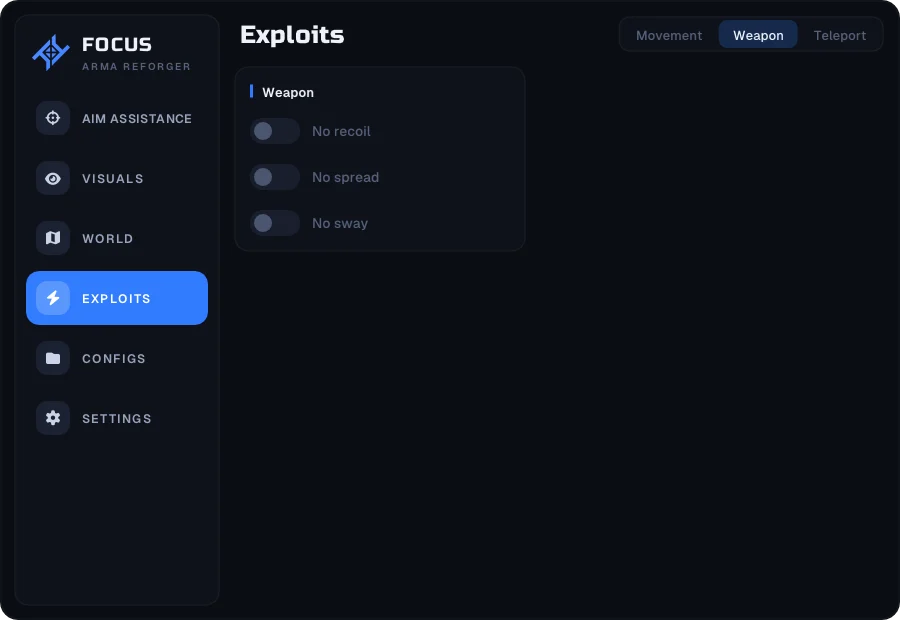
Exploits · Weapon
- No recoil, no spread and no weapon sway. (Recoil, spread and sway)
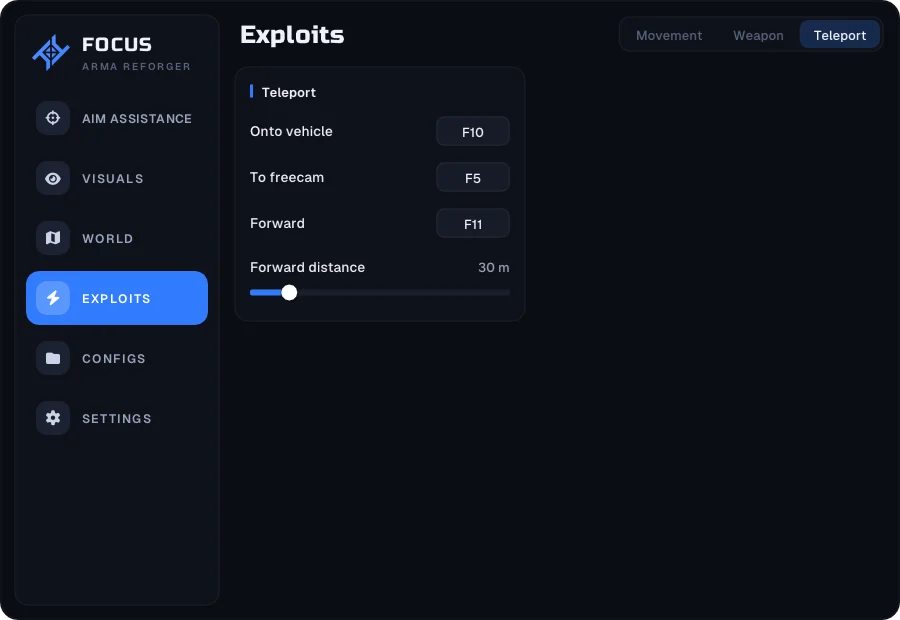
Exploits · Teleport
- Teleport onto a vehicle. Default key: F10. (Onto vehicle)
- Teleport to the free camera. Default key: F5. (To freecam)
- Teleport forward by 5–200 m. Default key: F11. (Forward)
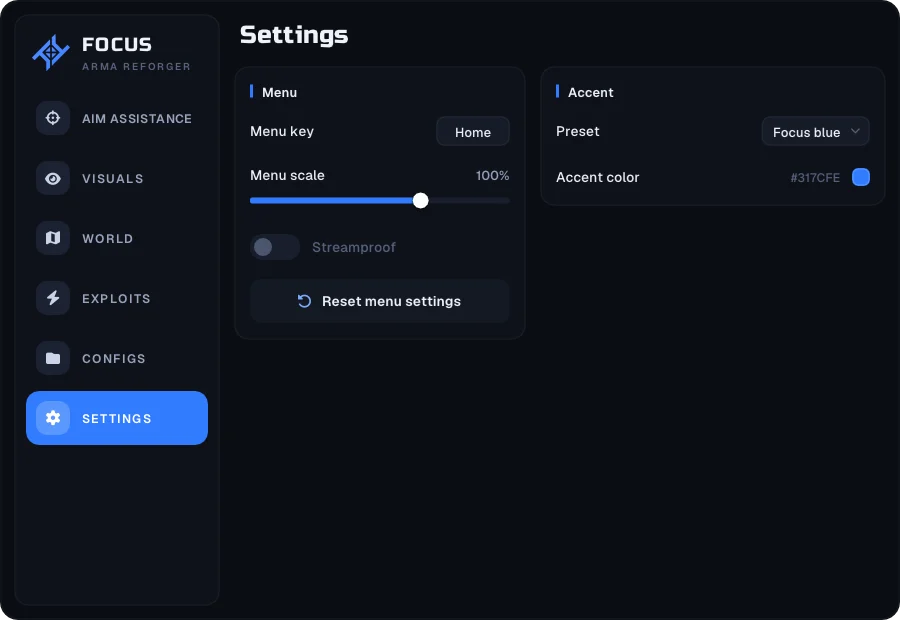
Menu settings
- Configurable menu key. Default: Home. (Menu key)
- Interface scale: 60–120%. (Menu scale)
- Streamproof mode. (Streamproof)
- Reset menu settings. (Reset menu settings)
- Focus blue, Ice blue, Violet, Mint, Rose, Amber presets or a custom color. (Menu accent)
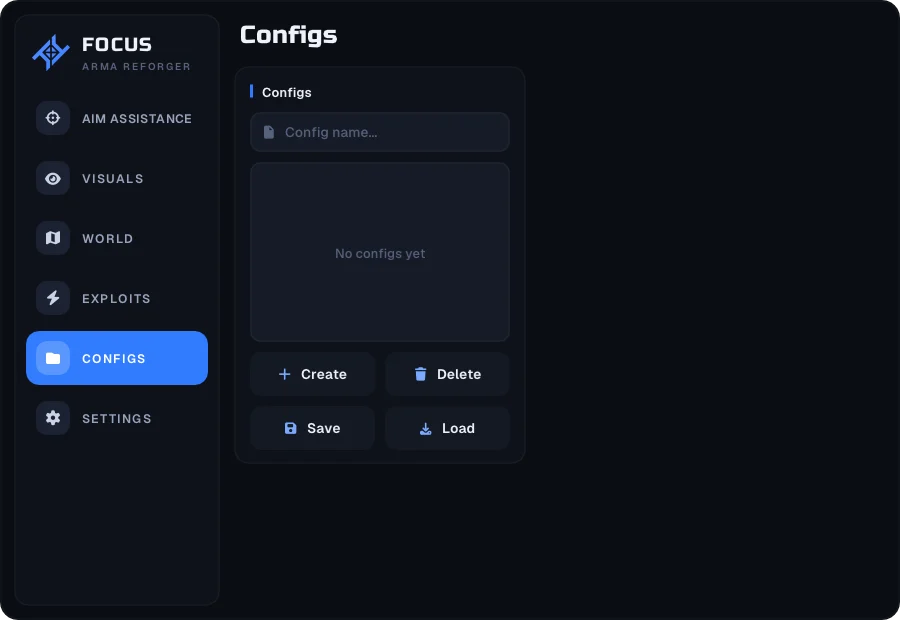
Configs
- Create, save, load and delete configs. (Manage configs)