Buy private cheat FOCUS Deadlock
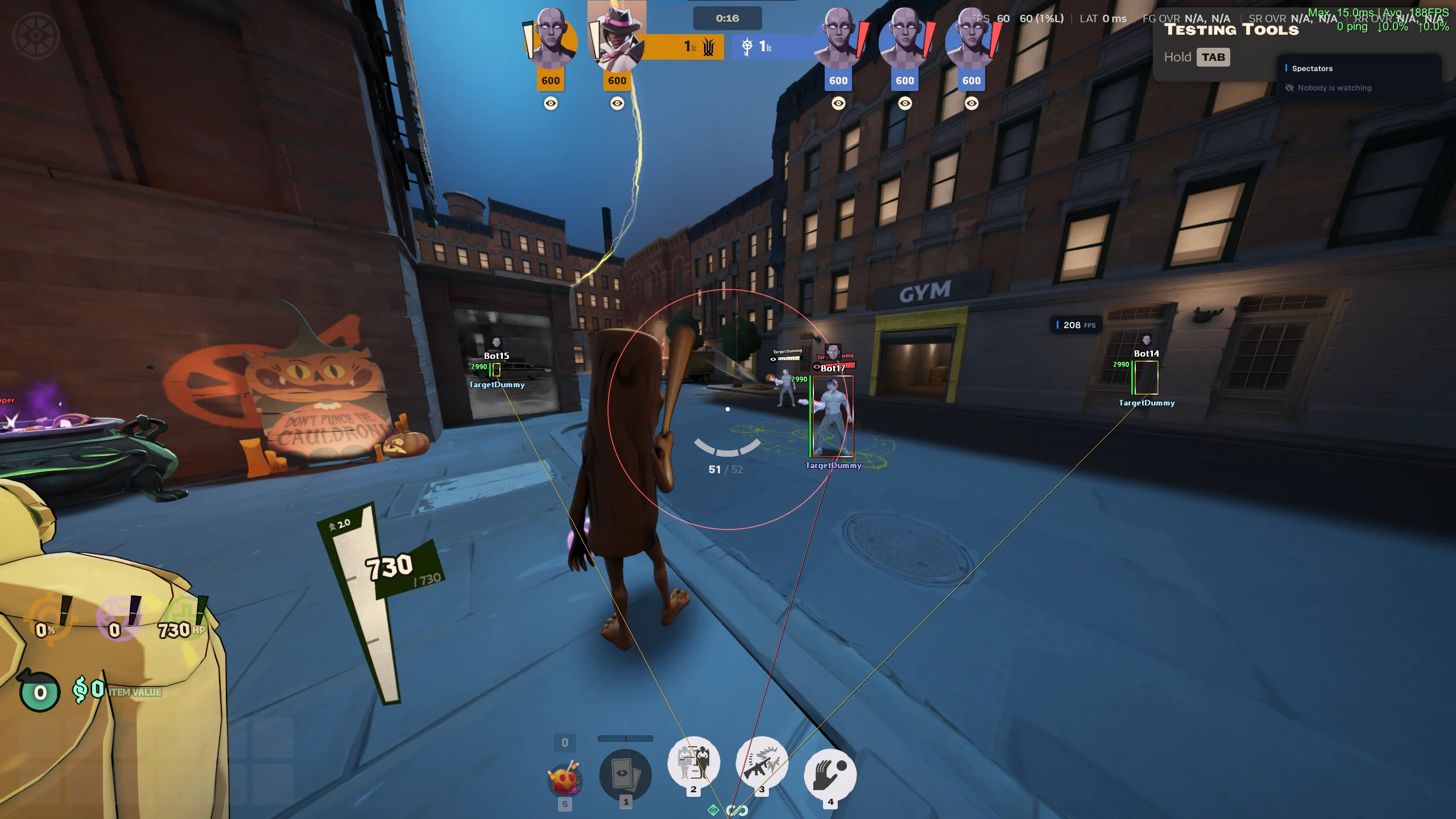
Private cheat FOCUS Deadlock — structure display, aiming controls and container ESP. Also included: visibility checks and health indicators.
Compatibility
- Operating system
- Not specified by the developer
- Processor
- Not specified by the developer
- Compatibility
- Confirm before purchasing
Features
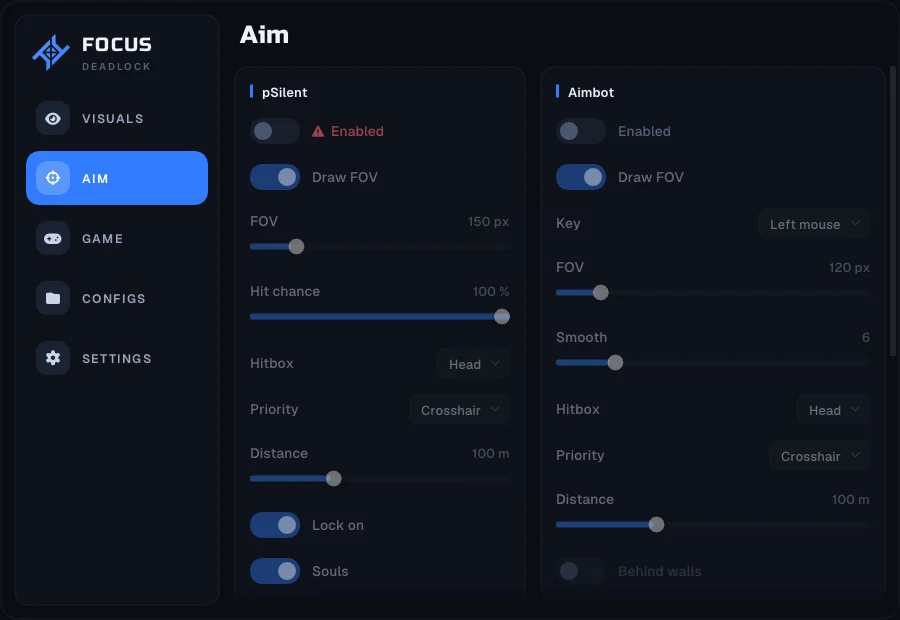
Aimbot
- Choose left or right mouse, Mouse 4, Mouse 5, Left Alt or Left Shift. (Activation and key)
- Show the aiming circle and adjust its size from 10 to 900 px. (FOV circle)
- Adjust aiming smoothness from 1 to 30. (Smoothing)
- Aim at the head or chest. (Hitbox)
- Prioritize targets closest to the crosshair, nearest to you or with the lowest health. (Target priority)
- Maximum targeting distance from 10 to 300 m. (Distance)
- Separate toggle for targeting enemies behind obstacles. (Targets behind walls)
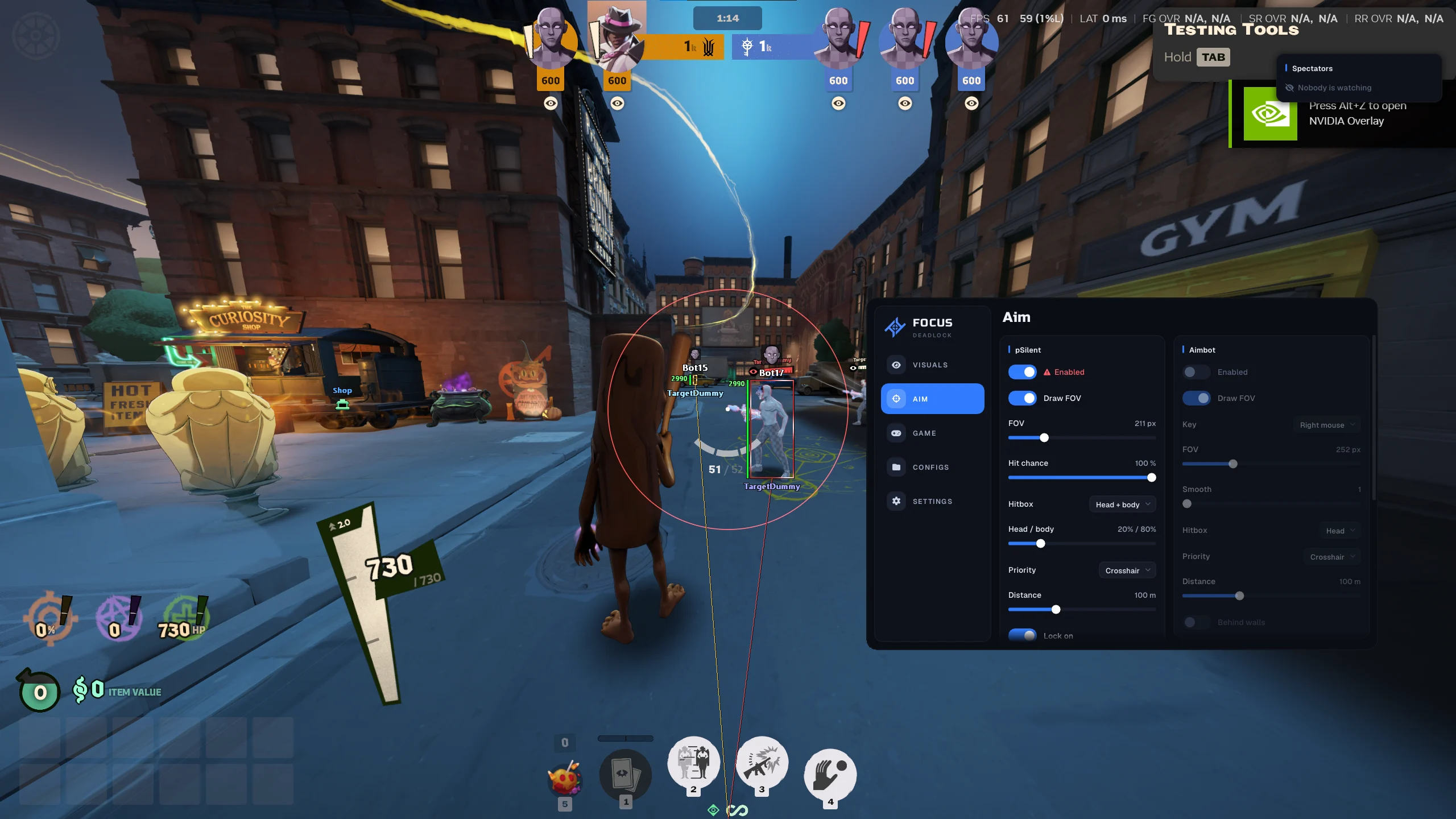
pSilent
- Independent pSilent toggle. (Enable)
- Show the FOV circle and adjust it from 10 to 900 px. (FOV circle)
- Configurable from 0 to 100%. (Hit chance)
- Head, chest, automatic selection, or head and body with an adjustable ratio. (Hitbox)
- Closest to the crosshair, nearest, farthest, lowest health or highest health. (Target priority)
- Targeting range from 10 to 300 m and lock-on for the selected target. (Distance and target lock)
- Target souls and choose whether heroes or souls take priority. (Souls)
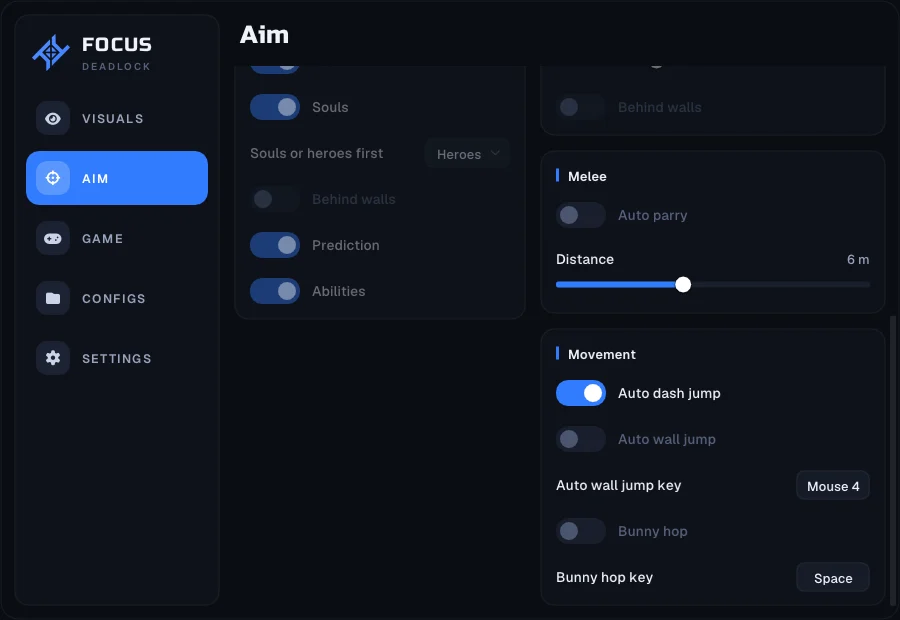
- Separate toggle for targets behind obstacles. (Targets behind walls)
- Toggle target movement prediction. (Prediction)
- Separate toggle for abilities. (Abilities)
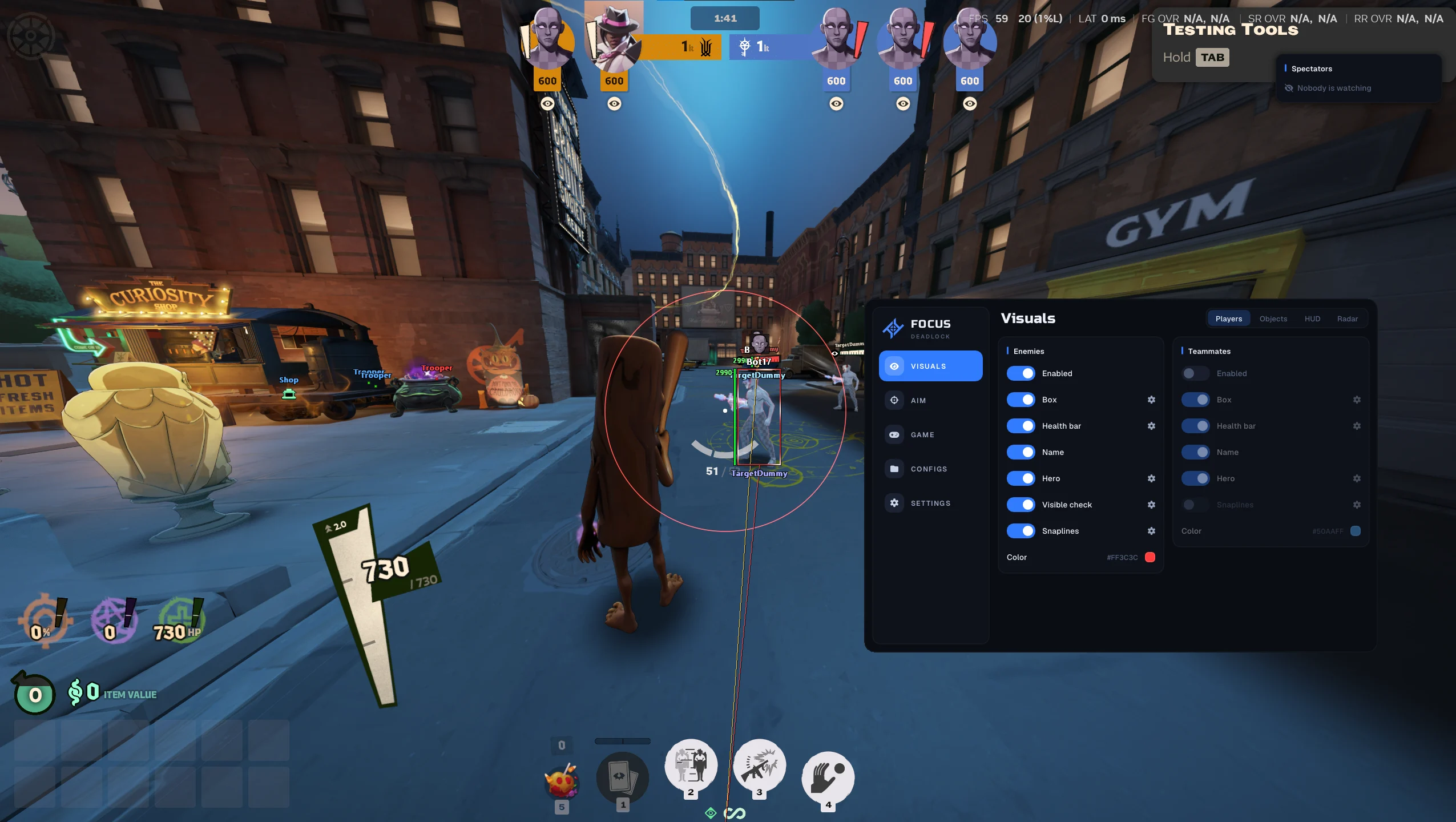
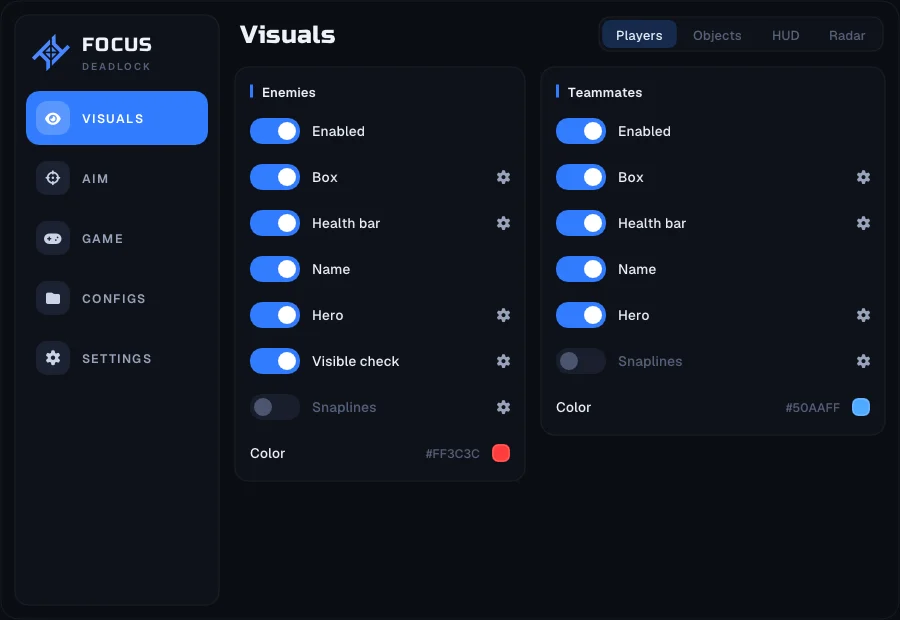
Visuals · Enemies
- Independent enemy ESP toggle. (Enemy ESP)
- Full frame or corner boxes, with width adjustable from 50 to 400%. (Boxes)
- Pulse, Rainbow, Snake, Neon or Flow. Animations can be turned off. (Box animation)
- Health bar with an optional numeric value. (Health)
- Player name. Show the hero name, portrait or both. (Player name and hero)
- Separate color for enemies behind walls. (Visibility check)
- Draw lines from the bottom, middle or top of the screen. (Snaplines)
- Custom enemy ESP color. (Color)
Visuals · Teammates
- Teammate settings are enabled independently of enemy ESP. (Teammate ESP)
- Full frame or corners, width from 50 to 400%, and independent animation settings. (Boxes)
- Health bar and numeric health value. (Health)
- Player name, hero name, hero portrait, or both hero name and portrait. (Player name and hero)
- Draw lines from the bottom, middle or top of the screen. (Snaplines)
- Separate teammate color. (Color)
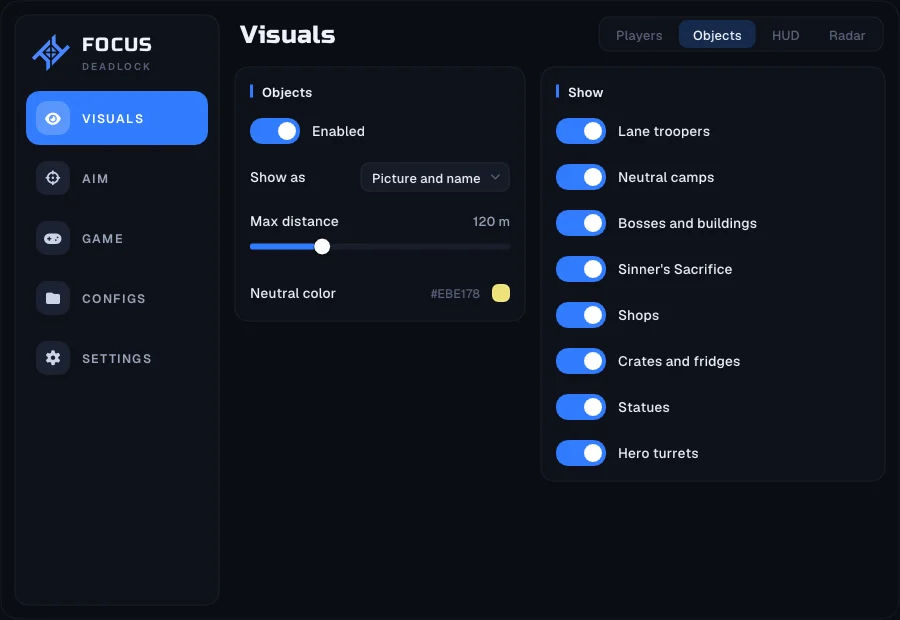
Visuals · Objects
- Dot, name, dot and name, picture, or picture and name. (Marker style)
- Range from 20 to 400 m and a custom neutral-object color. (Distance and color)
- Separate lane trooper display. (Lane troopers)
- Display neutral camps. (Neutral camps)
- Separate boss and building category. (Bosses and buildings)
- Display Sinner’s Sacrifice machines. (Sinner’s Sacrifice)
- Shop markers. (Shops)
- Separate crate and fridge display. (Crates and fridges)
- Statue markers. (Statues)
- Display hero turrets. (Hero turrets)
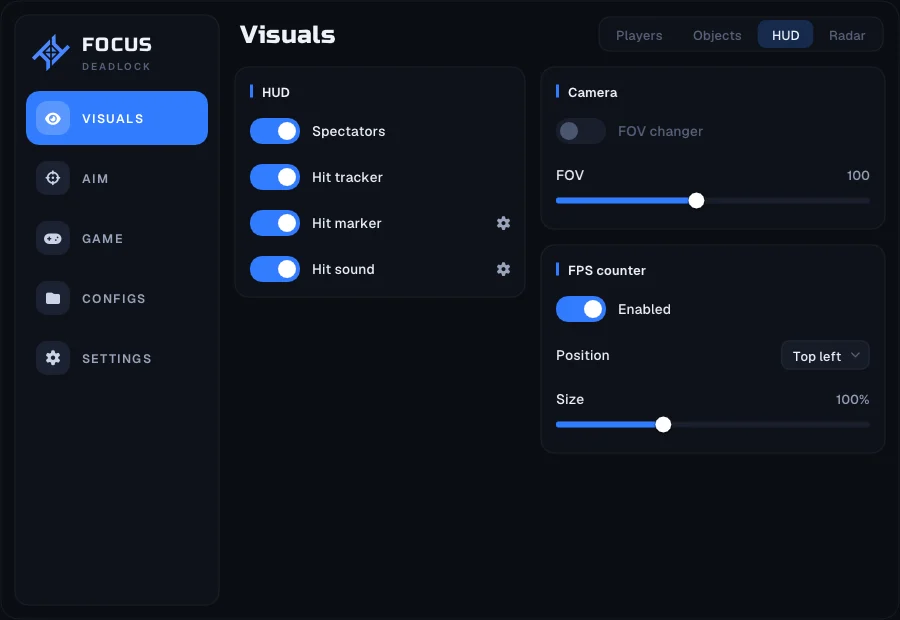
Visuals · HUD
- Display spectators. (Spectators)
- Hit tracking widget. (Hit tracker)
- Hit marker with separate hit and kill colors. (Hit marker)
- 7 sound choices, volume from 0 to 100%, and a separate kill sound. (Hit sounds)
- Adjust camera FOV from 60 to 150. (Camera FOV)
- Choose a screen corner or drag to a custom position. Size from 50 to 200%. (FPS counter)
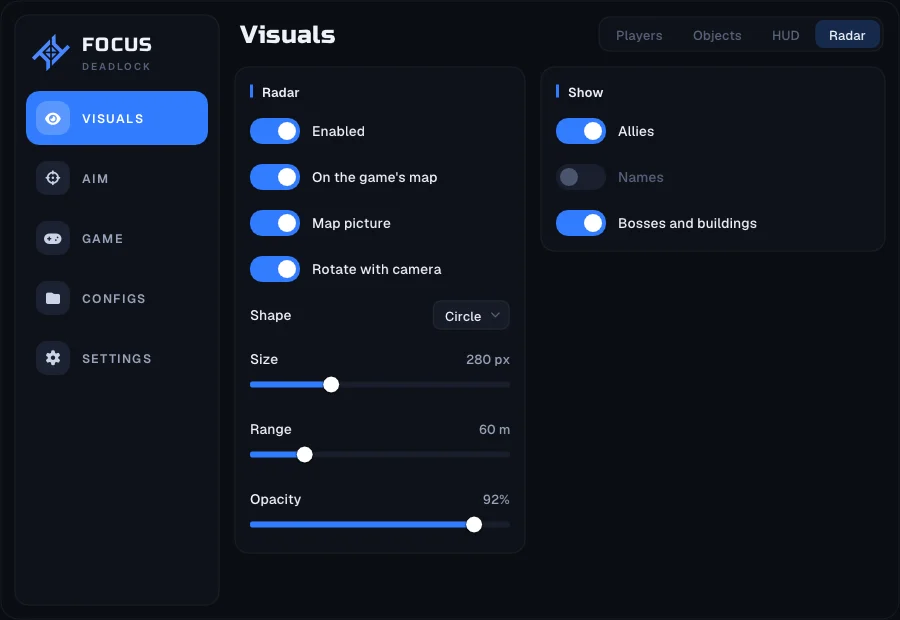
Visuals · Radar
- Display on the game’s map with a separate map-picture toggle. (In-game map)
- Circle or square, with camera rotation. (Shape and rotation)
- Size from 160 to 560 px and range from 15 to 250 m. (Size and range)
- Adjustable from 30 to 100%. (Opacity)
- Allies, names, bosses and buildings. (Display filters)
- Drag while the menu is open. Resize using the edge or mouse wheel. (Position)
Melee and movement
- Automatic parrying with a range from 2 to 12 m. (Auto parry)
- Automate the jump after a dash. (Auto dash jump)
- Automatic wall jump with its own key. Mouse 4 by default. (Auto wall jump)
- Automatic jumps with a configurable key. Space by default. (Bunny hop)
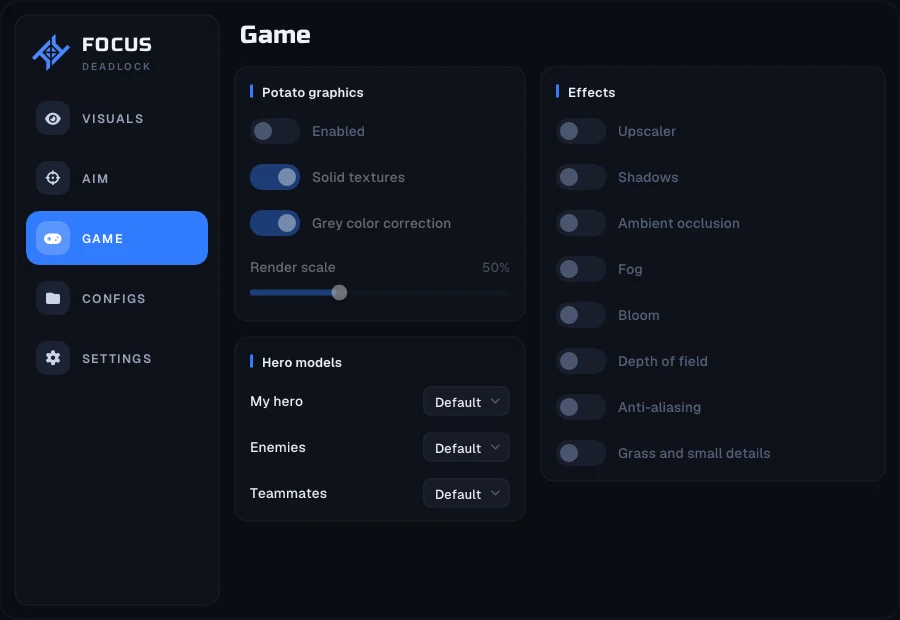
Game · Graphics
- Simplified graphics mode with its own toggle. (Potato graphics)
- Solid-color textures and grey color correction. (Textures and color)
- Adjust render resolution from 25 to 100%. (Render scale)
- Individual toggles for upscaling, shadows, ambient occlusion, fog, bloom, depth of field, anti-aliasing, grass and small details. (Effects)
- The menu provides a game restart option to apply texture changes. (Applying textures)
Game · Hero models
- Default model or Tung Tung Tung Sahur. (Model replacement)
- Choose models independently for your hero, enemies and teammates. (Independent selection)
- Restart button when applying the model package requires it. (Applying changes)
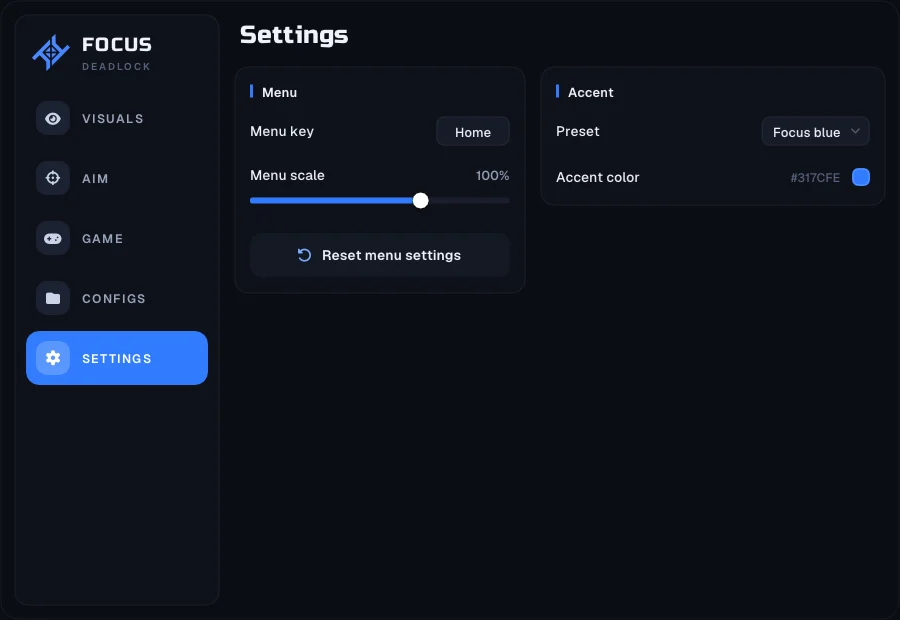
Menu settings
- Configurable menu key. Home by default. (Menu key)
- Menu scale from 60 to 120%. (Scale)
- 6 presets or a custom color. (Accent color)
- Reset the menu appearance settings. (Reset)
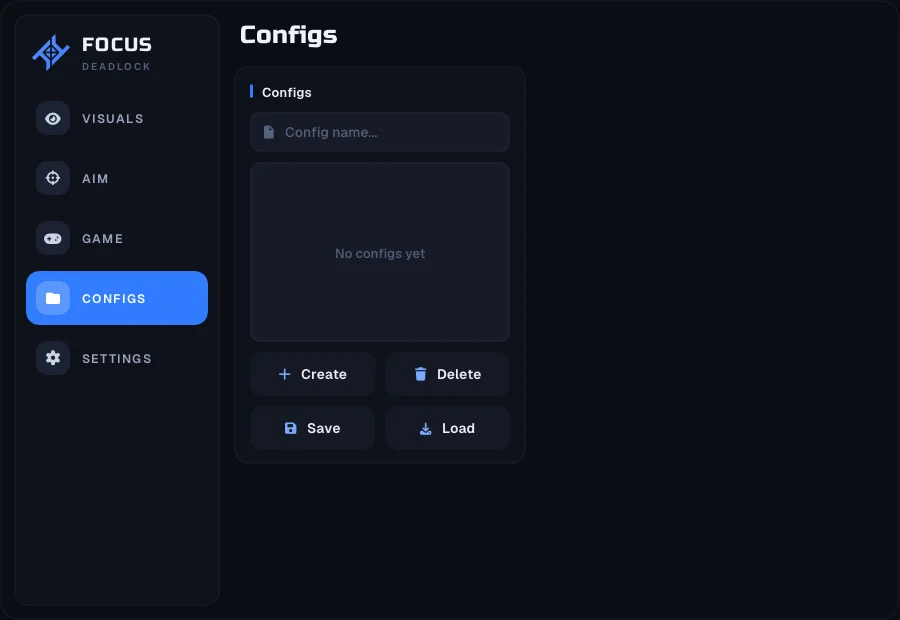
Configs
- Create, save, load and delete configs. (Config management)
- Select a config from the list and double-click to load it. (Quick load)
- Changes are saved automatically and restored on the next launch. (Autosave)