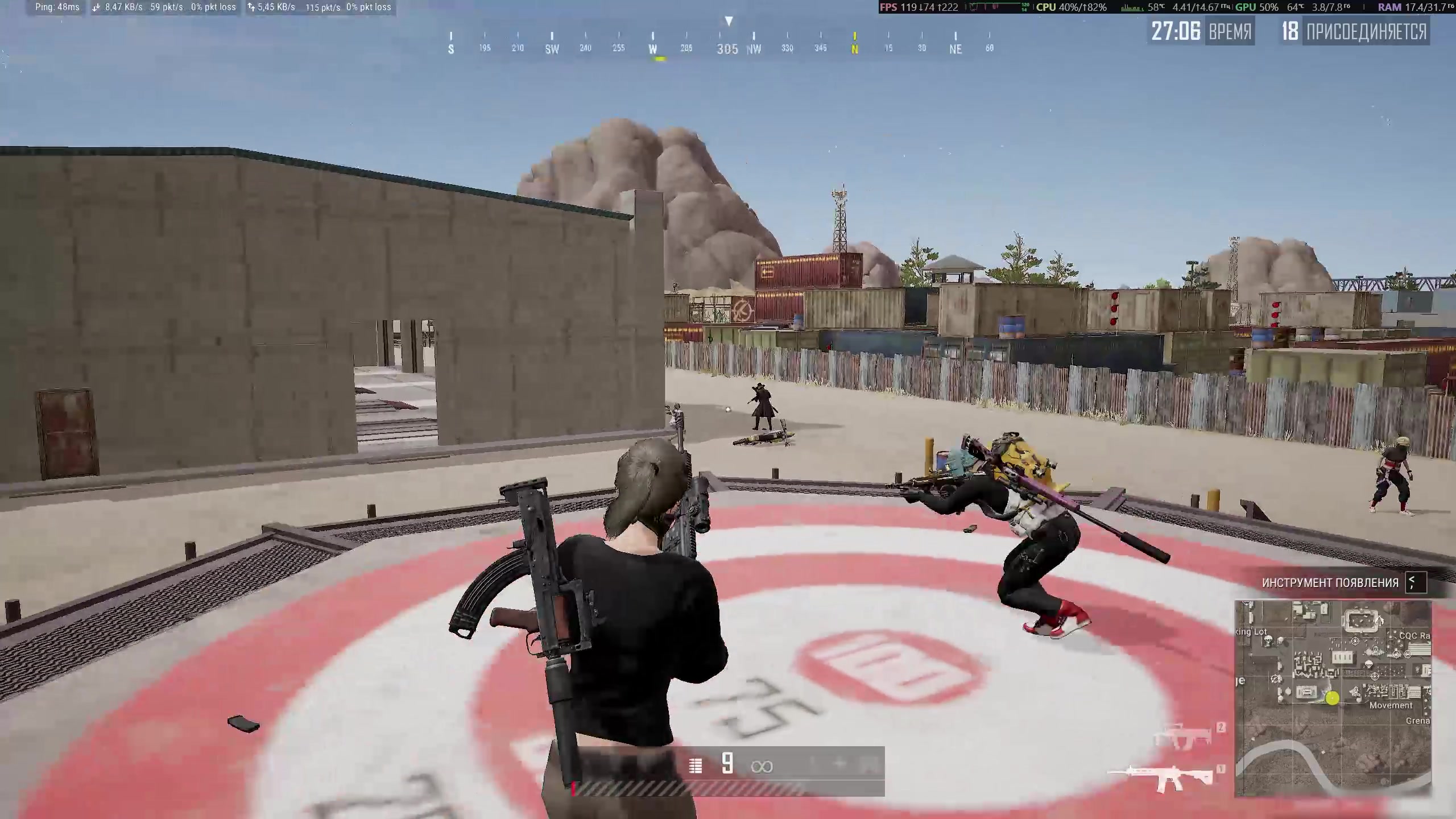
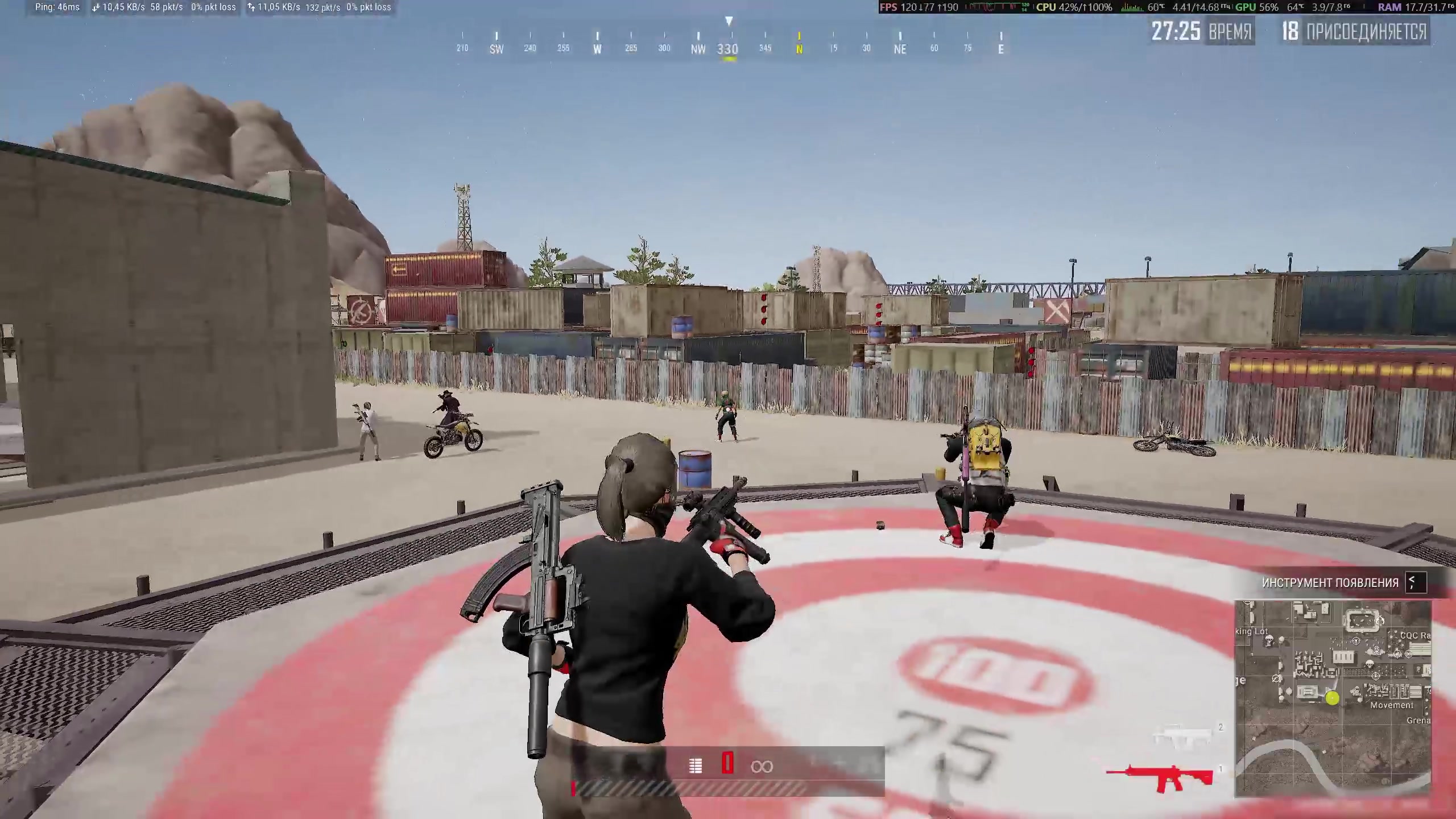
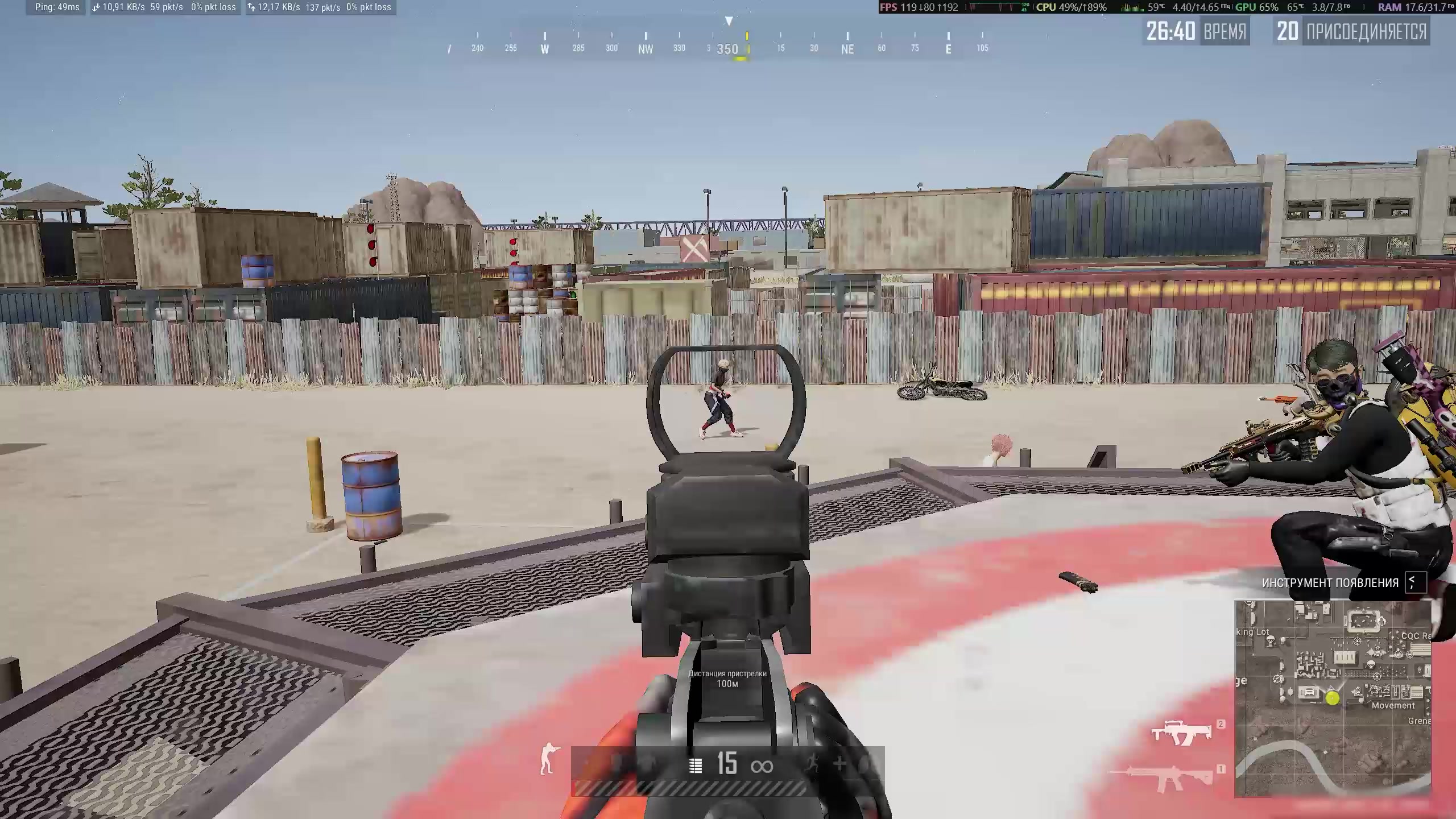
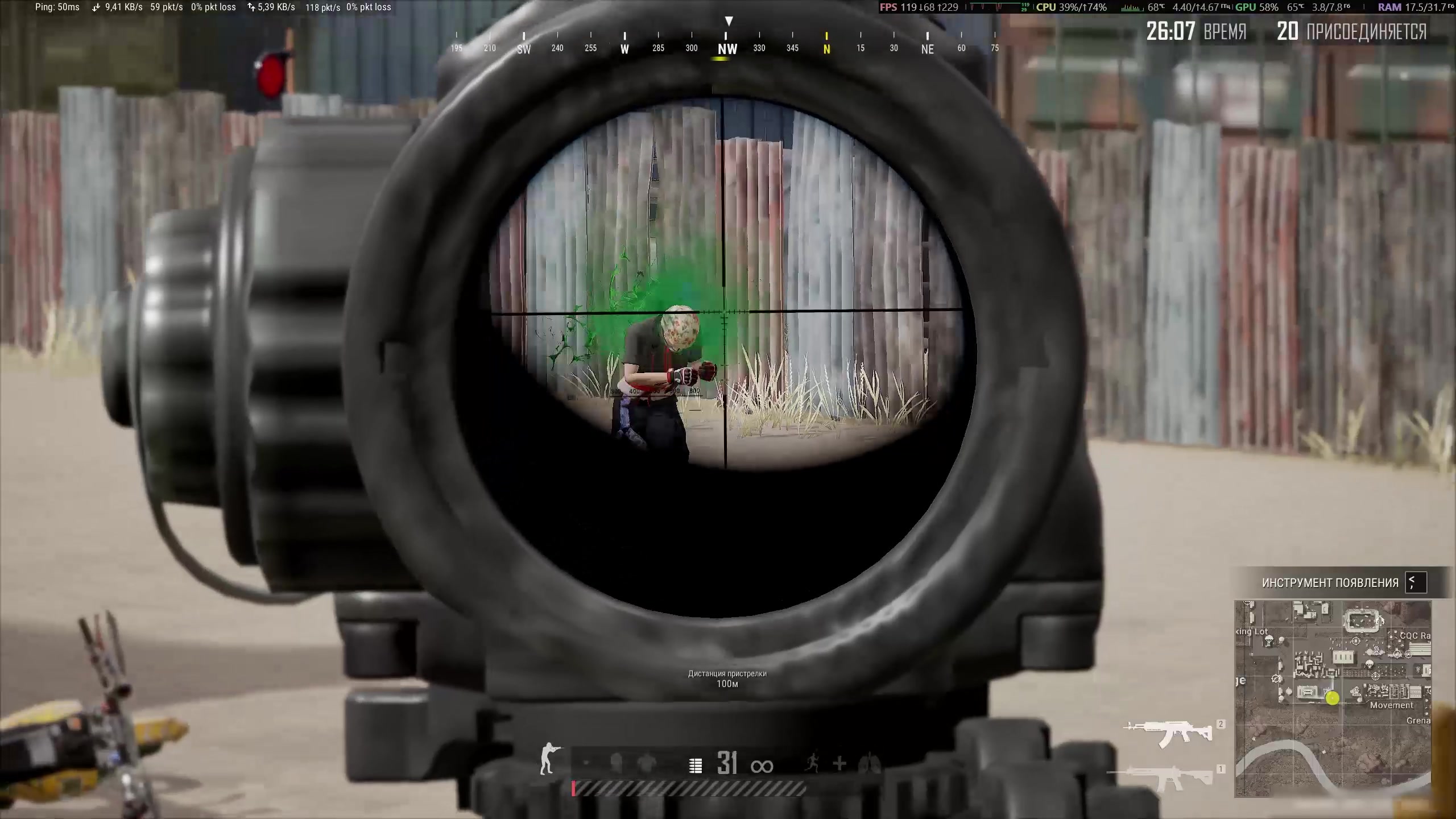
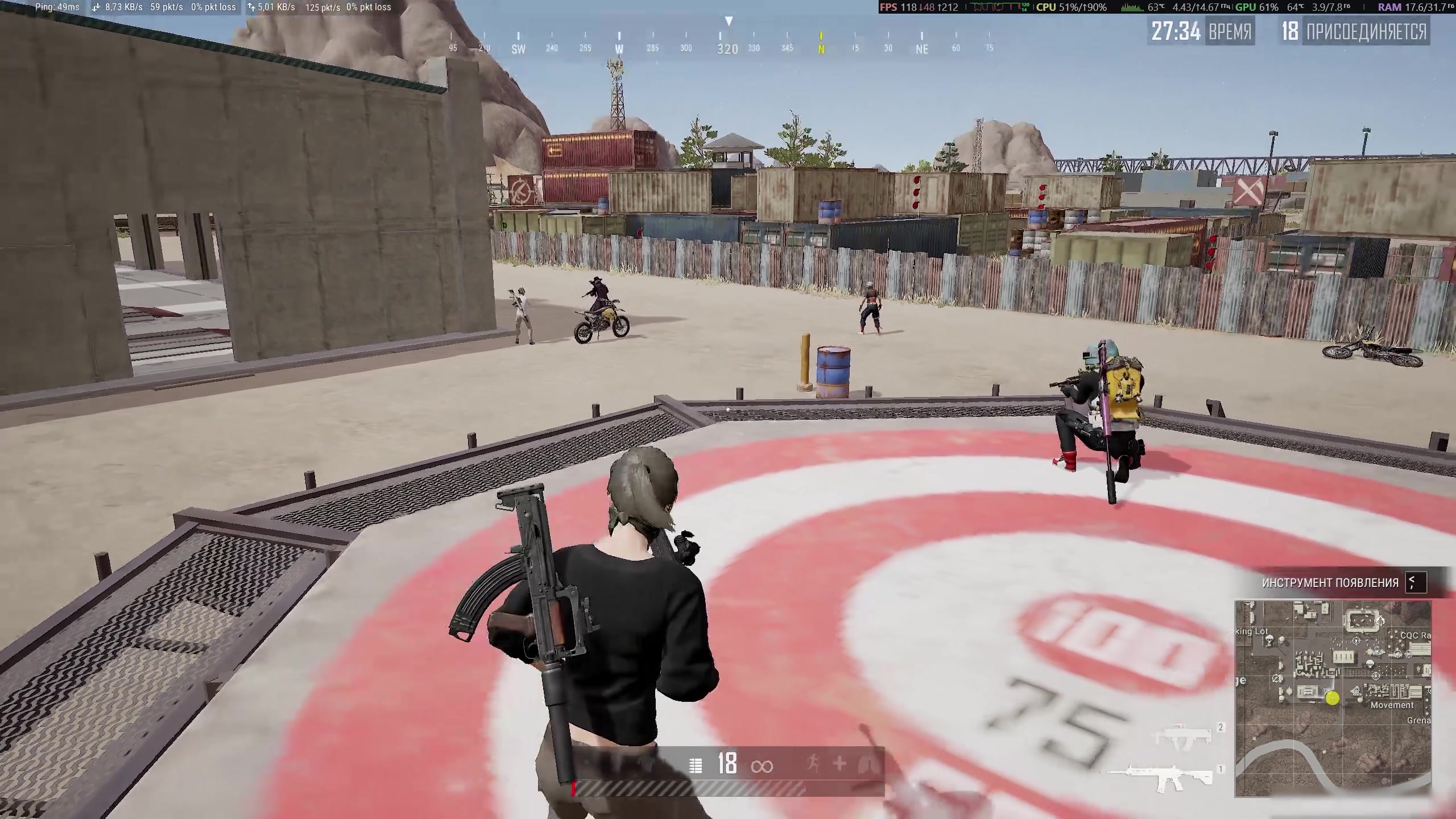
Macros Fsociety Macro for PUBG: Battlegrounds
Macros Fsociety Macro for PUBG: Battlegrounds — hotkeys, recoil controls and configuration profiles. Client: Steam.

Compatibility
- operating systems
- Windows 10 — any build; Windows 11 x64 — 24H2 / 25H2, up to and including build 26200.8037
- game clients
- Steam
- processors
- Intel / AMD
- game mode
- Windowed / Borderless
- usb flash drive
- Not required
- not supported
- Windows 11 builds newer than 26200.8037
Features
Recoil Compensation
- Automatically accounts for the weapon, scope, attachments and stance
- Strength — compensation from 0 to 100% (default: 100%)
- Randomize — randomized mouse movement from 0 to 10 (default: 0)
- Opening Pull — start-of-burst adjustment while both mouse buttons are held with an automatic weapon
Sensitivity & Configuration
- Reads PUBG sensitivity values automatically at every launch
- Restart the game and the software after changing sensitivity
- F4 resets all settings; F10 saves the current configuration
Hotkeys
- F3 — enable or disable the macro
- F5 / F6 — increase or decrease Strength by 5
- F7 / F8 — increase or decrease Randomize by 1
- F9 — enable or disable Opening Pull
- End — unload the macro