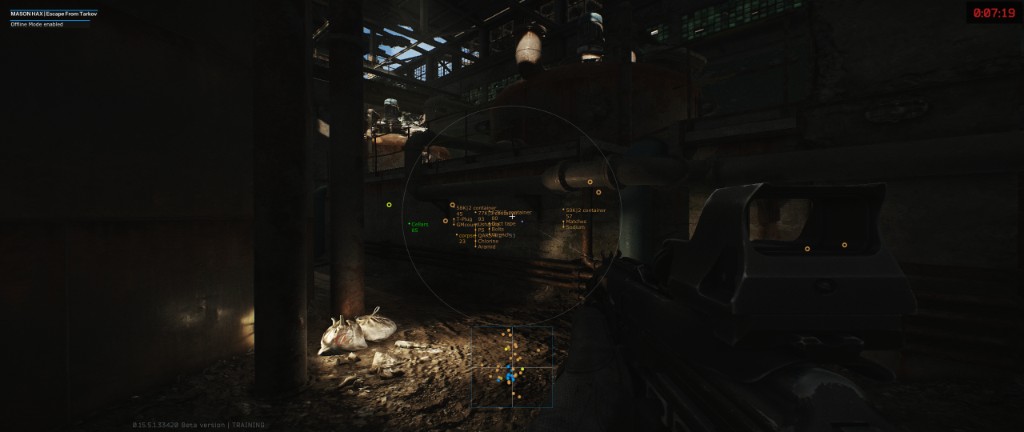
Buy private cheat Mason for Escape from Tarkov
Private cheat Mason for Escape from Tarkov — extraction display, aiming controls and target selection radius. Also included: silent aiming and player names.
Compatibility
- Supported game version
- Steam / Battlestate Games Launcher
- Supported game mode
- Fullscreen in window
- supported anti-cheats
- BattleEye
- Supported Windows versions
- 10&11x64, versions (2004 / 20H2 / 21H1 / 21H2 / 22H2 / 23H2 / 24H2 / 25H2 / 26H1). Check your build version using the instructions HERE
- Supported processors
- Intel and AMD
- Exclusion from video and screenshots
- Yes
- BIOS boot mode
- UEFI. Check which format is used in your system using the instructions HERE
- System disk boot record format
- GPT. Check which format is used in your system using the instructions HERE
- Additional requirements
- Enable VT-x / VT-d (Virtualization) / Enable Hyper-V / Disable Secure Boot
- built-in hwid spoofer
- Yes (in some cases HWID Spoofer may not work, so its operation is optional and not guaranteed 100%)
Features
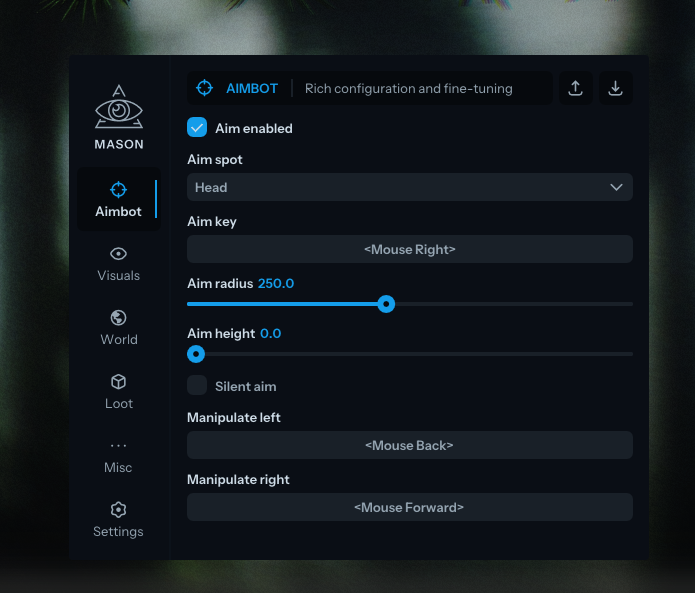
Aimbot
- Aim enable / Enable aimbot
- Aim spot / Select body part for aimbot targeting
- Aim key / Set aimbot activation key (hold to activate)
- Aim radius / Set aimbot working radius
- Aim height / Adjust aimbot targeting height
- Silent aim / Enable silent aim
- Manipulate left & right / Shift the shot point (e.g. behind a wall)
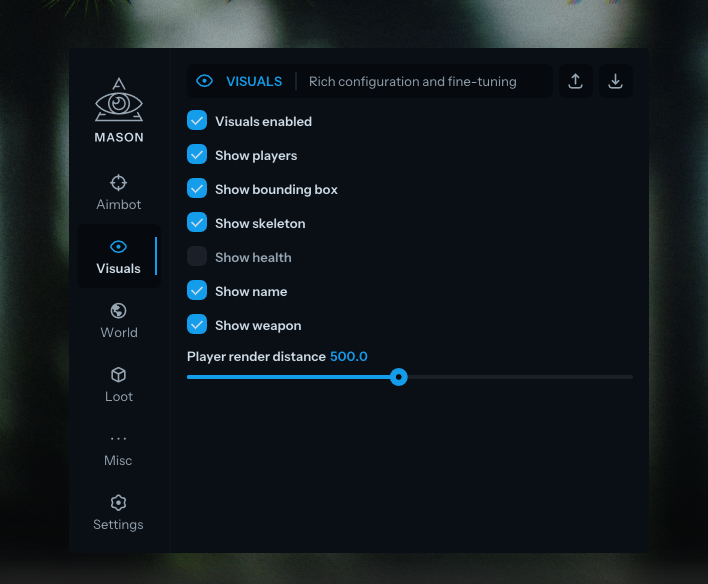
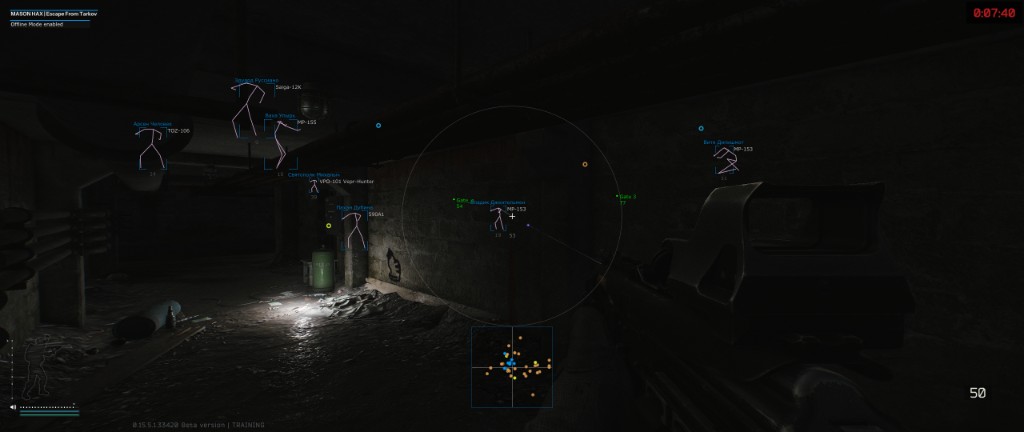
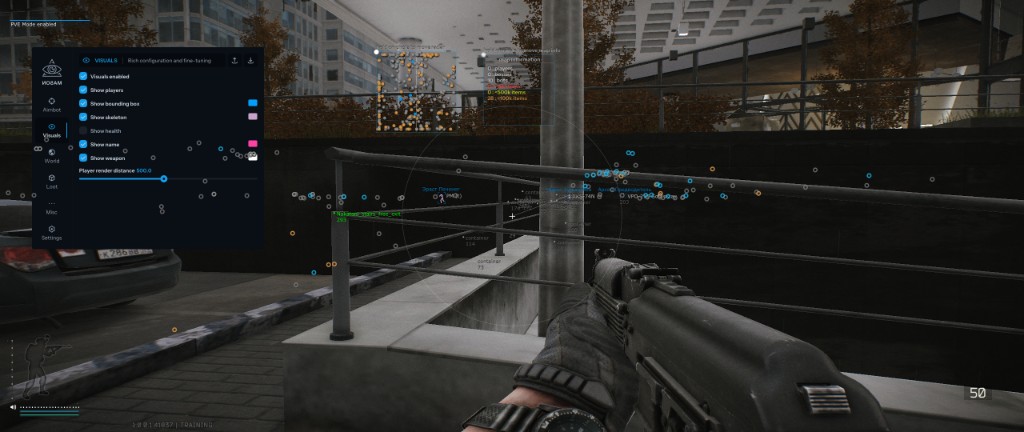
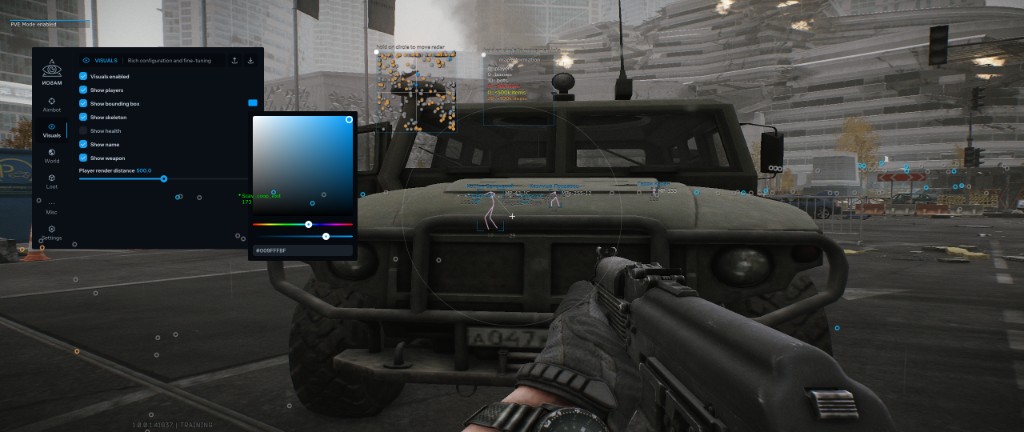
Visuals
- Visuals enable / Enable visual features
- Show players / Display players
- Show bounding box / Display 2D boxes
- Show skeleton / Display skeleton
- Show health / Display health level
- Show name / Display names
- Show weapon / Display weapons
- Player render distance / Set player display distance
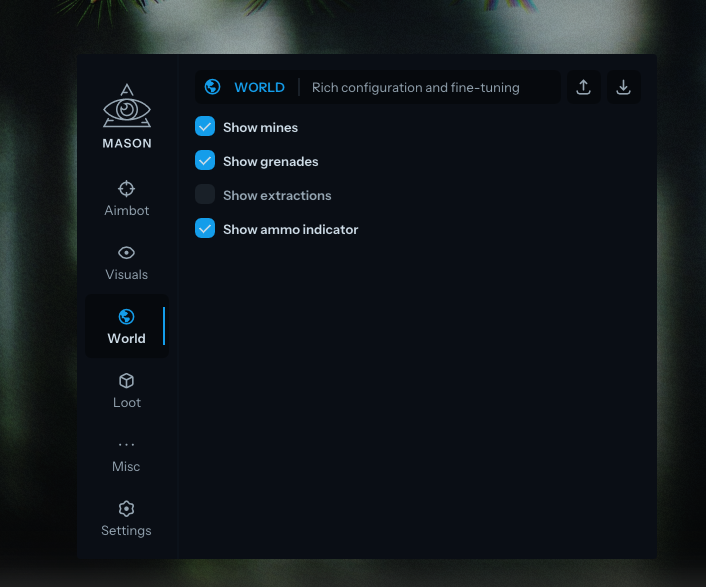
World
- Show mines / Display mines
- Show grenades / Display grenades
- Show extractions / Display extractions
- Show ammo indicator / Display ammo indicator
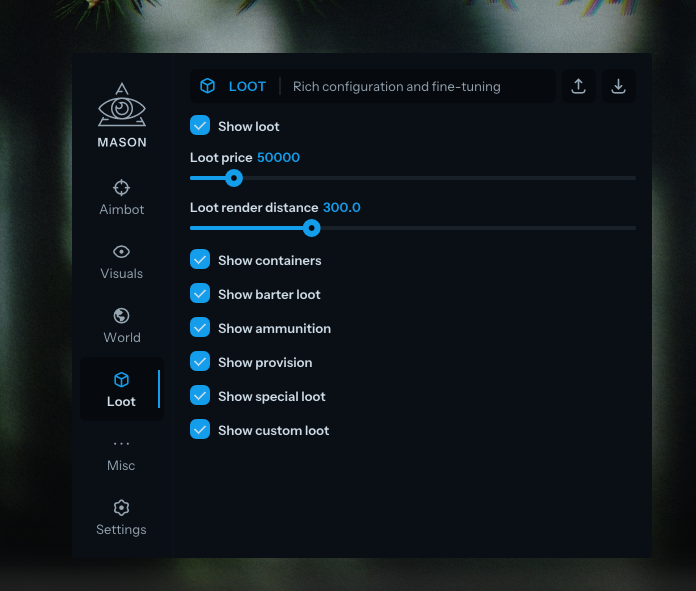
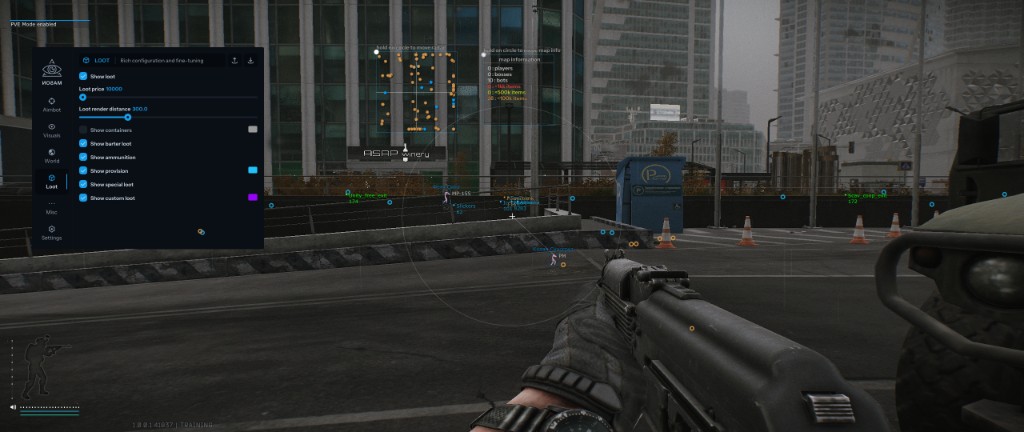
Loot ESP
- Show loot / Display items
- Loot price / Set displayed items price threshold
- Loot render distance / Set items display distance
- Show containers / Display containers
- Show barter loot / Display barter items
- Show ammunition / Display ammunition
- Show provision / Display provisions
- Show special loot / Display special loot
- Show custom loot / Display custom items (custom item filter)
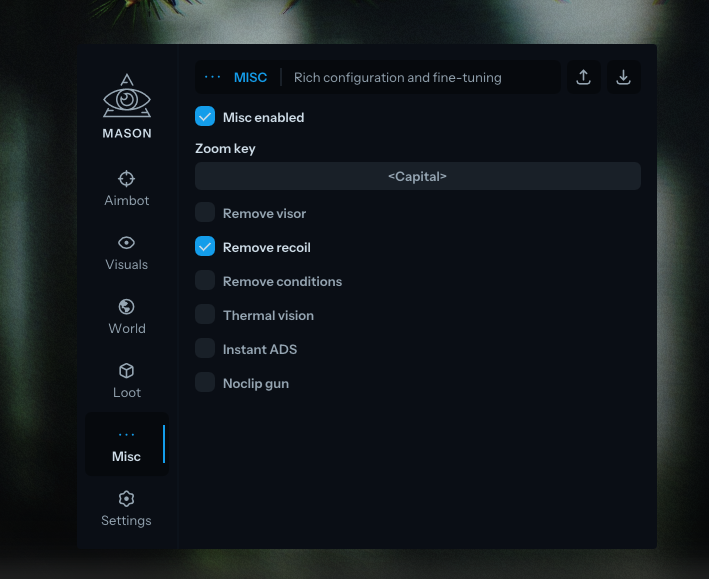
Misc
- Misc enable / Enable additional features
- Zoom key / Zoom activation key (works like binoculars)
- Remove visor / Disable visor
- Remove recoil / Disable weapon recoil
- Remove conditions / Disable conditions (headache, broken legs, etc.)
- Thermal vision / Enable thermal vision
- Instant ADS / Instant aiming down sights
- Noclip gun / Gun barrel passes through walls
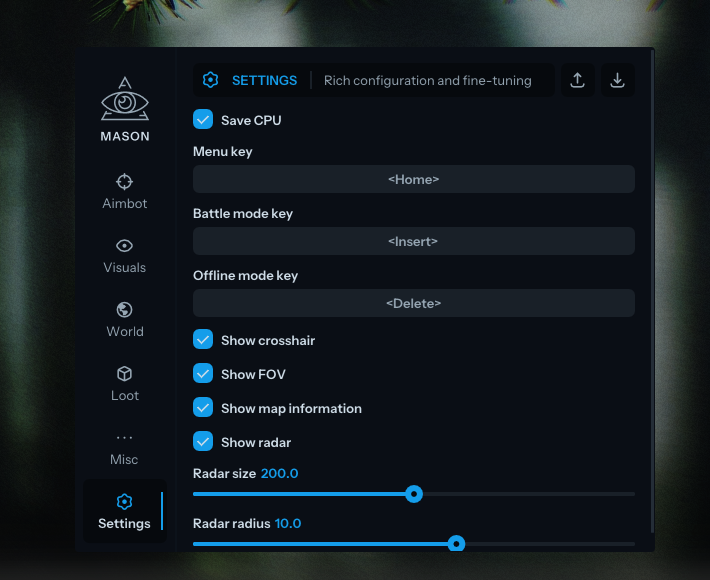
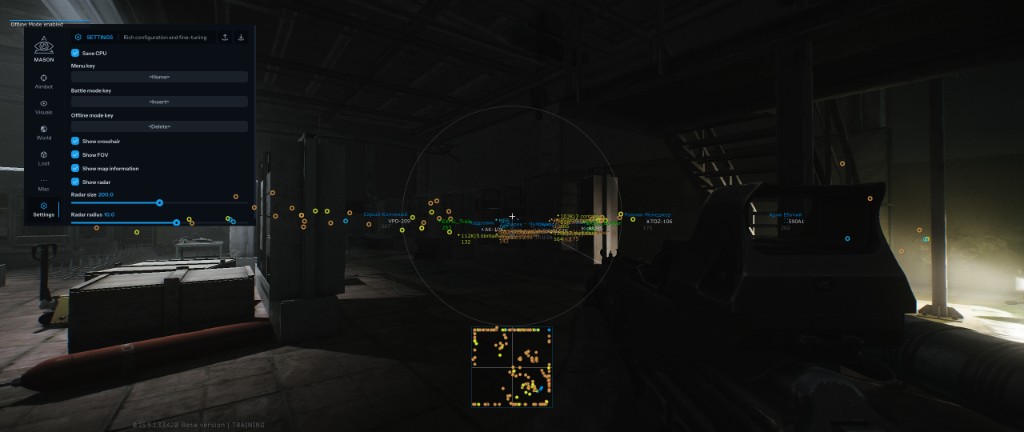
Settings
- Save CPU / Save cheat resource usage
- Menu key / Menu activation key (default: Home)
- Battle mode key / Battle mode key (disables extra visual features)
- Offline mode key / Offline mode activation key
- Show crosshair / Display crosshair in center of screen
- Show FOV / Display FOV circle (aimbot radius)
- Show map information / Display map information
- Show radar / Display radar
- Radar size / Set radar size, Radar radius / Set radar working radius
Setup and launch
Check the launch procedure for this exact edition before activating the key.
Open launch guideGallery and videos
Open an image to explore the details