Recommended
Buy private cheat Mason Full for Rust
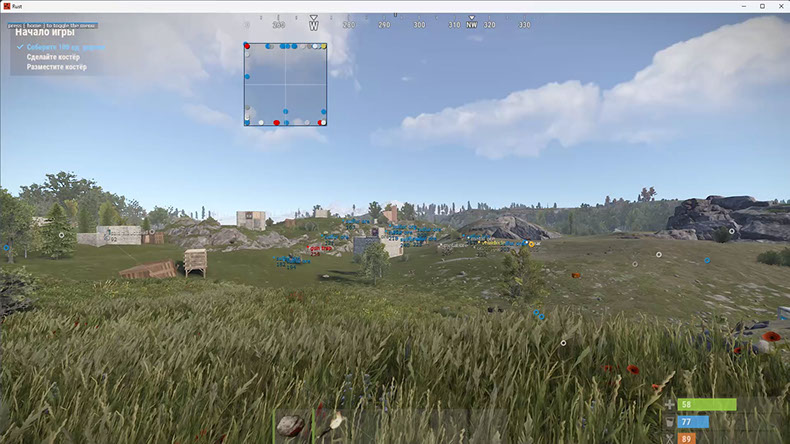
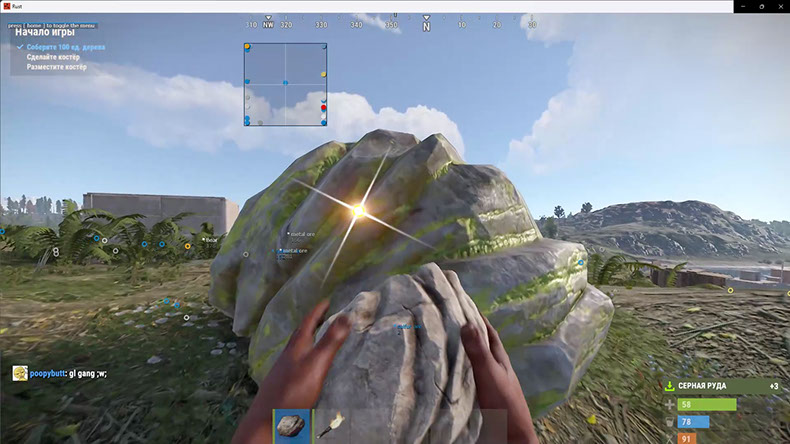
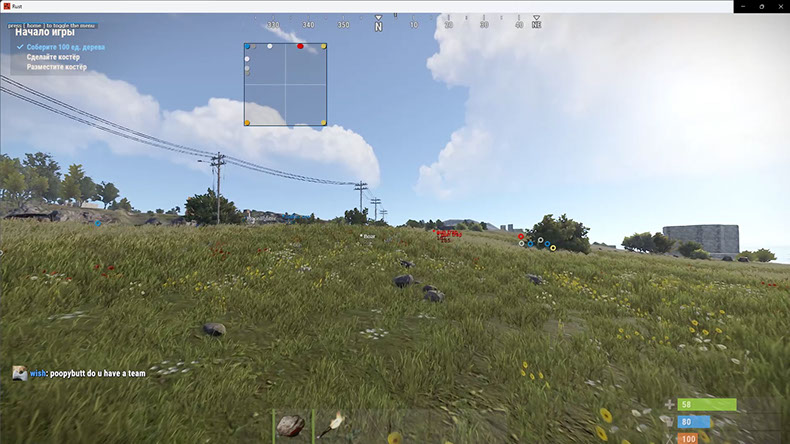
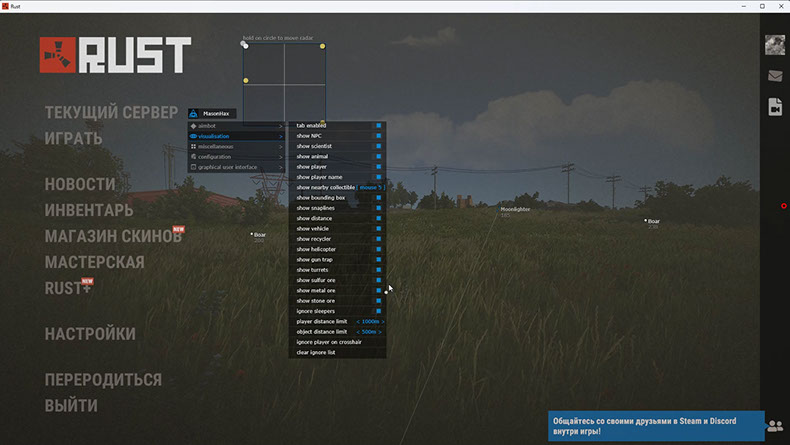
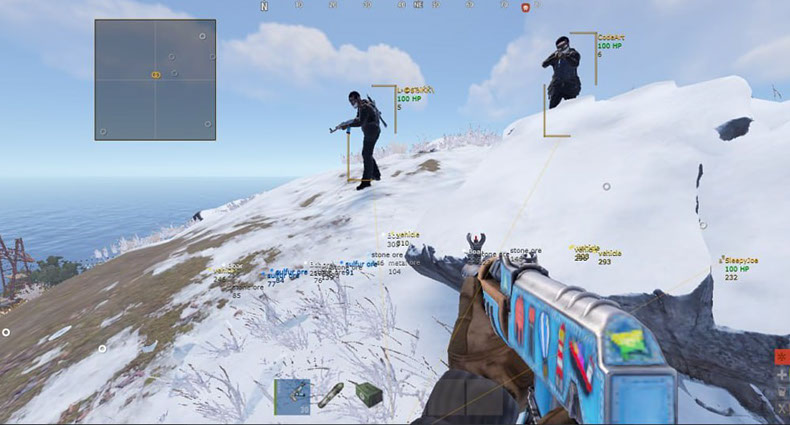
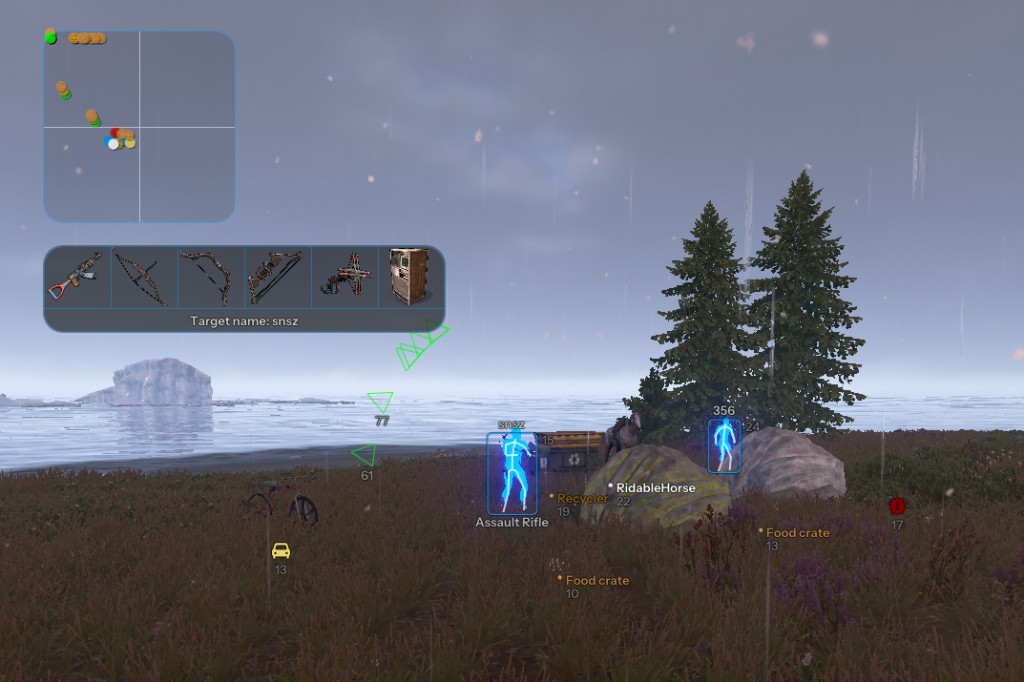
Private cheat Mason Full for Rust — resource display, aiming controls and trajectory display. Also included: hotkeys and silent aiming. Client: Steam.
Compatibility
- Supported game version
- Steam
- Supported game mode
- Windowed / Fullscreen in window
- Supported Windows versions
- 10 & 11 x64, versions (2004 / 20H2 / 21H1 / 21H2 / 22H2 / 23H2 / 24H2 / 25H2 / 26H1), check your build using the instructions HERE . Optional support for Windows 11 version 24H2, functionality is not guaranteed
- supported anti-cheats
- Easy Anti-Cheat
- Supported processors
- Intel and AMD
- Exclusion from video and screenshots
- Yes
- BIOS boot mode
- UEFI. Check using the instructions HERE
- System disk boot record format
- GPT. Check using the instructions HERE
- Additional Windows system requirements
- Enable VT-x / VT-d (Virtualization) / Enable Hyper-V / Disable Secure Boot
- USB flash drive required
- Yes
Features
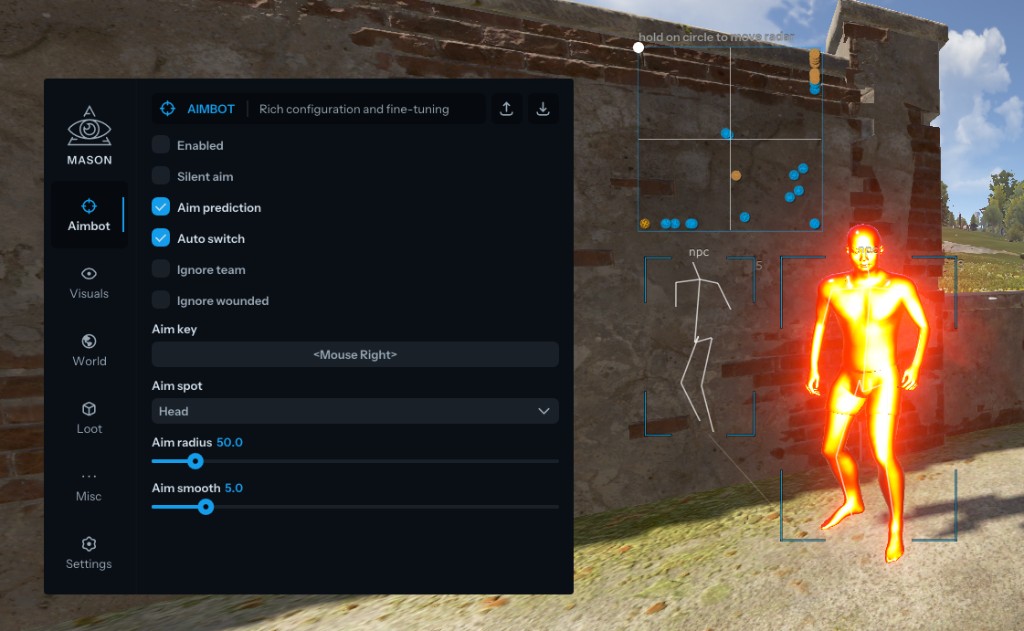
AIMBOT
- VECTOR AIM VERSION IS TEMPORARILY OUT OF SERVICE / SILENT VERSION IS FUNCTIONAL
- When aimbot is activated, target display is automatically enabled
- Tab enabled / Enable aimbot
- Silent Aim / Hit targets without aiming directly at them
- Aim prediction / Enable prediction for aimbot
- Auto switch / Auto-switch to next target within radius
- Aim key / Key to activate aimbot (hold to use)
- Aim spot / Select body part for aim target
- Aim radius / Set aimbot working radius
- Ignore team / Ignore allies
- Ignore wounded / Ignore wounded players
- Aim smooth / Aiming smoothness (LOW SMOOTH = ban risk)
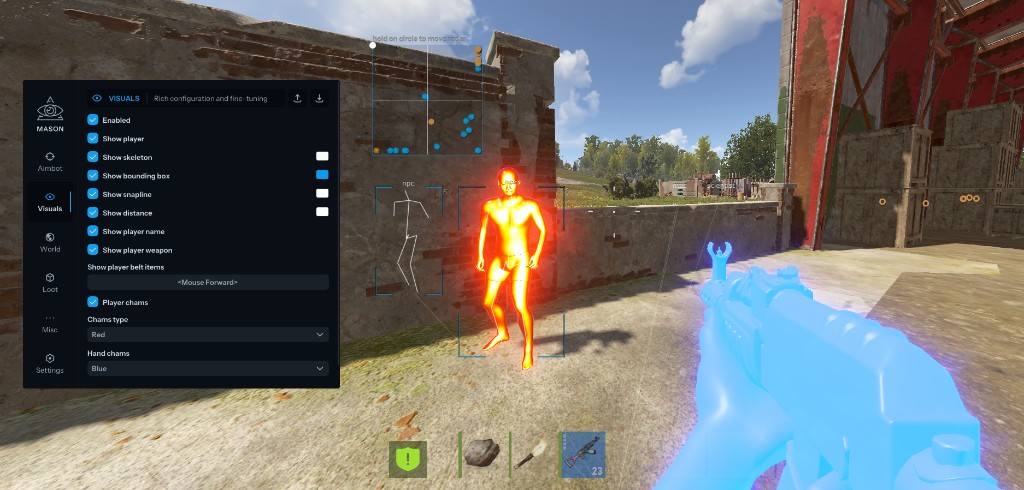
PLAYERS ESP
- Tab enable / Enable ESP
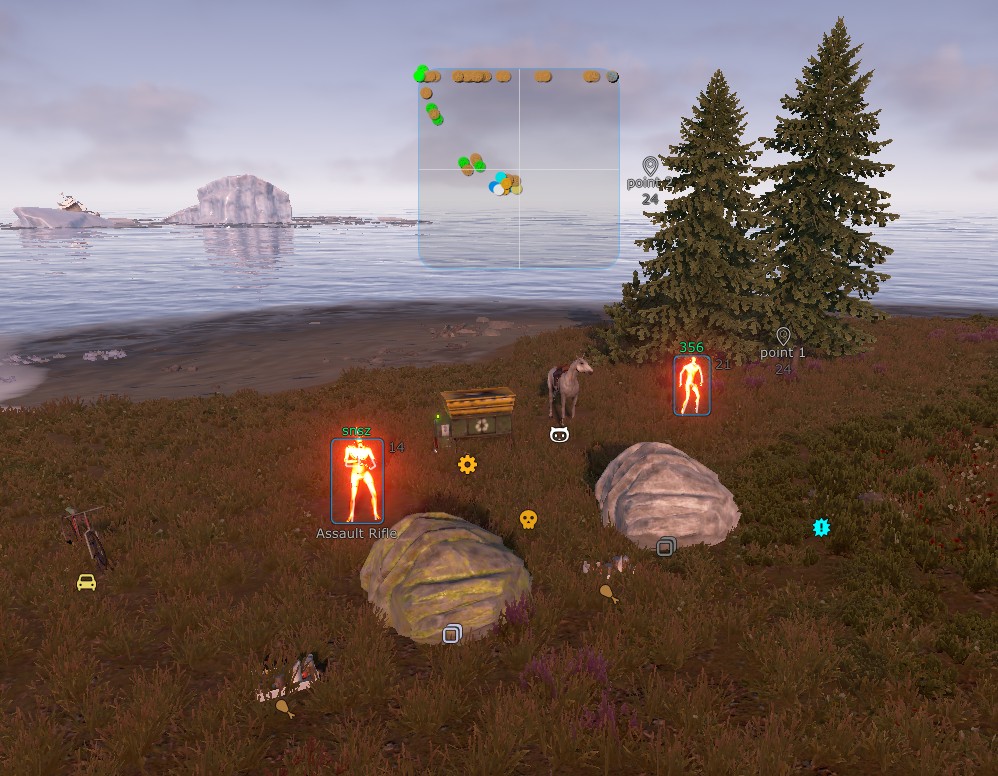
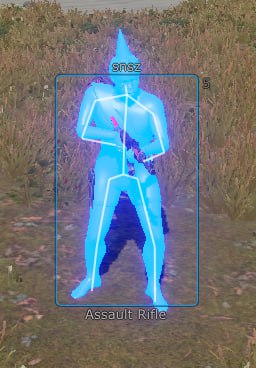
- Show bounding box / 2D boxes around players
- Show snapline / Lines to players
- Show distance / Distance to players
- Show player name / Player names
- Show player weapon / Player weapons
- Show player belt items / Player belt items
- Ignore sleepers / Ignore sleeping players
- Players distance limit / Player display distance
- Show skeleton / Player skeletons
- Show out of FOV players / Arrows for enemies behind you
- Show dormant / Last known player position without client data
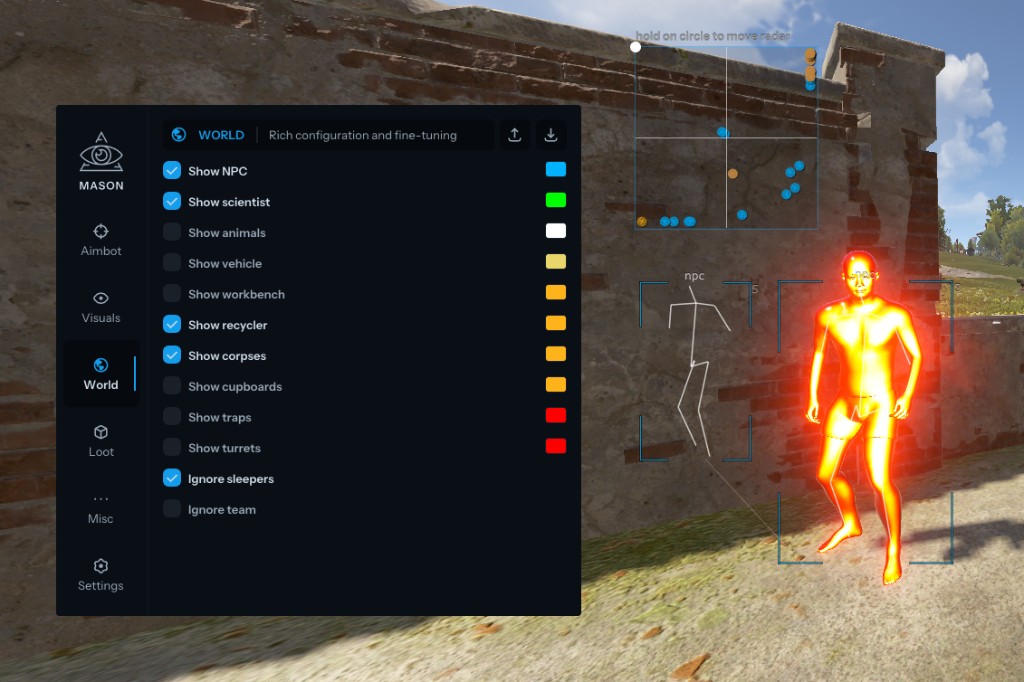
WORLD ESP
- Show NPC / NPCs
- Show scientist / Scientists
- Show animals / Animals
- Show vehicle / Vehicles and their names
- Show copters / Copters
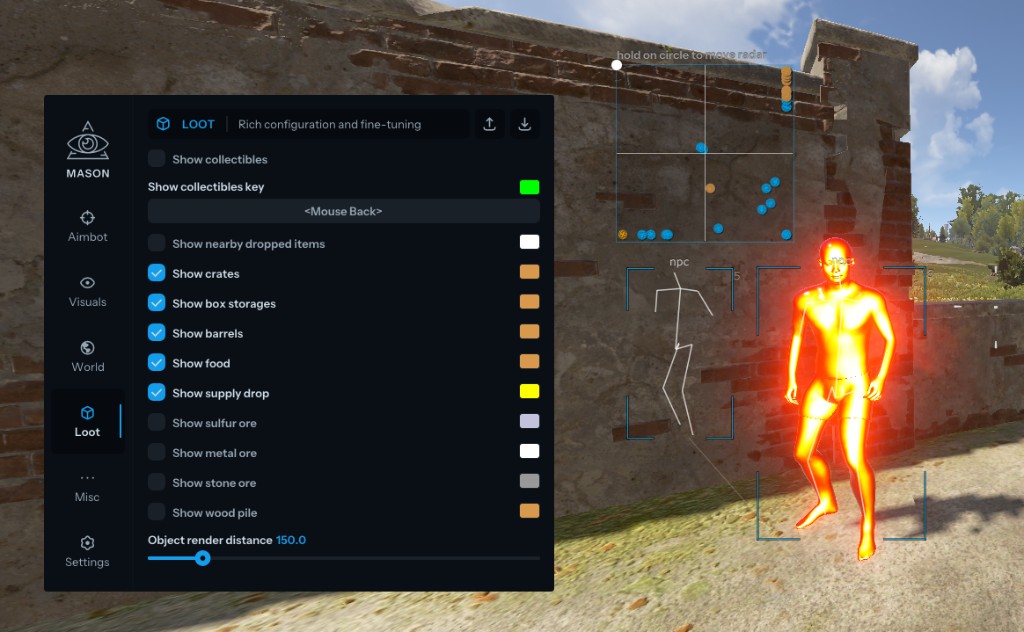
- Show crates / Crates
- Show cupboards / Cupboards
- Show food / Food
- Show supply drop / Airdrops
- Show traps / Traps
- Show turrets / Turrets
- Show recycler / Recyclers
- Show workbench / Workbenches
- Show nearby collectible / Nearby collectible items
- Show nearby dropped items / Dropped items nearby
- Object distance limit / Object display distance
RESOURCES ESP
- Show sulfur ore / Sulfur ore
- Show metal ore / Metal ore
- Show stone ore / Stone ore
- Show wood pile / Wood piles
CHAMS
- Chams Type / Chams for visible enemies: Pink, Blue, Green, Red. Hidden enemies displayed as White
- Show bullet tracers / Bullet trajectories
MISCELLANEOUS
- Tab enable / Enable additional features
- Full bright / See at night as in daytime
- Instant Eoka / Instant Eoka firing
- Camera Zoom / Zoom camera by key press
- Remove constructions / See through walls
- Custom sky color / Change sky color
- FOV Changer / Change game FOV
CONFIGURATION
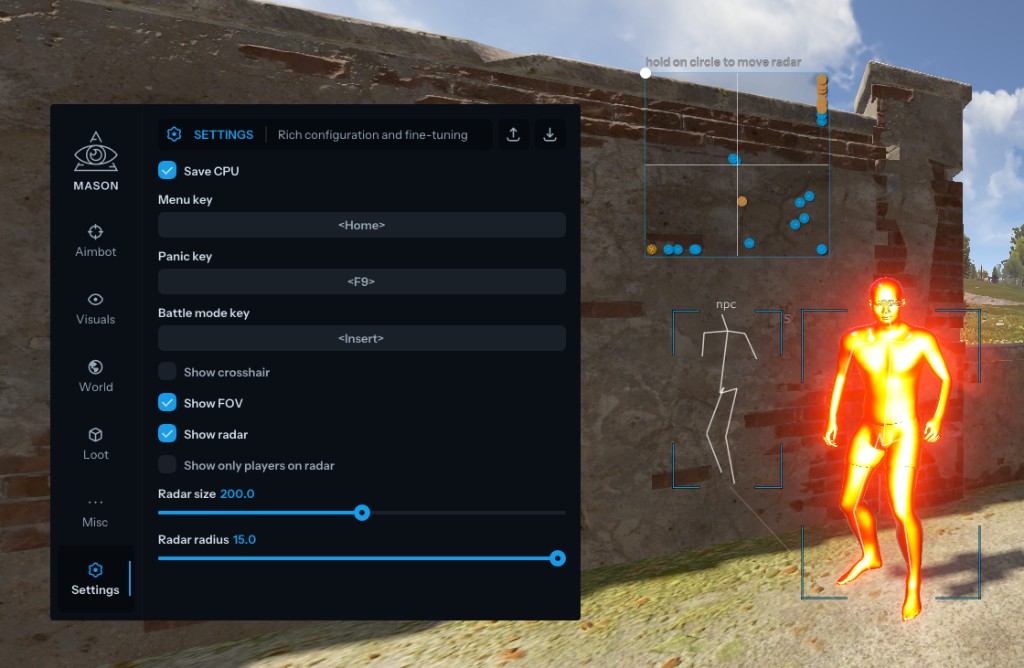
- Save cpu / Save CPU resources
- Menu key / Key to toggle cheat menu
- Panic key / Emergency cheat shutdown
- Battle mode key / Player-only display mode
- Load config from clipboard / Load config from clipboard
- Save config to clipboard / Save config to clipboard
- Visuals font size / Font size for visuals
GUI / RADAR
- Show aim radius / Aimbot radius on screen
- Show crosshair / Crosshair in center of screen
- Show radar / Radar display
- Radar size / Radar size
- Radar radius / Radar working radius
Notes
- * The functionality of the program may be changed at any time at the discretion of the developer, but we always strive to keep the information up to date.
Setup and launch
Check the launch procedure for this exact edition before activating the key.
Open launch guideGallery and videos
Open an image to explore the details