Buy private cheat MASON Void WARDOGS
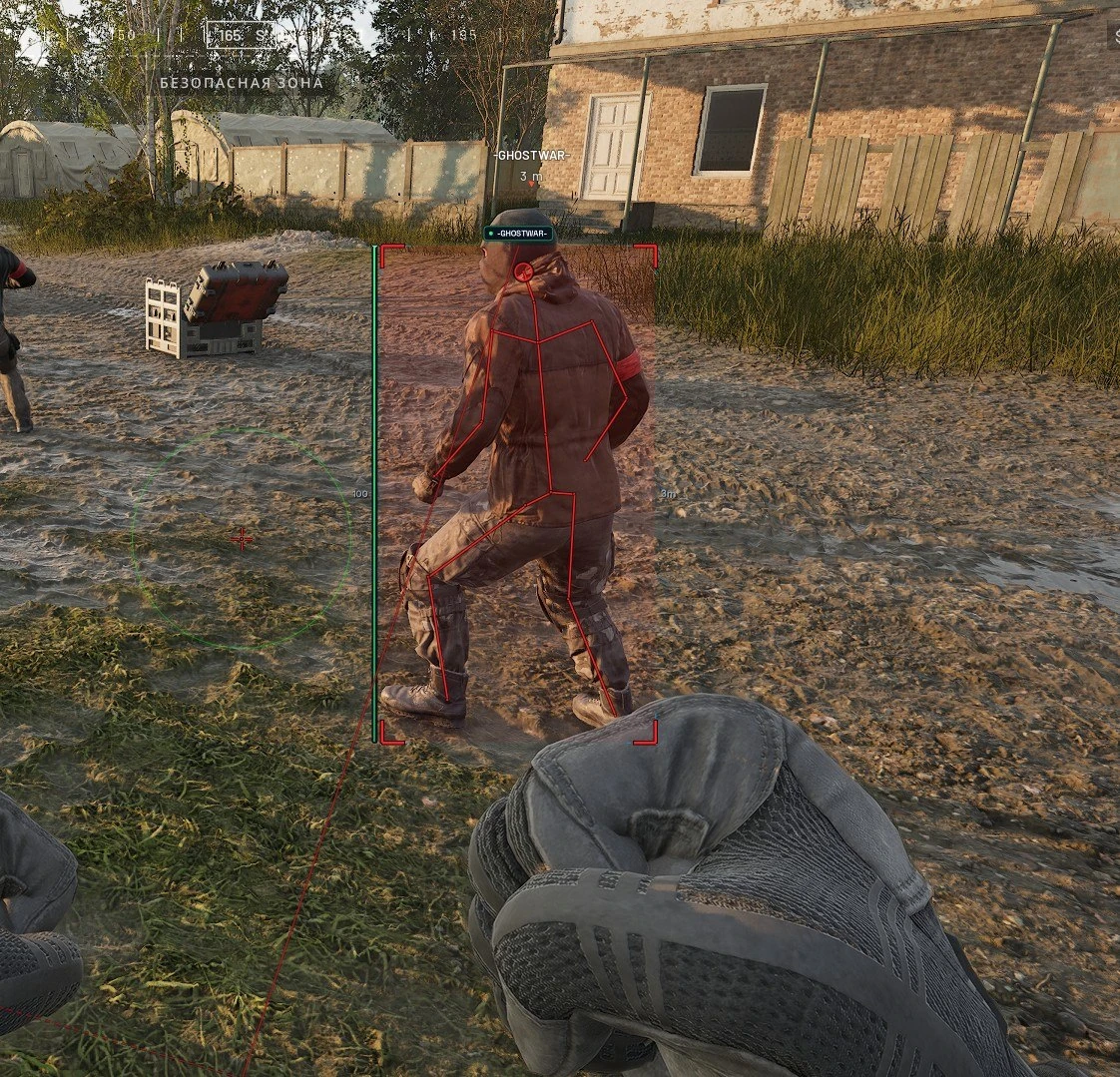
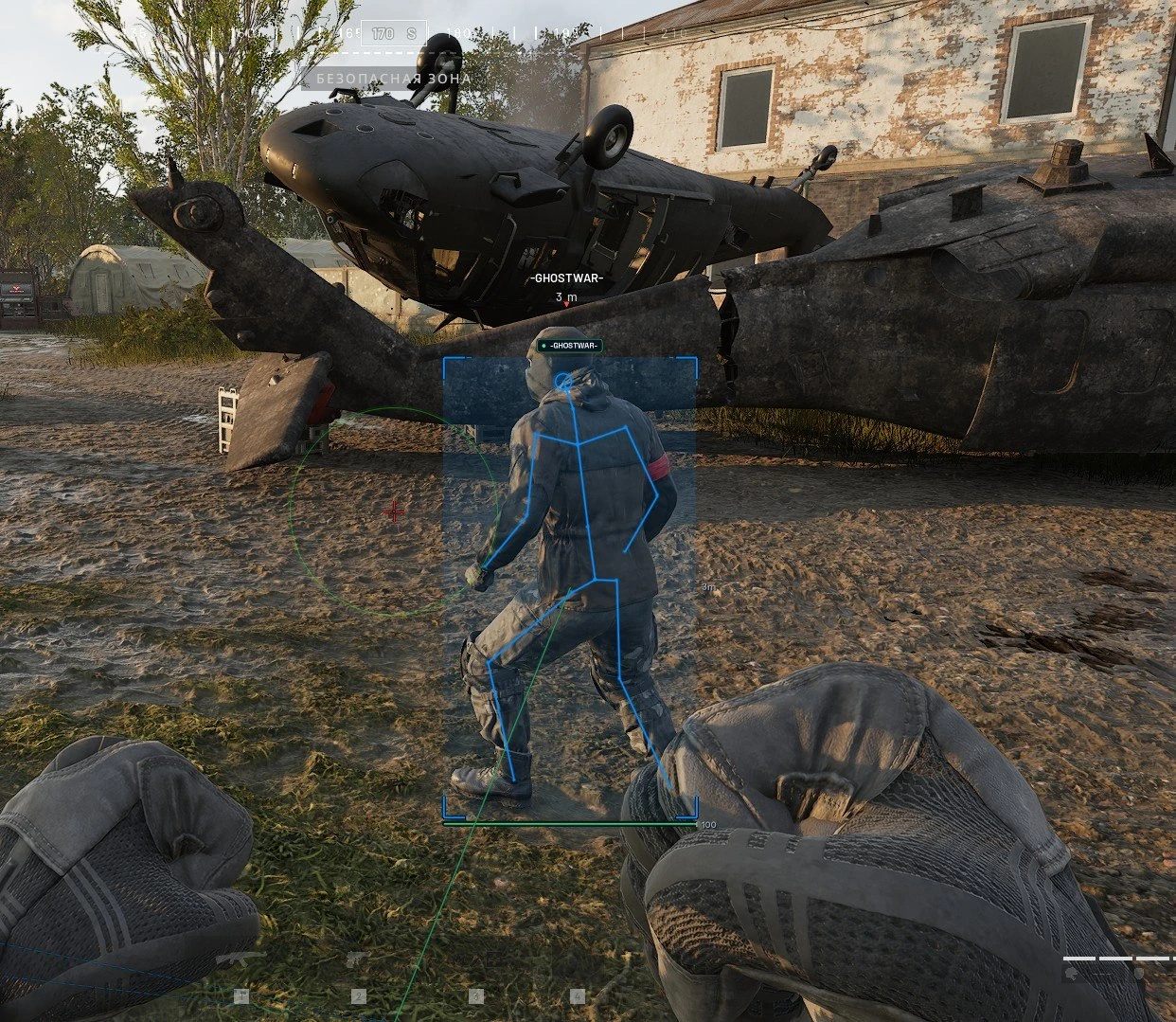
Private cheat MASON Void WARDOGS — team filters, aiming controls and NPC display. Also included: aim point selection and target selection radius. Client: Steam.
Compatibility
- supported game version
- Steam
- game mode
- Windowed mode
- os
- Windows 10: 2004 (19041), 20H2 (19042), 21H1 (19043), 21H2 (19044), 22H2 (19045); Windows 11: 21H2 (22000), 22H2 (22621), 23H2 (22631)
- anti cheats
- In-game
- processors
- Intel and AMD
- support for invisibility on videos or screenshots
- Yes
- usb flash required
- No
Features
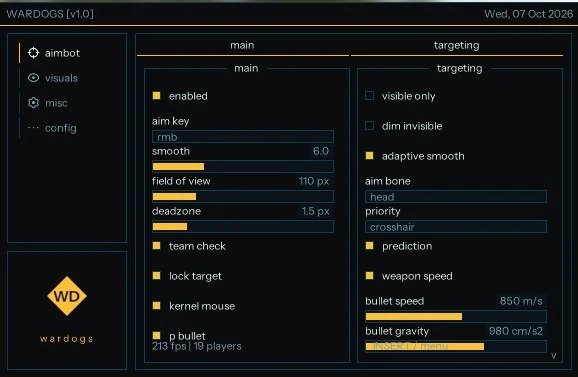
Aimbot basics
- Enable Aimbot (Enabled)
- Aim activation key (Aim Key)
- Aim smoothing (Smooth)
- Aiming field-of-view radius (Field of View)
- Aiming deadzone (Deadzone)
- Team check to ignore teammates (Team Check)
- Lock the selected target (Lock Target)
- Kernel mouse-movement emulation (Kernel Mouse)
- P Bullet mode (P Bullet)
Targeting and bullet settings
- Aim at visible targets only (Visible Only)
- Dim invisible targets (Dim Invisible)
- Adaptive aim smoothing (Adaptive Smooth)
- Select the body part to aim at (Aim Bone)
- Target selection priority (Priority)
- Aim redirection (Redirection)
- Account for weapon speed (Weapon Speed)
- Bullet speed (Bullet Speed)
- Bullet gravity (Bullet Gravity)
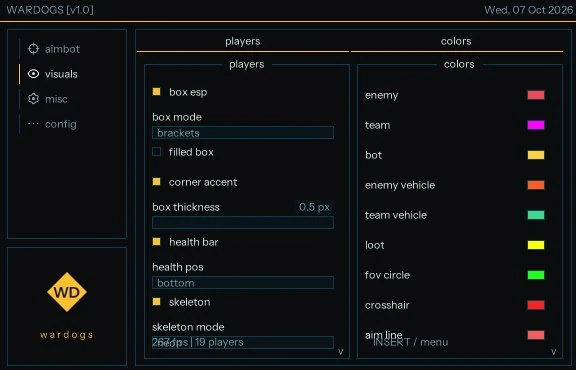
Player boxes
- Player ESP boxes (Box ESP)
- Box display mode (Box Mode)
- Bracket-style boxes (Brackets)
- Filled boxes (Filled Box)
- Accentuated box corners (Corner Accent)
- Box line thickness (Box Thickness)
Health and skeletons
- Health bar (Health Bar)
- Health bar position (Health Pos)
- Player skeletons (Skeleton)
- Skeleton display mode (Skeleton Mode)
Visual colours
- Enemy colour (Enemy)
- Teammate colour (Team)
- Bot colour (Bot)
- Enemy vehicle colour (Enemy Vehicle)
- Team vehicle colour (Team Vehicle)
- Loot colour (Loot)
- FOV circle colour (FOV Circle)
- Extra crosshair colour (Crosshair)
- Aim line colour (Aim Line)
Vehicles and occupants
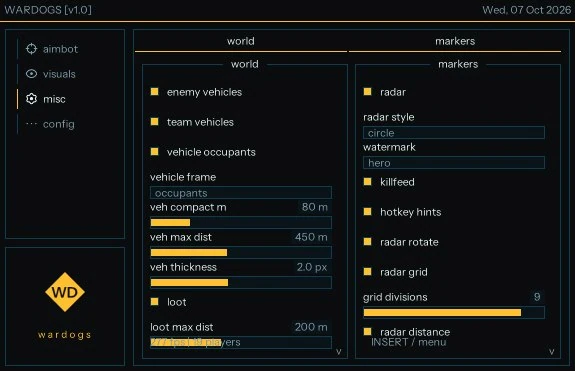
- Display enemy vehicles (Enemy Vehicles)
- Display team vehicles (Team Vehicles)
- Display vehicle occupants (Vehicle Occupants)
- Vehicle information display mode (Vehicle Frame)
- Display occupants (Occupants)
- Compact vehicle display distance (Veh Compact M)
- Maximum vehicle display distance (Veh Max Dist)
- Vehicle ESP element thickness (Veh Thickness)
Loot
- Display loot (Loot)
- Maximum loot display distance (Loot Max Dist)
Radar
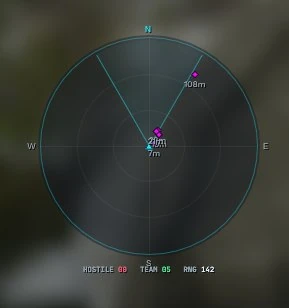
- Enable radar (Radar)
- Radar style (Radar Style)
- Circular radar (Circle)
- Rotate radar with player direction (Radar Rotate)
- Radar grid (Radar Grid)
- Number of grid divisions (Grid Divisions)
- Display distance on radar (Radar Distance)
Markers and interface
- Watermark
- Hero watermark style (Hero)
- Killfeed
- Hotkey hints (Hotkey Hints)
Profiles
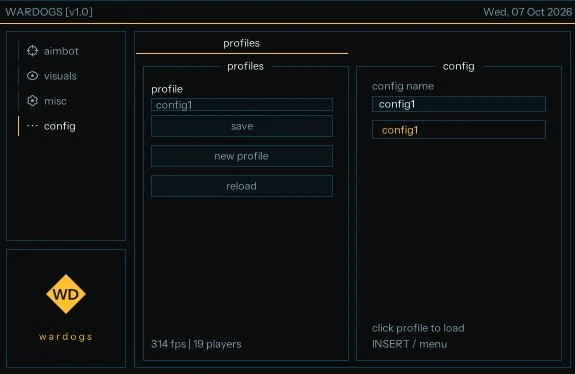
- Profile name (Profile)
- Save profile (Save)
- Create a new profile (New Profile)
- Reload the profile list (Reload)
Configurations
- Configuration name (Config Name)
- Click a profile to load it (Click Profile to Load)
Notes
- The developer may change the program's features at any time.
Setup and launch
Check the launch procedure for this exact edition before activating the key.
Open launch guide