Private cheat Once Crusader for Once Human
Private cheat Once Crusader for Once Human — animal ESP, aiming controls and body display. Also included: container ESP and smoothing controls. OS: Windows 10, Windows 11 (21H2, 22H2, 23H2, 24H2, 25H2). Sales of this edition are currently paused.
Compatibility
- OS
- Windows 10, Windows 11 (21H2, 22H2, 23H2, 24H2, 25H2)
- cpu
- Intel & AMD
- video card
- Nvidia & AMD
- client
- Steam, Epic Games, Loading Bay
Features
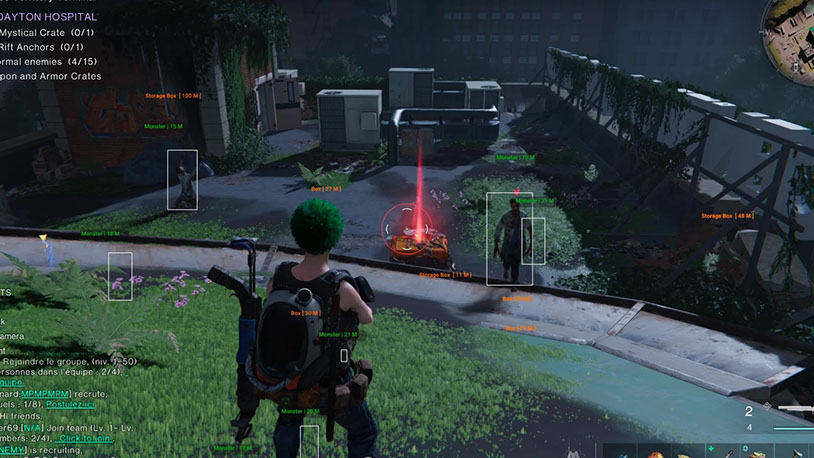
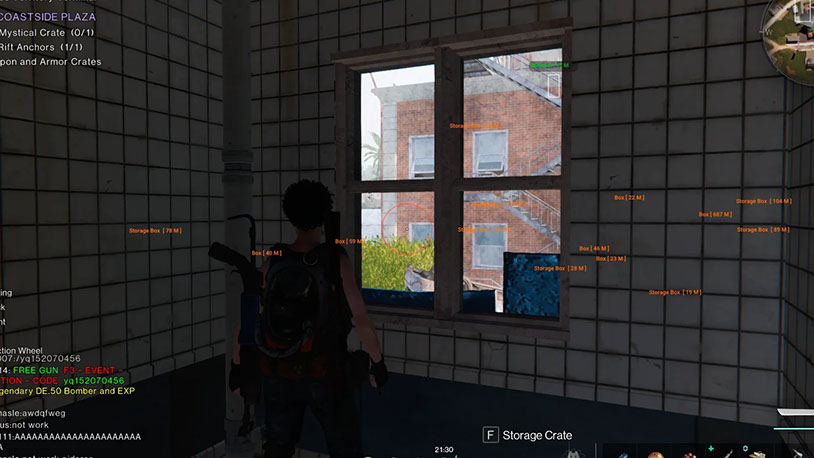
ESP (Wallhack for Once Human)
- Player ESP — wallhack showing players
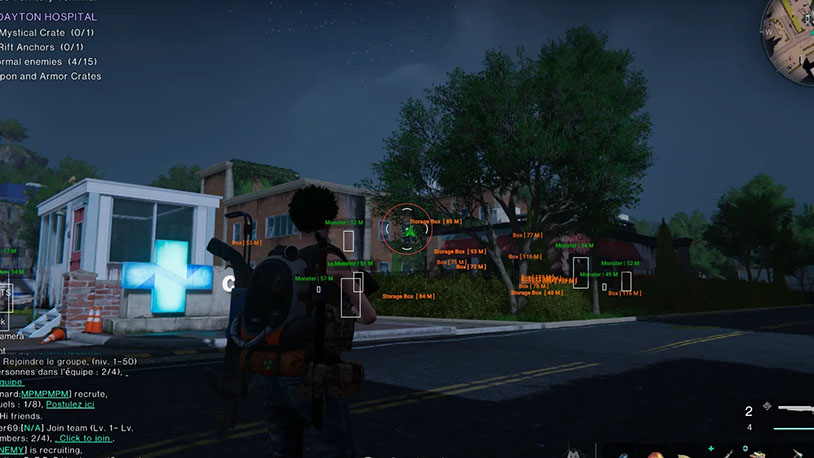
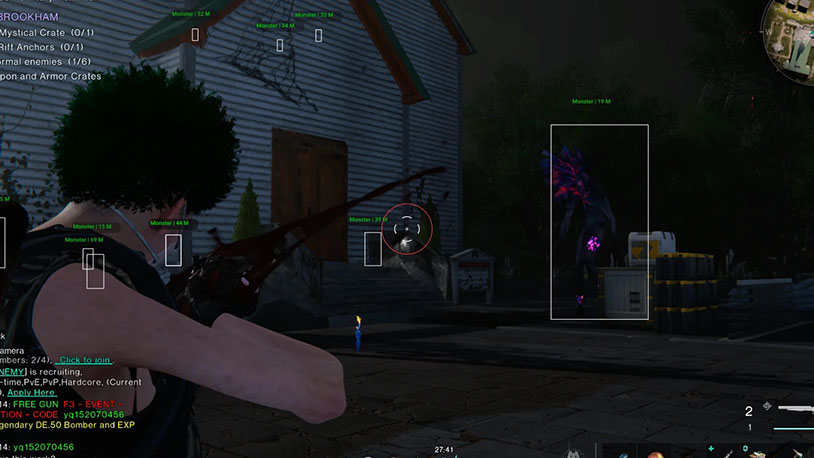
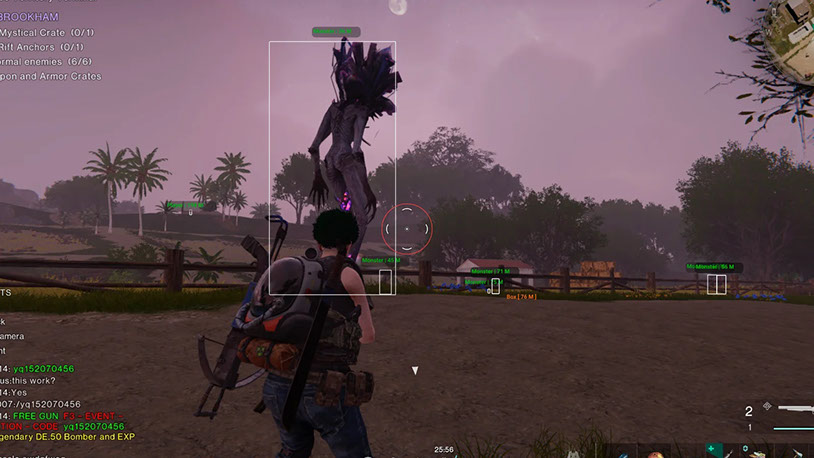
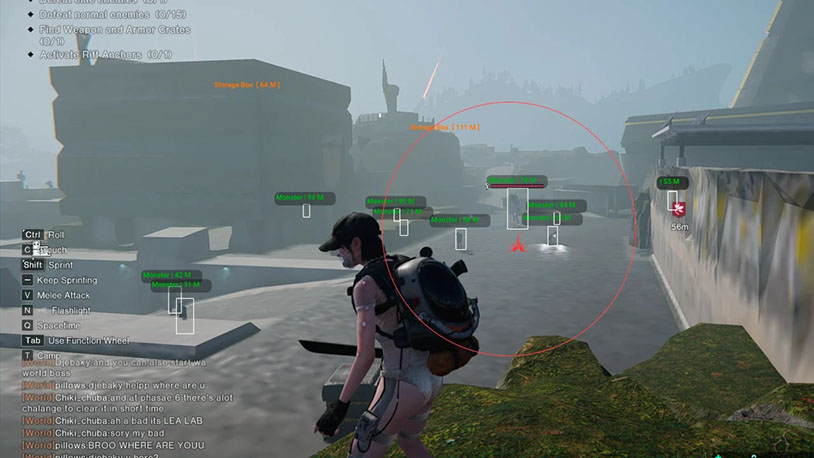
- Monsters ESP — wallhack showing monsters
- Animals ESP — ESP showing animals
- Lines — wallhack displayed as lines
- Distance — show distance to targets
- Player Info — show additional information about players
- Corpses — character corpses
- Boxes — loot boxes
- Storage Boxes — storage boxes
- Unknown Objects — unknown objects
- Maximum ESP Distance — limit ESP operating range
Aimbot (Aim for Once Human)
- Active Aimbot — enable/disable aimbot
- Aimbot Key — key to hold for aimbot activation
- FOV Size — size of the area within which aimbot selects targets
- Draw FOV — display FOV area as a circle around crosshair
- Sensitivity — aimbot movement smoothness, controls aiming speed
- Bone — select body parts the aimbot will aim at
- Mark Target — mark current aimbot target
- Skip Zombies — do not select monsters as aimbot targets
- Crosshair — static crosshair in the center of the screen
Teleport (Teleportation for Once Human)
- Teleport to Boss — teleport to bosses
- Teleport to Silo — teleport to Securement Silos
- Teleport to Town — teleport to any town in the game
- Teleport to Boxes — teleport to boxes visible via ESP
- Teleport to Animals — teleport to animals visible in ESP
- Teleport to Zombies — teleport to monsters
- Teleport to Players — teleport to players
- Teleport to Storage Boxes — TP to storage boxes
- Teleport to Unknown Objects — TP to unknown objects
- Teleport to Corpses — TP to corpses with loot