Buy private cheat Phoenix Rust Full
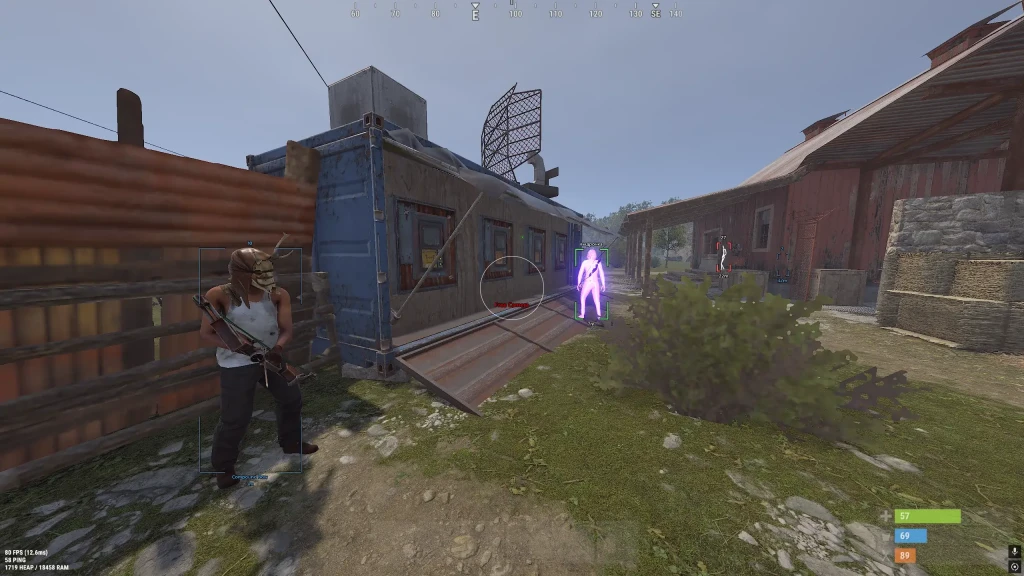
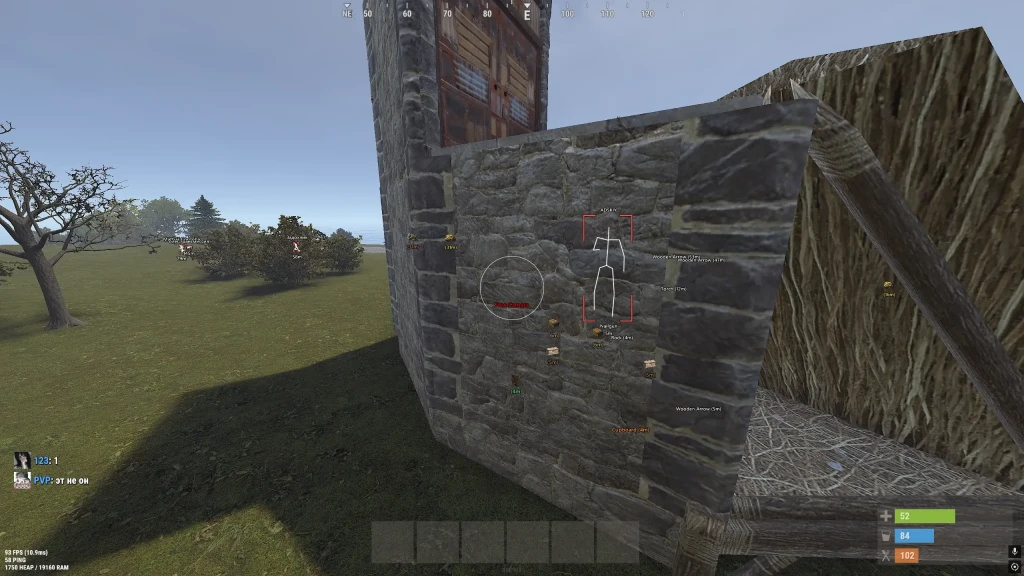
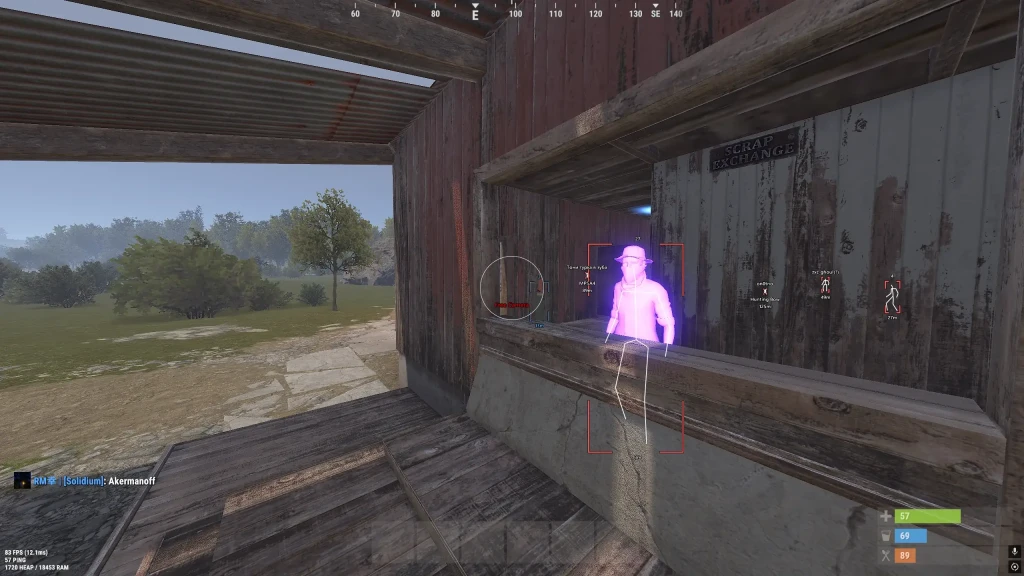
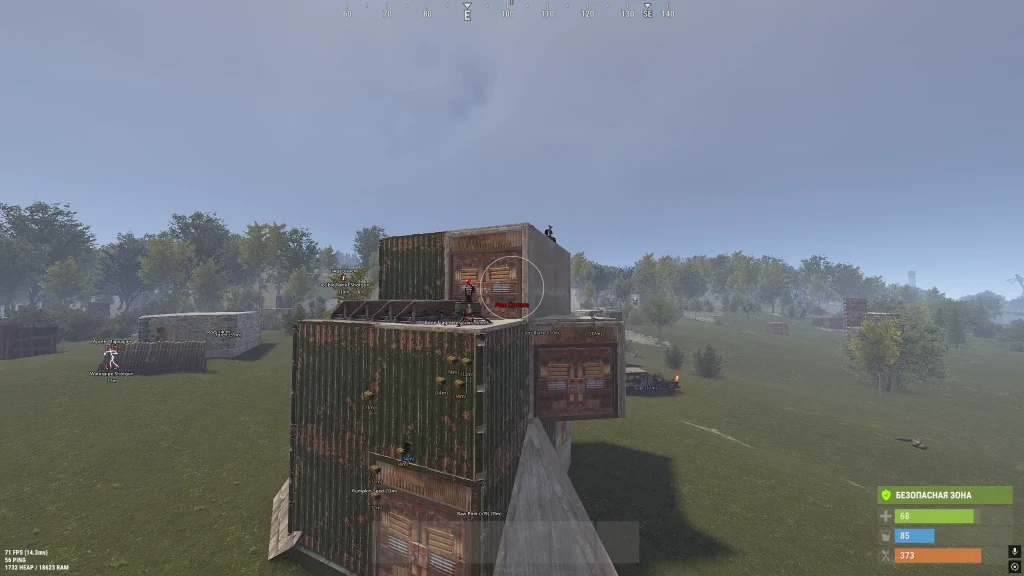
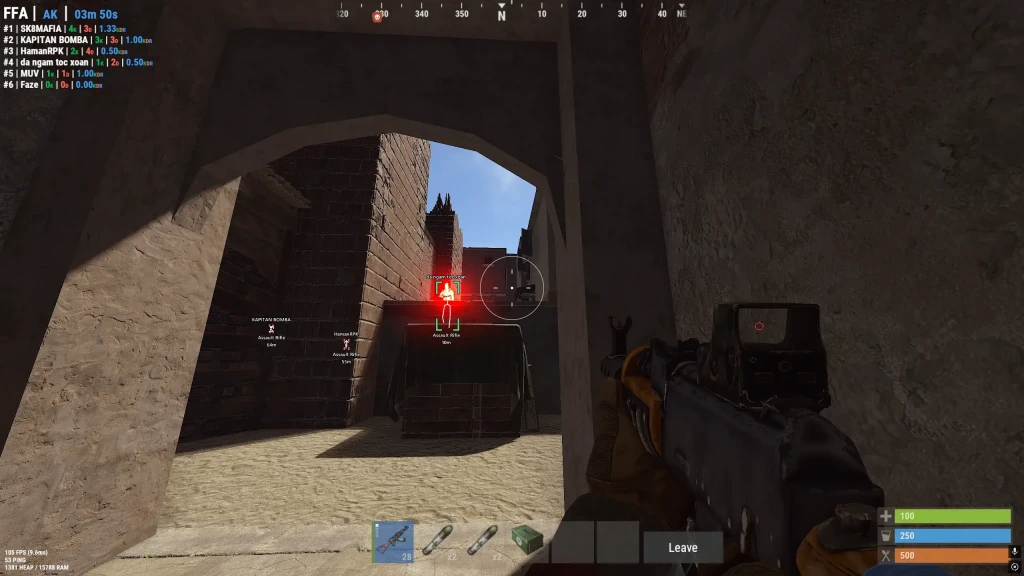
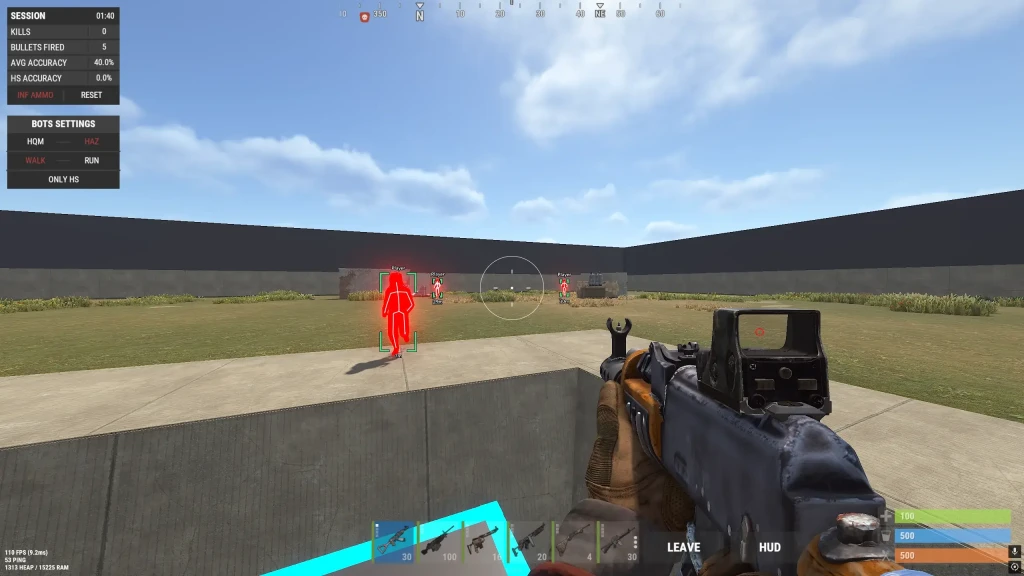
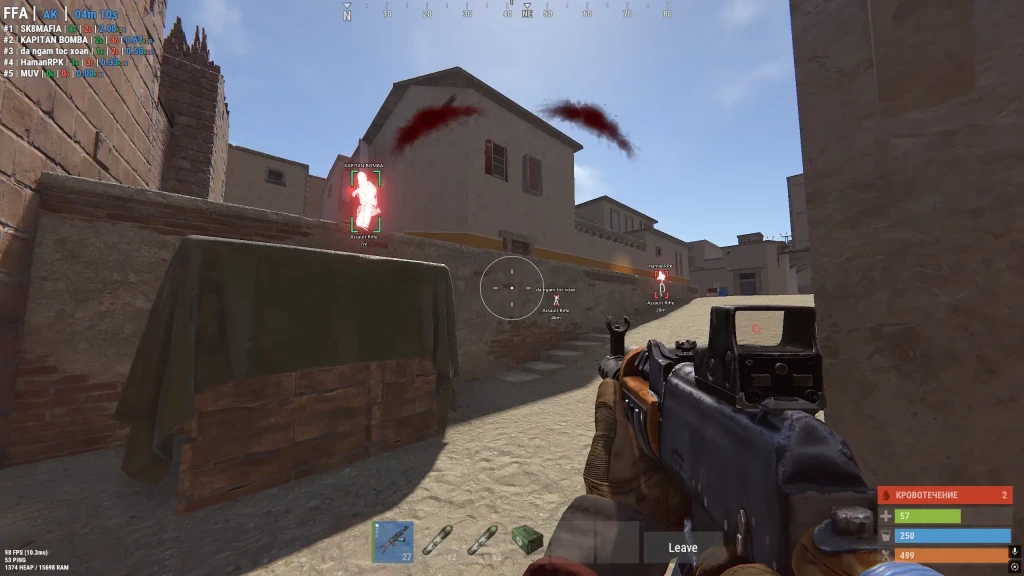
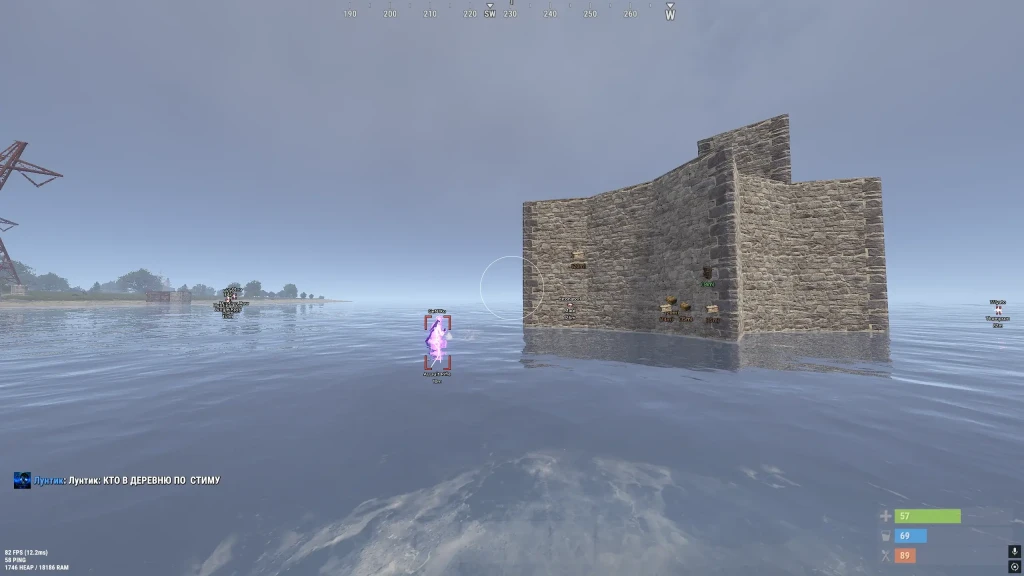
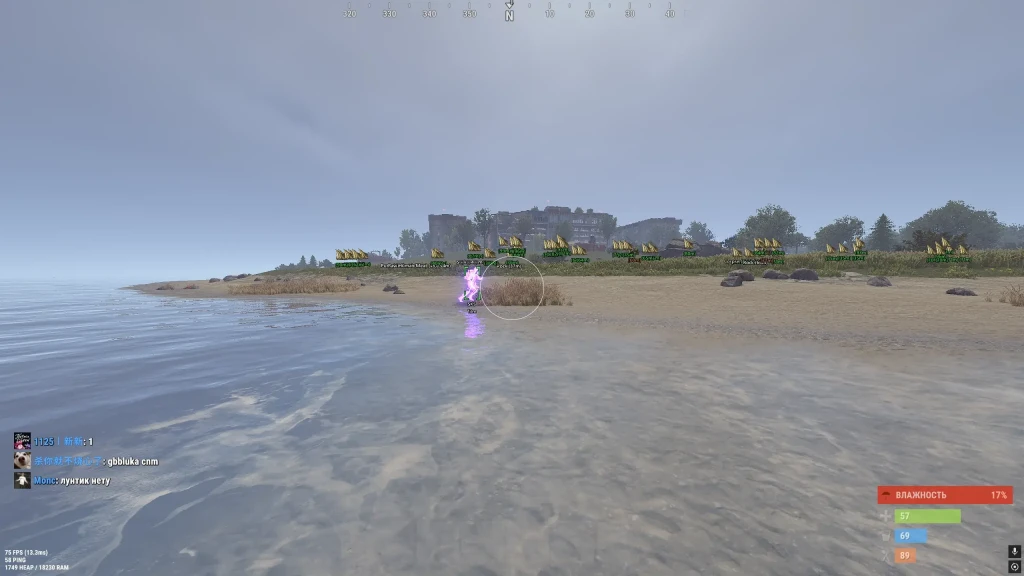
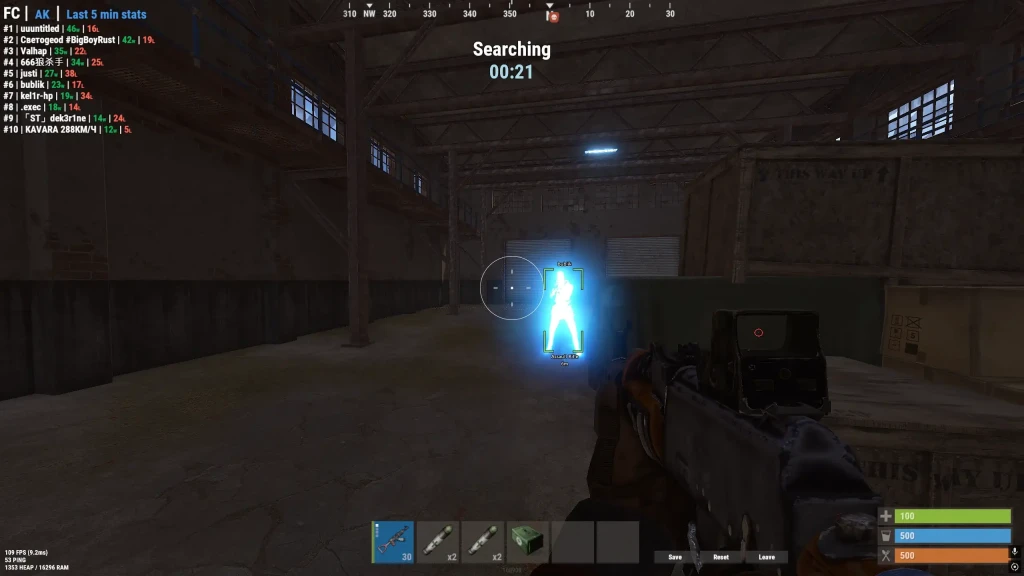
Private cheat Phoenix Rust Full — drone display, aiming controls and resource display. Also included: sleeping player ESP and item filters. Client: Steam.
Compatibility
- os
- Windows 10, Windows 11 (21H2, 22H2, 23H2, 24H2, 25H2, 26H1)
- cpu
- Intel & AMD
- gpu
- NVIDIA & AMD
- game client
- Steam
Features
Aimbot
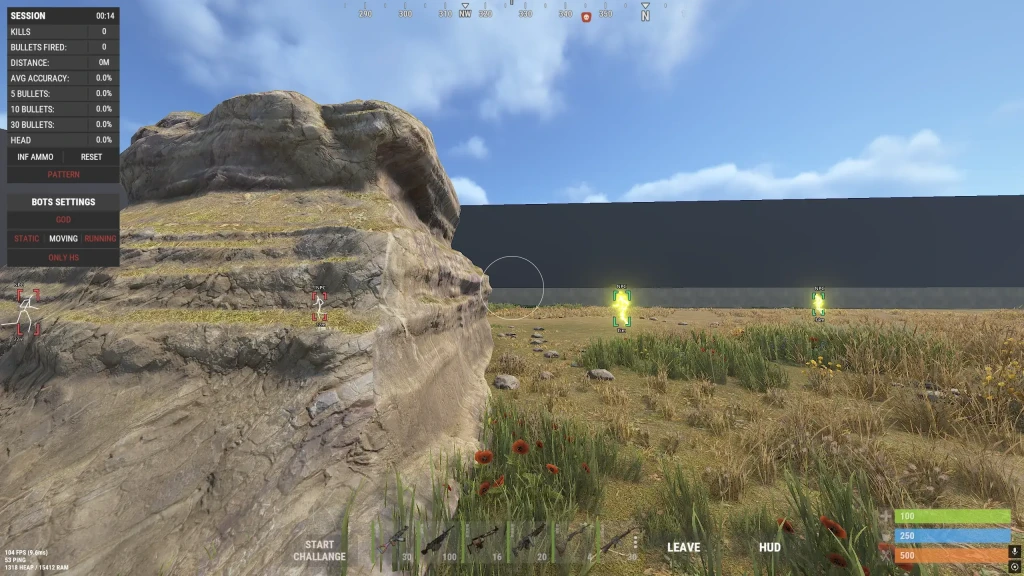
- Enable – enable/disable automatic guidance
- Mode – aimbot operating mode (vector, quiet)
- FOV – setting the target acquisition area for the aimbot
- FOV Circle – displaying the target acquisition area on the screen
- FOV Color – you can choose your own color for the aimbot’s circle
- Smooth – adjusting the smoothness of aiming at the target
- Bone Selection – selecting a body part to target
- Target NPC – aimbot will work on NPC
- Target Players – aimbot will work for players
- Ignore Teammates – exclusion of allies from the list of targets
- Target Wounded – targeting knocked players
- Target Lock – the aimbot sticks to the active target
- Visible Check – targeting only targets in the field of view
- Switch Delay – setting the delay before switching the aimbot to another target
- NoSpread – disable weapon spread
- Max Distance – setting the aimbot’s firing range for different purposes
Players ESP
- Enable – activates the tab for displaying players
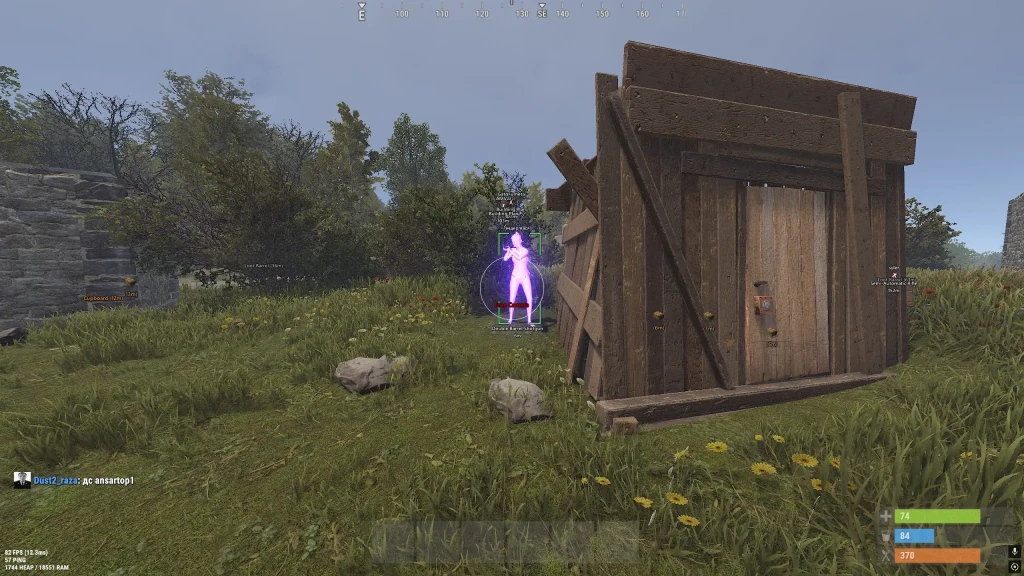
- Box Type – enable boxes around the player model (full, corners only)
- Box Width – adjusting the thickness of the frames around players
- Box Outline – contour outline of ESP frames
- Text Outline – text outline to improve readability
- Ignore Teammates – do not show the VH of players from the team
- Sleepers – show models of sleeping players
- Wounded – show knocked players
- Teammates – show allies
- Player Name – displays player names
- Player Distance – displays the distance to players
- Held Item – display of an item or weapon in the player’s hands
- Hotbar – list of items in the players’ quick slot (hotbar)
- Max Distance – adjusting the maximum distance for displaying players
- Text Size – setting the ESP text size
- Visibility Colors – display players in different colors depending on visibility
- Skeleton – displays the player’s skeleton with adjustable color and line thickness
- Chams – filling player models into the selected material or texture
- Chams Material – choice of material for VX chams
- Corpse – show bodies/backpacks of killed players
NPC ESP (Bots)
- Enable – activates the tab for displaying bots
- NPC Name – displays NPC names
- NPC Distance – displays the distance to NPC
- NPC Held Item – displays an item in the hands of an NPC
- NPC Max Distance – setting the maximum distance for displaying NPCs
- NPC Text Size – adjusts the size of the NPC text
- NPC Box – displays boxes around NPCs
- NPC Box Color – setting the color of NPC boxes
- NPC Box Width – adjusting the thickness of the boxes
- NPC Box Outline – enable the outline of NPC frames
- NPC Skeleton – displays the NPC skeleton with adjustable color and line thickness
Resources ESP
- Enable – turn on/off display of resources
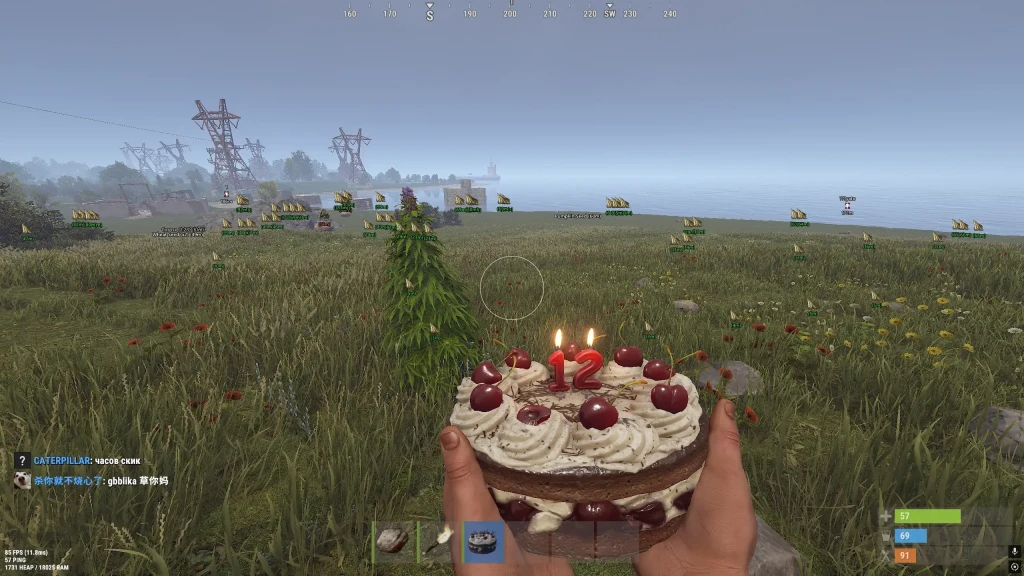
- Stone ESP – display of stone ore (with customizable color, icons, distance and text size)
- Metal ESP – display of metal ore (customizable)
- Sulfur ESP – display of sulfur ore (customizable)
- Hemp ESP – display of hemp (customizable)
- ESP Crate Color – ability to assign your own color for each category of resources
Buildings ESP
- Enable – turn on/off display of objects
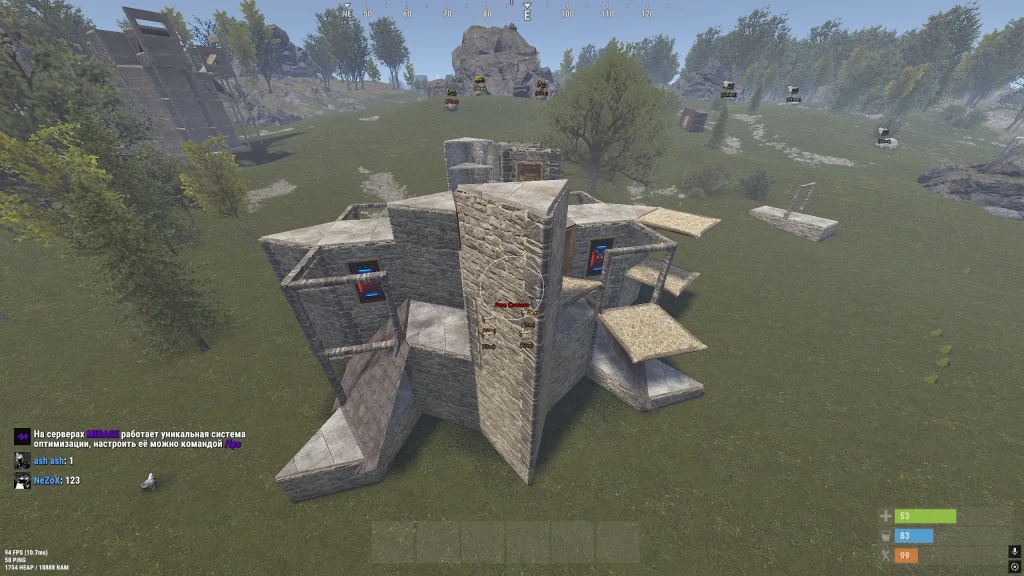
- Cupboard ESP – display of cabinets (customizable)
- Workbench ESP – display of workbenches of different shooting ranges (configurable)
- Wooden Box ESP – display of wooden boxes (customizable)
- ESP Crate Color – the ability to assign a different color for each category of objects
Traps ESP
- Enable – turn on/off display of traps
- Auto Turret ESP – display of automatic turrets
- Landmine ESP – mine display
- Flame Turret ESP – display of flamethrower turrets
- SAM Site ESP – display of air defense settings
- Shotgun Trap ESP – display of guntraps
- Drone ESP – display of drones
- Icons – display a trap icon next to the text
- Distance Filter – adjust the display distance for each trap
- Text Size – adjusts the text size for traps
- ESP Traps Color – ability to assign a different color for each category of traps
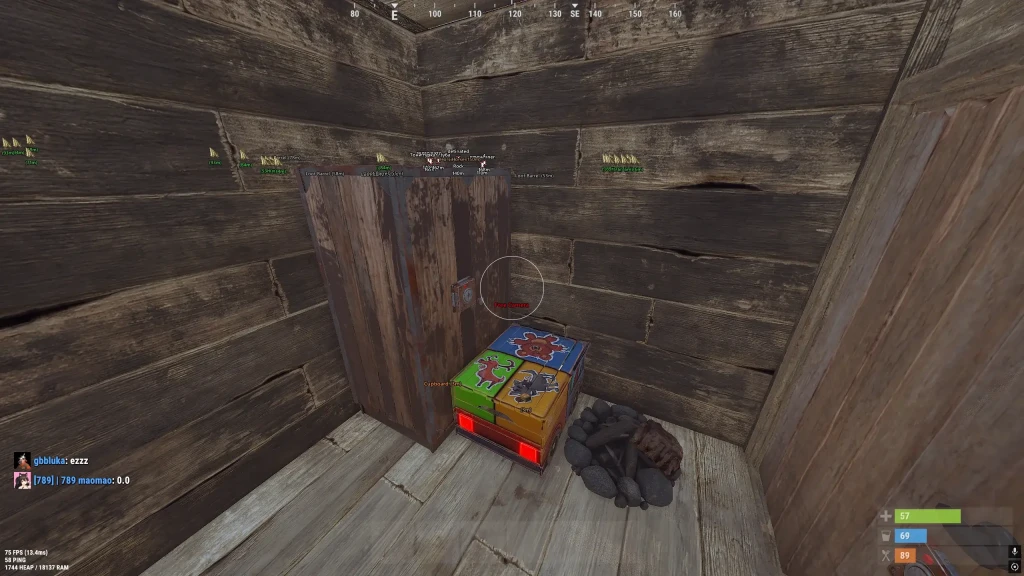
Crates ESP (Crates)
- Enable – enable display of supply boxes
- Basic Crates ESP – display of regular crates
- Military Crates ESP – display of military crates
- Elite Crates ESP – display of elite crates
- Tool Crates ESP – display of tool boxes
- Medical Crates ESP – display of medical crates
- Food Crates ESP – displaying food crates
- Mine Crates ESP – displaying crates in mines
- Underwater Crates ESP – display of underwater crates
- Locked Crates ESP – display of locked boxes
- Loot Barrels ESP – display of barrels with loot
- Airdrop ESP – display of supplies from airdrop
- Distance Filter – adjusting the display distance for each type of box
- Icons – ability to enable an icon next to the text for some mailboxes
- ESP Crate Color – ability to assign your own color for each category of boxes
Vehicles ESP (Transport)
- Enable – enable display of transport
- Horses ESP – display of horses on the map
- Cars ESP – displaying cars on the map
- Motorboats ESP – display of motor boats
- RHIBs ESP – display of fast inflatable boats
- Tugboats ESP – display of tugboats
- Submarines ESP – display of submarines
- Minicopters ESP – display of minicopters
- Transport Helicopters ESP – display of transport helicopters
- Attack Helicopters ESP – display of combat helicopters
- Patrol Helicopters ESP – display of patrol helicopters
- Bradley APCs ESP – display of Bradley armored personnel carriers
- Trains ESP – display of trains
- Hot Air Balloons ESP – display of balloons
- Snowmobiles ESP – display of snowmobiles
- Motorbikes ESP – display of motorcycles
- Bicycles ESP – display of bicycles
- ESP Vehicles Color – the ability to assign your own color for each category of vehicle
- Distance Filter – adjusting the display distance for each type of transport
Loot ESP (Loot)
- Enable – enable display of items and loot
- Dropped Items ESP – displaying items on the ground
- Item Category Filter – filtering discarded items by category
- Item Icons – ability to enable or disable item icons
- Distance Filter – adjusting the display distance for each type of loot
- Text Size – adjusts the text size for each group of items
- Weapons
- Ammunition
- Armor and clothing
- Medicine
- Resources
- Components
- Tools
- Food and seeds
- Placeable objects
- Other items
Exploits
- Spider Man – allows you to climb up without using stairs
- Free Camera – free movement of the camera separately from the character
- Camera Speed – setting the speed of movement of a free camera
- Camera Sensitivity – adjusting the sensitivity of free camera control
- Bright Night – turns on increased brightness at night
- Night Brightness – adjust the brightness level of the night environment
Other Phoenix Rust Features
- Battle Mode – hides unnecessary ESP categories and leaves only the display of players (by bind)
- Font – select the font for the mod menu interface
- FPS Limit – setting a limit on the overlay refresh rate
- Config Save – saving the current configuration
- Config Load – loading a saved configuration
- Config Reset – reset configuration settings