Buy private cheat Shack for Gray Zone Warfare
Private cheat Shack for Gray Zone Warfare — resource display, aiming controls and NPC display. Also included: vehicle ESP and visibility checks.
Compatibility
- operating system
- Windows 10, Windows 11
- cpus
- Intel and AMD
- Built-in spoofer
- No;
- Anti-cheat
- In-game
- bypass obs entry
- Yes;
- supported game modes
- Windowed, Borderless;
Features
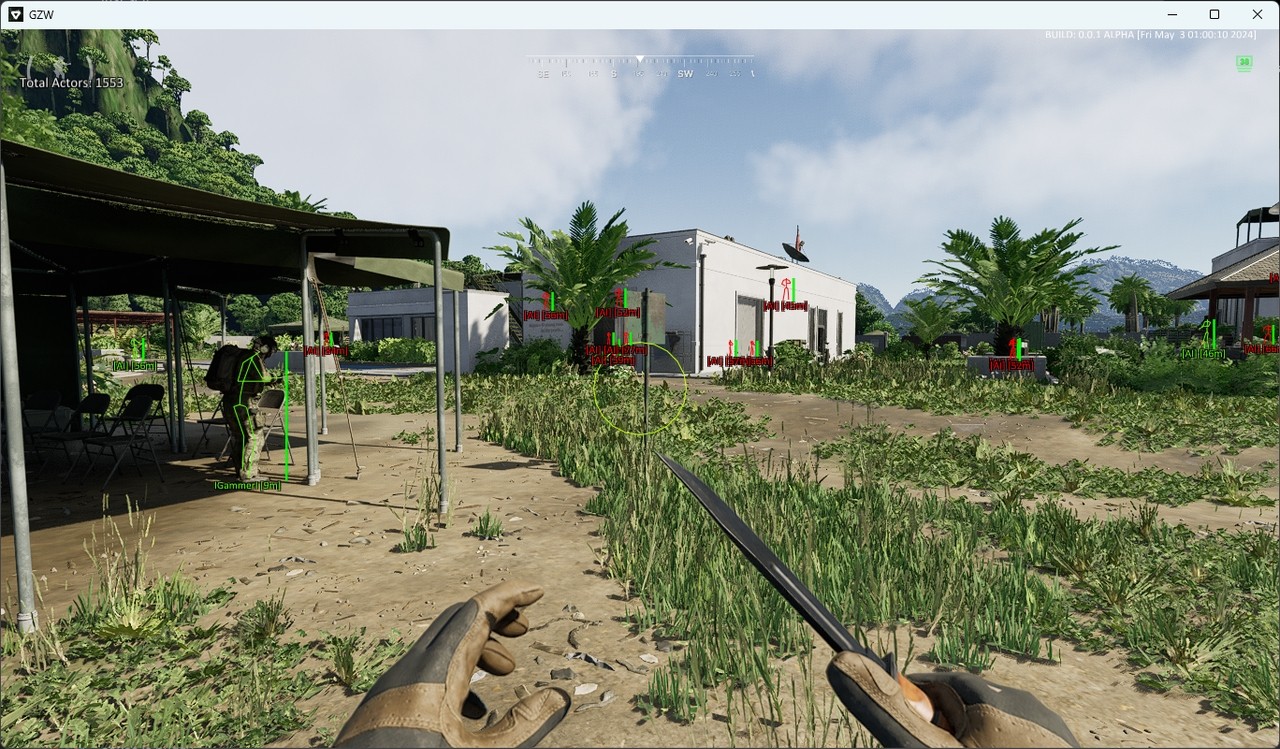
Players
- Player ESP — display of enemy operators
- Player names
- Health bar
- Health value as text
- Distance to player
- Player rating
- 2D boxes
- Snaplines
- Player skeleton
- Faction tag
- Show your own faction
- Weapon and ammo readout
- Visibility check (visible / hidden targets)
- AI filter
- AI display (NPC bots)
- Corpse display
- Player distance range (0–1000 m)
- AI distance range (0–1000 m)
- RGBA colors
- Separate colors for visible and hidden targets
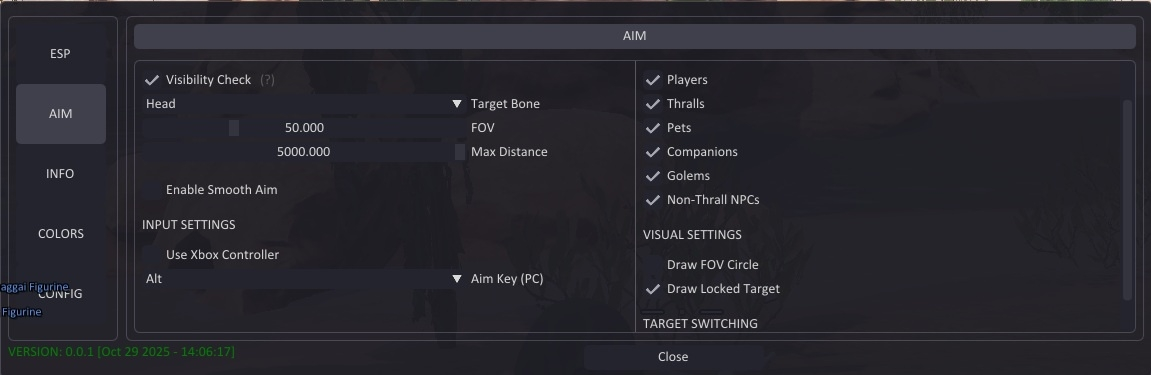
AIMBOT
- Enable / disable
- Visibility check
- FOV circle
- FOV radius (0–300)
- Maximum distance (0–1000 m)
- Smoothing (1.0–20.0)
- Target bone selection — head, neck, pelvis, knee, foot
- 22+ hotkeys for fast control
- Custom FOV color
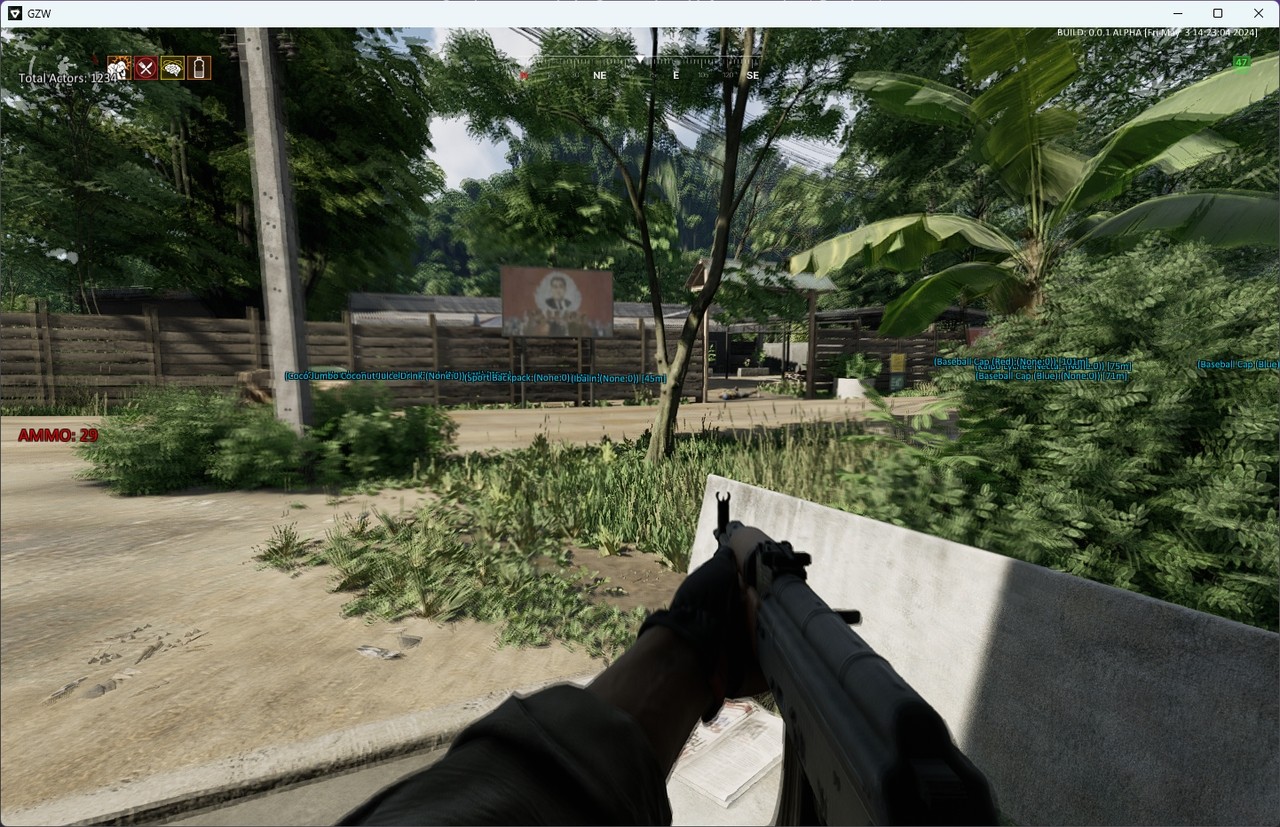
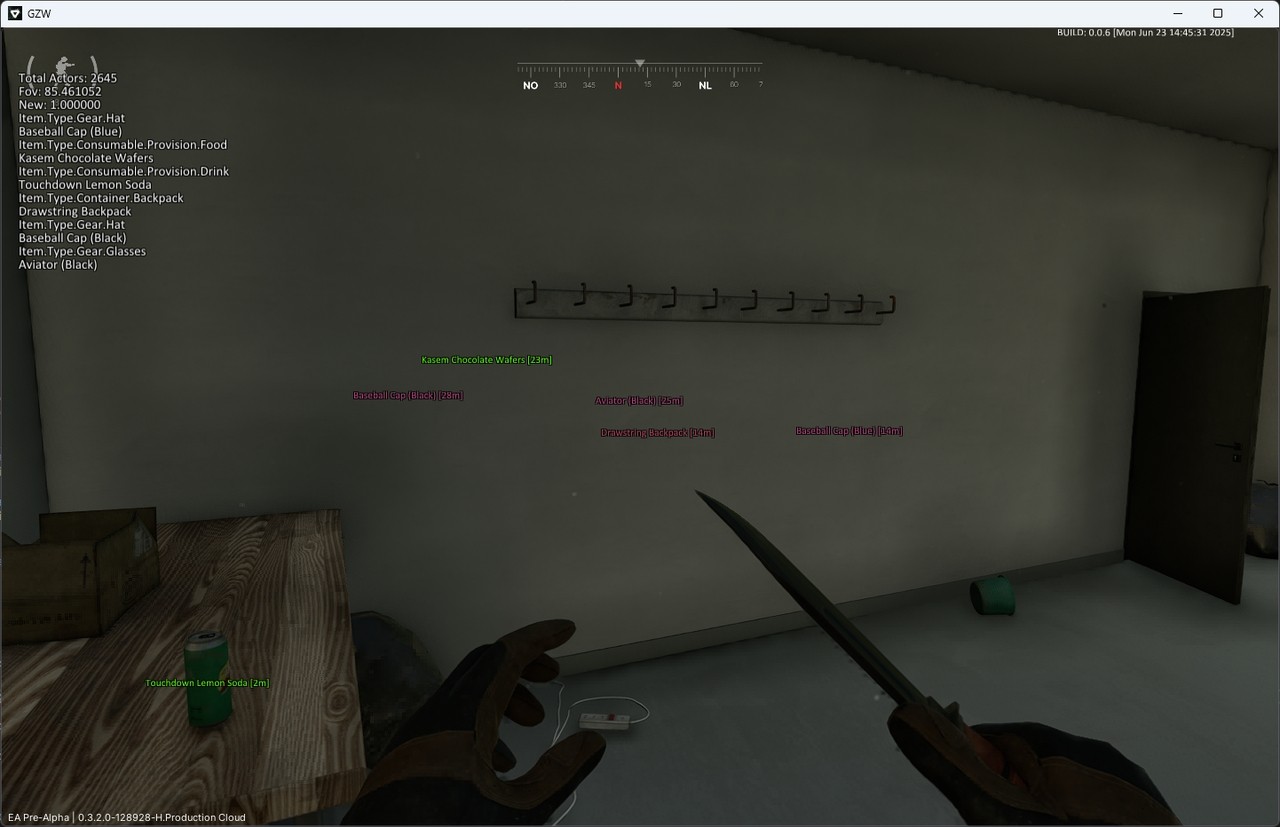
Loot
- Enable / disable
- Item names
- Distance to items
- Maximum distance (0–1000 m)
- Distance to corpses
- Filters by category
- Mechanisms
- Armor
- Consumables (food, drinks)
- Containers
- Weapon attachments
- Weapons
- Resources
- Ammunition
- Tools
- Dropped items
MISC
- Object ESP
- Grenade ESP
- Ammo readout
- Pickup display
- Weapon improvements
- No sway
- No screen shake
- Customizable crosshair
- FPS counter
- Active binds overlay
- Combat mode
Visuals
- Full RGBA color picker
- Separate colors for players and AI
- Colors for visible and hidden targets
- Colors per item category
- Vehicle and loot colors
- Crosshair and FOV colors
- FPS counter color
Config
- Save settings
- Load settings
- Hotkeys
- Quick binds
- Any-resolution support
Interface
- Modern menu
- Dark theme
- Tab navigation
- Font size (0–30)
- Text customization
- Multilingual interface
- Stream Safe (OBS) mode