Recommended
Buy private cheat Arcane for THE FINALS
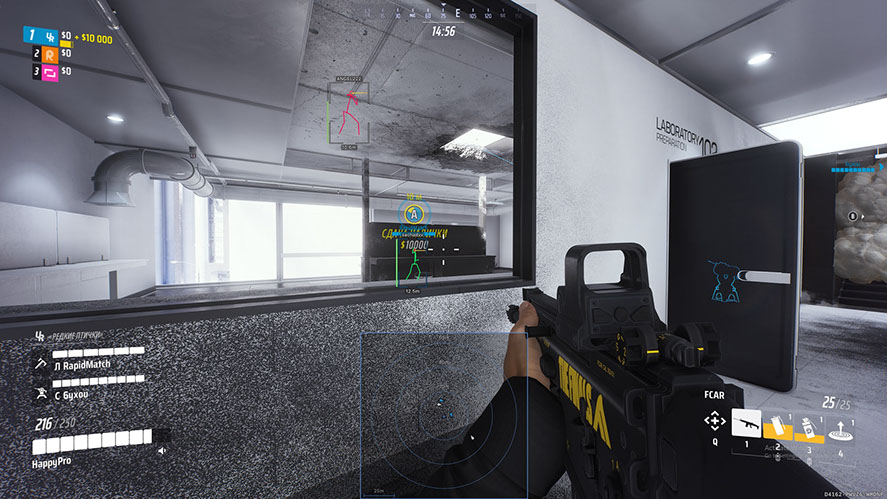
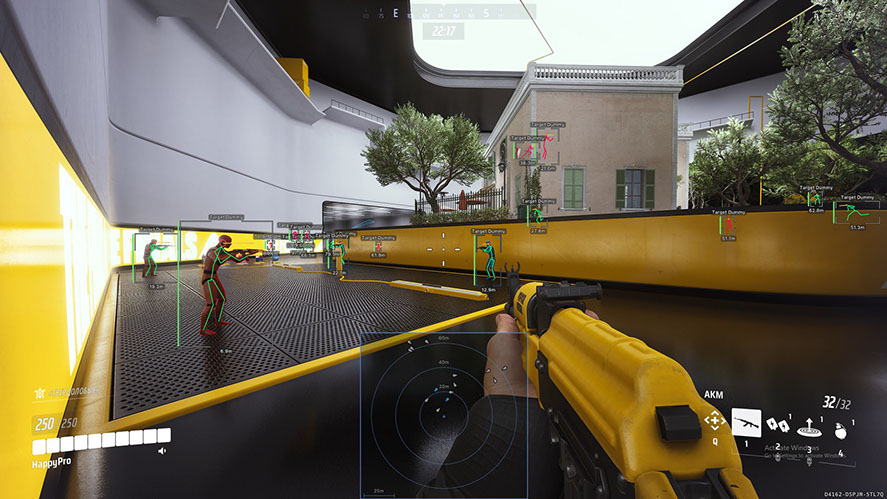
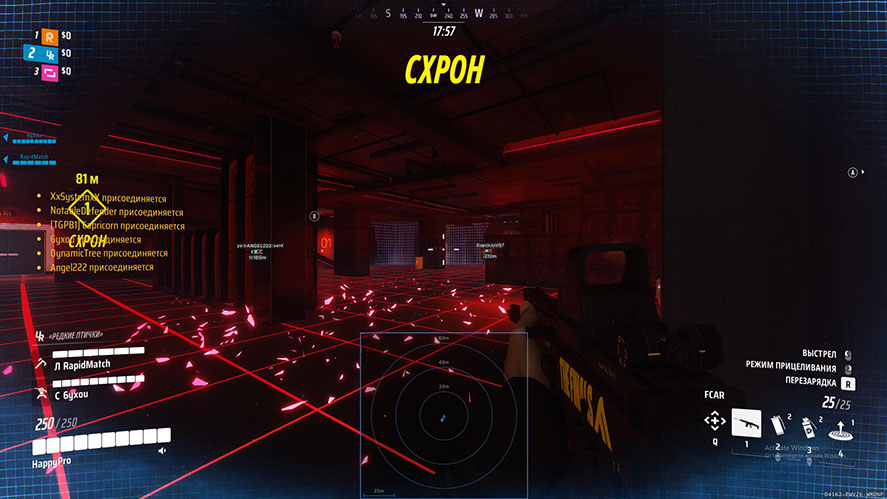
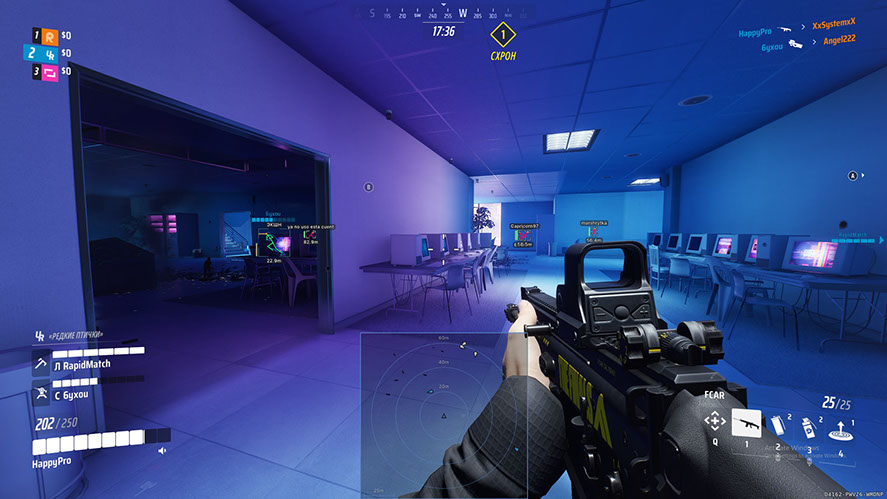
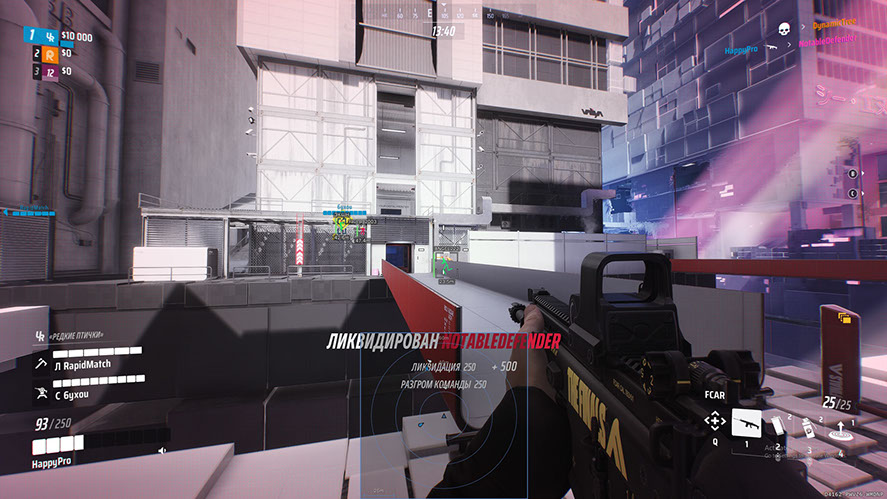
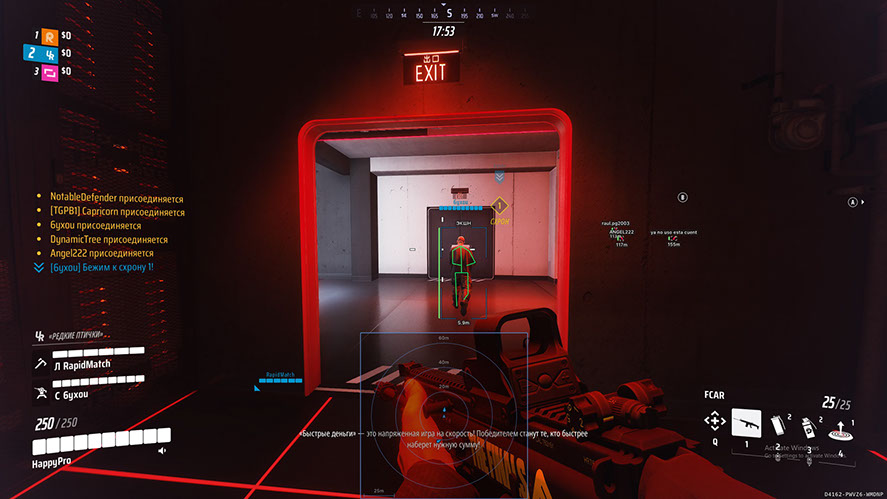
Private cheat Arcane for THE FINALS — NPC display, aiming controls and smoothing controls. Also included: visibility checks and target selection radius. Client: Steam.
Compatibility
- game version
- Steam;
- game mode
- Windowed / Borderless;
- cpu
- Intel and AMD;
- gpu
- Nvidia and AMD;
- ram
- 12 GB;
- os
- Windows 10-11 (26H1, 26H2) x64;
- builds
- everything from 1903 to last one;
- video or screenshot invisibility support
- None;
Features
General
- Supported game version: Steam;
- Supported game mode: Windowed / Borderless;
- Supported CPU: Intel and AMD;
- Supported GPU: Nvidia and AMD;
- Minimal RAM: 12 GB;
- Supported OS: Windows 10-11 (26H1, 26H2) x64;
- Supported builds: everything from 1903 to last one;
- Video or Screenshot Invisibility Support: None;
AIMBOT
- Enable - Activate
- Always - Always
- Visibility check - Visibility check
- Draw FOV Border - Draw a circle FOV
- Draw FOV Background - Draw the FOV circle background
- First keybind - First aim key
- Second keybind - Second aim key
- Targets - Goal: (Players, Bots, Team, Knocked)
- Find bone type - Bone search type: (Selected bone, Near bone, Random bone)
- Bone - Bone: (Head, Neck, Chest, Pelvis...)
- FOV Size - FOV circle size
- Smoothness - Smoothness
- Max distance - Maximum distance
ESP Players
- Bounding box - Boxing 2D (Box, In the corners)
- Fill box - Box background (Static, Gradient)
- Skeleton - Skeleton: (Draw a circle at the head, Fill the circle at the head, Thickness)
- Line to enemy - Lines to players: (Color, Position)
- Health bar - Health bar: (Static, Health based, Gradient)
- View line - Line of sight
- Name - Nick
- Distance - Distance
- Draw BOTs - Draw bots
- Draw teammates - Draw team members
- Visibility check - Visibility check
- Bot transparency - Bot transparency
- Max distance - Maximum distance
Radar
- Enable - Activate
- Show distance - Show distance
- Zoom - Increase
- Size - X/Y size
- Distance transparency - Transparency distance
- Color outline - Stroke color
- Color background - Background color
Entities
- Show player - Show players
- Show AI - Show bots
- Show team - Show team members
SETTINGS
- Menu keybind - Menu opening key
- Unload keybind - Key to completely unload the menu
- DPI Scale - UI size
- FPS Limit - FPS limit
- Theme - Theme: (Dark, Light)
- Watermark - Watermark
- Language - Language: (EN, RU, CN)
Setup and launch
Check the launch procedure for this exact edition before activating the key.
Open launch guide