Recommended
TitanX for HWID spoofers
TitanX HWID Changer covers NVMe and SATA disks, SMBIOS, networking and registry data. USB and BIOS flashing are unnecessary; review UEFI or Legacy compatibility.

Compatibility
- integrated protection
- Built-in Ring-0 temporary spoofer.
- firmware & motherboard
- Full support for both UEFI and Legacy modes; compatible with TPM 2.0 and Secure Boot. No USB flash drive or BIOS reflashing required.
- Operating system
- Any 64-bit edition of Windows.
- cpu
- 64-bit (x64) Intel or AMD processors.
- mandatory adjustments
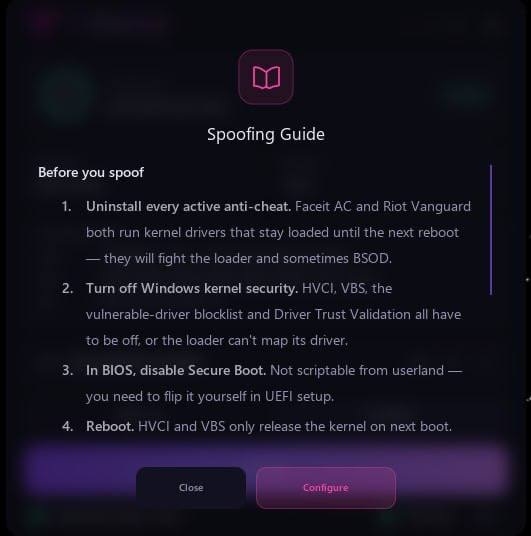
- Smart App Control, HVCI (Core Isolation), VBS, and Hyper-V must be disabled prior to use.
Features
Disk & Storage
- Changing serial numbers of NVMe and SATA/AHCI drives (Serial, Model, Firmware)
- GPT Disk GUID and MBR Disk Signature substitution
- Namespace GUID / EUI64 modification for NVMe
- Volume Serial and Partition Entry Array update
Motherboard & BIOS
- SMBIOS data substitution (System UUID, Serial, Manufacturer, Product)
- Baseboard Serial and Asset Tag replacement
- Chassis Serial and BIOS Release Date modification
- Platform and System SKU update
CPU & GPU
- CPU Processor ID and Brand String spoofing
- GPU identifiers change (Device ID, Subsystem ID)
- PCI Device Serial modification
- Display identifiers substitution (Monitor EDID, if connected)
Network
- New MAC addresses generation for all network adapters
- Ethernet, Wi-Fi and Bluetooth identifiers rotation
- Network traces cleanup in the registry
Registry & System Traces
- MachineGuid, Windows Installation ID, SusClientId cleanup
- EventLog and driver caches reset
- Telemetry markers removal
- Shadow copies and restore points cleanup
Anti-cheat support
- New BattlEye (BE) methods across all supported games, as announced by the developer
- Current ACE compatibility, as announced by the developer
- Ricochet algorithms updated for the latest patches, as announced by the developer
- Previously declared Easy Anti-Cheat (EAC) support retained
TPM and Seed profile
- Trusted Platform Module data spoofing (TPM Spoof)
- Save a persistent serial-number profile through Seed in a few clicks
- Reworked spoofing algorithms and protection methods
Interface and launch
- Cosmetic panel redesign
- Faster navigation
- Improved UI stability
- Optimization for all current Windows versions, according to the developer
- Mandatory settings check in Checker before launch
Network routing and external identity
- Network stack reset: clear DNS cache, ARP tables, NetBIOS records and active Winsock sockets
- Request a new WAN IP through router UPnP / NAT-PMP; depends on router support and ISP provisioning
- Change network adapter MAC addresses and interface parameters, then restart adapters automatically
Ring-0 storage virtualization
- Filter PnP hardware requests in the Windows device tree (IRP_MN_QUERY_ID)
- Modify hardware descriptor packets through completion routines during disk IOCTL processing
- Randomize disk serials (VSN), NVMe Namespace, NGUID and EUI64 descriptors
BIOS and SMBIOS/DMI
- Align DMI changes across RSMB, Registry, ROM and mssmbios sources
- Patch BIOS structures in physical memory ranges 0xE0000–0x100000
- Parse and modify SMBIOS Types 0, 1, 2, 3, 4 and 17 with deterministic xorshift32 PRNG synchronization
- Intercept the RSMB cache in ntoskrnl and associated BIOS registry hives
In-memory driver execution
- Deploy the driver fully in memory without driver files on disk, as declared by the developer
- Apply dynamic per-session encryption to active memory and traffic
- Route execution through Code Caves
- Restore Page Table Entry (PTE) protections automatically
- Synchronize TLB caches across CPU cores
Kernel cleanup
- Clear deferred driver references in PiDDBCacheTable
- Clear entries in MmUnloadedDrivers
- Restore MajorFunction dispatch pointers to original system handlers on unload
- Sanitize DbgPrint strings in kernel pool memory against YARA and memory scanners
System profiles and hardware telemetry
- Reassign MachineGuid, InstallDate, BuildGUID, boot sectors and MountedDevices entries
- Sanitize and spoof monitor EDID profiles and GPU registry identifiers
- Manage the vulnerable driver blocklist (CI Blocklist)
- Normalize TPM Base Services (TBS)
- Coordinate suspension of conflicting anti-cheat processes or blacklisted peripheral drivers; VBS/HVCI adjustments require explicit consent
Execution artifacts and logs
- Clear execution records in Prefetch, Amcache, ShimCache, BAM and UserAssist
- Zero NTFS volume USN journals
- Truncate Windows Event Viewer logs
Anti-cheat and launcher cleanup
- Remove persistent caches, report logs and tracking files for EAC, BattlEye, ACE and RICOCHET
- Clear stored identity tokens and client profiles for Steam, Epic Games, Battle.net and EA App
Application panels
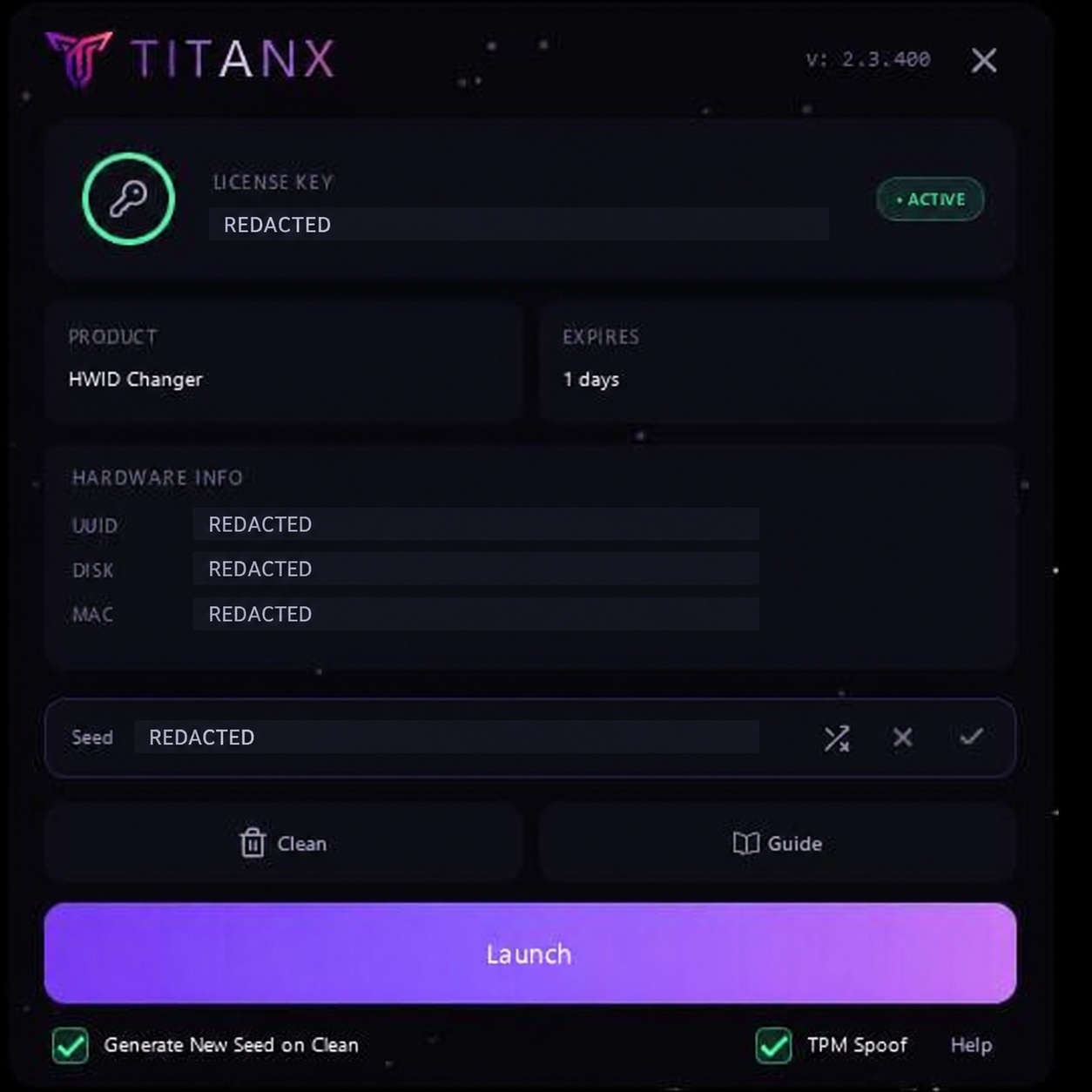
- License status and expiration panel
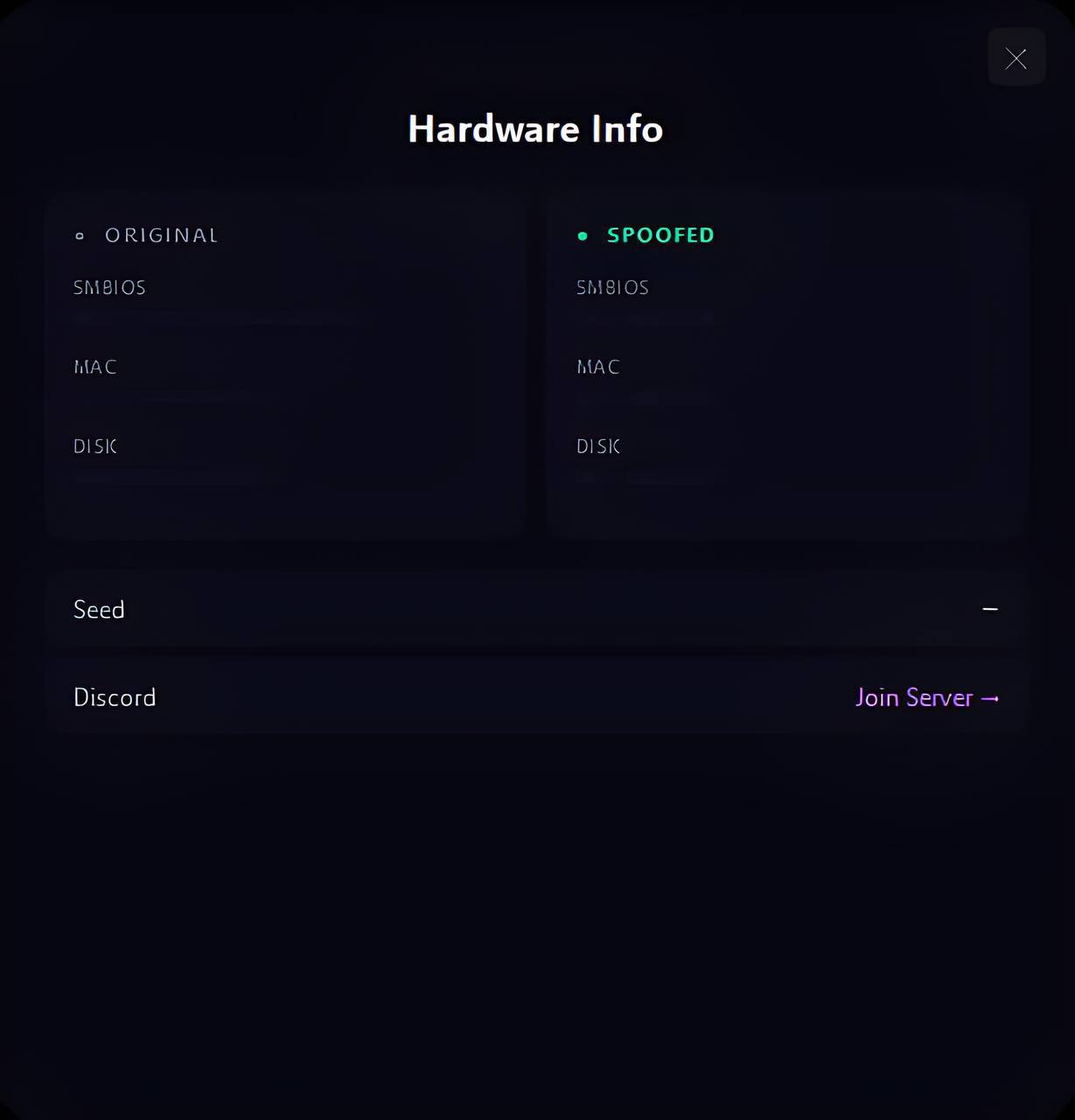
- UUID, DISK and MAC displayed in Hardware Info
- Clean and Guide quick actions
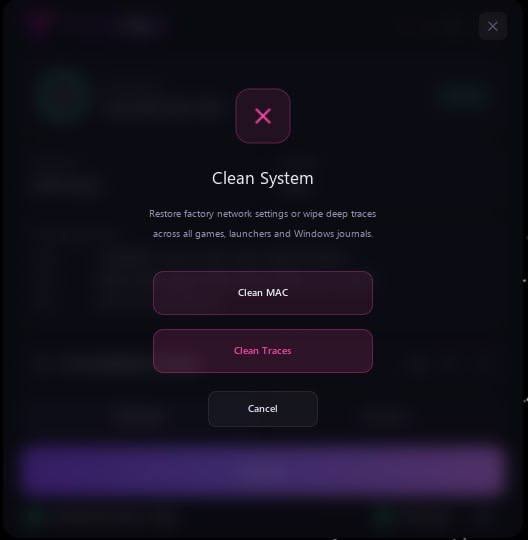
- Clean MAC and Clean Traces in the Clean System panel
- Previously declared support for two accounts per license
Setup and launch
Check the launch procedure for this exact edition before activating the key.
Open launch guide