Buy private cheat Unicore Genshin Impact
Private cheat Unicore Genshin Impact — treasure display, radar and player names. Also included: movement controls and teleport controls.

Compatibility
System requirements have not been published for this edition. Confirm compatibility with your system before buying: compatibility support.
How to check your systemFeatures
ESP & Map (Treasure Map of Teyvat)
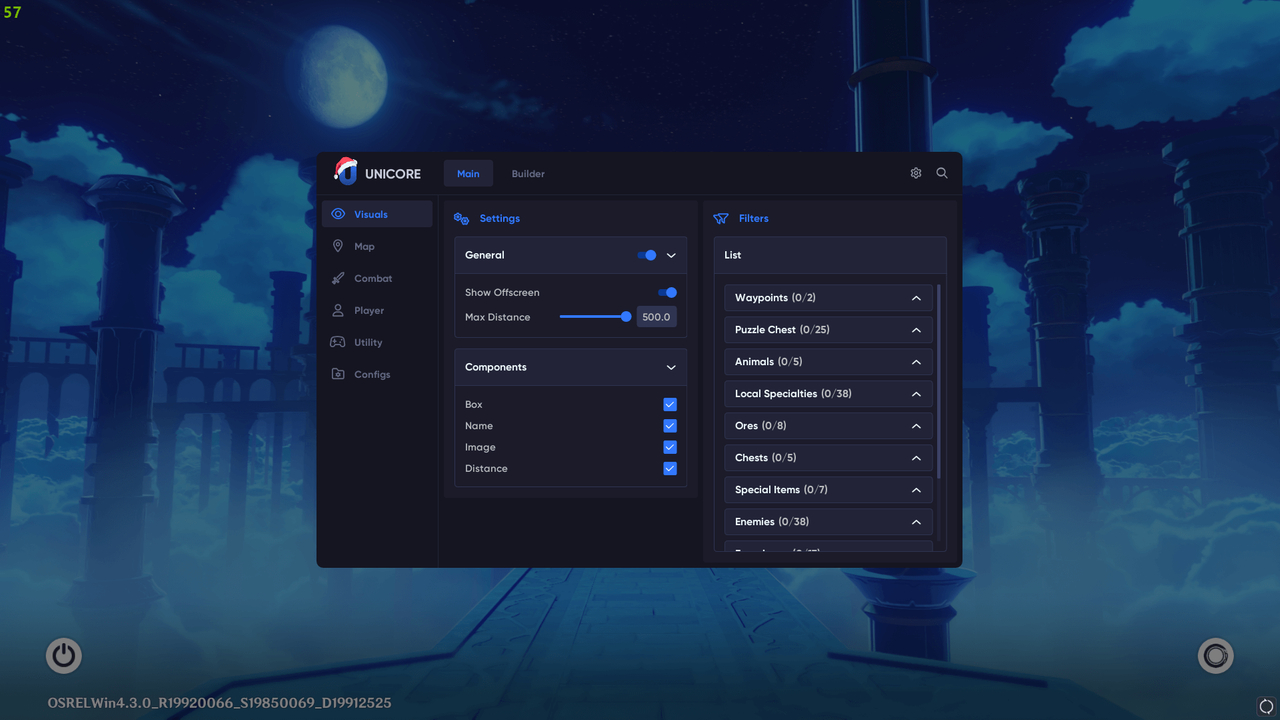
- Main ESP & Radar — See all chests, Anemoculi and curiosities through mountains. 2D radar reveals hidden caves not visible on the minimap.
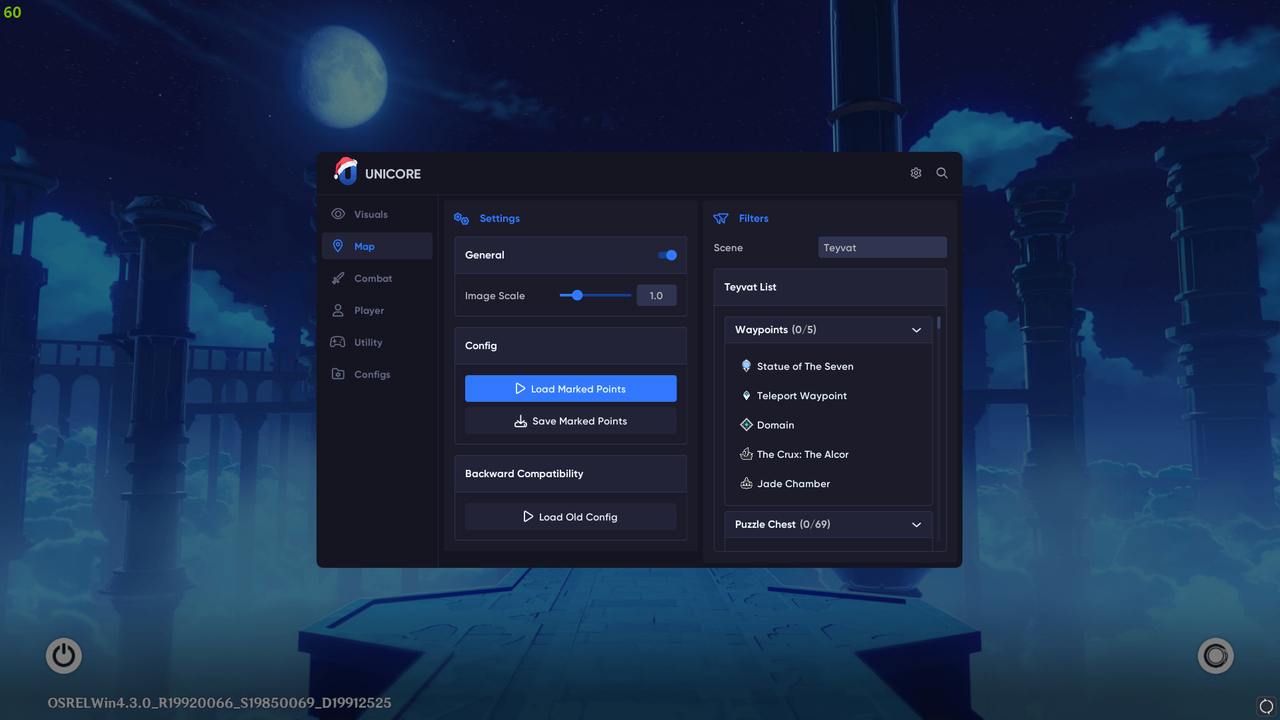
- Interactive Map Teleport — Instant travel. Click on the interactive map in the cheat and teleport to any point — be it a dungeon or rare ore.
- Builder & Debug Names — Build your own scanner. See hidden object names and add to search only what you need: from crystal butterflies to specific elites.
- Filters List — Smart search. Filter out the clutter. Search only puzzle chests, local curiosities for leveling or artifact spawn points.
Attack Modifiers
- Kill Aura & Rapid-Fire — AFK clearing. Aura hits enemies around you, rapid-fire turns normal attacks into a machine gun. Perfect for dailies.
- Infinite Ultimate & CD Reducer — Spam elemental bursts non-stop.
Enemy Mods
- Magnetizer & Freeze — Pull all mobs and ore to one point or freeze enemies into helpless statues.
- Enemy Won't Attack — Enemies simply ignore you. Gather resources right under Mitachurls' noses.
Movement (Anemo freedom)
- No Fall Damage — fall from Dragonspine without taking fall damage.
Teleport & Auto Loot
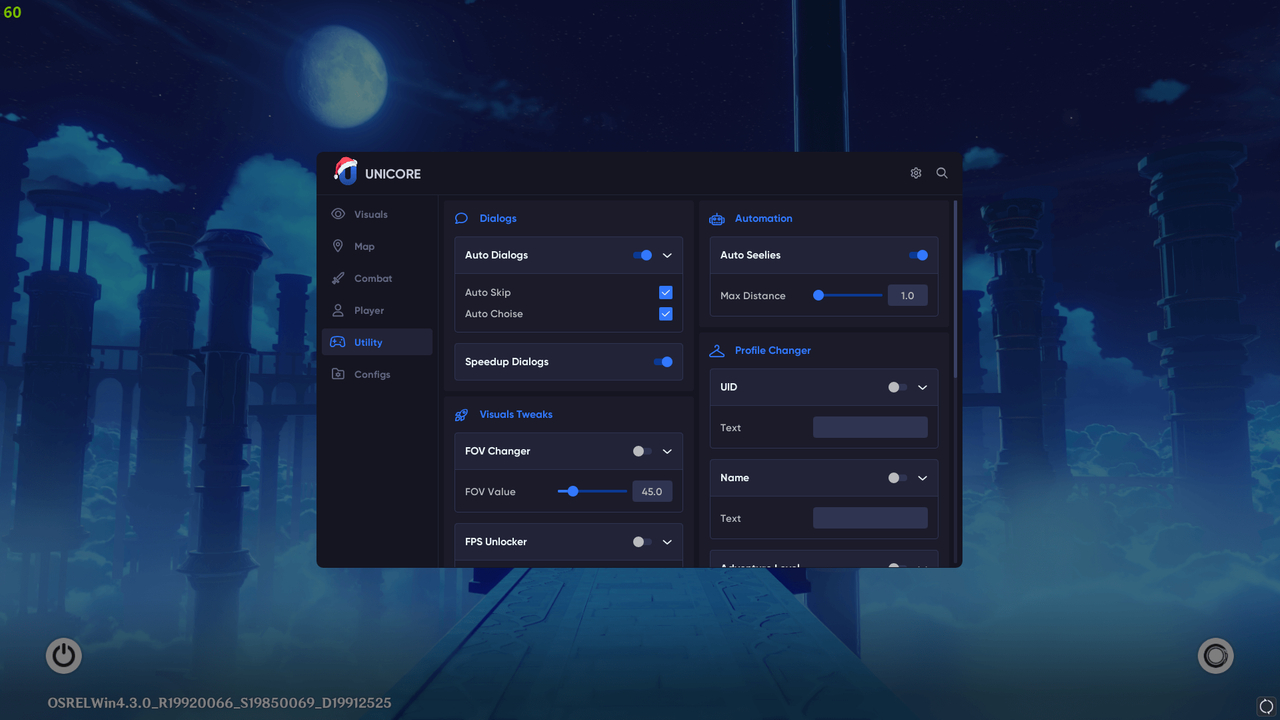
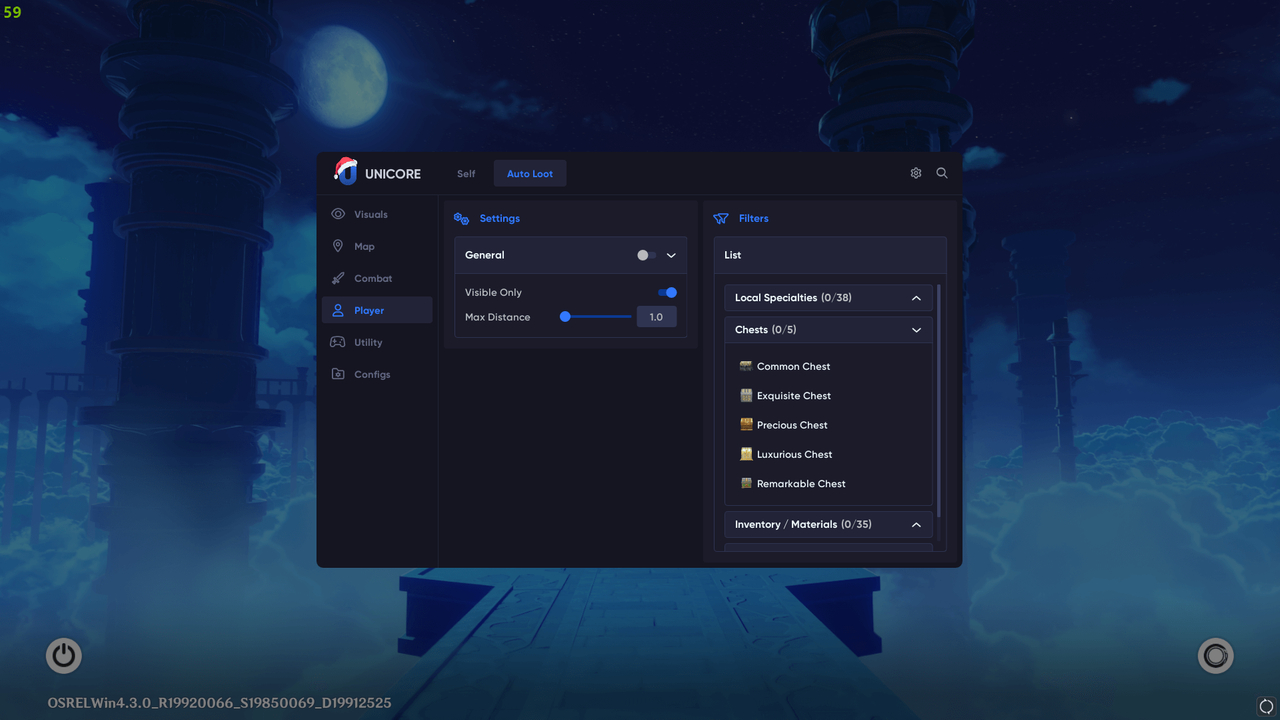
- Auto Loot & Seelies — Cheat picks up drops and even leads the Seelie to the statue. Saves hours of real time.
- Mouse & Quest Teleport — Click and you're there. Teleport by cursor or straight to quest objective.
- Custom Routes — Auto-farm routes. Create a path for artifacts or ore and the character flies through all points automatically.
Dialogs & Cutscenes
- Auto Dialogs & Skip Cutscenes — Auto-skip dialogs and cutscenes. Blast through quests at full speed and claim rewards.
Visuals & Profile
- FPS Unlocker & Remove Fog — Remove 60 FPS cap and clear fog for perfect visibility.
- Profile Changer — Override UID and nickname on screen for safe streams or screenshots.