Radar Memez PUBG for PUBG: Battlegrounds
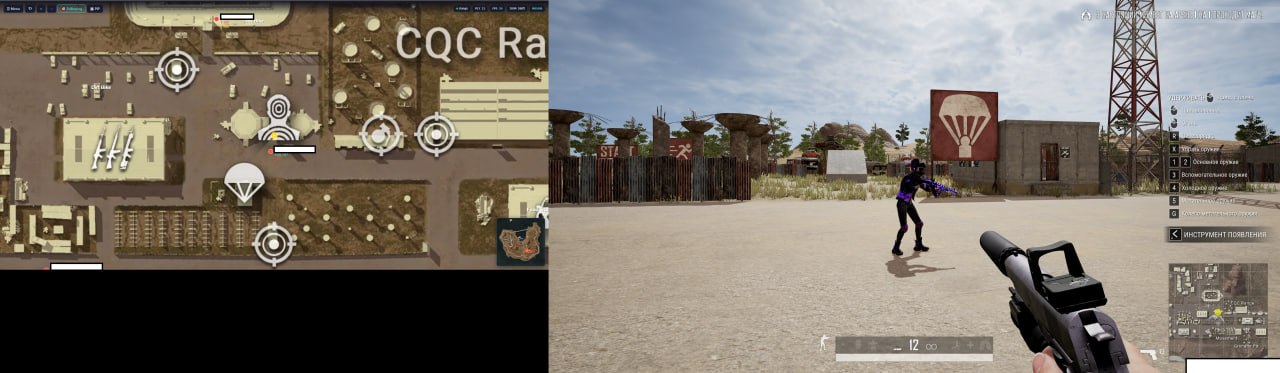
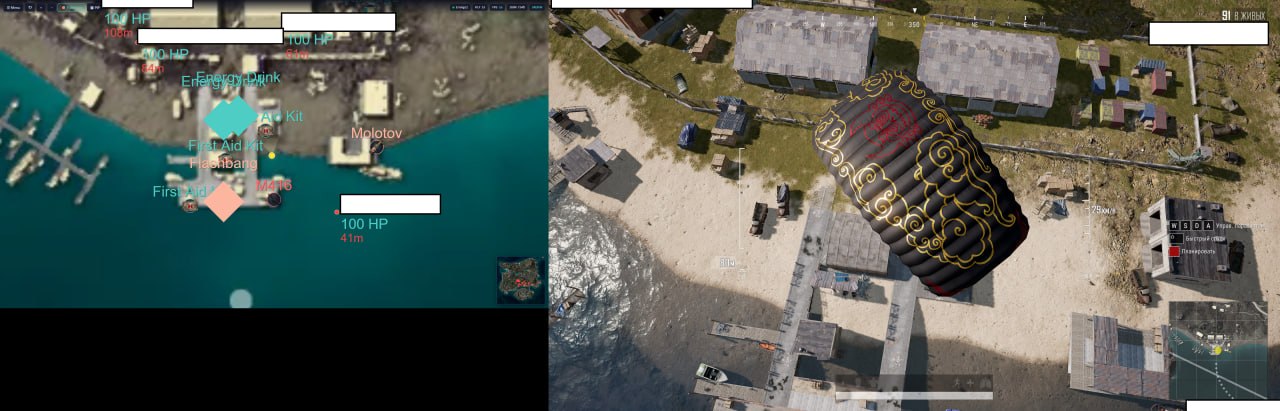
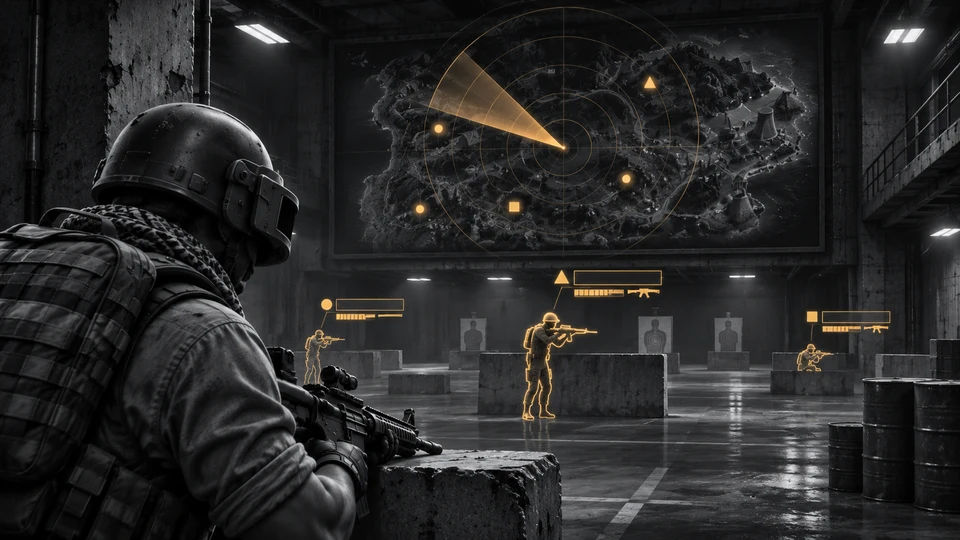
Radar Memez PUBG for PUBG: Battlegrounds — health indicators, player ESP and NPC display. Also included: zoom controls and hotkeys. OS: Windows 10 (22H2), Windows 11 (21H2–25H2) Pro.
Compatibility
- supported os
- Windows 10 (22H2), Windows 11 (21H2–25H2) Pro
- cpu
- Intel / AMD
- bios
- Enable virtualization in BIOS: Intel — Intel Virtualization and Intel VT-d; AMD — AMD-V, SVM or Virtualization Technology.
- hyper v
- Enable Hyper-V: Win+R → optionalfeatures → Enter → expand Hyper-V Platform and select its components → OK. Then run this in an administrator Command Prompt: bcdedit /set hypervisorlaunchtype auto
- Anti-cheat removal
- The developer lists incompatibility with active protection components: antivirus, FACEIT Anti-Cheat, Riot Vanguard, GameGuard and AnticheatExpert. For third-party antivirus, the developer requires full removal rather than merely pausing it.
- Components
- Install: VC++ x86, VC++ x64 and DirectX.
- Launcher and Defender
- The developer states that this product is incompatible with active protection components: Windows Defender, SmartScreen.
- Launching the loader
- Download the launcher: loader.colortune.ru. Enter your activation key in the console and press Enter. The PC may restart; if it does, enter the key in the loader again. Wait for WAITING FOR PUBG before starting the game. Open the radar in your browser beforehand. The software must be started before entering the game.
- Common errors
- If Synchronise time appears after entering the key, open Date & time settings and select Sync now. Tools or scripts for disabling protection are not distributed here. If the required configuration is unsuitable, do not continue installation. For Connection error or a DLL error, launch the loader through a VPN. For other errors, contact store support.
Features
Players
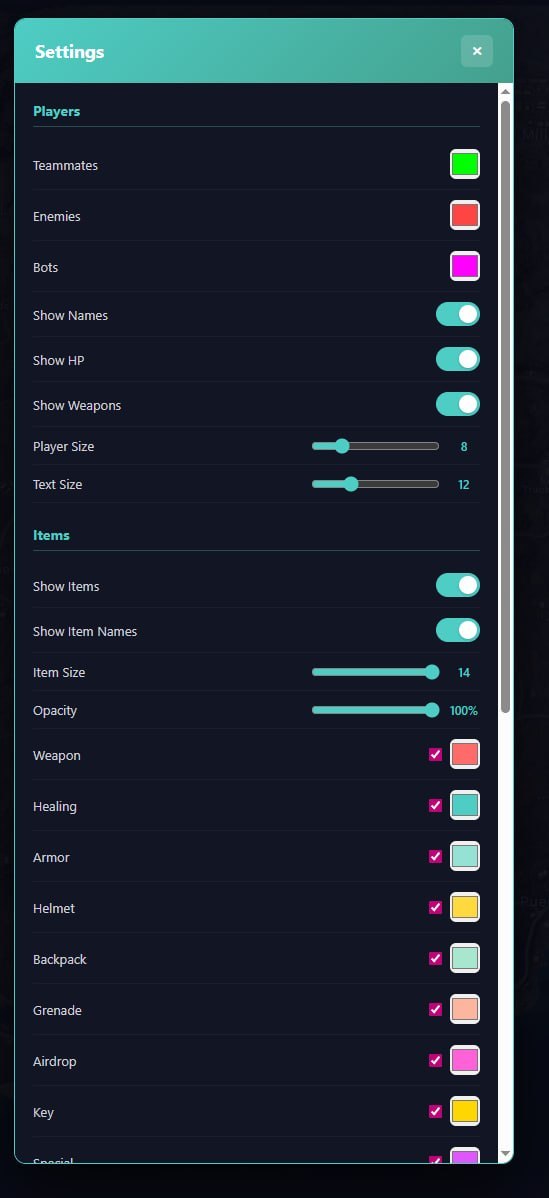
- Display teammates
- Display enemies
- Display bots
- Player nicknames
- Player health (HP)
- Weapons in players' hands
- Customizable player icon size
- Customizable text size
Items
- Weapons
- Healing items (first aid kits, bandages, etc.)
- Body armor
- Helmets
- Backpacks
- Grenades
- Airdrops
- Keys and keycards
- Special items
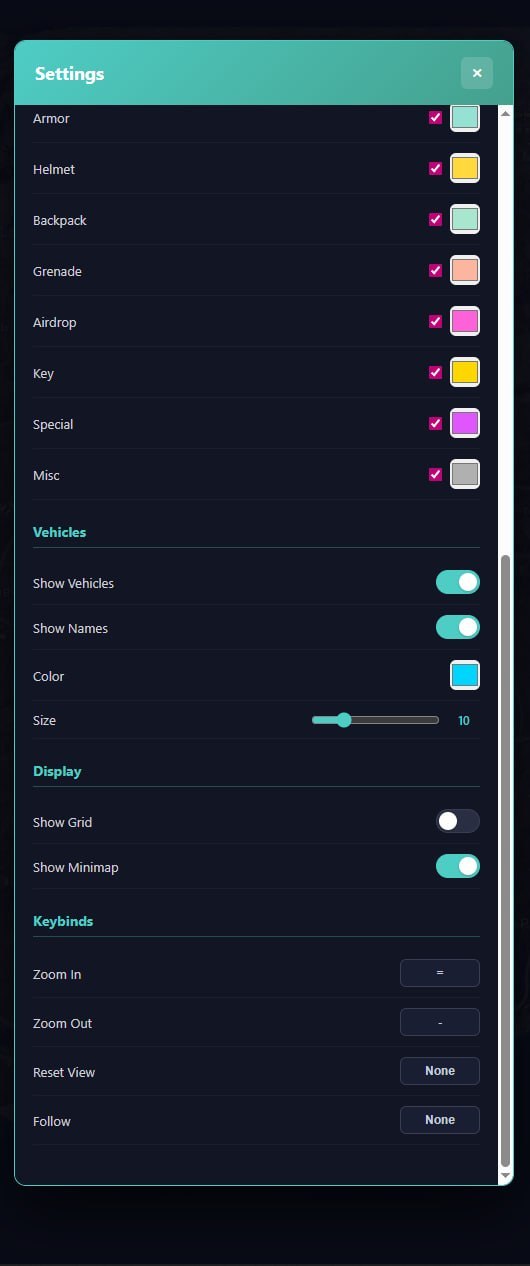
- Miscellaneous items
- Customizable icon size and opacity
Vehicles
- Vehicle display on map
- Vehicle names
- Customizable color and icon size
Display
- Coordinate grid
- Minimap
- Hotkeys (Zoom In/Out, Reset View, Follow)