Recommended
Buy private cheat Arcane for Rust
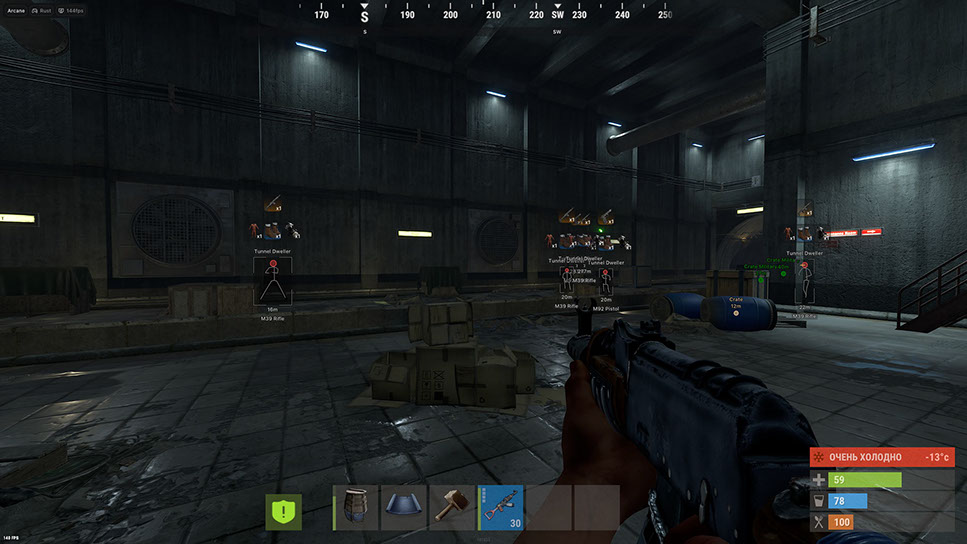
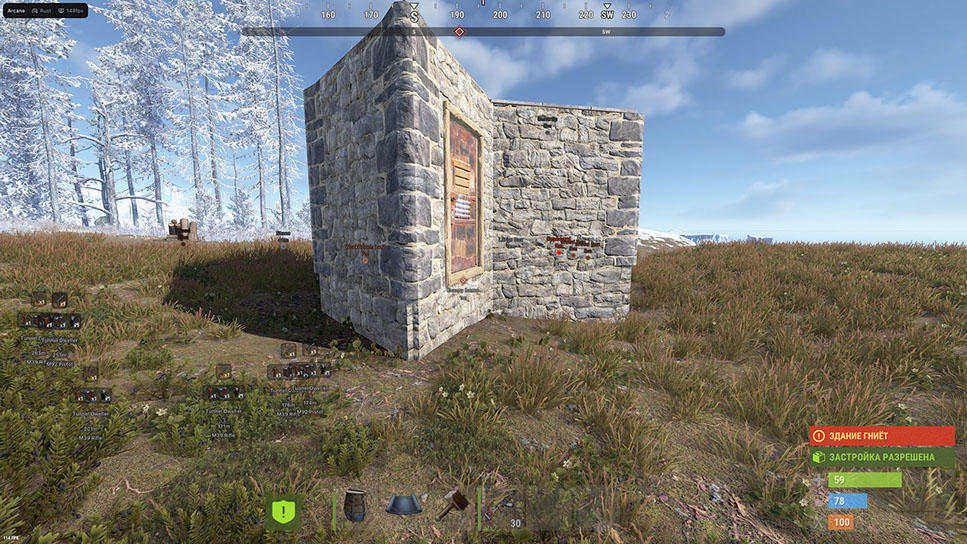
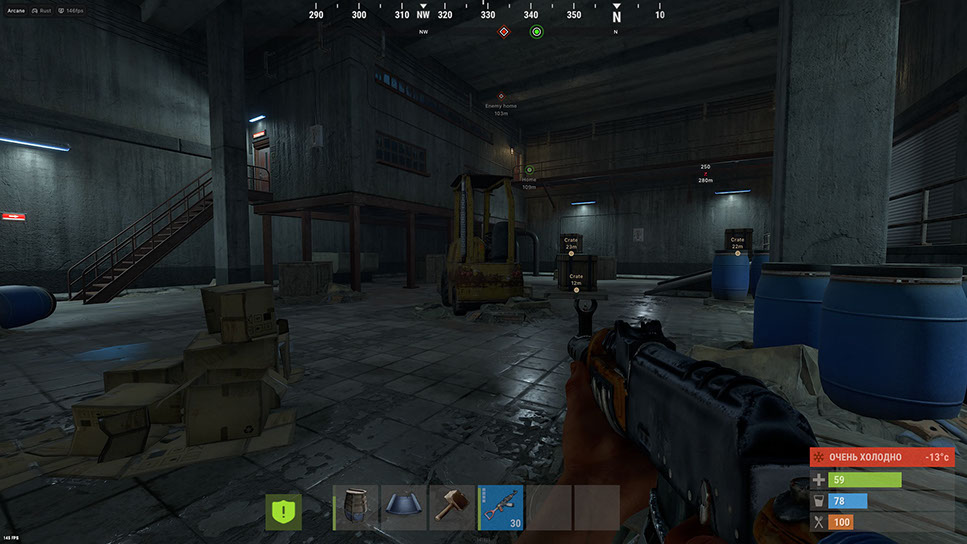
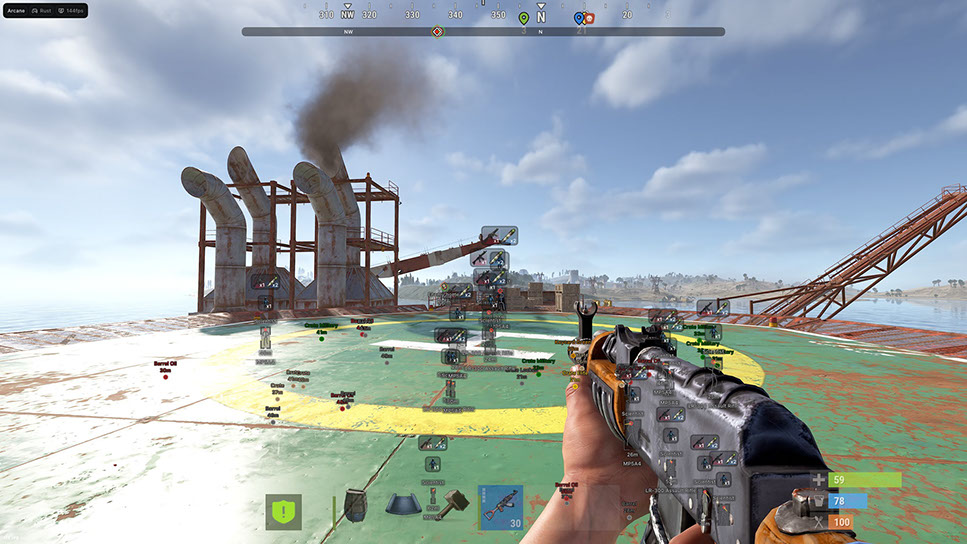
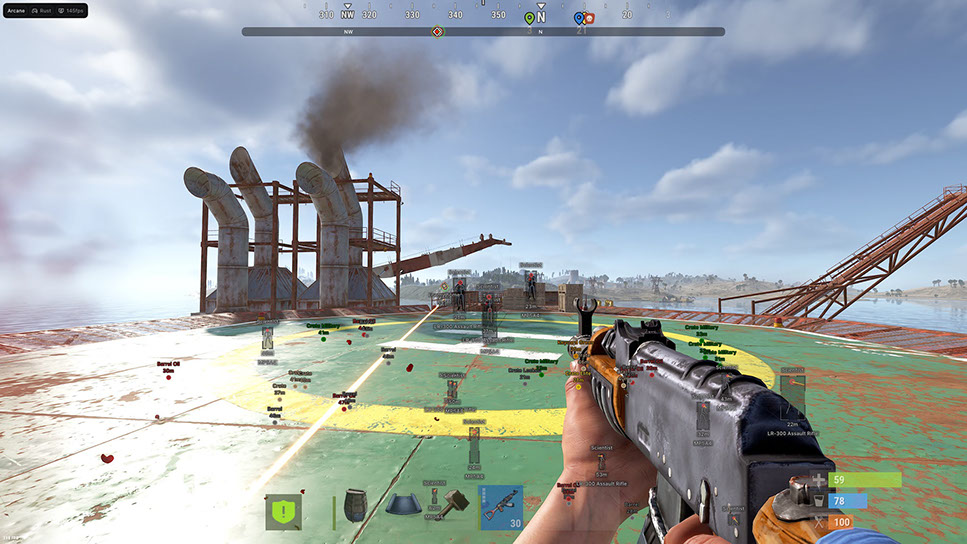
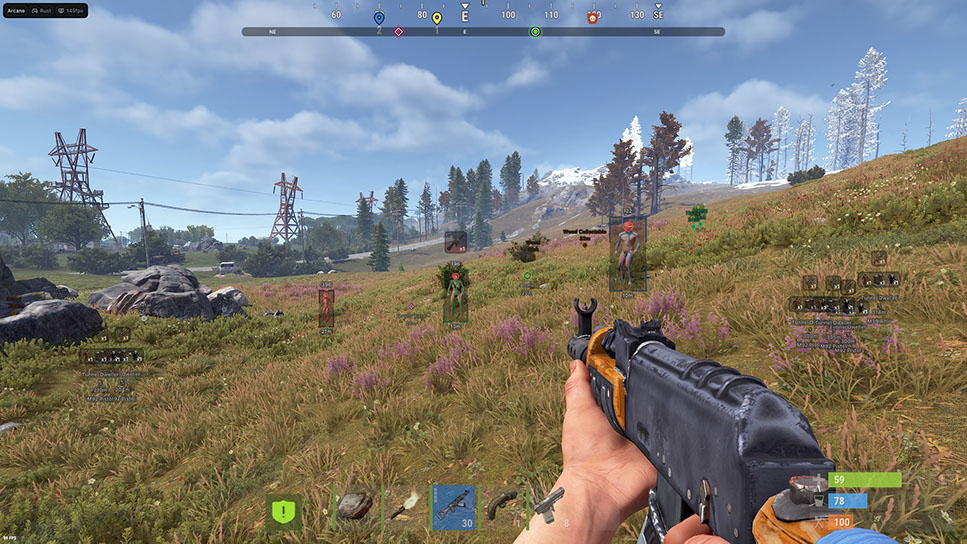
Private cheat Arcane for Rust — inventory information, aiming controls and resource display. Also included: sleeping player ESP and team filters. Client: Steam.
Compatibility
- game version
- Steam
- game mode
- Windowed / Borderless
- cpu
- All (Processor must support AVX instruction)
- gpu
- All
- ram
- 12 GB
- os
- Windows 10-11 (26H1, 26H2) x64
- builds
- everything from 1903 to last one
Features
AIMBOT
- Aimbot type - Aim type: (Vector, Silent)
- Target - Targets: (Players, Bots, Team, Knocked Out)
- Mode - Mode: (Always, When held)
- Bone selection - Target selection: (Selected bone, Near bone, Random bone)
- Bones - Bones: (Head, Neck, Body, Pelvis..)
- Prediction - Predicting target movement
- Draw FOV Border - Draw a circle FOV
- Draw FOV Background - Draw the FOV circle background
- Draw FOV Target - Draw a target
- FOV Radius - FOV circle size
- Hit chance - Chance to hit
- Smoothness - Smoothness
- First keybind - First aim activation key
- Second keybind - Second aim activation key
- Switch delay - Target change delay
- Visibility check - Visibility check
- Max distance - Maximum distance
ESP Players
- Bounding box - Boxing 2D (Box, In the corners)
- Fill box - Box background (Static, Gradient)
- View line - Line of sight: (Color of the beginning of the line, Color of the end of the line)
- Line to enemy - Lines to players: (Color, Positions)
- Draw teams - Draw team members
- Draw bots - Draw bots
- Draw knockeds - Draw knocked people
- Draw sleeping - Draw sleeping people
- Nickname - Nicky
- Weapon in hands - Item in hands
- Distance - Distance
- Bot transparency - Bot transparency
- Text transparency - Text transparency
- Visibility check - Visibility check
- Max distance - Maximum distance
inventory
- Style position - Position style: (Screen, Player)
- Draw count - Draw quantity
- Draw rarity - Draw rarity
- Draw fast slots - Draw fast slots
- Draw cloth slots - Draw other slots
- Size - Size
- Transparency - Transparency
Items ESP
- Show distance - Show distance
- Background transparency - Background transparency
- Filter - Filter: (Weapons, Construction, Items, Resources, Clothing, Devices, Medicine, etc...)
Objects ESP
- Resource - Resources: (Wood, Stone, Metal, etc...)
- Eat - Food: (Mushroom, Corn, Pumpkin)
- Animals - Animals: (Bear, Wolf, Boar, etc...)
- Vehicles - Transport: (Bradley, Bike, Boat, etc...)
- Chests - Chests: (Box wood, Crate, Stash, etc...)
- Corpse - Corpses: (Dropped item, Corpse player, Corpse backpack)
- Traps - Traps: (Tincan, Beartrap, Land mine, etc...)
- Home - Home: (Bed, Cupboard, Workbench)
- World objects - World objects: (Recycler, Airdrop, Drone, etc...)
- Middle ages - Middle Ages: (Catapult, Ballista, Siege tower, etc...)
Waypoints
- Create waypoint - Create a waypoint in the world
- Draw name - Draw a name
- Draw distance - Draw distance
- Enable compass - Activate the compass
Friends & Entites
- Teamcheck game party - Team check: (Friends color, Enemies color)
- Add friend - Add friends
- Add enemy - Add enemies
MISC
- Battle mode - Battle mode
- No recoil - Disable recoil
- No sway - Disable shaking
- No spread - Disable spread
- Spiderman - Spider-Man
- Instant eoka - Instant eoka
- Force automatic - All weapons are automatic
- Fullbright
- Shoot anywhere
- FOV changer - Changing the viewing angle
- Super zoom scope - Increased zoom in sight
- Thick bullet - Thick bullet
SETTINGS
- Menu keybind - Menu activation key
- Unload keybind - Unload key
- DPI Scale - UI size
- FPS Limit - FPS limit
- Theme - Theme: (Dark, Light)
- Watermark - Watermark
- Language - Language: (EN, RU, CN)
CONFIG
- Crete config - Create a config
- Load config - Load config
- Rename config - Rename the config
- Delete config - Delete config
Setup and launch
Check the launch procedure for this exact edition before activating the key.
Open launch guide