Recommended
Buy private cheat Ghost ABI ESP for Arena Breakout: Infinite
Private cheat Ghost ABI ESP for Arena Breakout: Infinite — off-screen indicators, player ESP and visibility checks. Also included: health indicators and zoom controls. OS: Windows 10 | 11 (1903-25H2).
Compatibility
- project
- External
- cpu
- INTEL | AMD
- client
- Game Launcher | Steam | Epic Games
- OS
- Windows 10 | 11 (1903-25H2)
- video card
- NVIDIA | AMD
- Game mode
- Window | Frameless
- spoofer
- NO
Features
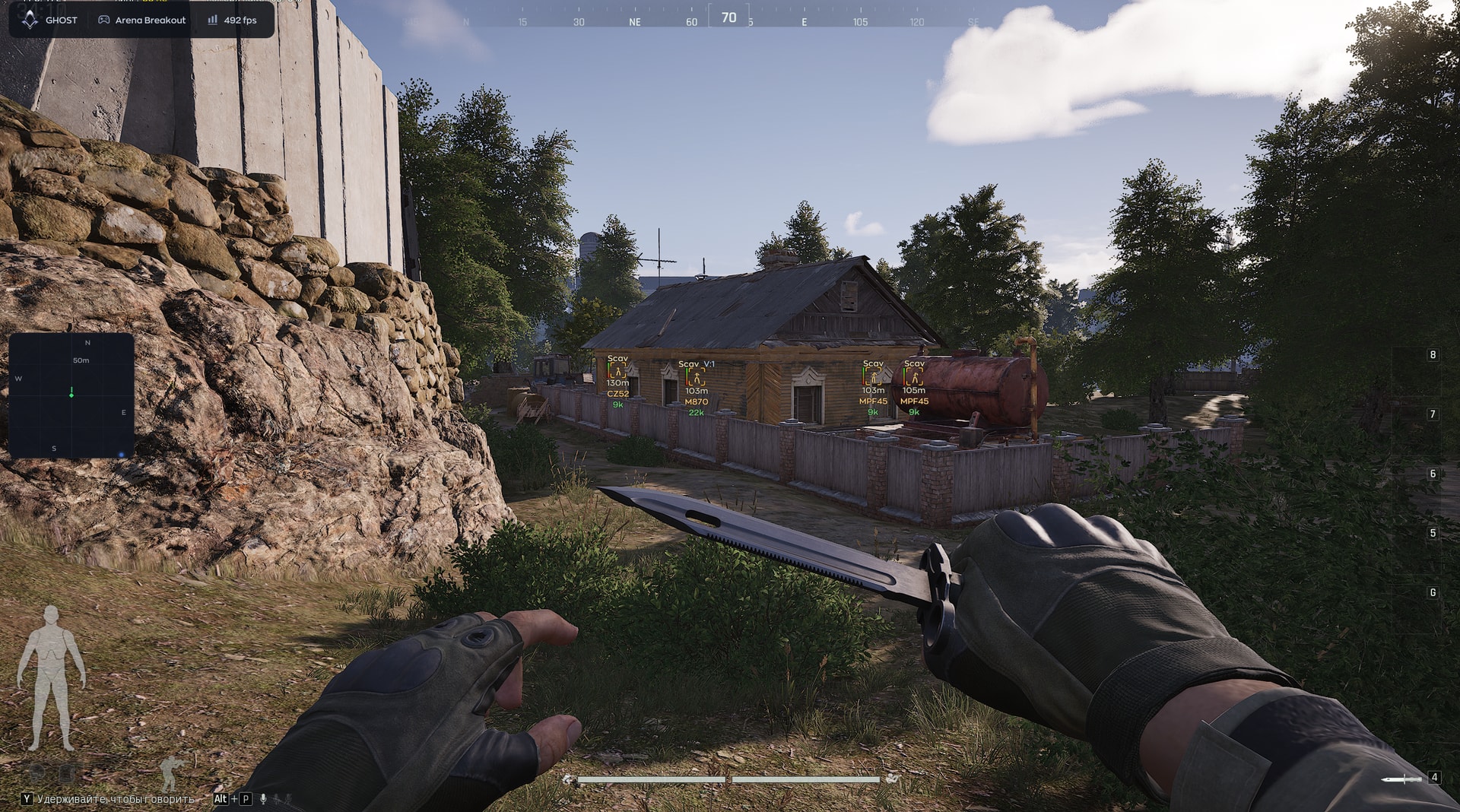
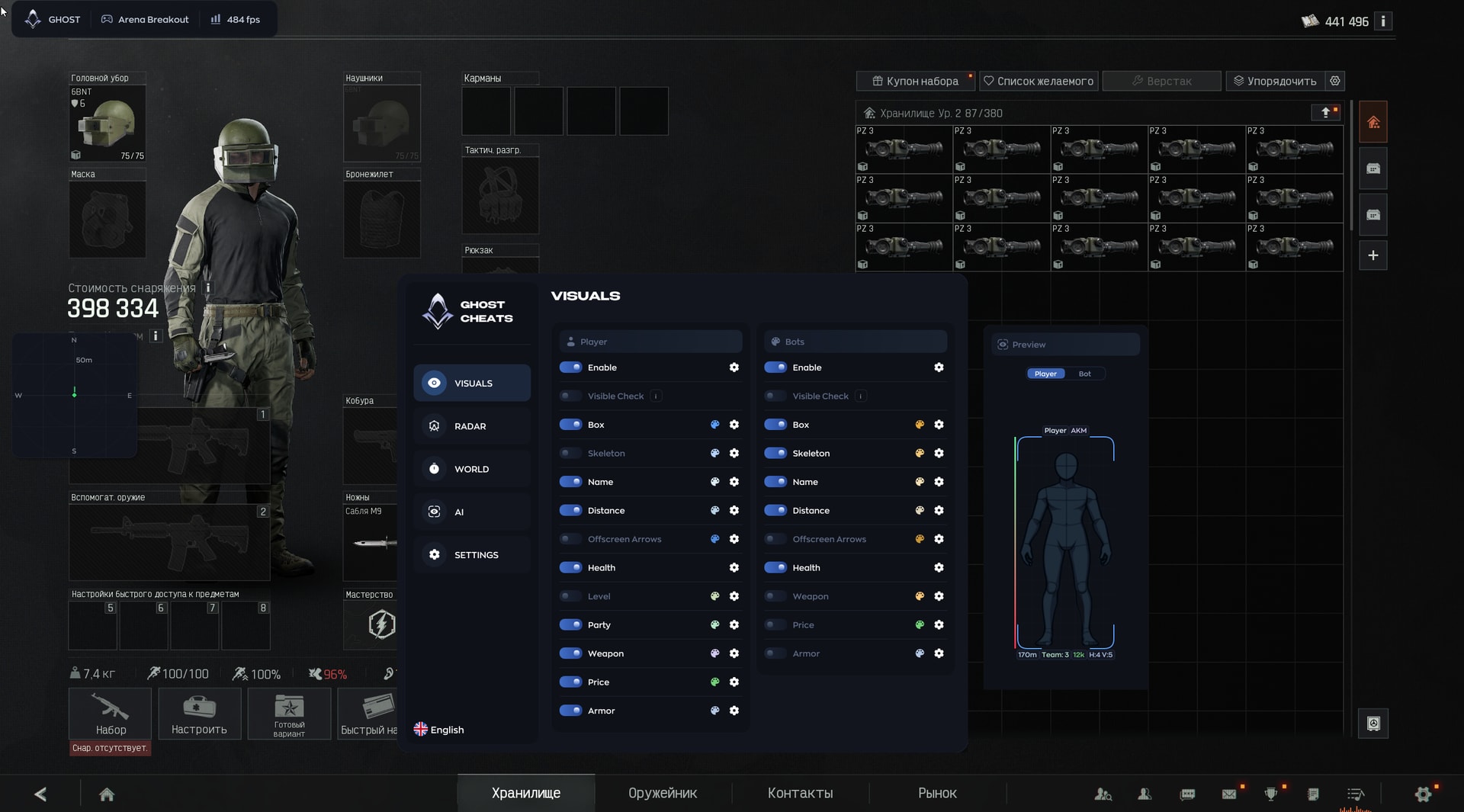
Player ESP
- Enable — enable player ESP
- Visible Check — color based on target visibility
- Box — box around the player
- Skeleton — player skeleton
- Name — player name
- Distance — distance to the player
- Offscreen Arrows — direction to offscreen targets
- Health — player health
- Preview — player and bot ESP preview inside the menu
Player equipment and team
- Level — player level
- Party — team or party identification
- Weapon — weapon held by the player
- Price — player equipment value
- Armor — armor and its condition
Bot ESP
- Enable — enable bot ESP
- Visible Check — color based on bot visibility
- Box — box around the bot
- Skeleton — bot skeleton
- Name — bot name
- Distance — distance to the bot
- Offscreen Arrows — direction to offscreen bots
- Health — bot health
Bot equipment
- Weapon — weapon held by the bot
- Price — bot equipment value
- Armor — bot armor and its condition
Radar and compass
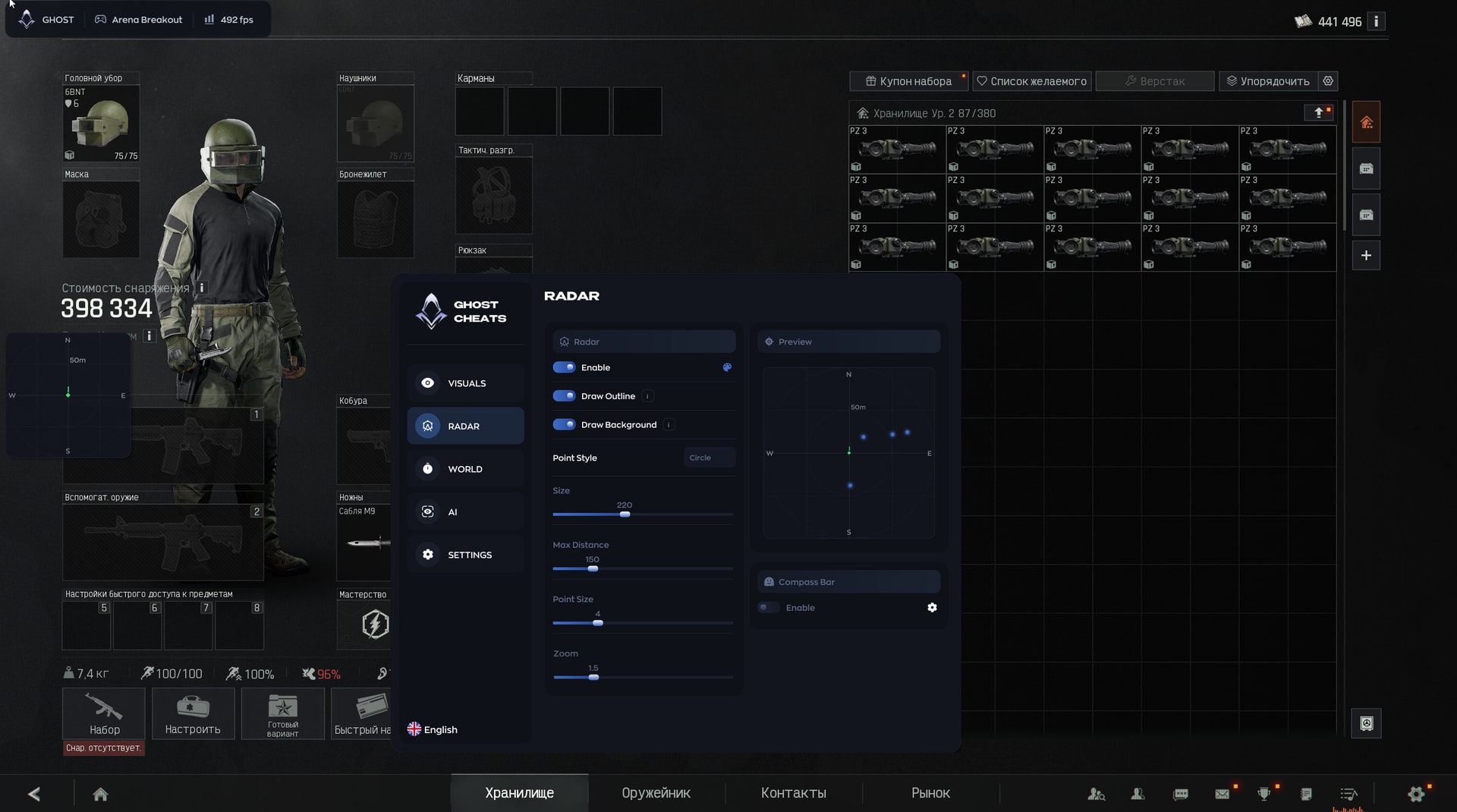
- Enable — enable the 2D radar
- Draw Outline — radar window outline
- Draw Background — radar background
- Point Style — target marker style
- Size — radar window size
- Max Distance — maximum radar distance
- Point Size — marker size
- Zoom — radar zoom
- Compass Bar — compass bar with enemy markers
Corpses
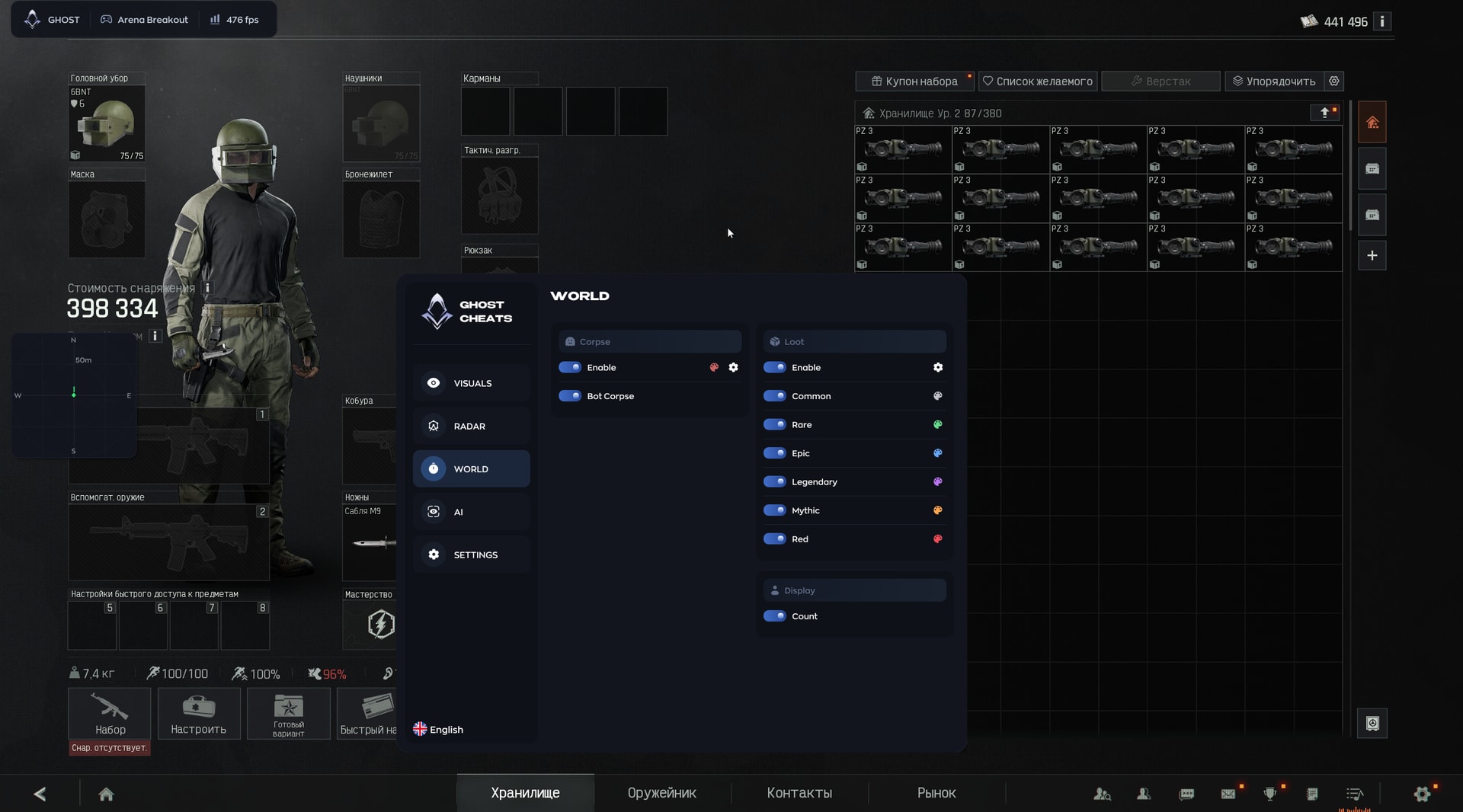
- Enable — display dead players and bots
- Bot Corpse — separate bot corpse display
Loot rarity
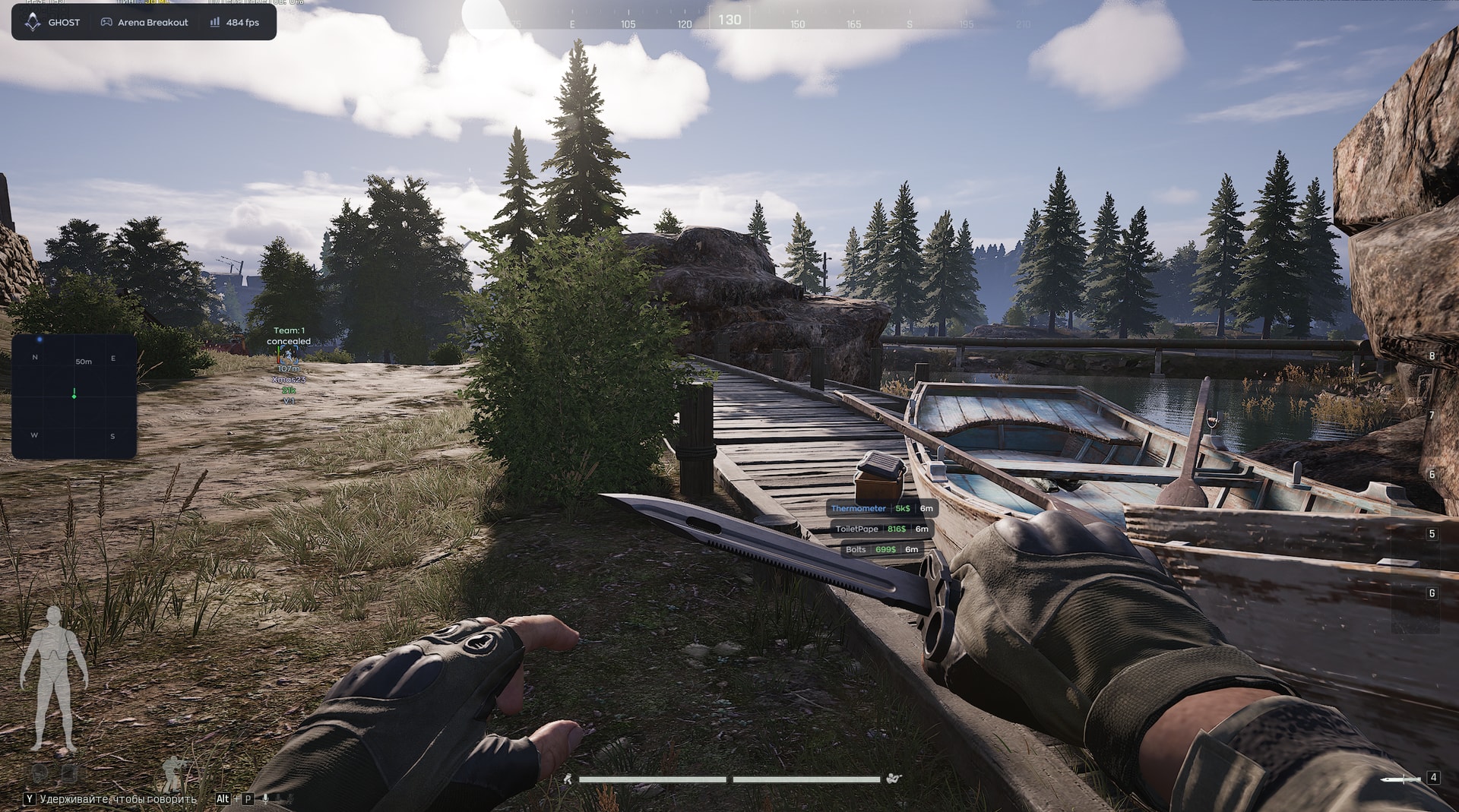
- Enable — display items on the map
- Common — common items
- Rare — rare items
- Epic — epic items
- Legendary — legendary items
- Mythic — mythic items
- Red — red rarity items
Loot display
- Count — item count
- Max Distance — maximum display distance
- Min Price — minimum item value
- Font Size — label font size
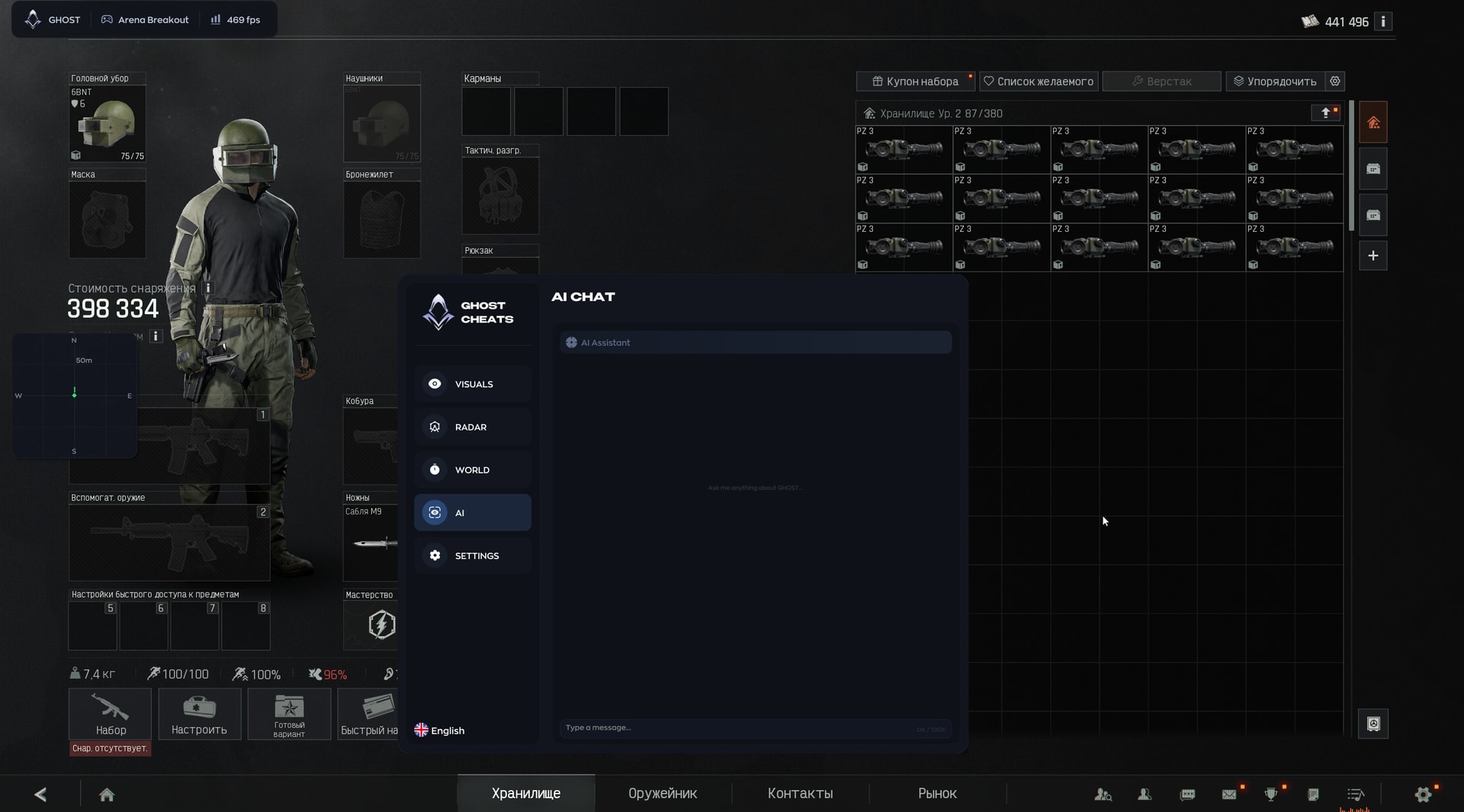
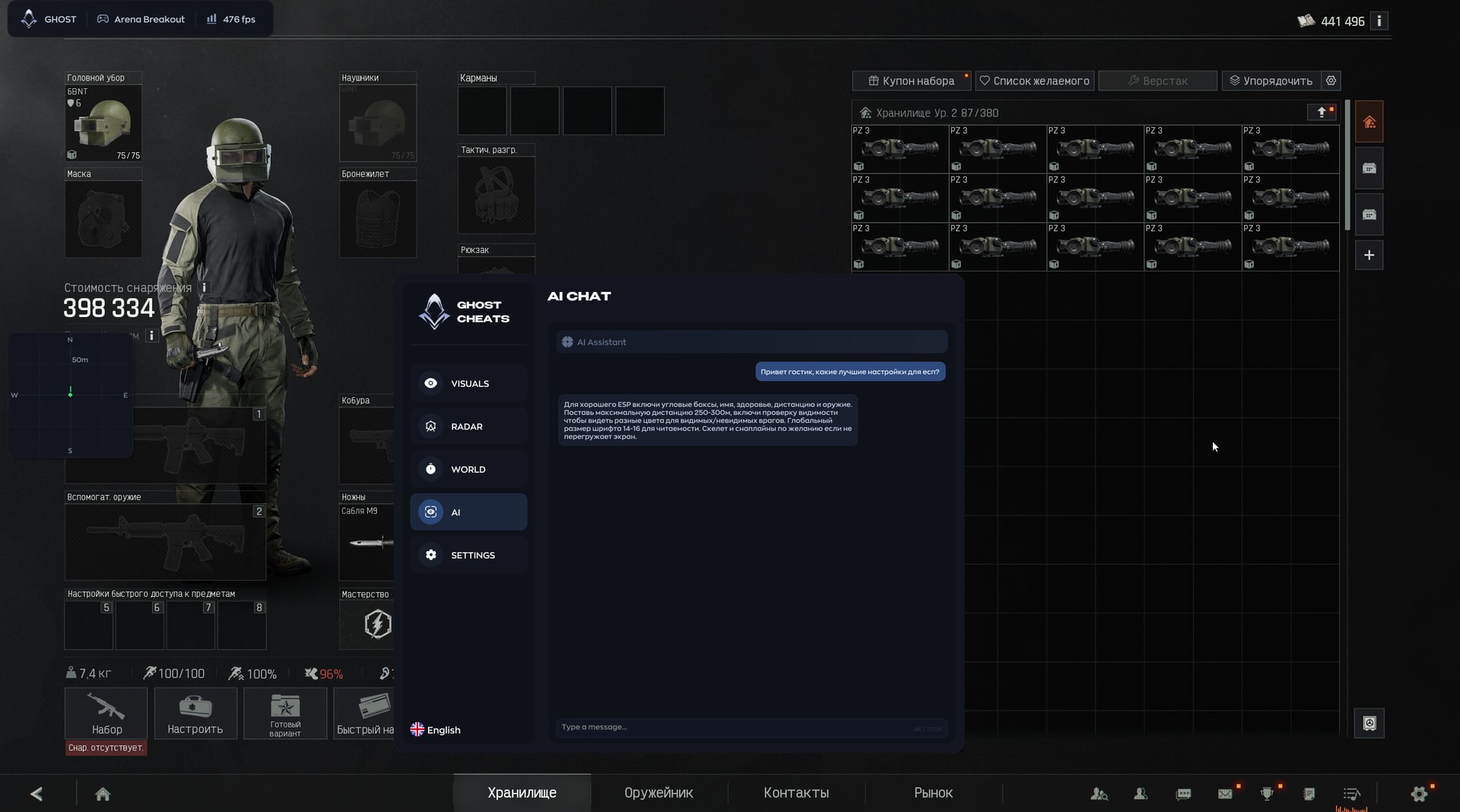
AI Chat
- AI Assistant — select ESP settings through AI Chat
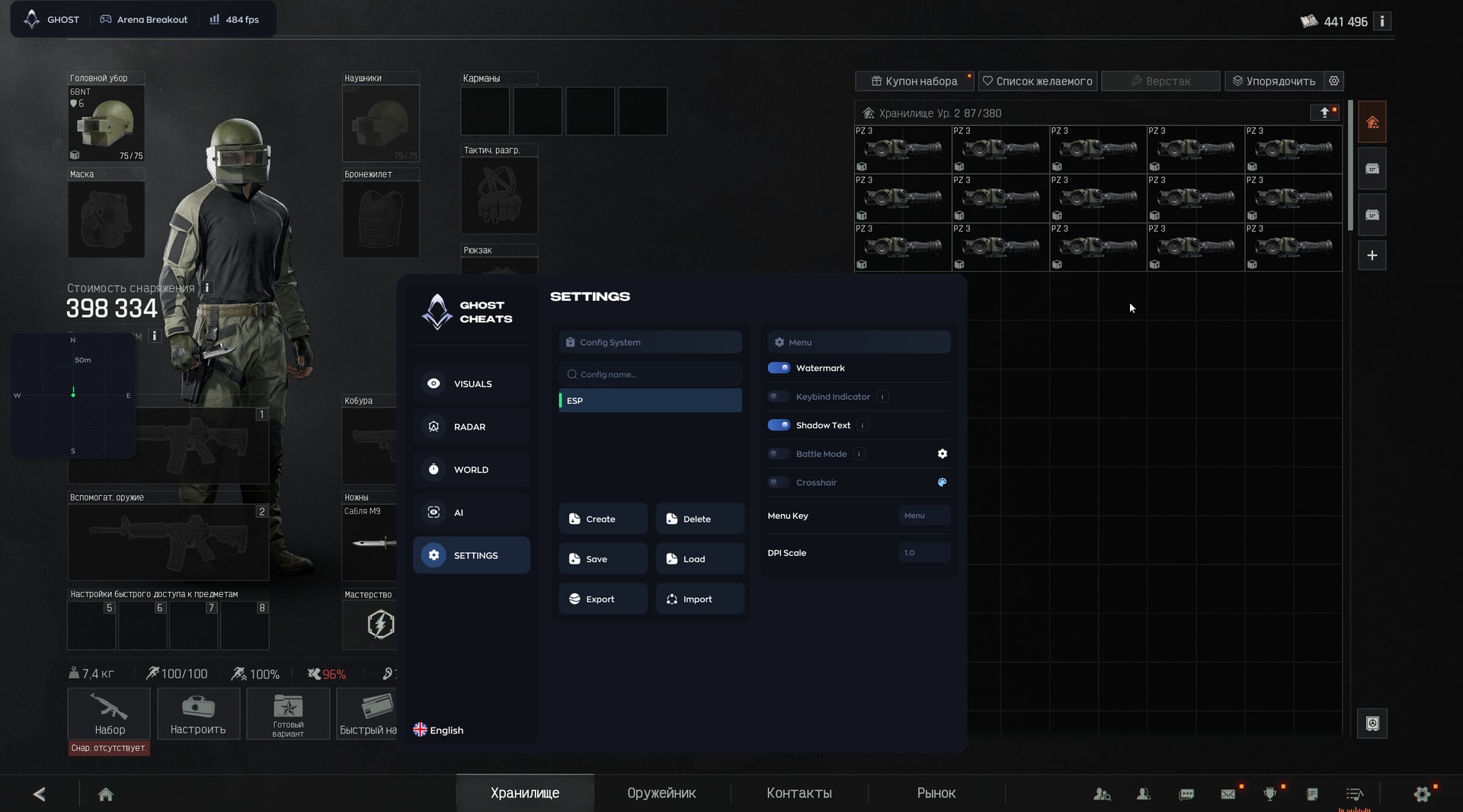
Configurations
- Create — create a configuration
- Save — save a configuration
- Load — load a configuration
- Delete — delete a configuration
- Export — export a configuration
- Import — import a configuration
Interface
- Watermark — onscreen logo
- Keybind Indicator — hotkey indicator panel
- Shadow Text — text shadow for the menu and ESP
- Battle Mode — compact interface for combat
- Crosshair — custom crosshair overlay
- Menu Key — menu toggle key
- DPI Scale — interface scaling
Setup and launch
Check the launch procedure for this exact edition before activating the key.
Open launch guide