
Ghost — setup and launch
Preparation, activation and important details for Ghost.
A concise Ravzino guide. Follow only the procedure for your edition; if the supplied build differs, check its current materials before activating the key.
Steps to follow
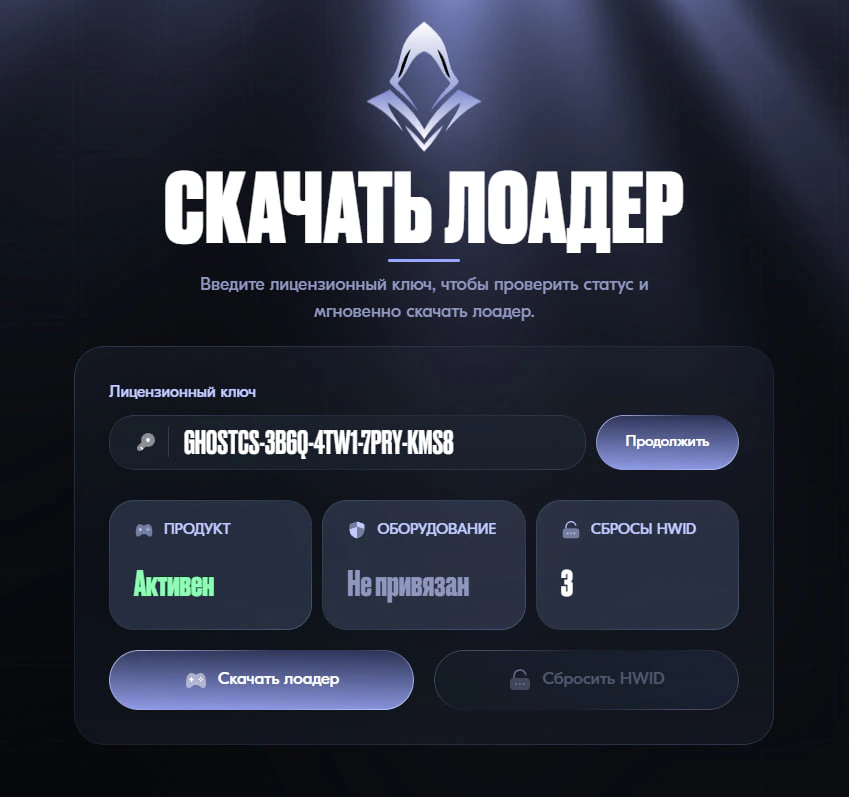
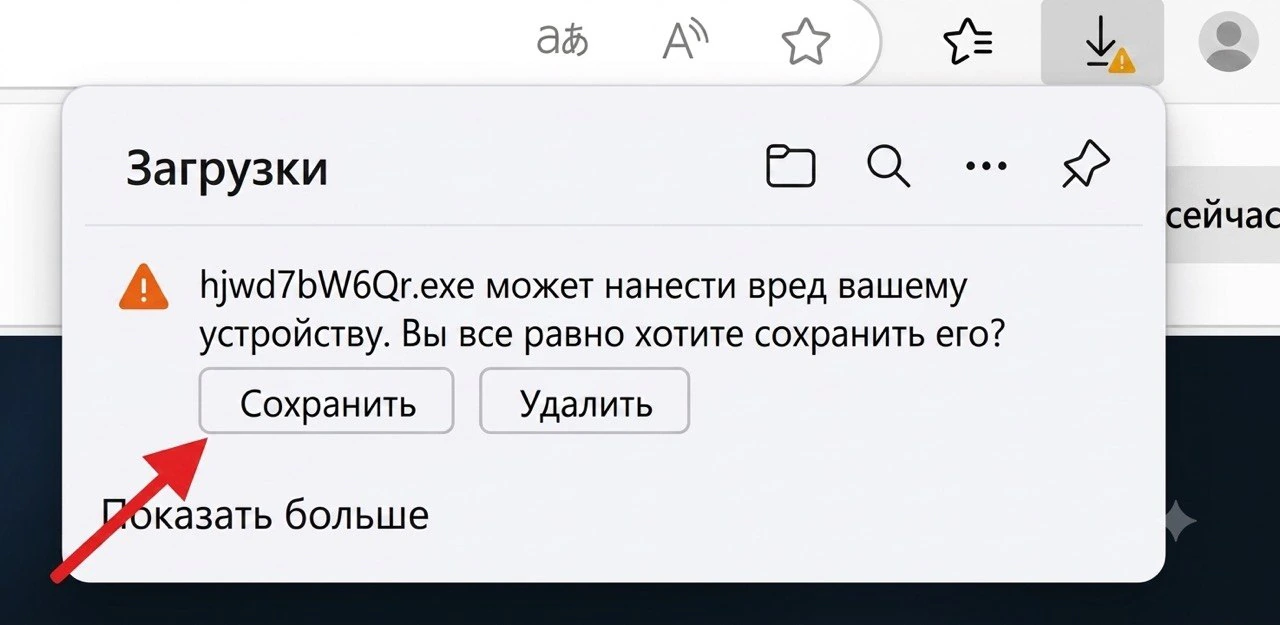
- Close the game. Enter your key at ghost.download and continue to obtain the loader. Start the game only after a successful-injection message.
- Do not use the mouse or keyboard during loading. If Wait for the software to download remains for more than two minutes or the window disappears, reopen the loader.
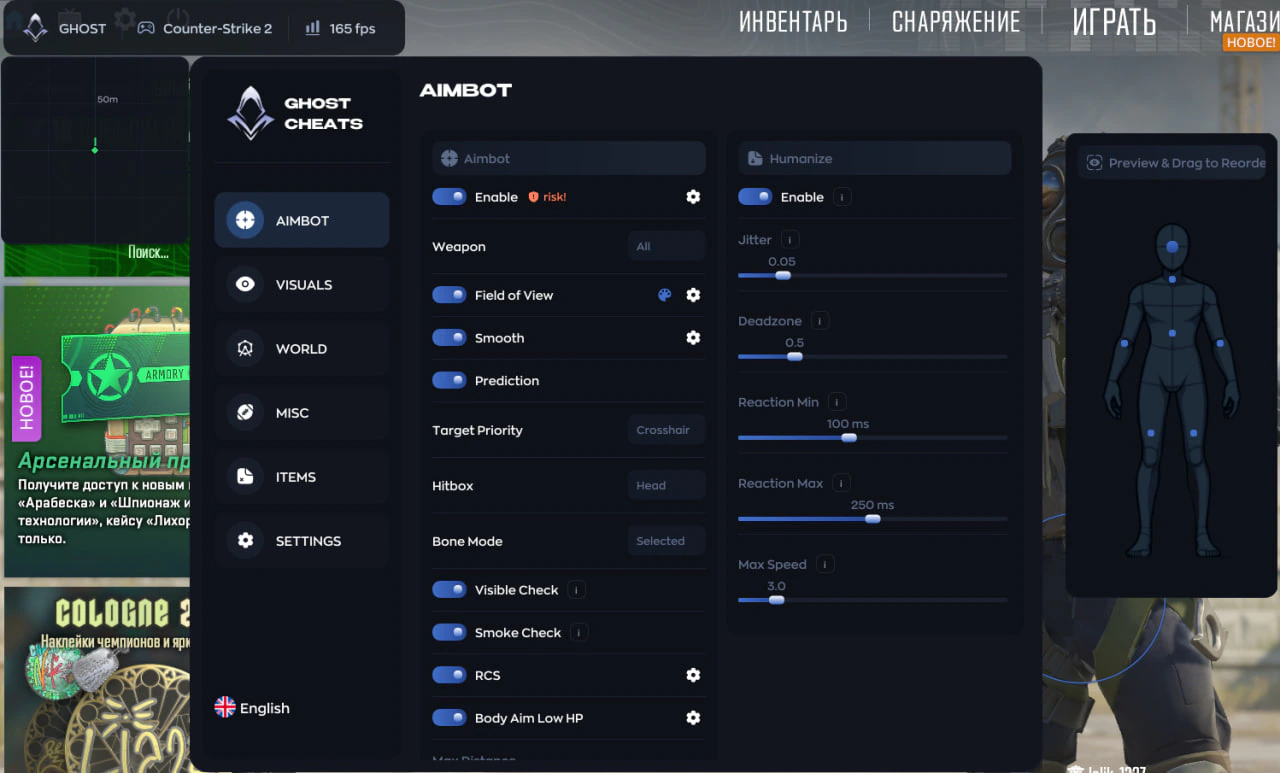
- Insert usually toggles the menu; also check Menu Key for Ghost EFT. Use windowed/borderless mode for EFT and keep the game closed until the loader permits launch.
- For FPS drops or crashes, check conflicting NVIDIA, Discord, Steam and MSI overlays. Reduce FPS if ESP lags; check game resolution and Windows scaling at 100% if boxes are misaligned.
Files and additional materials
External manuals may use another language. Downloading a file does not establish its safety or compatibility.
Illustrations and videos
Matching products
- Ghost ABI ESP for Arena Breakout: Infinite
- Ghost ABI FULL for Arena Breakout: Infinite
- Ghost Apex for Apex Legends
- Ghost Arc Raiders
- Ghost Bodycam
- Ghost Deadlock
- Ghost DF Full for Delta Force
- Ghost DF Chams for Delta Force
- Ghost EFT for Escape from Tarkov
- Ghost Fortnite ESP
- Ghost Fortnite FULL
- GHOST ESP for ROB RUN
- GHOST FULL for ROB RUN
- Ghost Squad
- Ghost WARDOGS ESP
- Ghost WARDOGS