Recommended
Buy private cheat Ghost Deadlock
Private cheat Ghost Deadlock — container ESP, aiming controls and off-screen indicators. Also included: loot display and movement prediction. Client: Steam.
Compatibility
Platform — External
- Processors
- Intel | AMD
- Operating systems
- Windows 10 | 11
- graphics card
- NVIDIA | AMD
- Game mode
- Windowed | Borderless
- Game clients
- Steam
Features
Aimbot
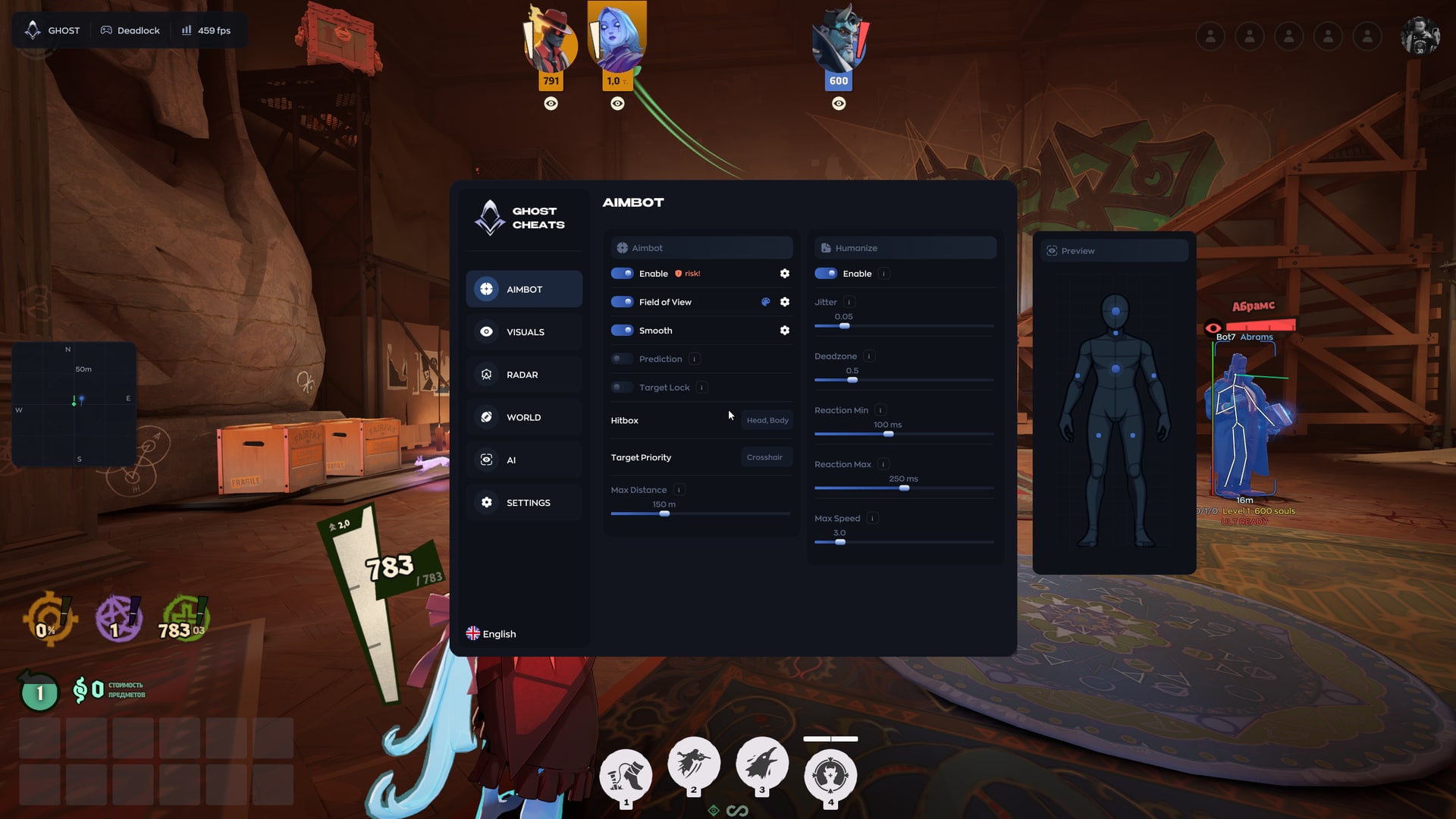
- Enable (On / Off) — a toggle switch for the aimbot function.
- Field of View — the radius/area around the crosshair within which the aimbot will lock onto a target.
- Smooth — the speed at which the crosshair moves toward the target.
- Prediction — calculates the target's movement and aims toward where the target is heading.
- Target Lock — keeps the crosshair locked onto the selected target.
- Hitbox — selection of the specific body part the aimbot will target (e.g., Head, Body).
- Target Priority — selection of which target to prioritize.
- Max Distance — the maximum distance beyond which the aimbot will not react to enemies.
Aim humanization
- Enable — turns on the humanization feature.
- Jitter — adds micro-oscillations (slight tremors) to the crosshair.
- Deadzone — an area within which the aimbot will not make any adjustments to the crosshair.
- Reaction Min / Max — a delay (in milliseconds) before the aimbot begins moving toward the target.
- Max Speed — a limit on the speed at which the camera (view) can rotate.
Player ESP
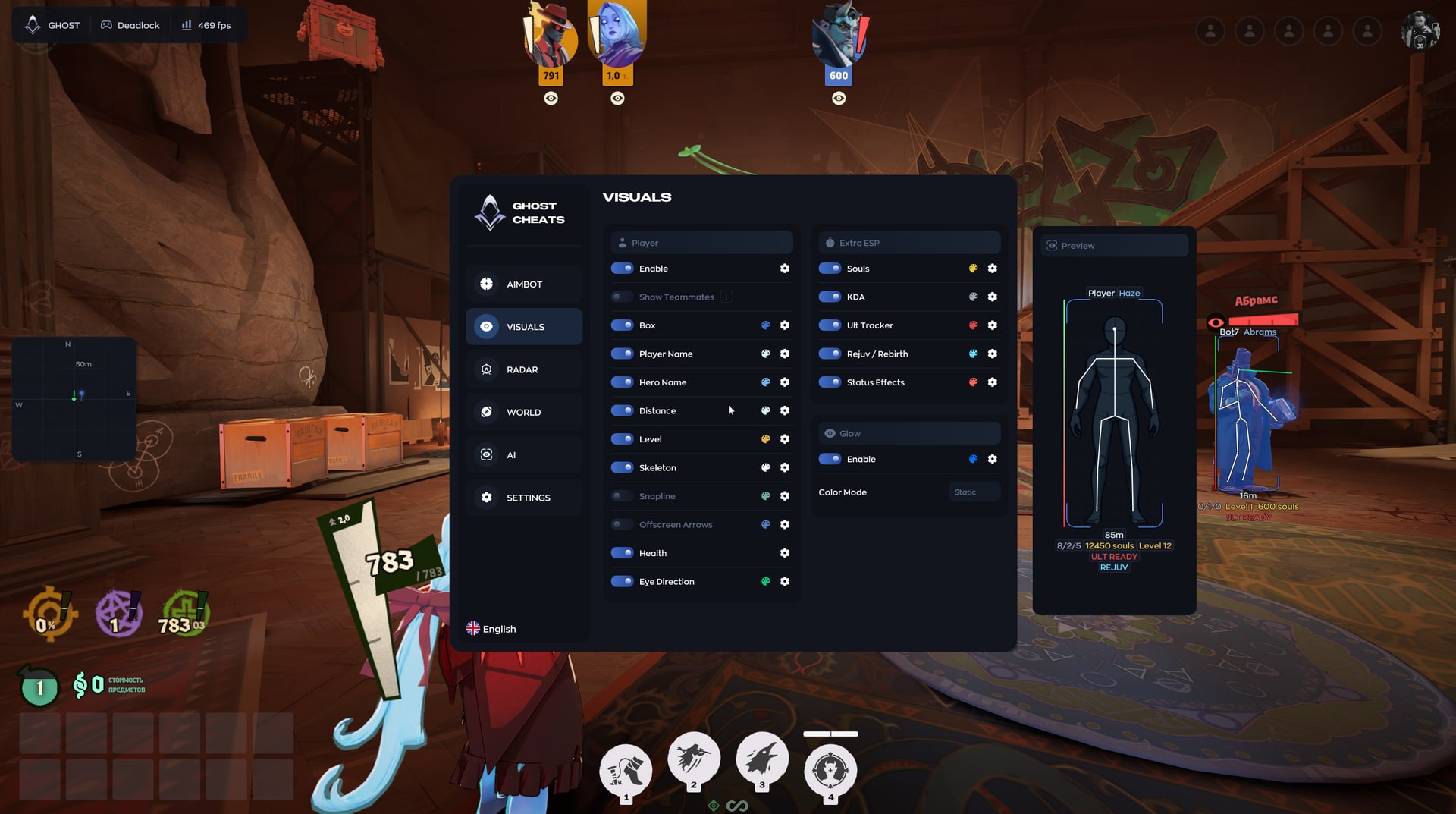
- Enable — turns on player rendering.
- Show Teammates — includes allies in the display.
- Box — draws a rectangle around the player model.
- Player Name — displays the player's nickname.
- Hero Name — displays the character (hero) name.
- Distance — shows the distance to the player.
- Level — shows the player's level.
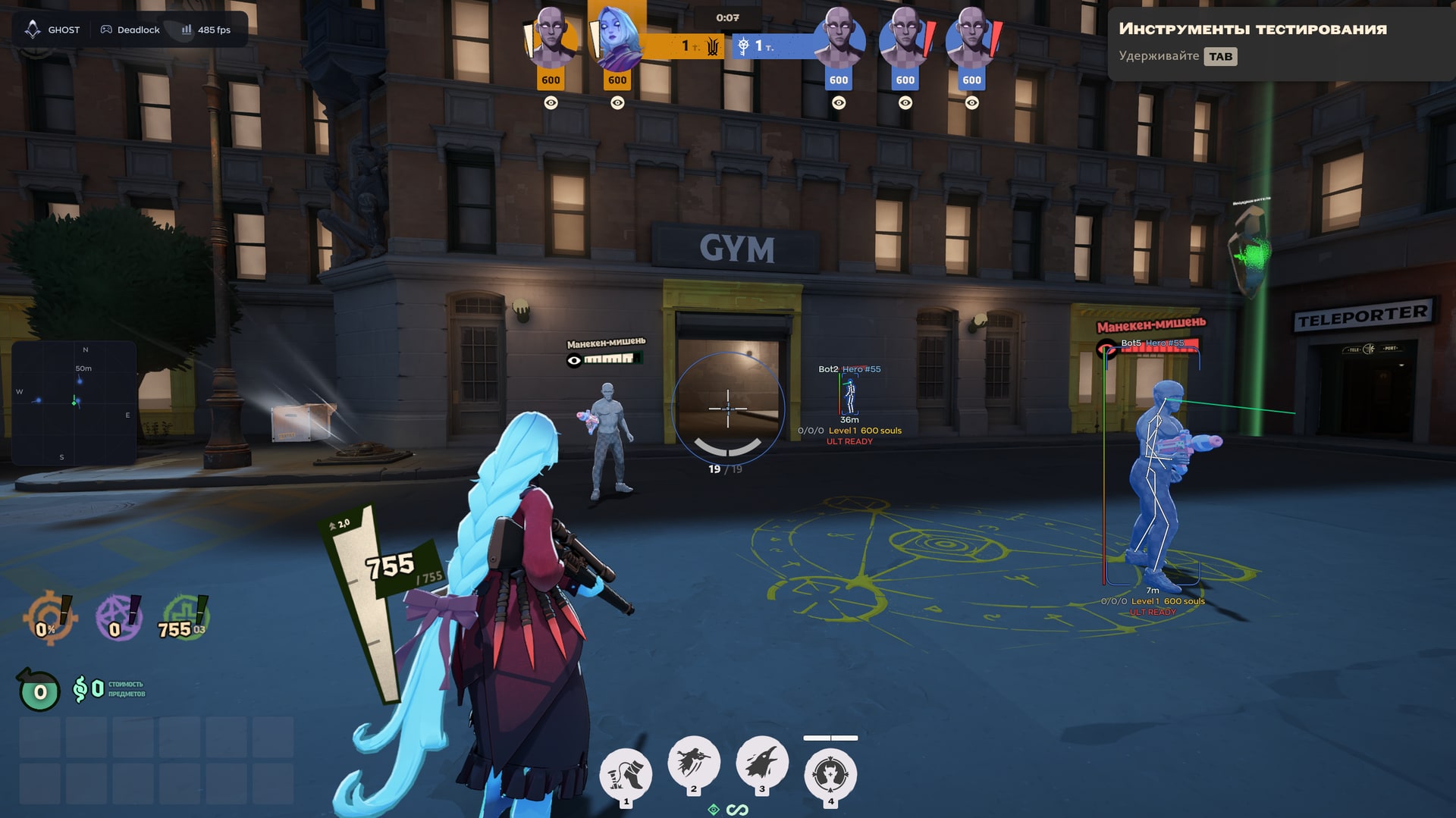
- Skeleton — draws the character's skeleton (bones), allowing you to see their pose and animations through walls.
- Snapline — draws a line from your character to the enemy.
- Offscreen Arrows — displays arrows along the edges of the screen to indicate the location of enemies outside your field of view.
- Health — shows the enemy's health bar.
- Eye Direction — displays a line indicating where the enemy is looking.
Extra ESP
- Souls — shows the number of souls a player has.
- KDA — displays kill/death/assist statistics.
- Ult Tracker — tracks the readiness of an enemy's ultimate ability.
- Rejuv / Rebirth — indicates the presence of specific buffs or resurrection capabilities.
- Status Effects — displays the current status effects active on a player.
Glow
- Enable — turns on the glow effect for player models.
- Color Mode — configures the glow color (static, team-based, etc.).
- Preview — a window on the right that shows how your visual settings appear on a dummy model.
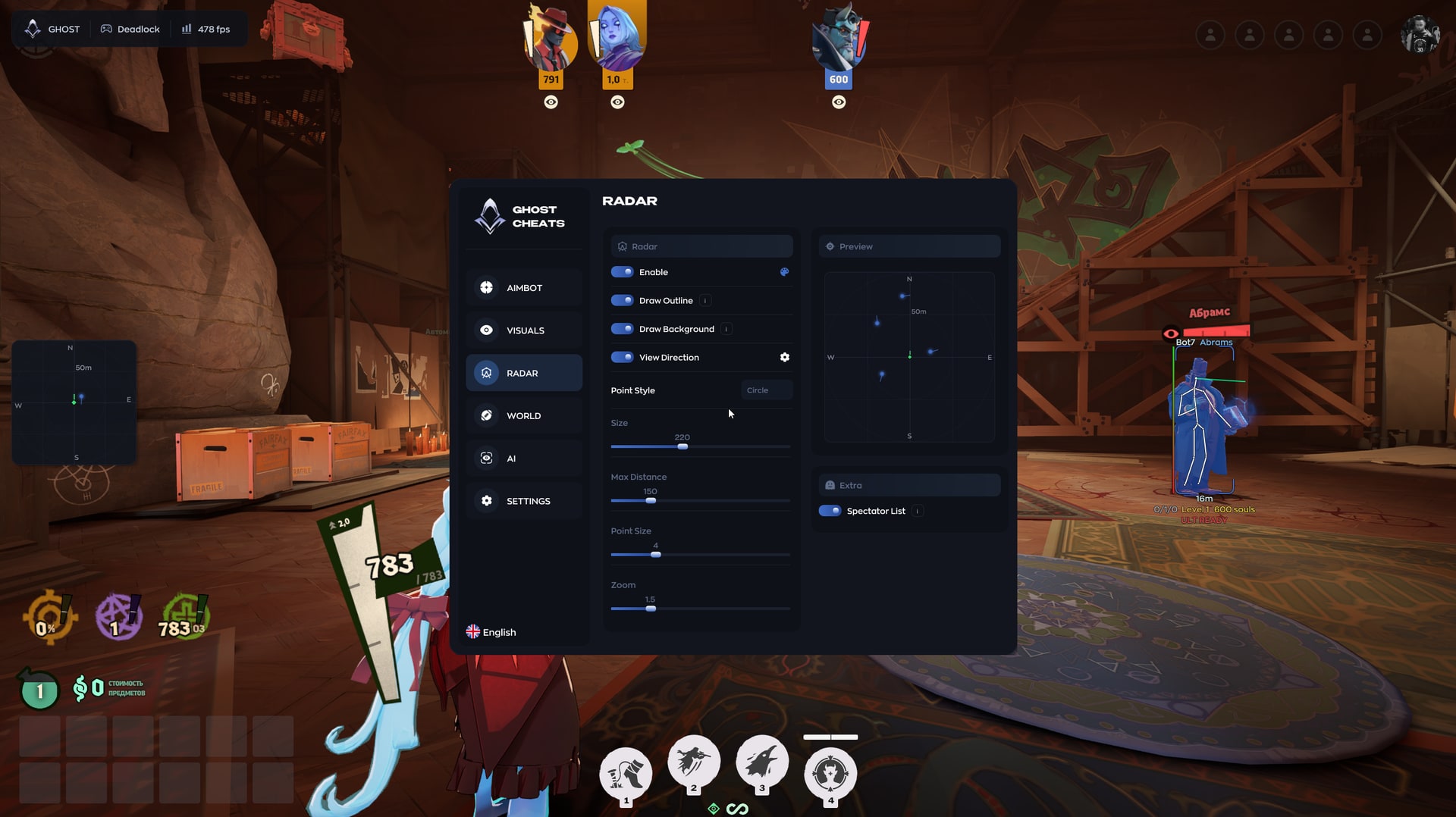
Radar
- Enable — turns on the mini-radar.
- Draw Outline — adds an outline to the radar.
- Draw Background — renders the background/map on the radar.
- View Direction — displays your character's field-of-view cone on the radar.
- Point Style — adjusts the appearance of the markers on the radar.
- Size — sets the size of the radar window.
- Max Distance — controls the scale of the radar.
- Point Size — sets the size of player markers on the radar.
- Zoom — adjusts the zoom level of the radar.
Spectators
- Spectator List — shows who is currently spectating you.
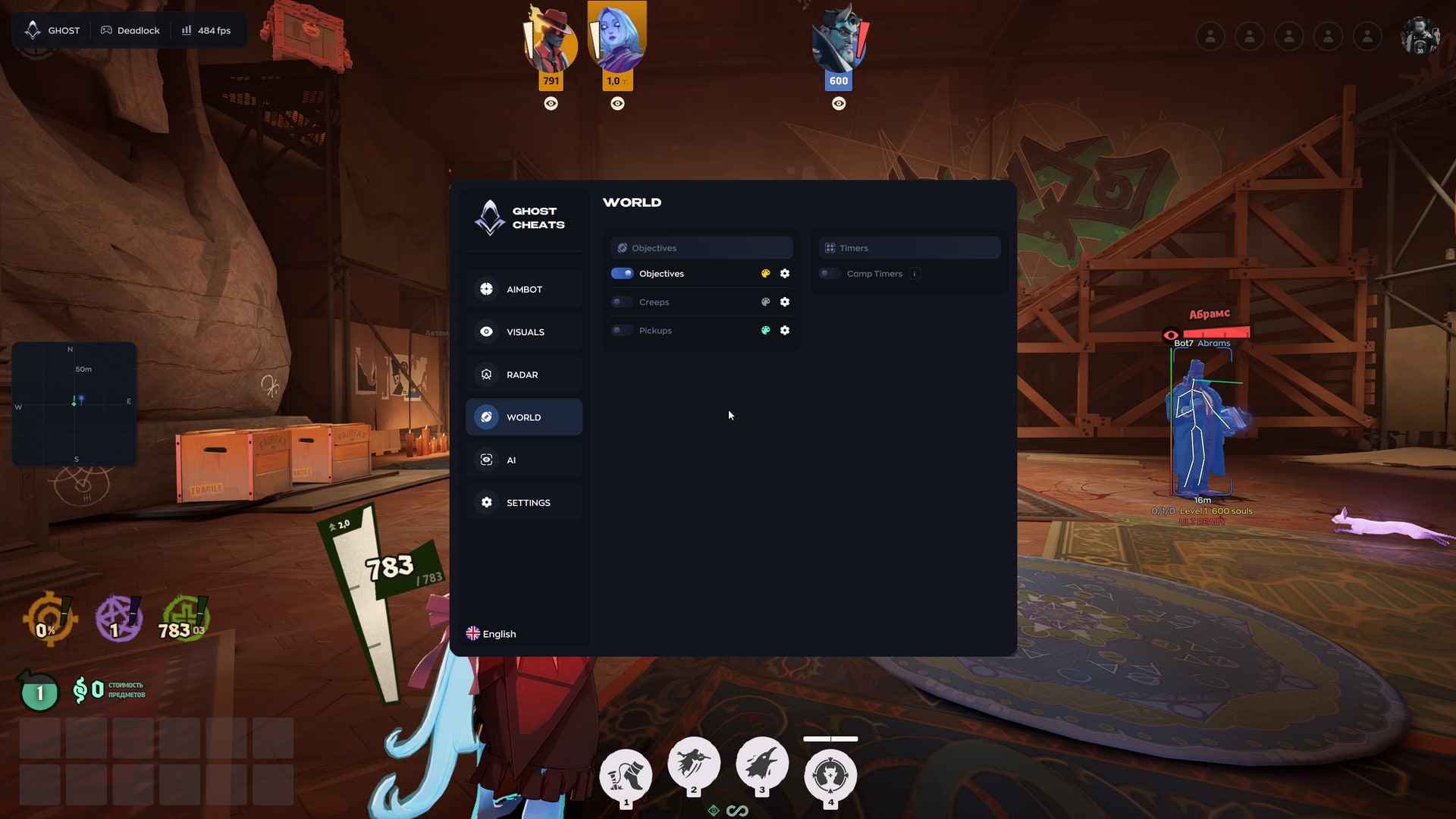
World objects
- Objectives — marks important in-game objectives on the map (e.g., bosses, defensive turrets, guardians, etc.).
- Creeps — highlights neutral mobs or standard enemy units.
- Pickups — highlights various boosts, runes, loot crates, and other useful items on the map.
- Camp Timers — respawn timers for neutral monsters/camps.
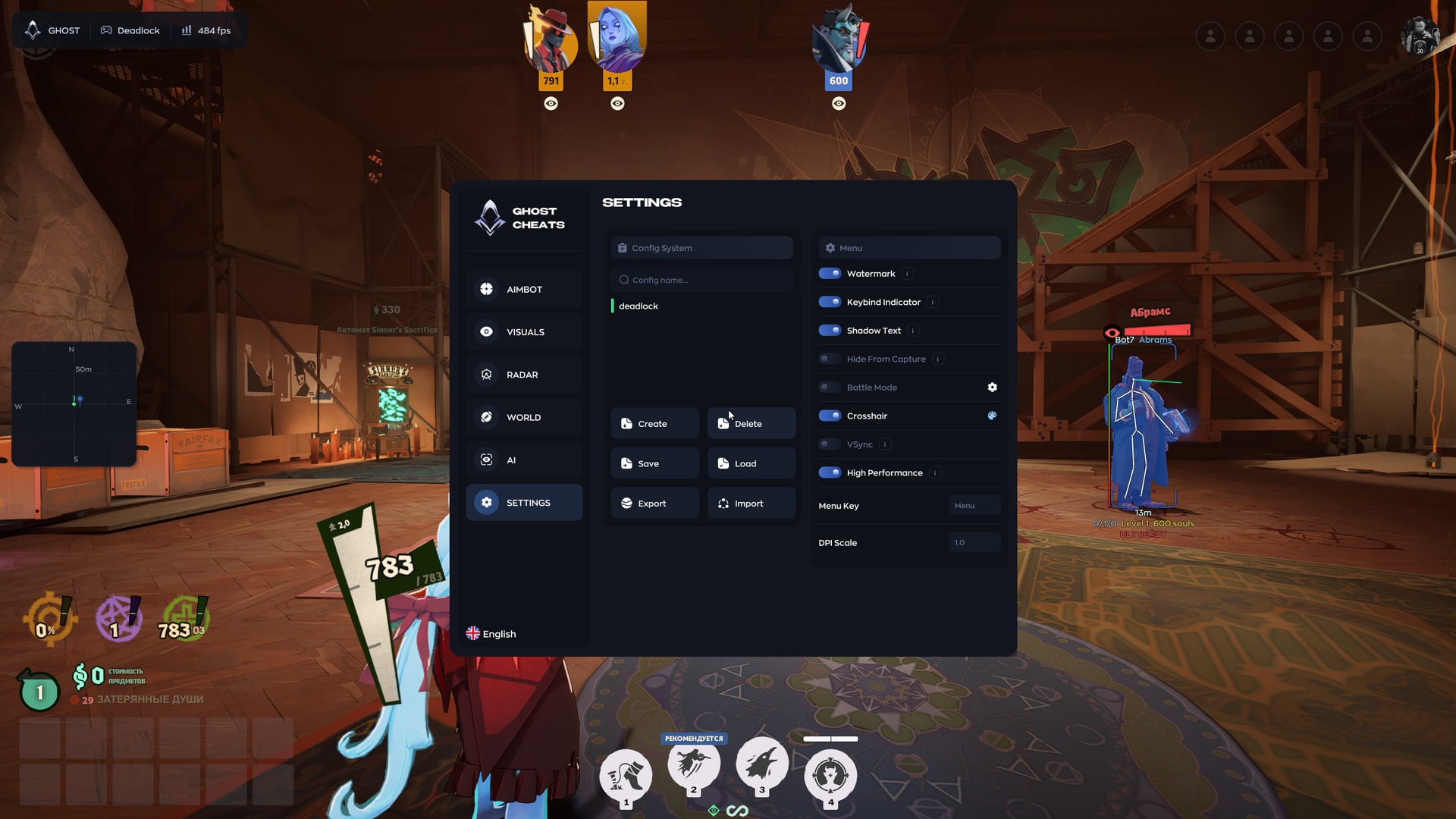
Configurations and interface
- Create / Delete — create or delete a configuration.
- Save / Load — save current settings or load previously saved ones.
- Export / Import — export a configuration to a file or import one (to share settings with another user).
- Watermark — displays a watermark/logo of the software on the screen.
- Keybind Indicator — an indicator for the key used to open the menu.
- Shadow Text — adds a shadow to the text within the menu.
- Hide From Capture — hides the cheat menu during streaming or screen recording (e.g., in OBS or via screen capture).
- Battle Mode — combat mode (hides unnecessary interface elements).
- Crosshair — settings for enabling or configuring a custom crosshair.
- VSync — vertical synchronization.
- High Performance — a mode for high performance.
- Menu Key — the key used to open this menu (default is Insert/Home).
- DPI Scale — scales the menu interface according to the screen resolution.
- Language — switches the interface language.
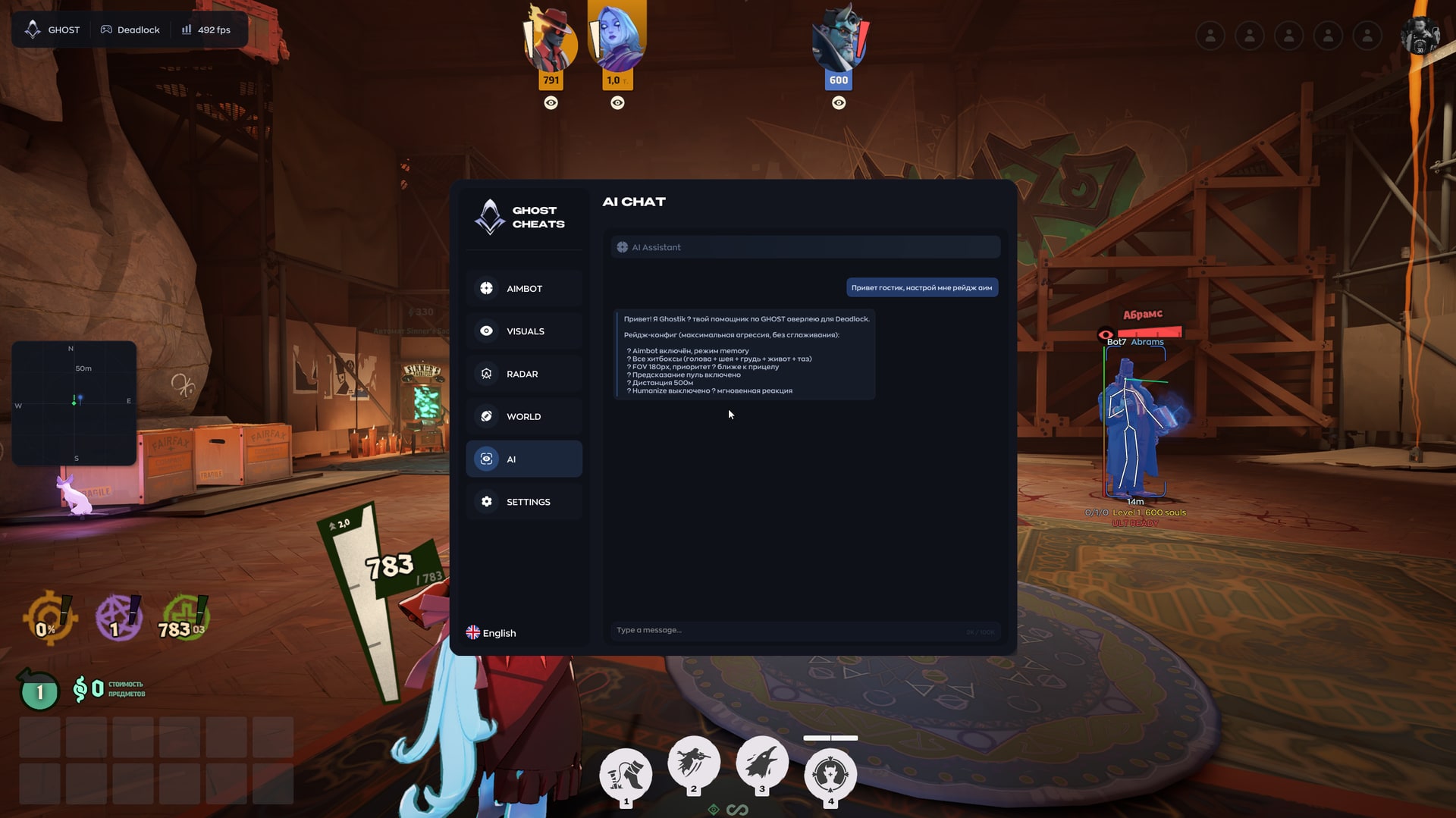
AI Chat
- AI Chat — help with settings and answers to questions.
Setup and launch
Check the launch procedure for this exact edition before activating the key.
Open launch guide