Recommended
Buy private cheat Ghost WARDOGS
Private cheat Ghost WARDOGS — off-screen indicators, aiming controls and movement prediction. Also included: target selection radius and body display. Client: Steam.
Compatibility
- Processors
- INTEL | AMD
- Operating systems
- Windows 10 | 11 (1903-26H1)
- video card
- NVIDIA | AMD
- Game mode
- Windowed | Borderless
- Game clients
- Steam
- Built-in spoofer
- No
- flash drive
- Not required
Features
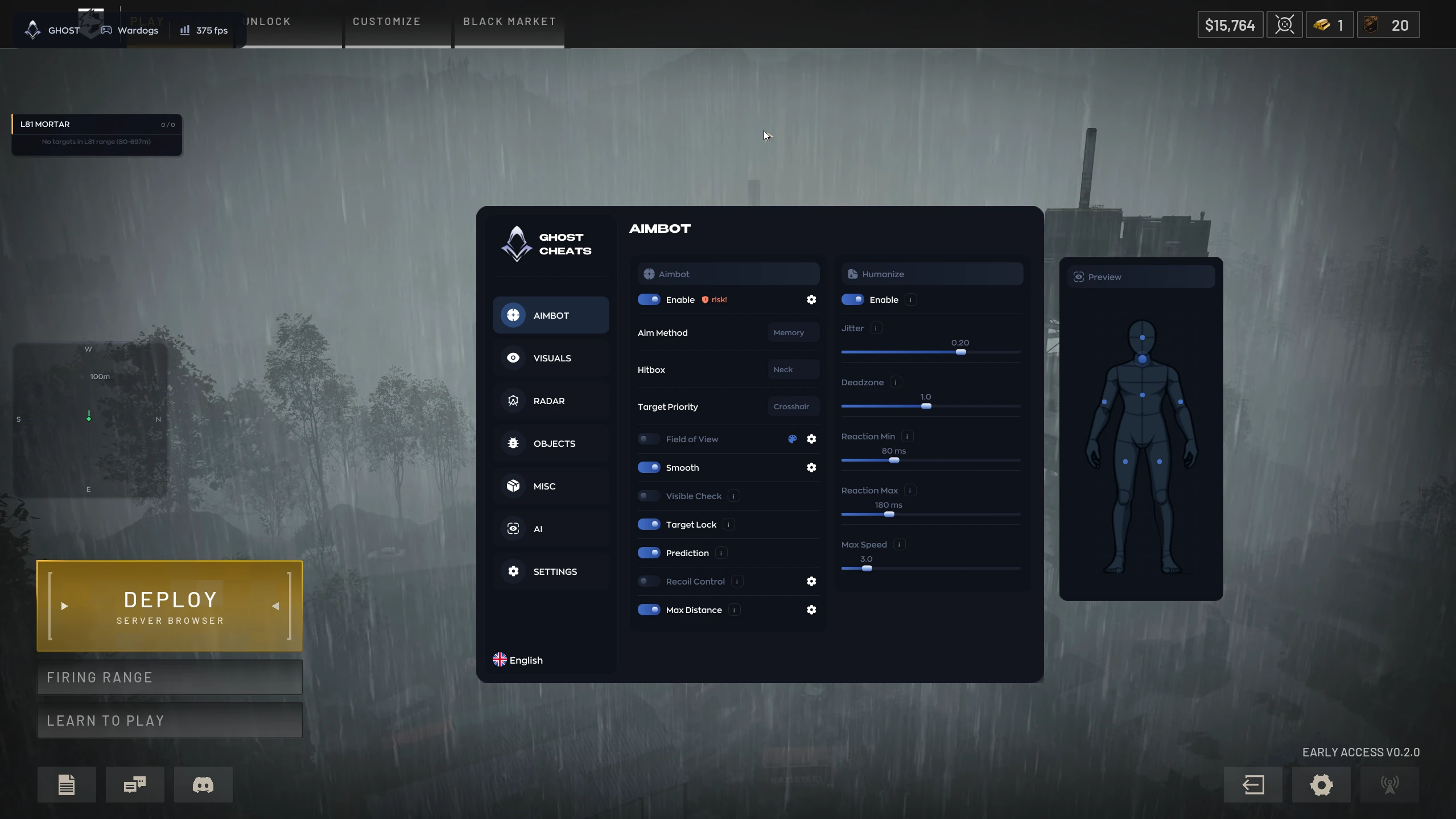
Aimbot
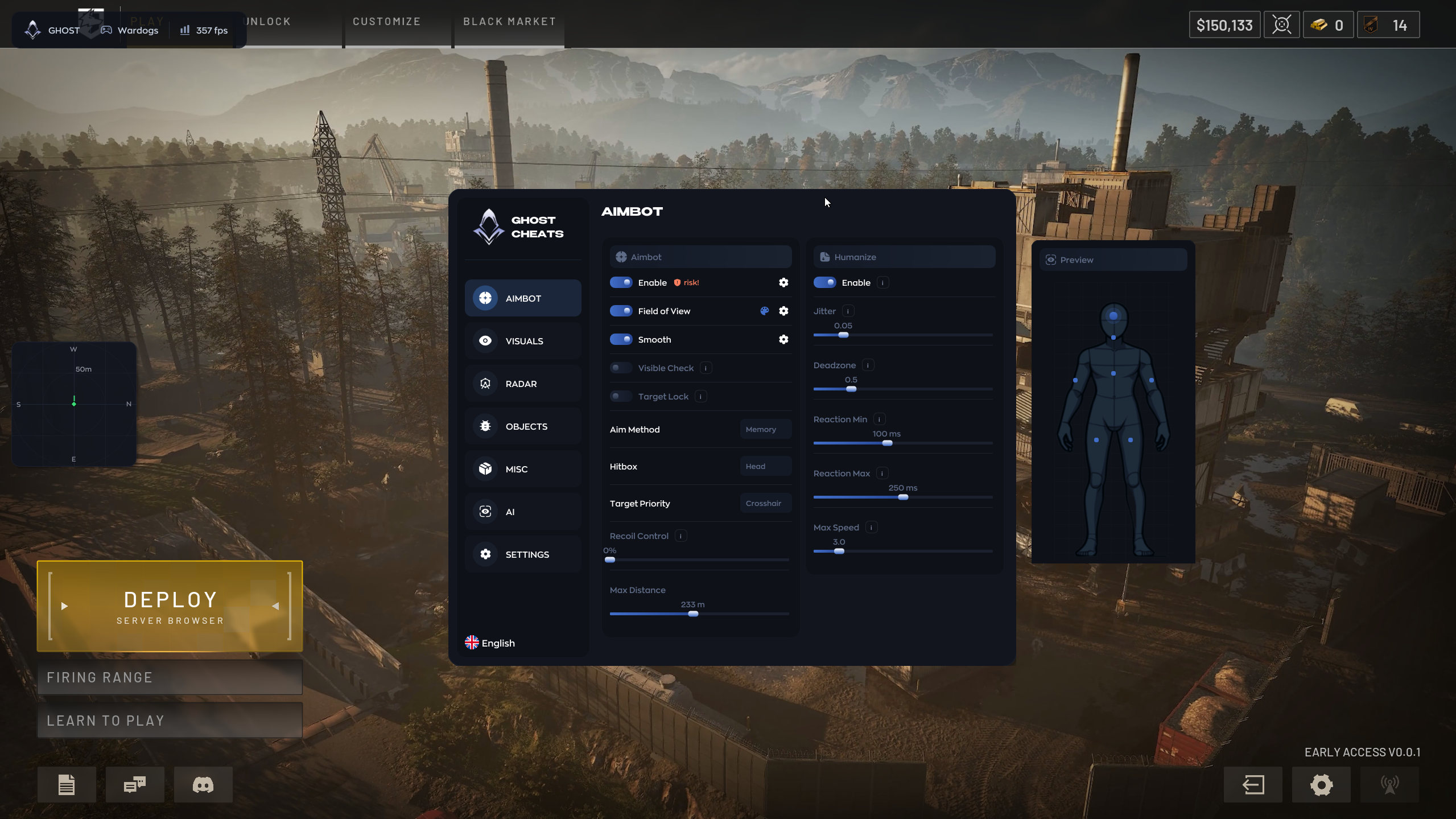
- Enable the aimbot (higher detection risk)
- Adjust the target acquisition radius (Field of View)
- Smooth crosshair movement
- Select the hitbox: head, neck, body, arms or legs
- Target visible enemies only (Visible Check)
- Set the maximum operating distance
- Recoil compensation from 0 to 100% (Recoil Control)
- Bullet prediction (Prediction)
- Recoil Control and Max Distance: separate toggles, gear settings and tooltips
Humanize
- Enable the aimbot humanization system
- Add small aiming micro-movements (Jitter)
- Set a deadzone where the crosshair is not adjusted
- Configure minimum and maximum reaction delay
- Limit the maximum aiming speed
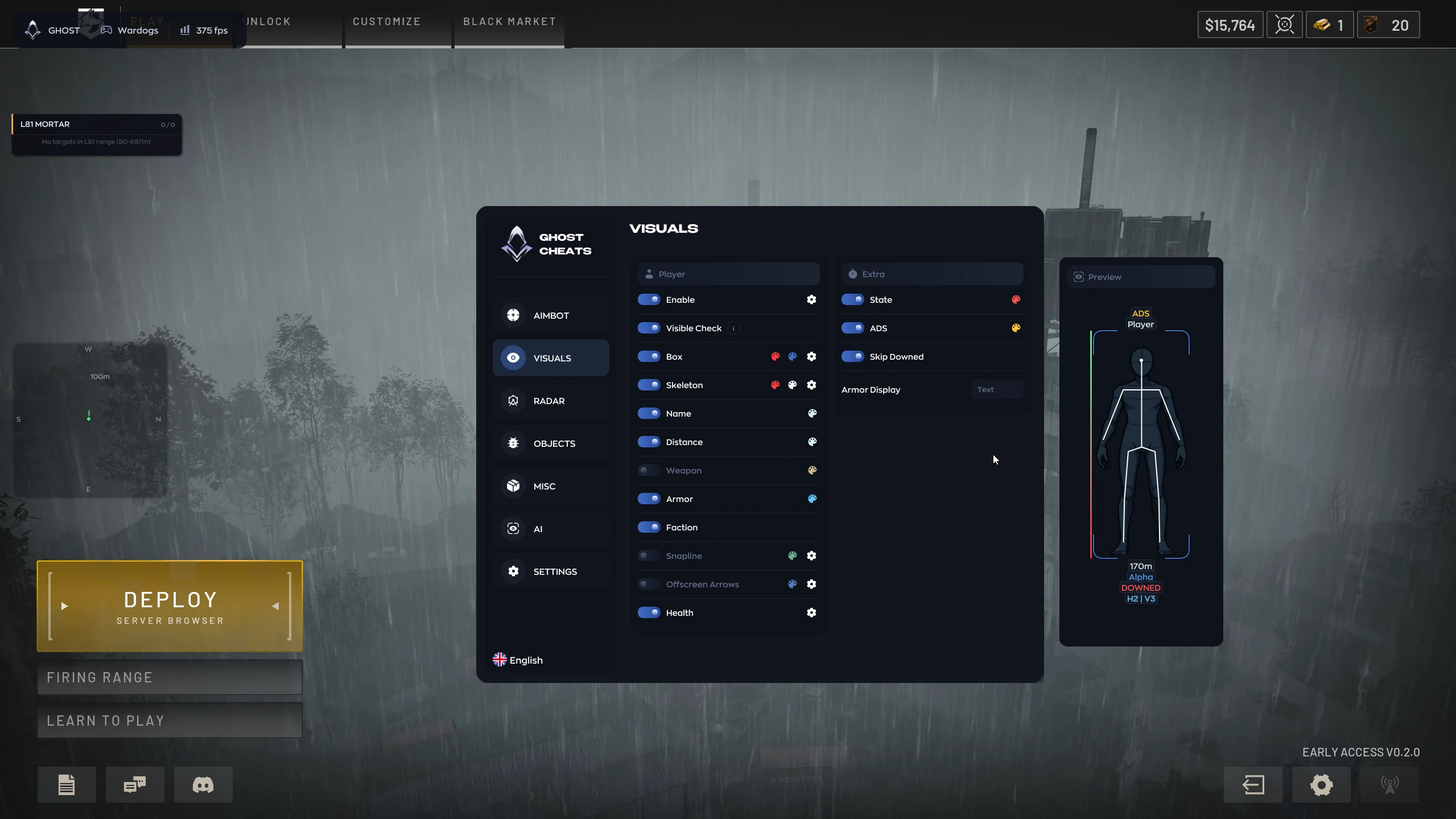
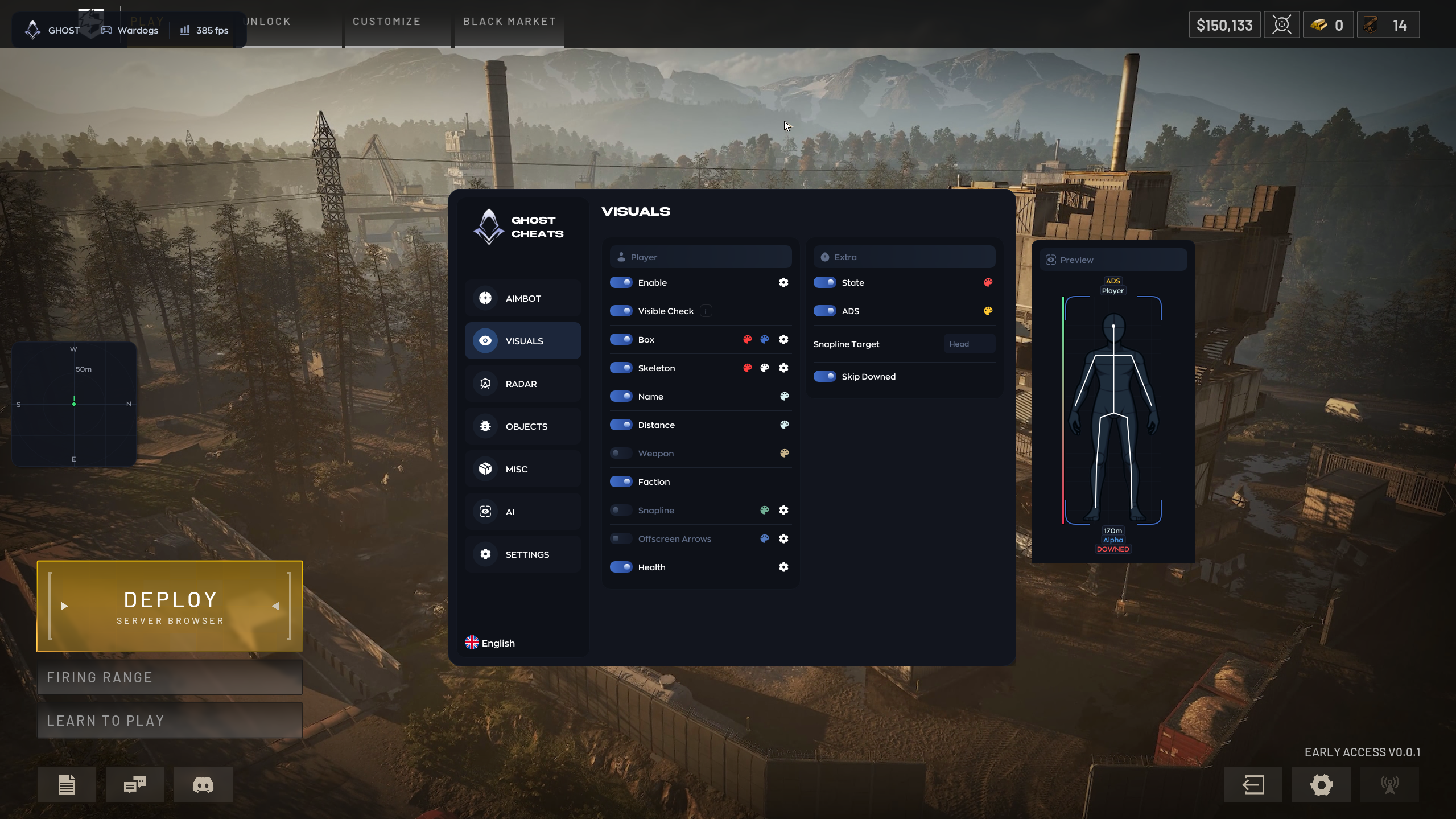
Player ESP — targets
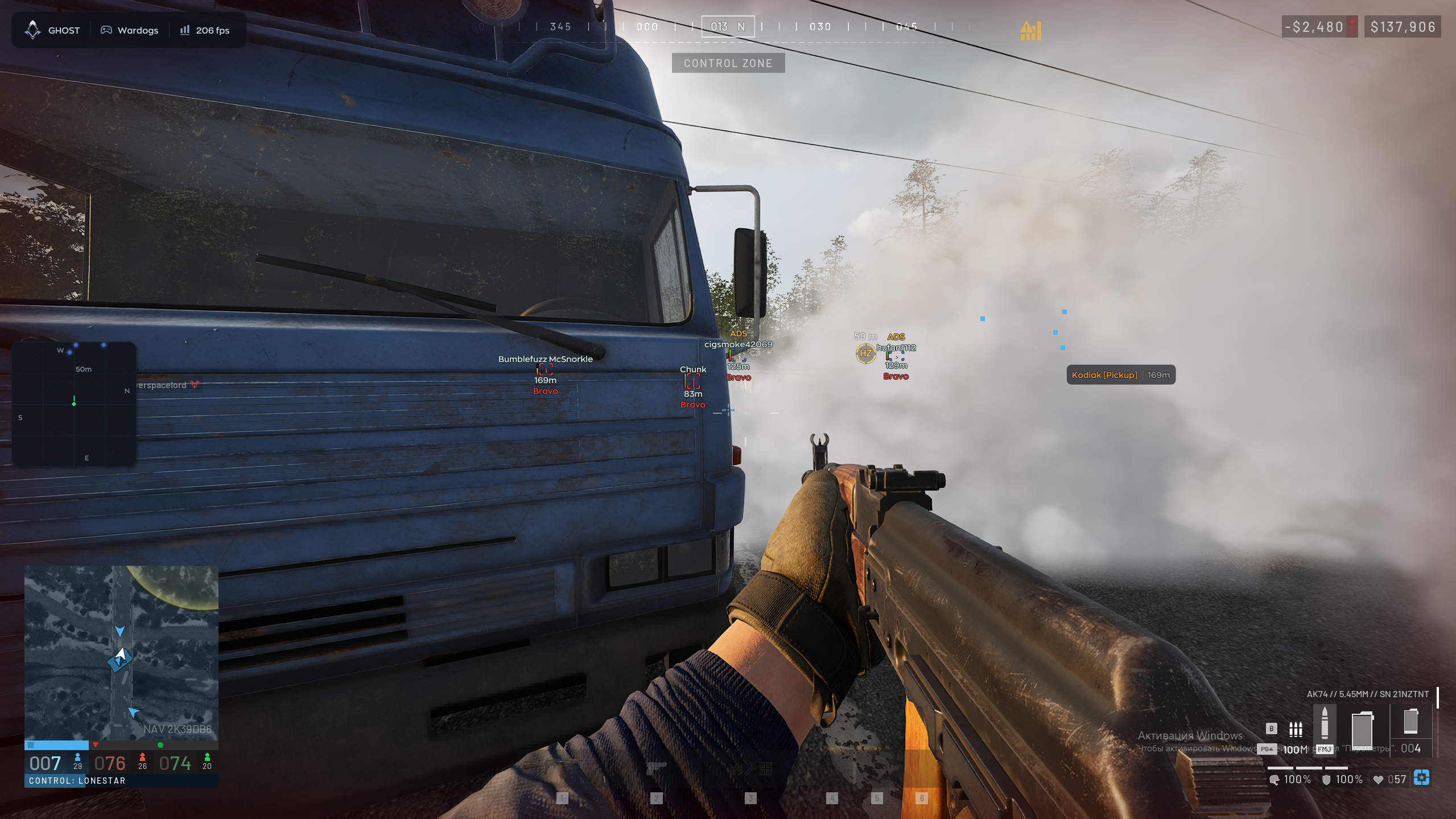
- Enable player ESP
- Visibility check with separate colors for visible and hidden targets
- Regular, corner or filled boxes
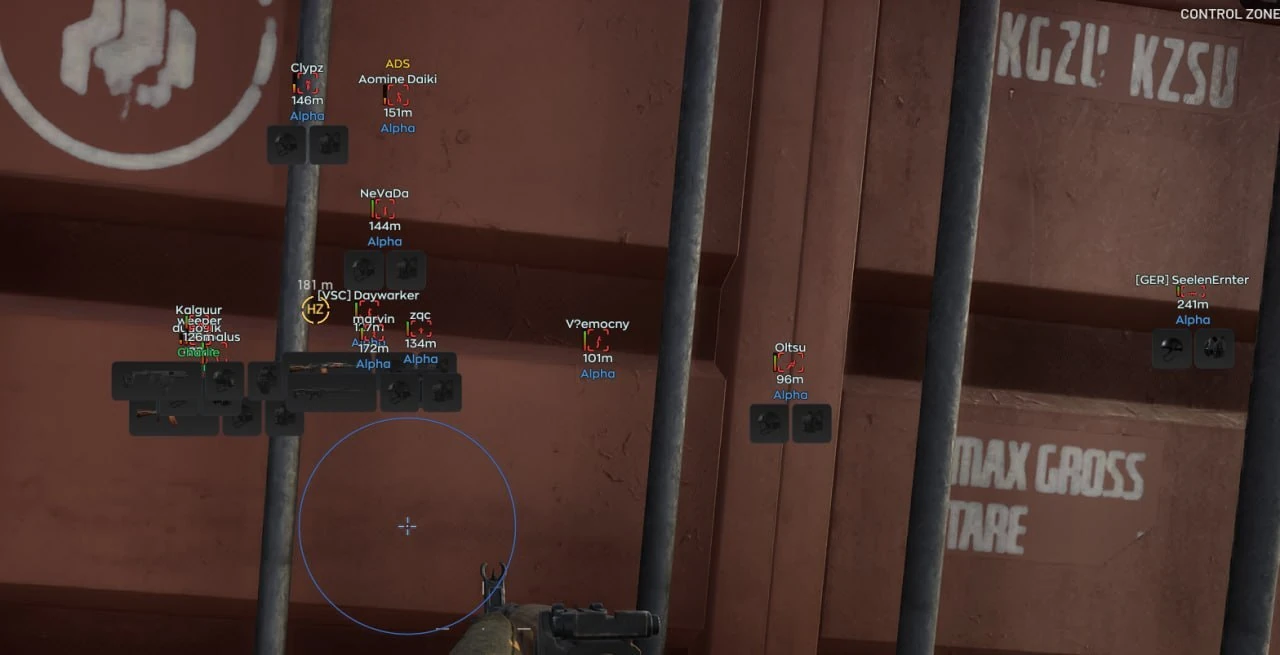
- Player name
- Enemy weapon
- Model skeleton
- Player faction
- Armor level: helmets H1–H4 and vests V1–V4; format H2 | V2
- Separate text/icon dropdowns for weapons and armor; built-in textures for 35 weapons and four levels each of helmets and vests
- One shared slider for weapon and armor icon slot size
- Reworked skeleton with circles at joints
Player ESP — indicators
- Target distance
- DOWNED state for incapacitated enemies
- Snapline to the player
- Offscreen Arrows for enemies outside the screen
- Health bar
- Aiming indicator (ADS)
- Exclude downed players (Skip Downed)
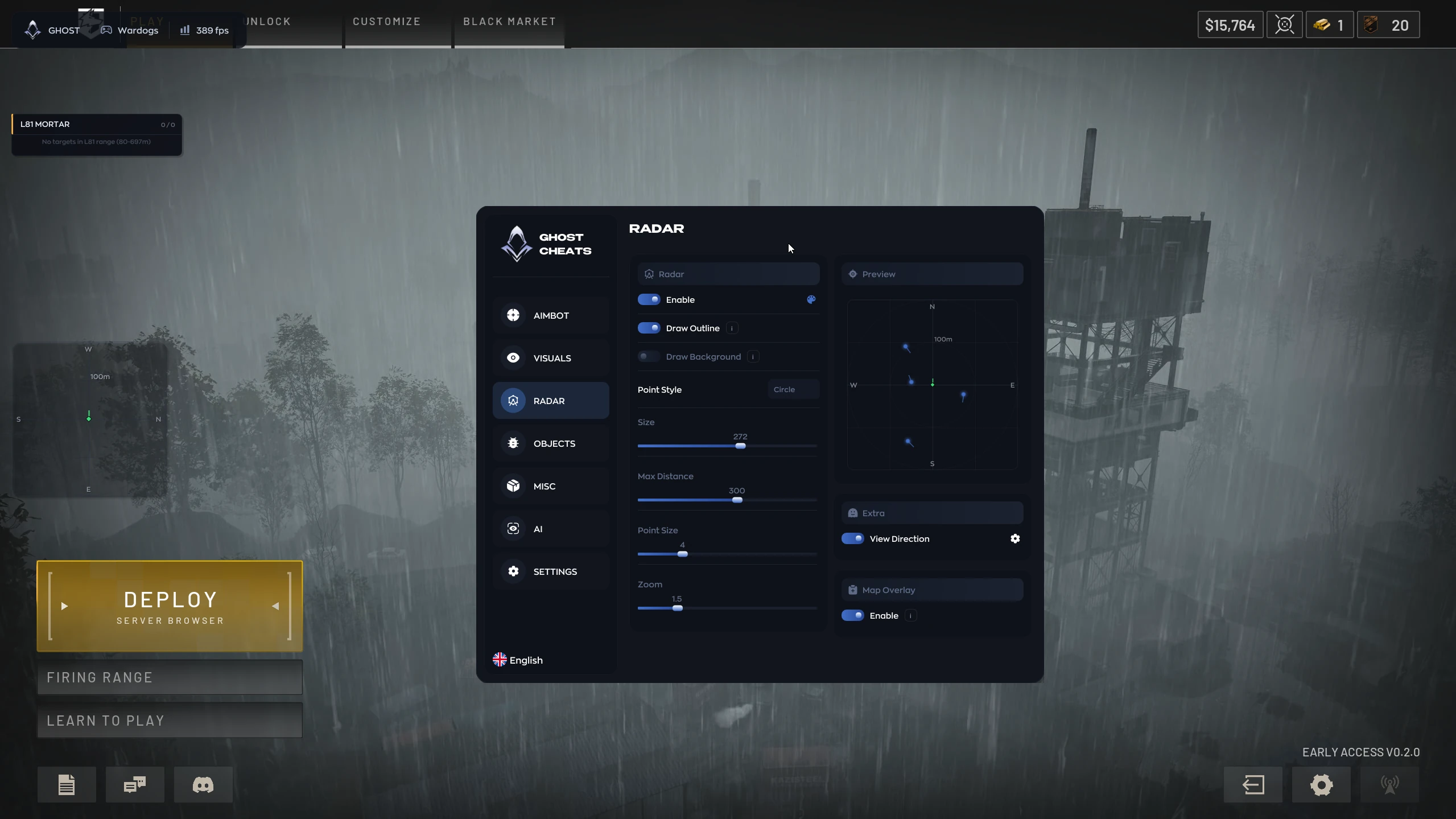
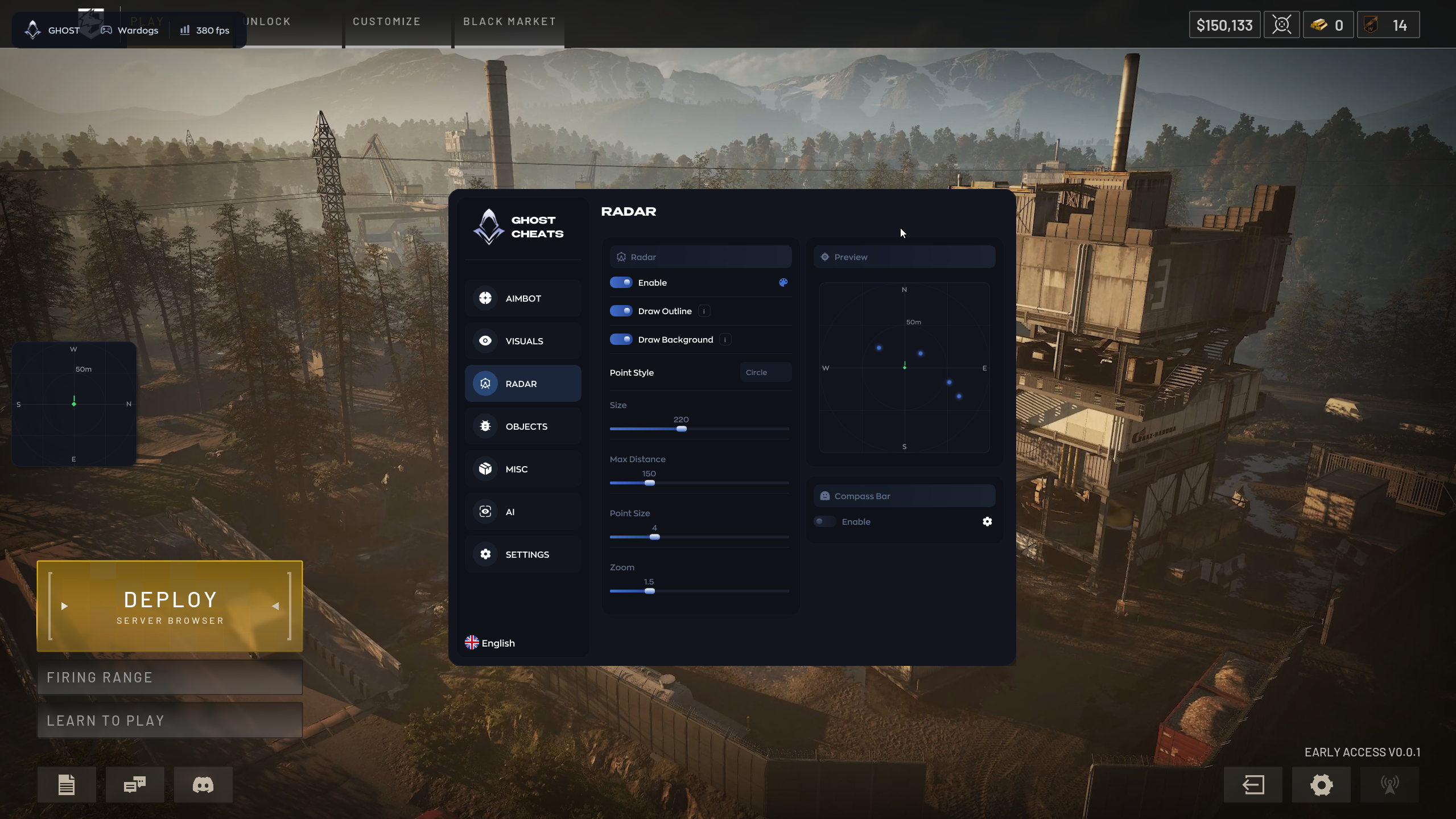
Radar
- Enable the radar
- Radar outline
- Radar background
- Circle, square or triangle point styles
- Radar size
- Maximum display distance
- Point size
- Adjustable zoom
- Compass Bar
- View direction on the radar with adjustable length
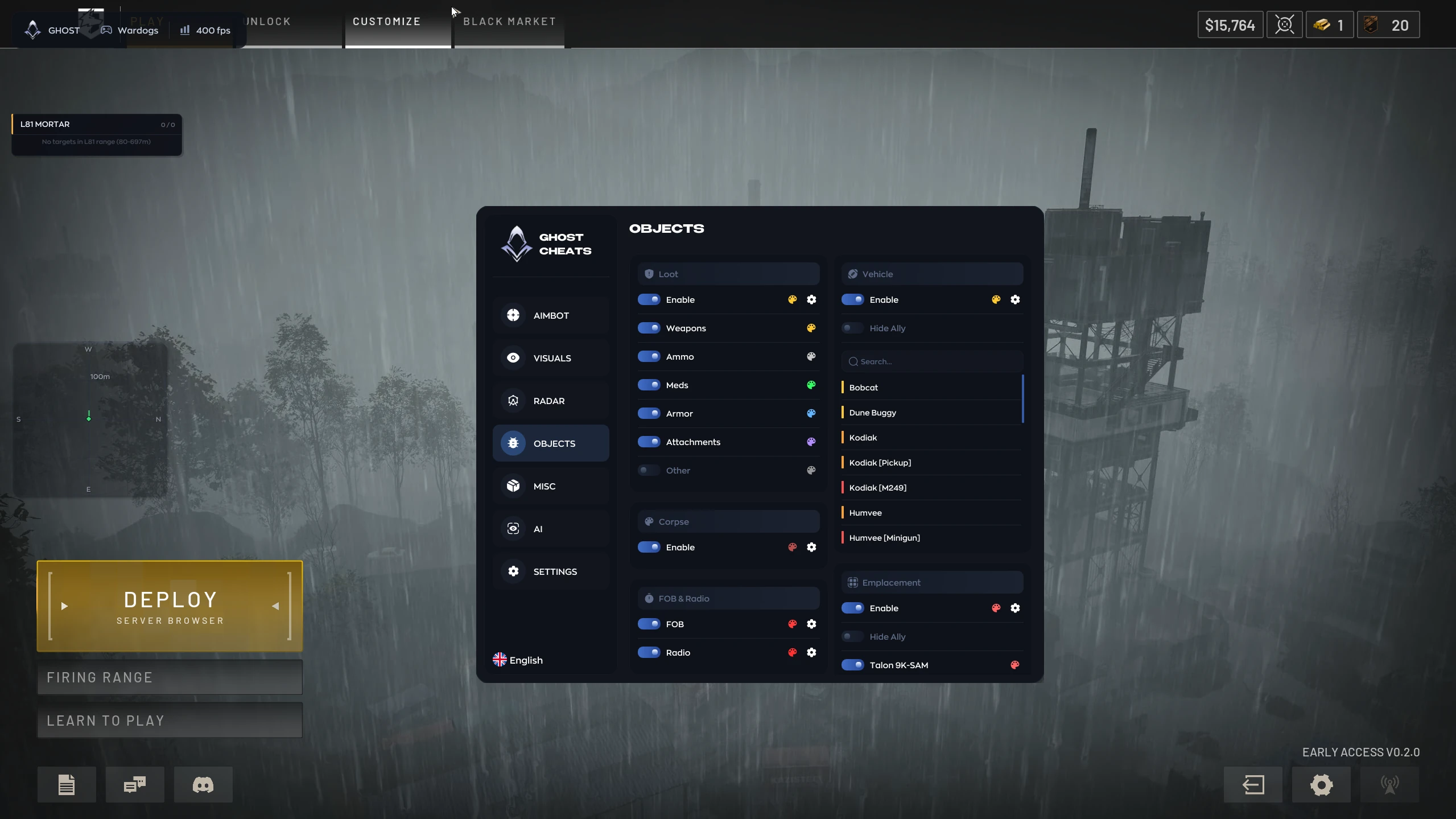
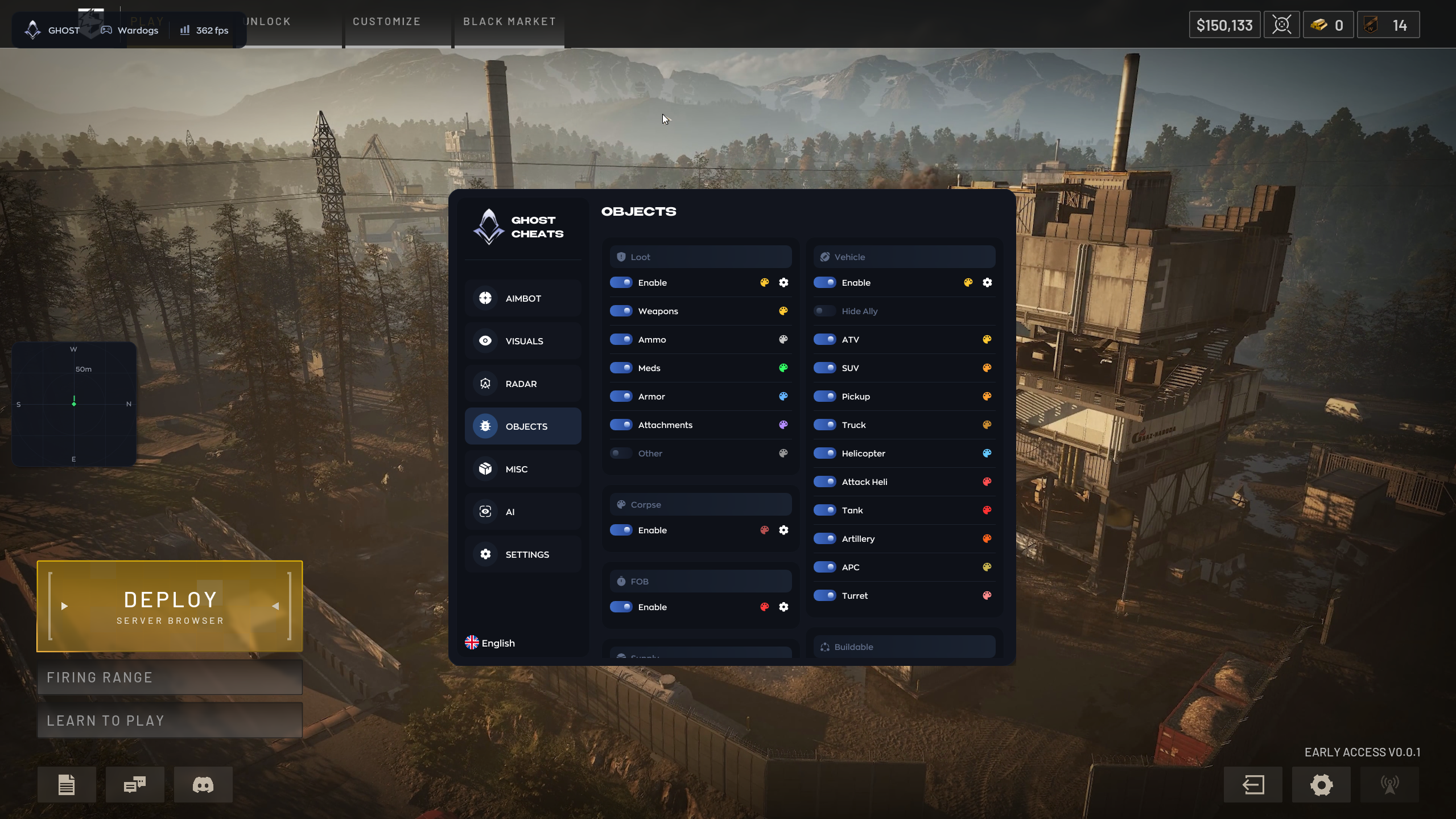
Loot
- Enable dropped-item display with name and distance
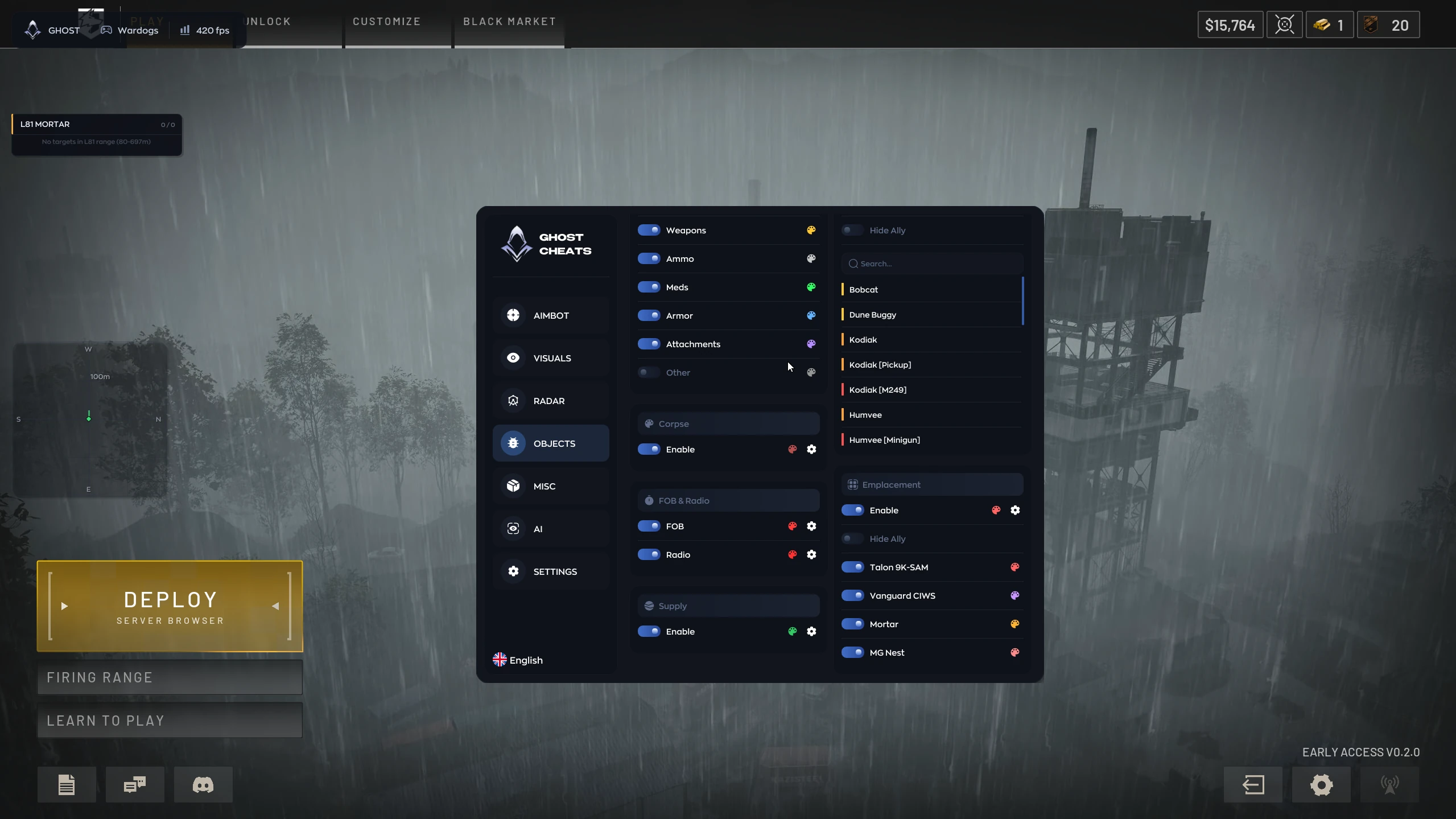
- Weapons
- Ammo and magazines
- Medicine
- Armor
- Attachments
- Other items
Corpses
- Display corpses of eliminated players
Vehicles
- Enable vehicle display with name and distance
- ATVs
- SUVs
- Pickups
- Trucks
- Helicopters
- Attack helicopters
- Tanks
- Hide allied vehicles (Hide Ally)
- Scrollable list of 28 vehicles with search and filtering
- Wolf-110, Wolf-110 [M2 Browning], T-72B3 and Flakpanzer Gepard
Configs
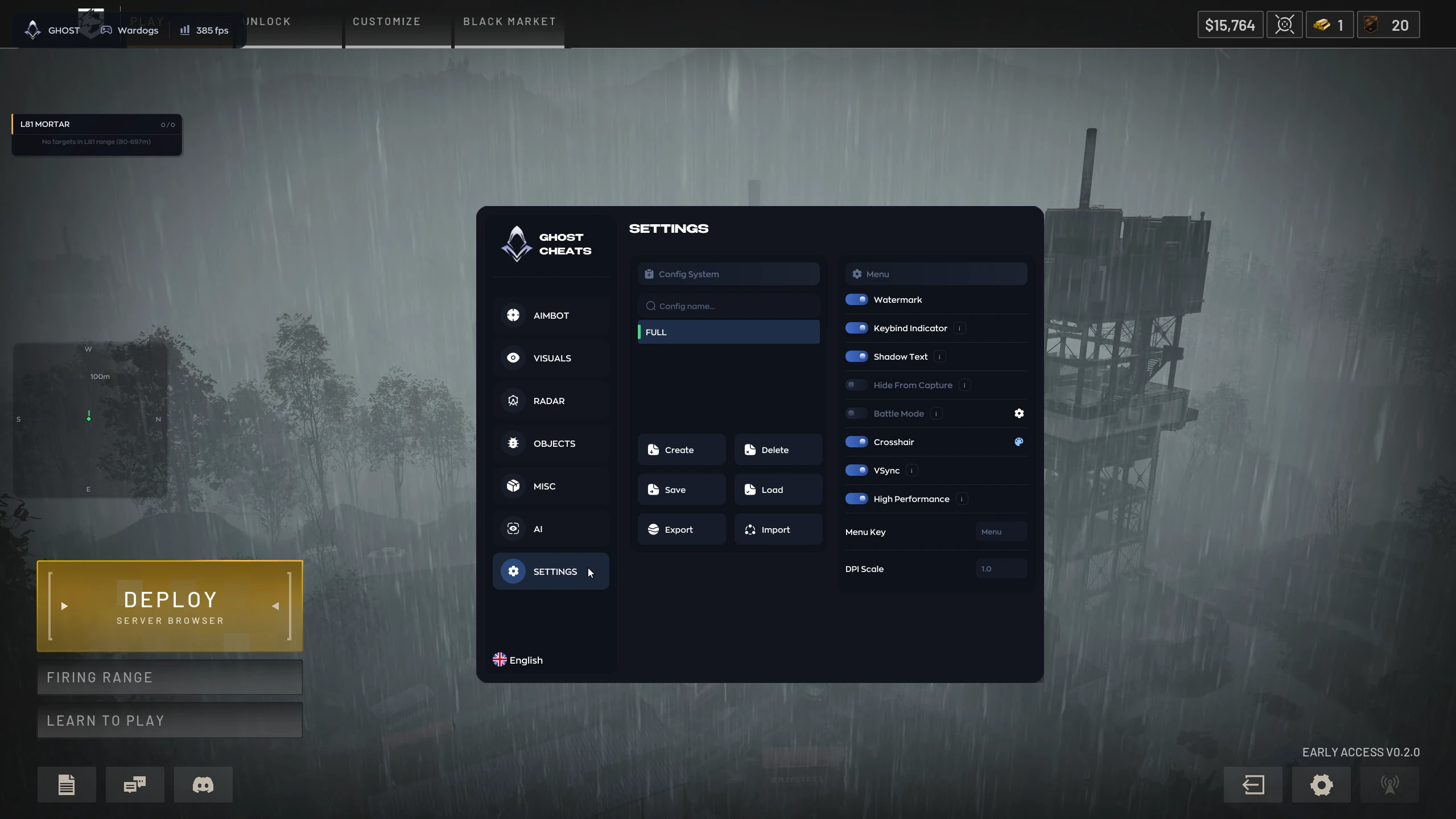
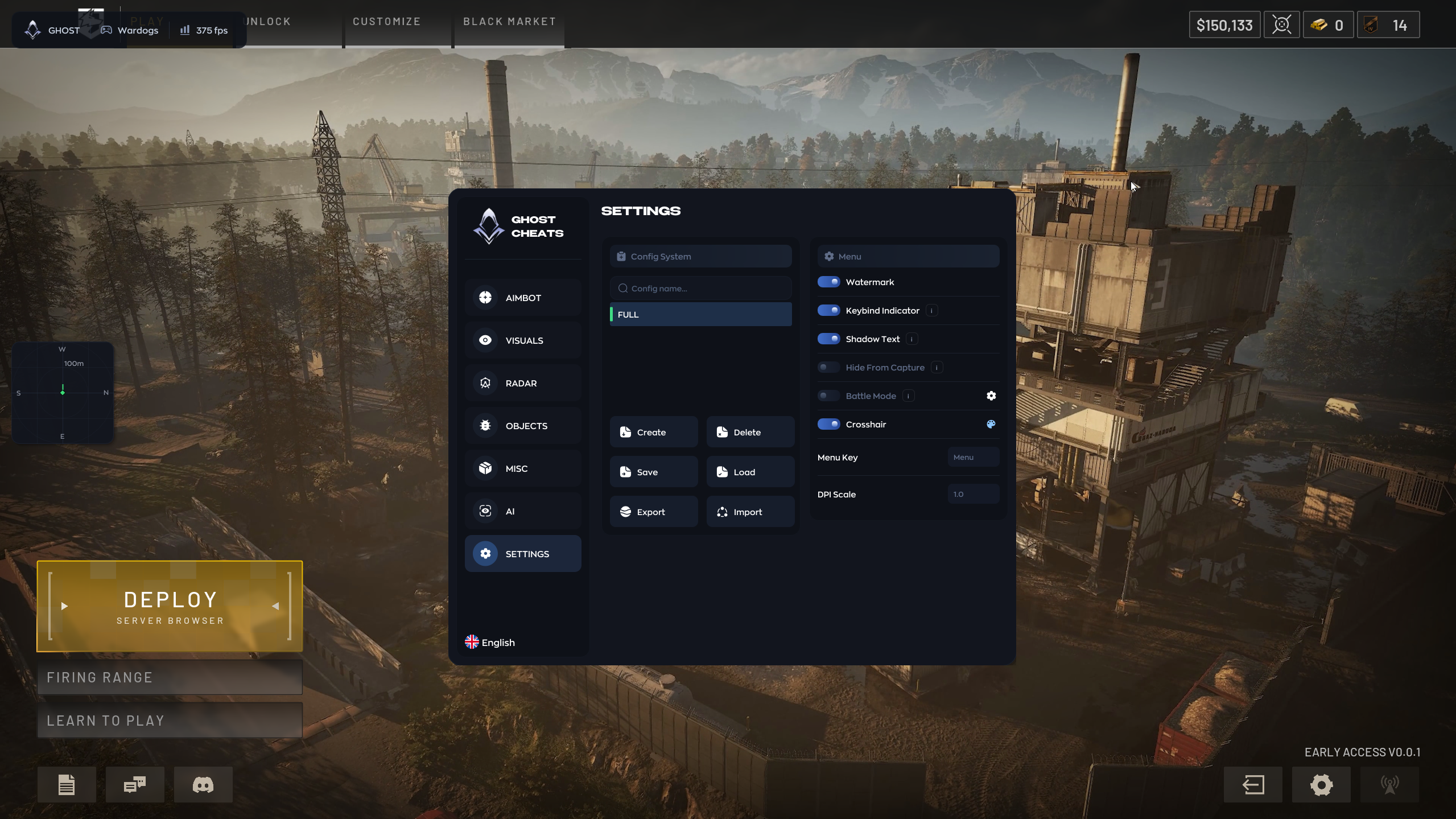
- Create a config
- Delete a config
- Save settings
- Load a config
- Export configs
- Import configs
- Error notifications for an empty config name or no selection
Interface
- Watermark
- Active keybind indicator
- Text shadow
- Hide the overlay from OBS and Discord capture
- Minimalist Battle Mode
- Configurable menu key
- Interface DPI Scale
- Crosshair
- Gear rotation animation when clicked
Target Lock
- Keep the selected target (Target Lock)
- Select the aiming method (Aim Method)
- Select target priority (Target Priority)
- Target priority: enemy with the lowest HP
Artillery / Armored personnel carriers (APC) / Turrets
- Artillery
- Armored personnel carriers (APC)
- Turrets
- Talon 9K-SAM, Vanguard CIWS, mortar and machine gun nest
World objects
- FOB and radios in one section
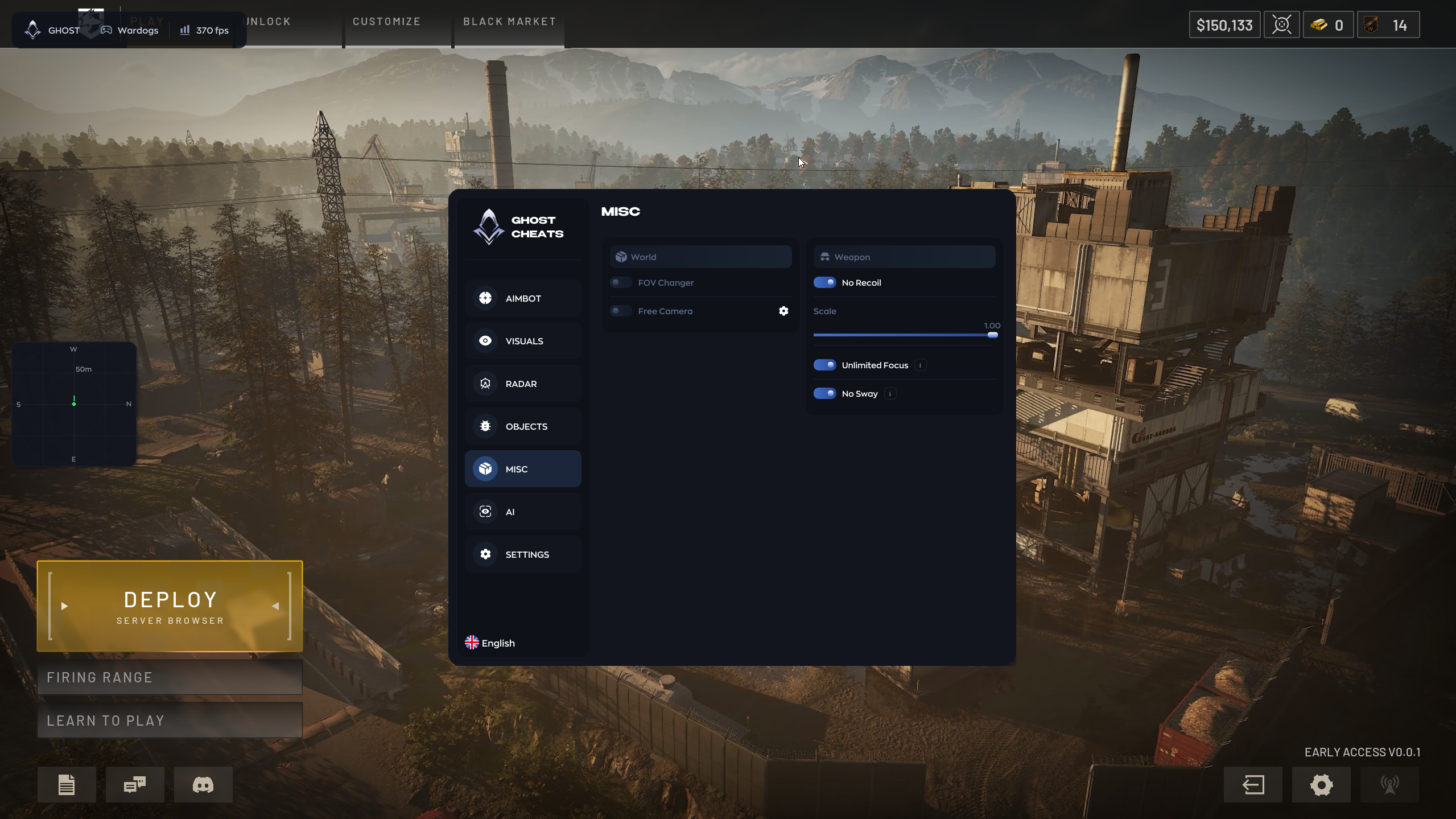
Miscellaneous
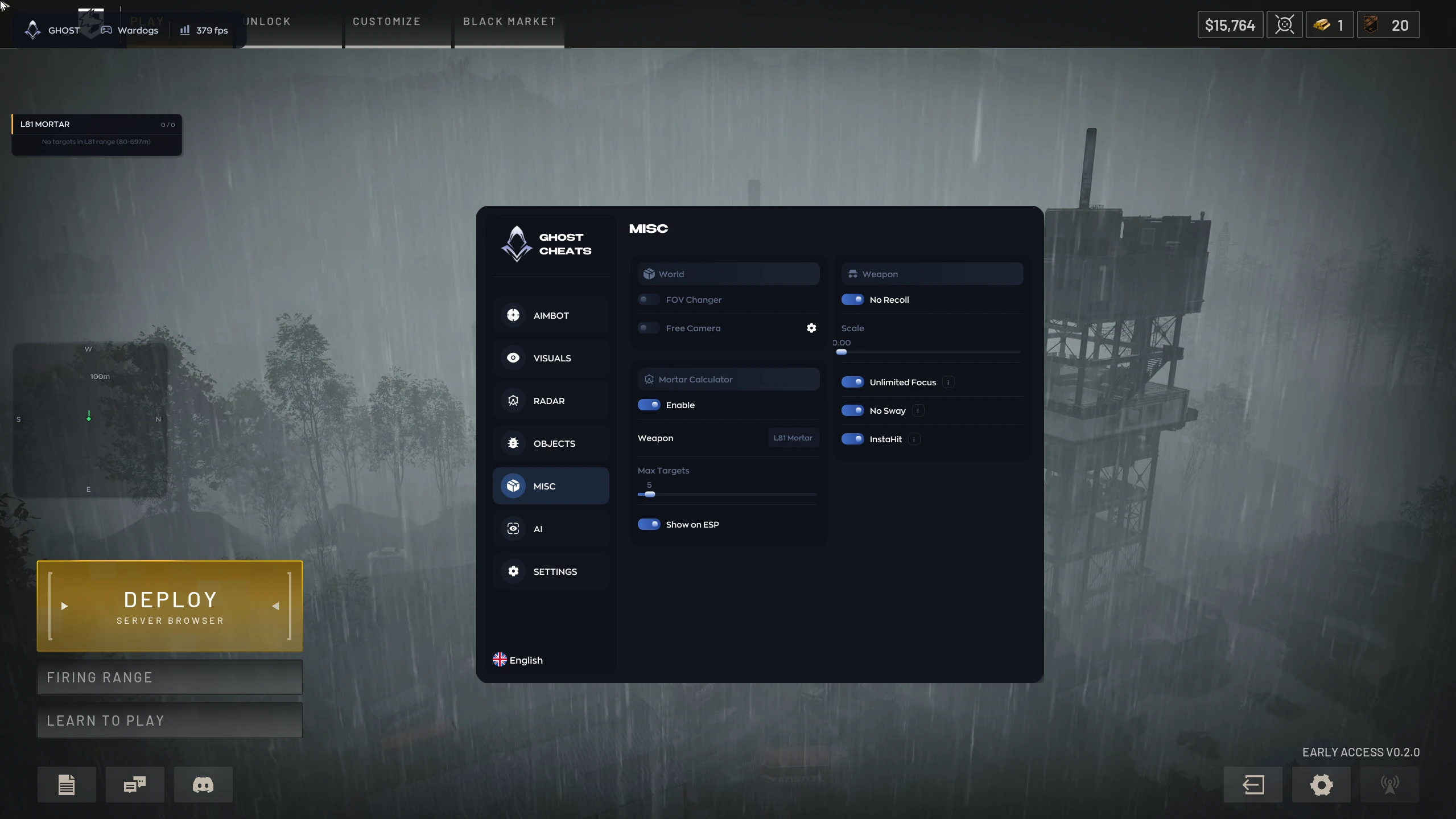
- FOV Changer capped at 160
- Free Camera
- Disable recoil with adjustable strength (No Recoil)
- Unlimited Focus
- No Sway: completely removes weapon sway
- InstaHit: removes bullet travel time and drop for instant hits like hitscan
AI Assistant
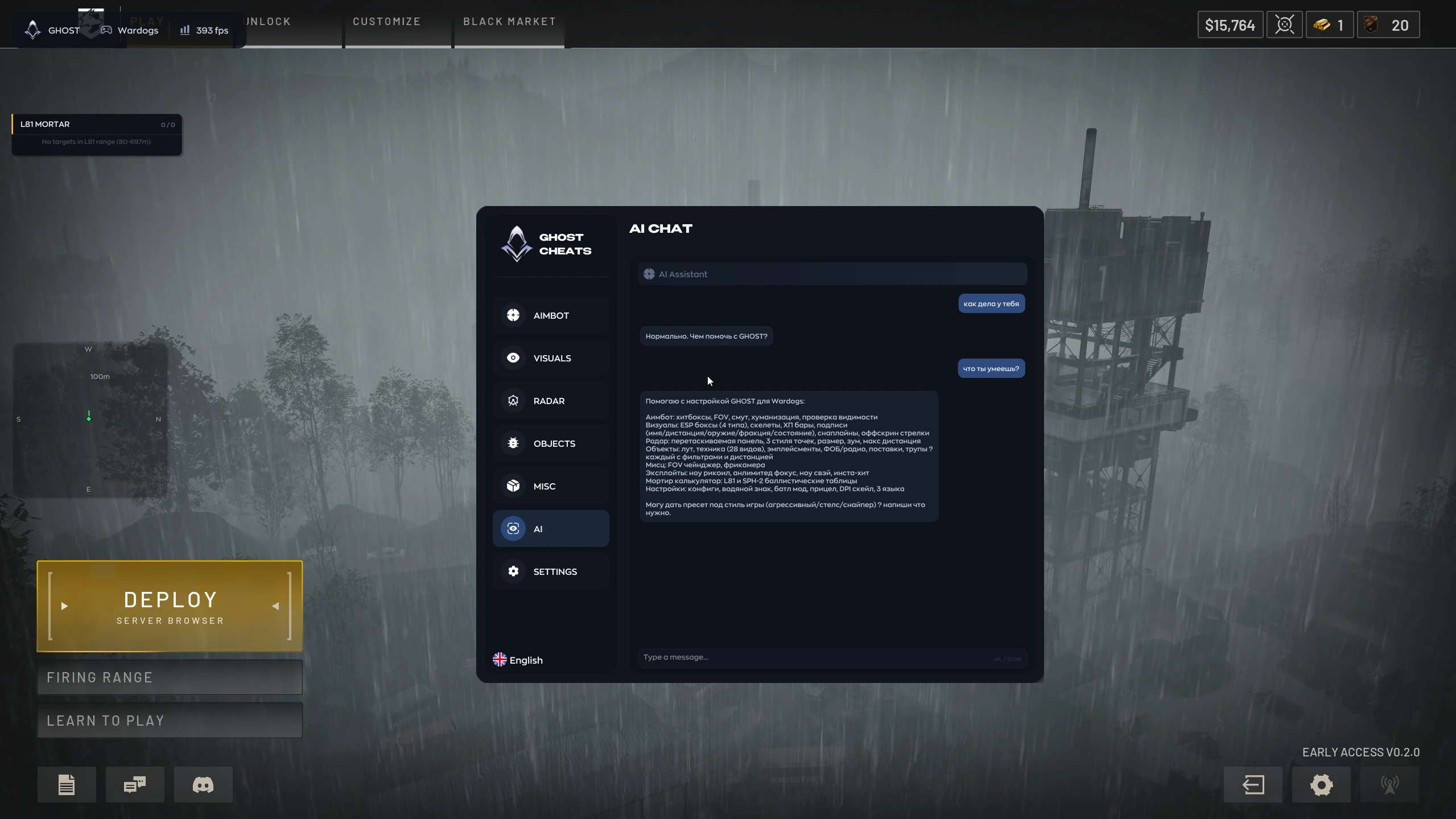
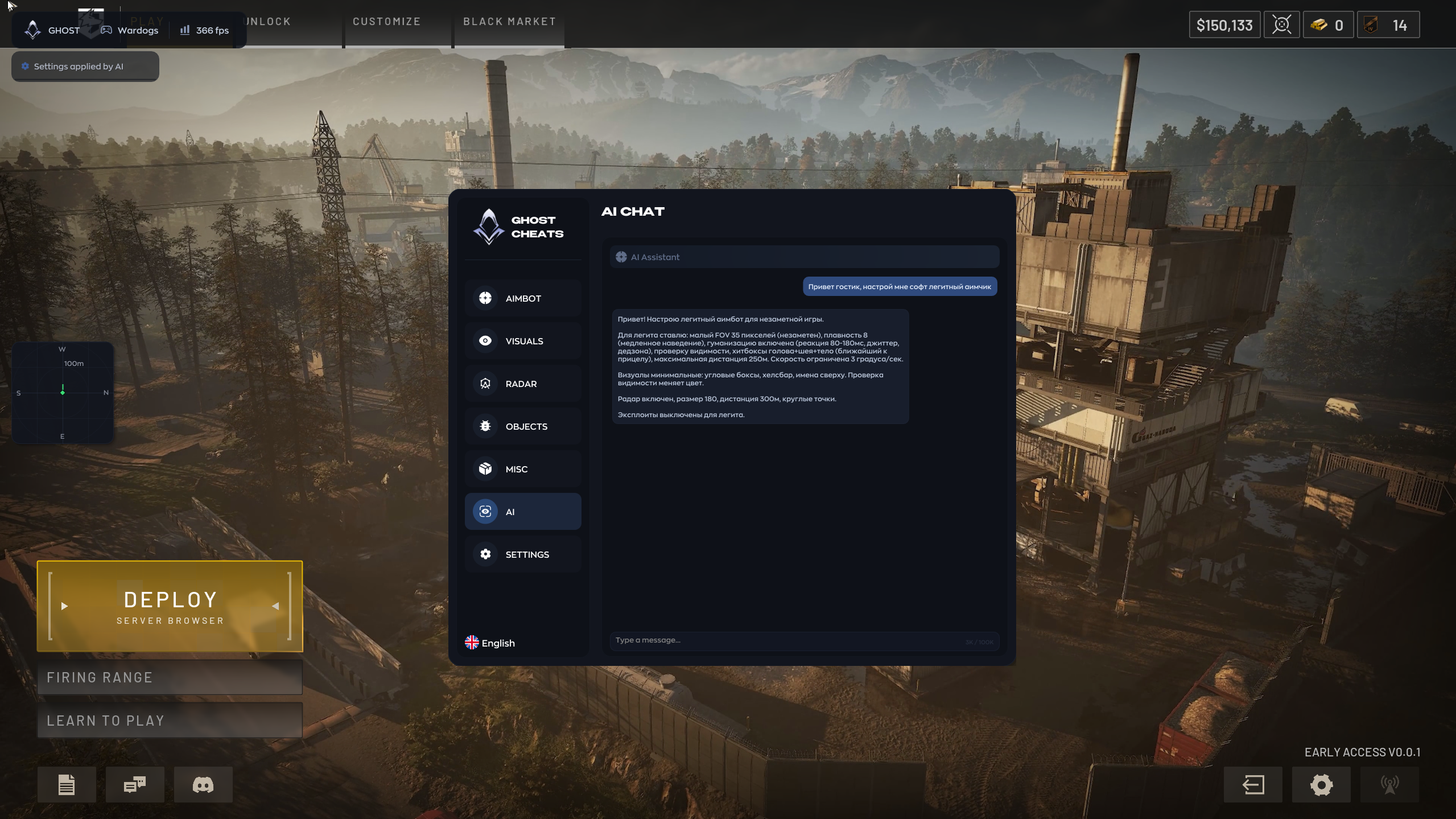
- AI chat inside the menu
- Automatic selection and application of settings from a text request
ESP Preview
- Mouse wheel adjusts font size, skeleton thickness and health bar width
- Independent inline placement of ESP elements
- Drag to reorder elements at the same position, with zone labels and highlighting
Map Overlay
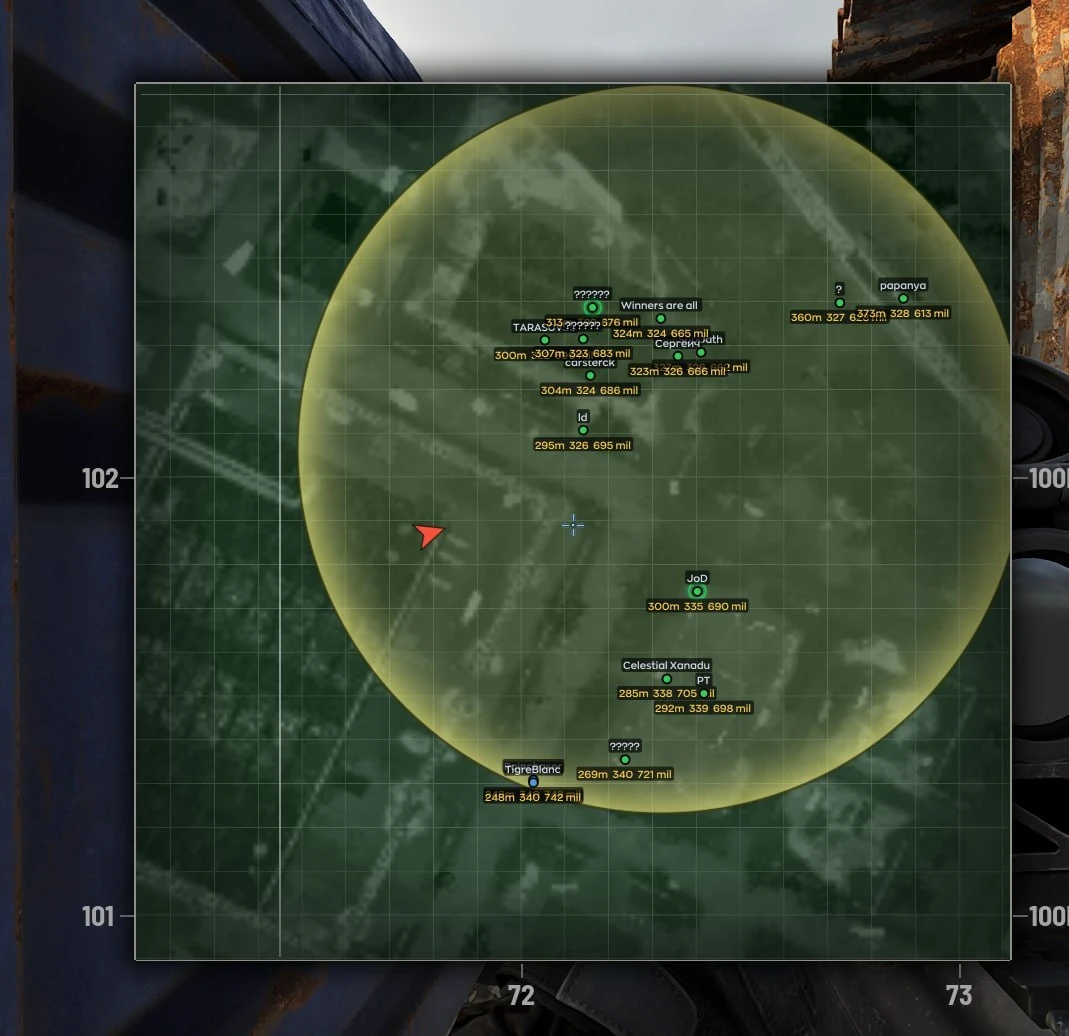
- Enemy markers on the tactical map (M) with faction colors; all players, no distance limit
- Player nickname, distance, bearing and mils for L81/SPH-2
- Yellow mils highlighting for targets within mortar range
- Aimbot FOV circle hides while the tactical map is open
Mortar Calculator
- L81/SPH-2 mortar calculator
- Accent bar, alternating rows, target counter and weapon range in the empty state
- Maximum targets: 30 by default, slider up to 60
Setup and launch
Check the launch procedure for this exact edition before activating the key.
Open launch guide