Recommended
Buy private cheat Mason for DayZ
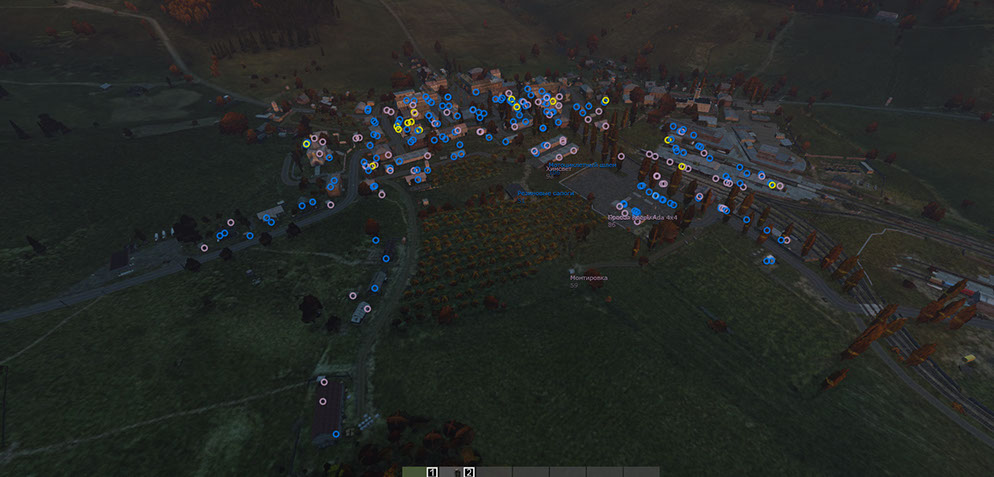
Private cheat Mason for DayZ — NPC display, aiming controls and teleport controls. Also included: movement prediction and smoothing controls.
Compatibility
- Game clients
- Steam (x64 only)
- Game mode
- Windowed / Borderless Fullscreen
- OS
- Windows 10 & 11 x64, versions (2004 / 20H2 / 21H1 / 21H2 / 22H2 / 23H2 / 24H2 / 25H2 / 26H1), check your build using the instructions HERE
- anti cheat
- BattlEye
- Processors
- Intel and AMD
- OBS capture exclusion
- Yes
- BIOS boot mode
- UEFI, check which format is used on your system using the instructions HERE
- Disk format
- GPT, check which format is used on your system using the instructions HERE
- Additional requirements
- Enable VT-x / VT-d (Virtualization) / Enable Hyper-V / Disable Secure Boot
- spoofer
- Built-in HWID Spoofer (Comes as a bonus. Sometimes it may go on update.)
Features
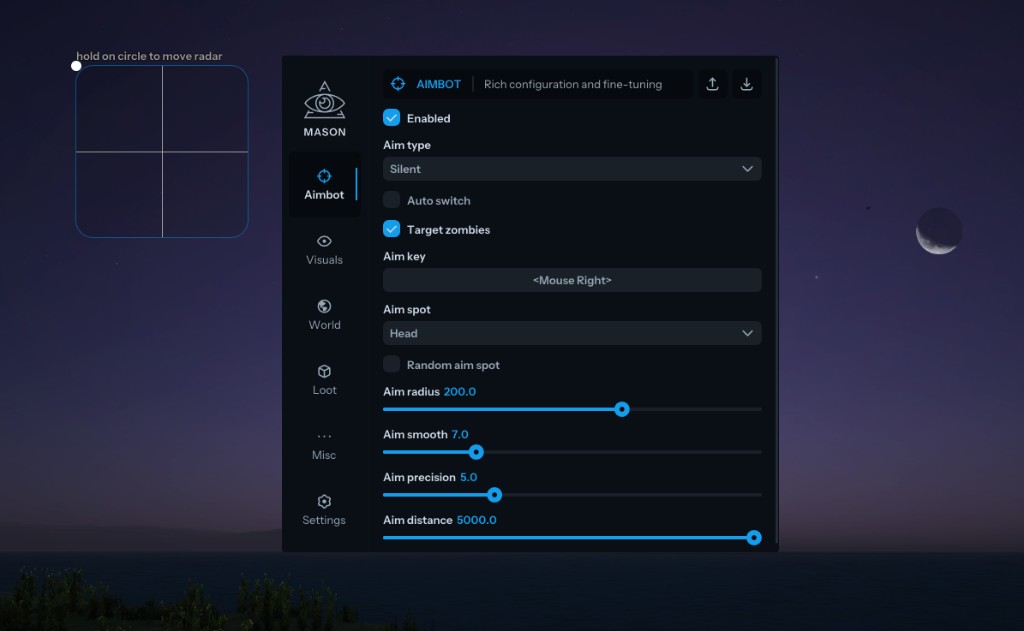
AIM ASSIST
- Enable, aim type, silent aim
- Auto switch target
- Target zombies
- Aim key, aim spot (head, etc.)
- Random aim spot
- Aim radius, aim smooth, aim precision
- Aim distance
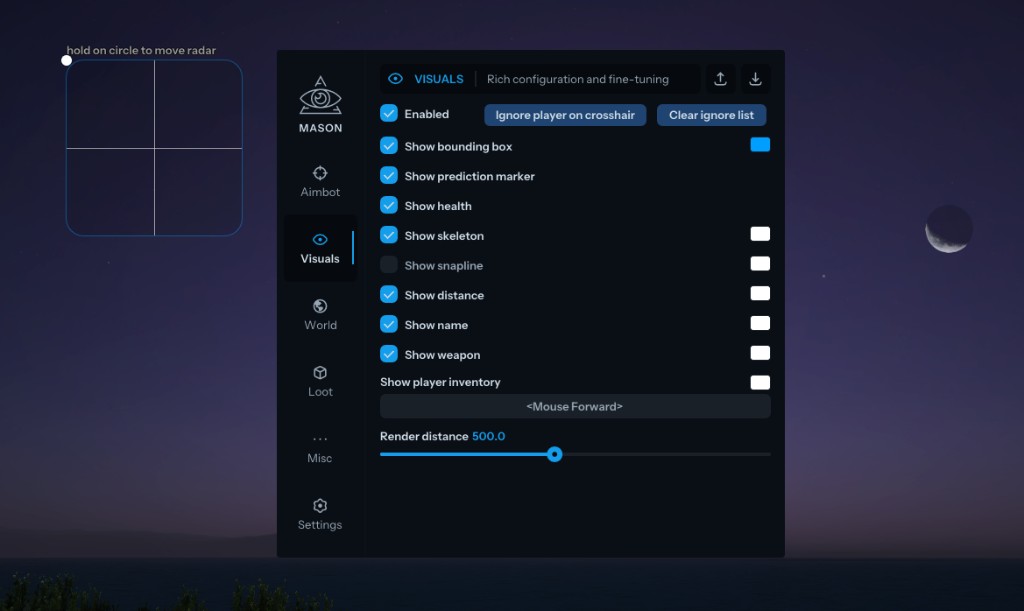
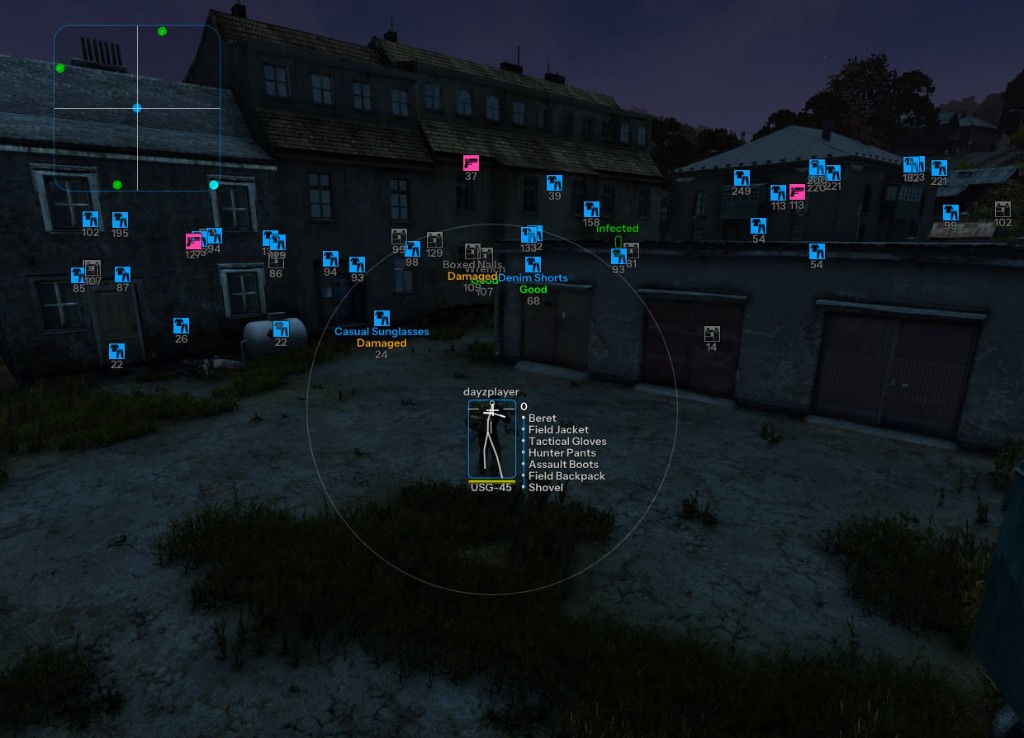
VISUALS
- Enable, ignore player on crosshair, clear ignore list
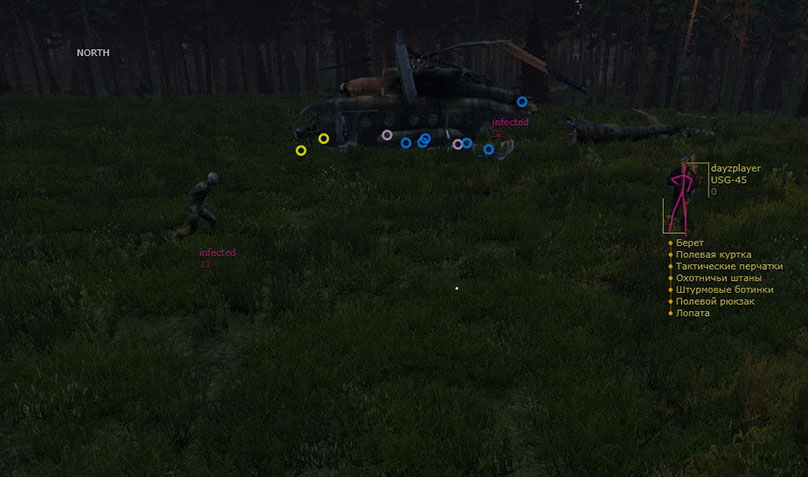
- Bounding box, prediction marker
- Health, skeleton, snapline
- Distance, name, weapon, player inventory
- Render distance
- Ignore wounded players
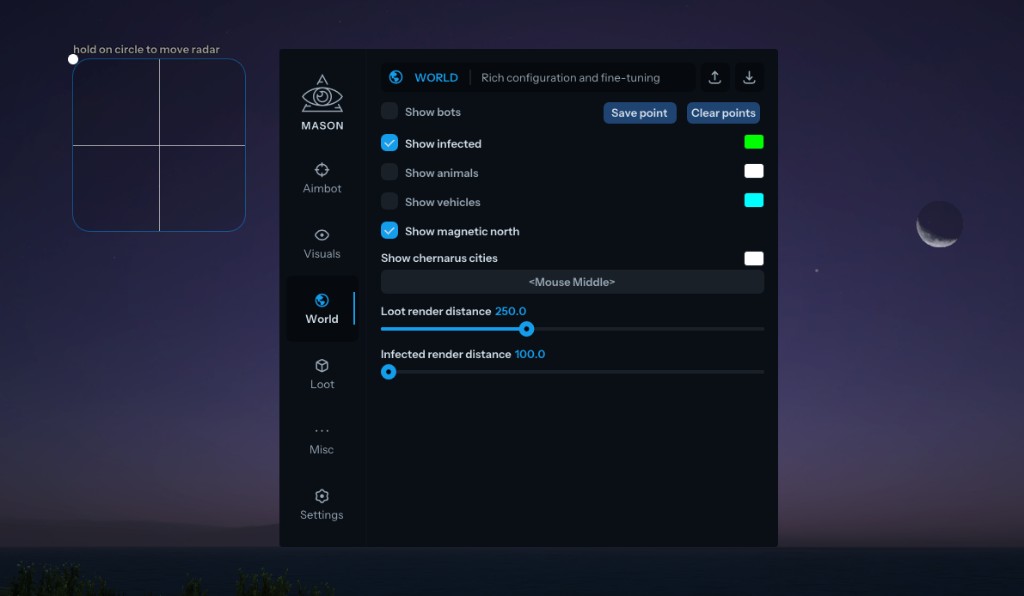
WORLD
- Show bots, infected, animals, vehicles
- Save / clear points
- Magnetic north, Chernarus cities
- Loot and infected render distance
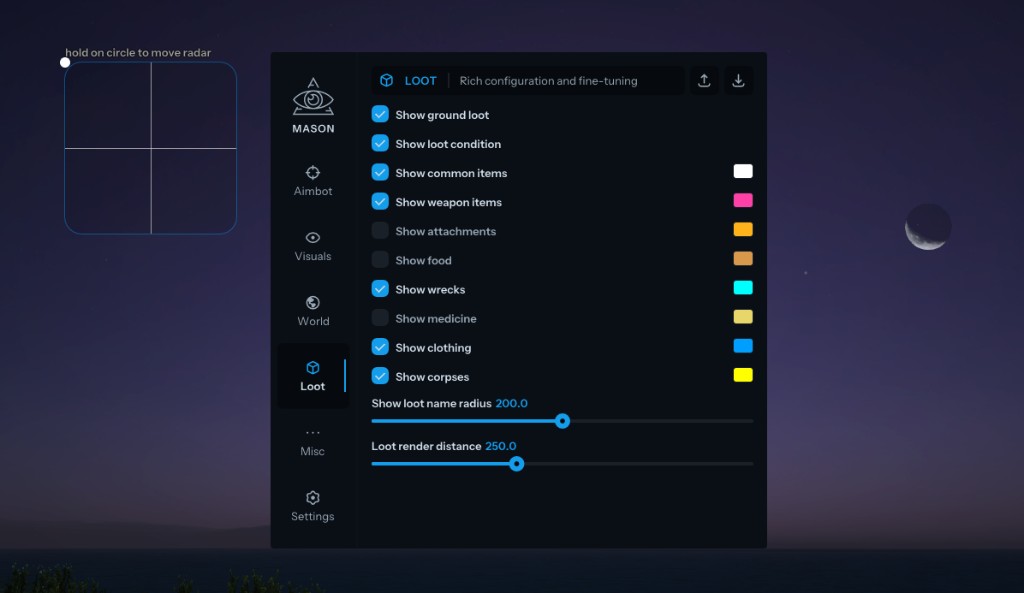
LOOT
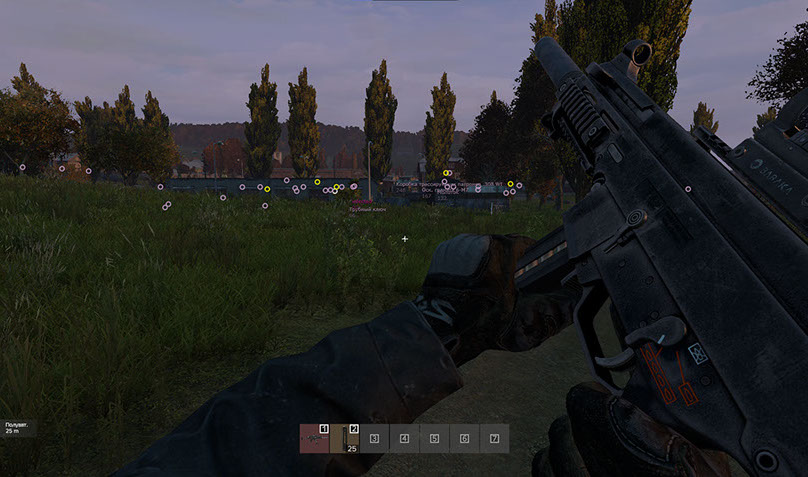
- Ground loot, loot condition
- Common items, weapons, attachments
- Food, medicine, clothing
- Wrecks, corpses
- Loot name radius, loot render distance
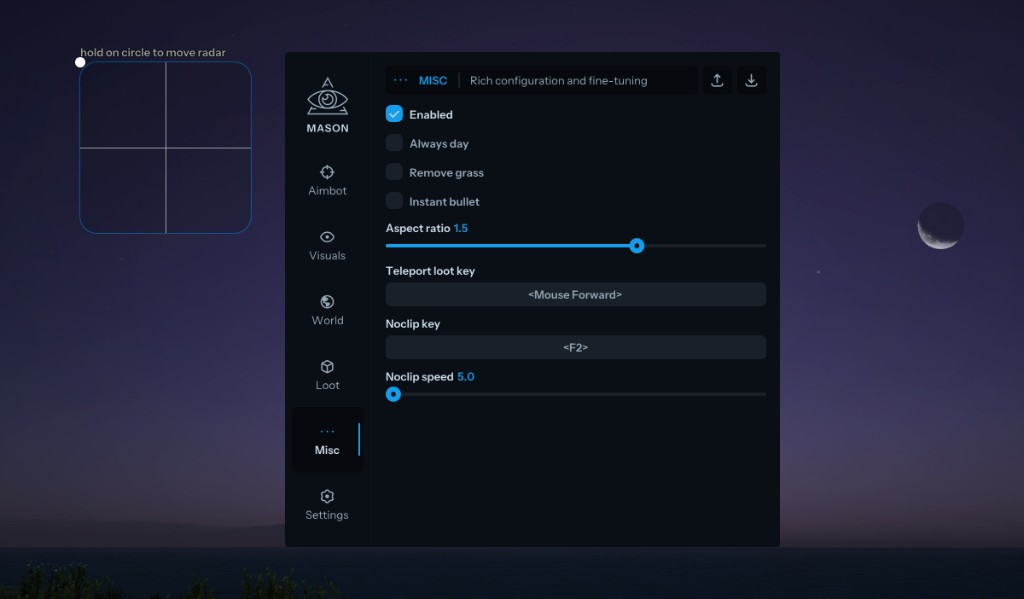
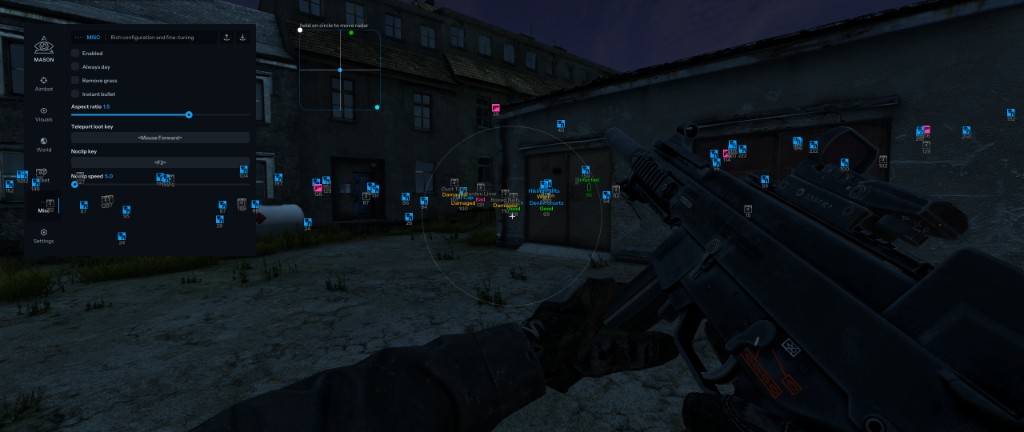
MISC
- Always day, remove grass
- Instant bullet
- Aspect ratio
- Teleport loot, noclip (key + speed)
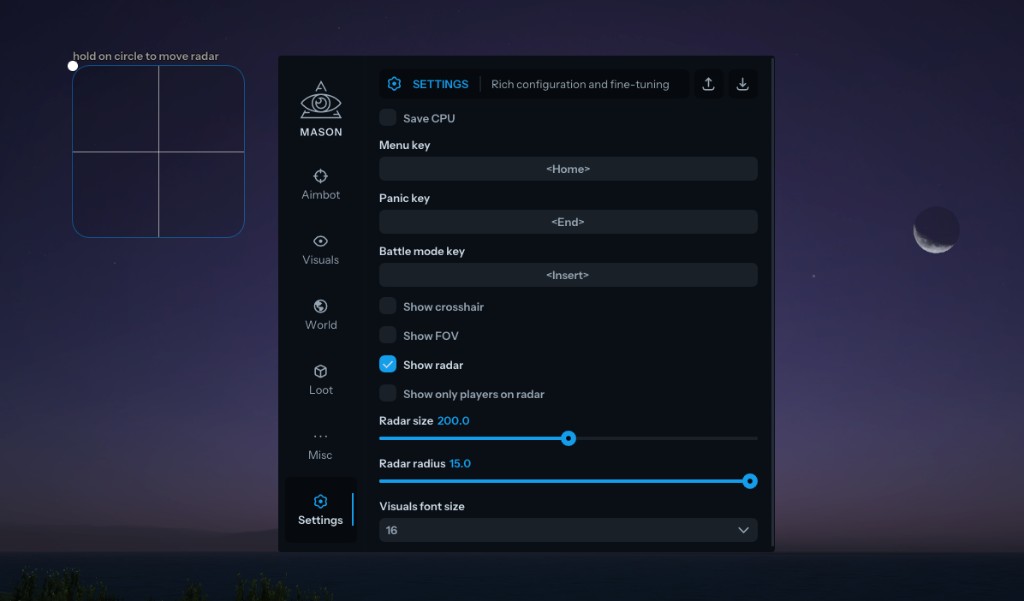
SETTINGS
- Save CPU, menu key, panic key
- Battle mode key
- Crosshair, FOV, radar (players only on radar)
- Radar size and radius, visuals font size
- Team ID display
Setup and launch
Check the launch procedure for this exact edition before activating the key.
Open launch guideGallery and videos
Open an image to explore the details