
Private cheats for DayZ

DayZ tools differ in infected, player and loot filters, map settings and aiming. Compare Lite editions with their full counterparts.

Buying guide: compare editions, requirements and limitations

Our recommendations

Ravzino's selection: products from developers we trust based on our experience with updates and support. This is our editorial opinion; check compatibility and available plans before buying.

Buying guide · Ravzino

Choosing software for DayZ: features, requirements and limitations

This guide examines the DayZ listings in our catalog. The comparison uses published edition specifications rather than claims of the “best” or “safe” cheat.

What to compare before buying

DayZ tools differ in infected, player and loot filters, map settings and aiming. Compare Lite editions with their full counterparts.

Start with your task: which objects you need to see, which settings matter and which game client you use. Then compare individual editions. A shared product family name does not imply identical features, compatibility or launch procedures.

  • Listings in this category: 27. Restricted listings remain in the comparison; being listed does not mean they can be purchased.
  • You can start by examining Ancient, Arcane DayZ, Authority. Checkout availability is checked separately on each product page.
  • This category includes DMA editions. Compare their hardware requirements separately from software-only products.
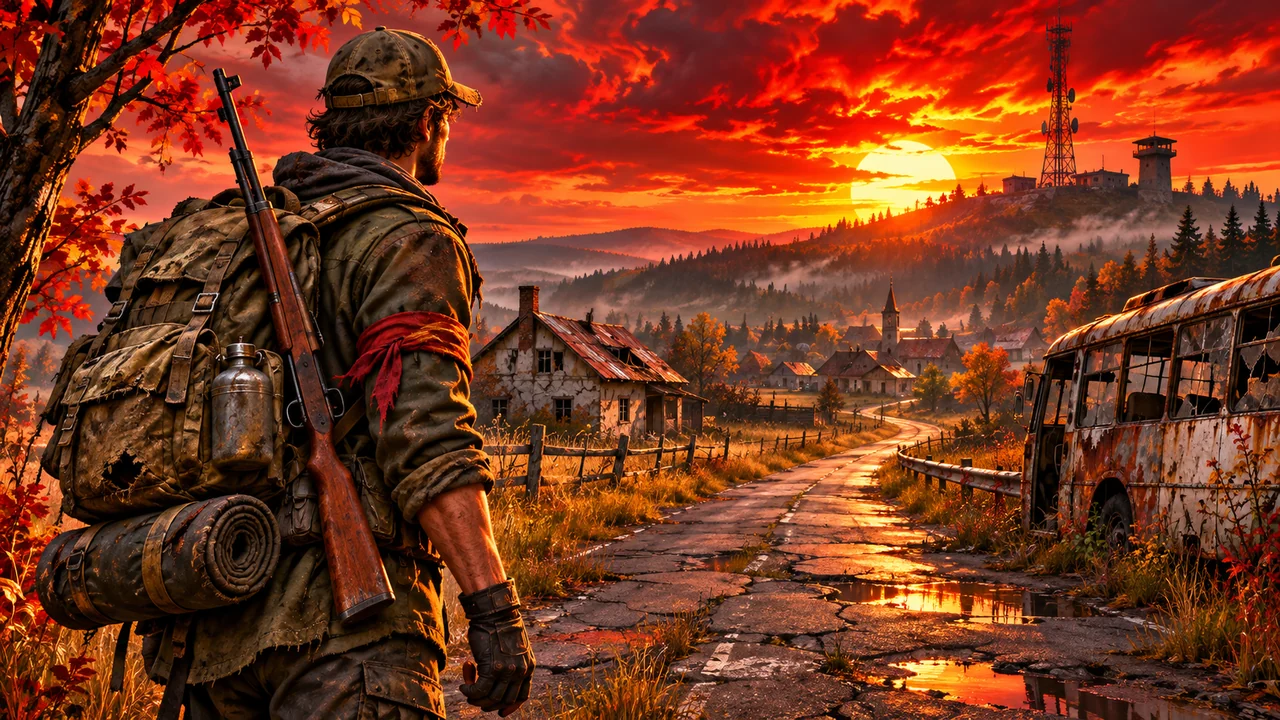
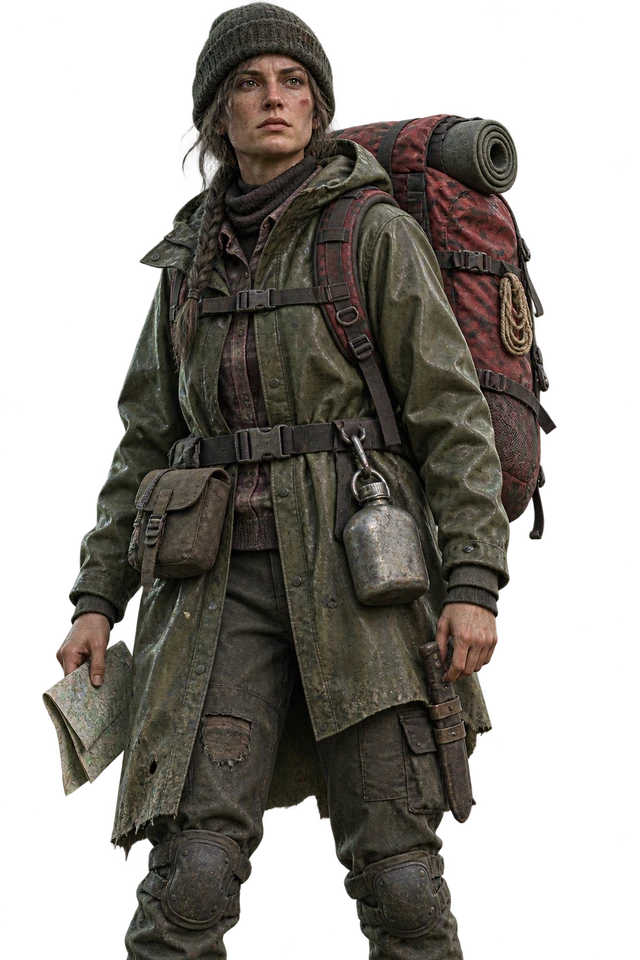
Ravzino editorial illustration: DayZ
Original illustration for the DayZ guide. Concept art, not a screenshot of the game or a product interface.

Catalog edition comparison

Use this table to narrow your choice by purpose and requirements. The order follows the catalog; it is not a performance ranking or the result of independent testing.

EditionListed capabilitiesSelection notes
AncientOur Ancient product line
  • Aimbot — Main — Enable (Head neck ches)
  • Aimbot — Settings — Hitbox
  • Player/Zombie ESP — Enable

Requirements need confirmation.

See the product page for current plans and checkout

Arcane DayZ
  • Aimbot — Enable aimbot
  • Player ESP — Enable player ESP
  • Player ESP settings — Item in hands
  • Operating systems: Windows 10/11 x64
  • Processors: Intel, AMD

See the product page for current plans and checkout

Authority
  • AIMBOT — Enable (key bind)
  • ESP — Settings mode (players/zombies)
  • LOOT AND TOWNS — Items
  • game clients: Steam + Xbox (Windows)
  • cpu: Intel & Amd Xeon & Fx processors are supported.

See the product page for current plans and checkout

Authority Dayz Lite
  • Player ESP — Box mode (square, visible/filled)
  • World ESP — Zombies
  • Loot ESP — Items and items nearby
  • cpu: Intel & Amd Xeon & Fx processors are supported.
  • video card: Nvidia & Radeon.

See the product page for current plans and checkout

BTG
  • Player (Player / Zombie) — Player Skeletons/Zombies
  • Items (Loot) — Clothing
  • Aim Bot (Aim) — Enable silent AIM
  • os: Works on Windows 10 and 11 PRO / Home [2004-26H2];
  • platform: Steam;

See the product page for current plans and checkout

Crooked Arms
  • Players ESP — Friends list (add players to friend list)
  • Zombies ESP — Names, lines, 2D box, distance
  • Animals & Vehicle ESP — Animals, animal corpses (adjustable distance)
  • supported processors: Intel, AMD
  • supported os: Windows 10-11 x64, Windows 11 26H2

See the product page for current plans and checkout

Dayz Medusa Lite
  • Visuals — 4 box styles (square, filled, etc.)
  • World ESP — Icons for animals, vehicles, heli crashes
  • Loot — Hover Mode — loot only when aiming
  • cpu: Intel & Amd supported Xeon & Fx processors.
  • video card: Nvidia and Amd

See the product page for current plans and checkout

Mason
  • AIM ASSIST — Enable, aim type, silent aim
  • VISUALS — Enable, ignore player on crosshair, clear ignore list
  • WORLD — Show bots, infected, animals, vehicles
  • game clients: Steam (x64 only)
  • game mode: Windowed / Borderless Fullscreen

See the product page for current plans and checkout

Medusa Dayz
  • Aimbot — Enable, Radius, Max distance
  • Visuals (Enemies — Players) — Enable, Friends
  • Visuals (Enemies — Zombies) — Enable, Box style (Corners&Outline/Corners/Box&Outline/Box)
  • cpu: Xeon and Fx processors with Intel and AMD support
  • video card: Nvidia and AMD

See the product page for current plans and checkout

Avalanche
  • ESP — Player / Zombie / Entity — Players — skeleton, name, box, distance
  • LOOT ESP — Distance to every item
  • AIMBOT — Precise aimbot with an adjustable FOV circle
  • project: Internal (inject)
  • cpu: INTEL | AMD

See the product page for current plans and checkout

Clutch
  • Aimbot — Silent Aimbot for players - enable and disable
  • Player ESP — ESP players - turn on and off
  • Zombie ESP — Zombie ESP - On and Off

DMA

  • DMA cards: StandartDMA, LeetDMA, EnigmaDMA, SquirrelDMA, ScreamerR03, ScreamerR04, CaptainDMA, ScarletDMA, RaptorDMA, TerminatorDMA
  • Additional requirements: Second computer or laptop: at least 4 GB of RAM and 2 cores; DMA board and firmware for it are required; Fuser

See the product page for current plans and checkout

Collapse
  • ESP — -PLAYER
  • MISC — Draw Fov - Display the aiming radius
  • SILENT AIM — Active - Enable this block
  • game version: Steam;
  • supported os only x64: Windows 10 (1809-later), 11; Windows 11 26H2

See the product page for current plans and checkout

Covcheg Dayz
  • AIM — Enable Silent AIM - enable/disable the function
  • ESP — Enable - Turn on/off WH display
  • operating systems: Windows 10 (2004, 20H2, 21H1, 21H2, 22H2), Windows 11;
  • processors: Intel and AMD;

See the product page for current plans and checkout

Doza
  • ESP — Player — 2D boxes around players
  • ESP — Zombie — 2D boxes around zombies
  • AIMBOT — Target selection: zombies, players or both
  • cpu: Intel | AMD
  • os: Windows 10 — 11 (25H2 supported)

See the product page for current plans and checkout

Dullwave
  • AIMBOT — Silent Aim
  • VISUALS — Player ESP
  • LOOT — Consumables
  • Operating system: Windows 10 [1903, 1909, 2004, 20H1, 20H2, 21H1, 21H2, 22H2]; Windows 11 [21H2, 22H2, 23H2, 24H2, 25H2]. Supported up to version 23H2. 24H2 is not supported!
  • Processor: Intel / AMD

See the product page for current plans and checkout

Gaslight
  • Visuals — Players — Player icon display
  • Visuals — Infected (Zombies) — Icon, name
  • Visuals — Items — Icon, name, quality

DMA

  • dma cards: StandartDMA (sold on our website), LeetDMA, EnigmaDMA, SquirrelDMA, ScreamerR03, ScreamerR04, CaptainDMA, ScarletDMA, RaptorDMA, TerminatorDMA
  • additional requirements: Second computer or laptop required (minimum 4GB RAM and 2 cores), DMA card and DMA card firmware required

See the product page for current plans and checkout

Labcore Radar
  • Main menu — Toggle local player dot
  • Quick toggles — Show or hide players
  • Radar settings — Map zoom level
  • operating systems: Windows 10, Windows 11
  • game clients: Steam, Xbox (Microsoft Store)

See the product page for current plans and checkout

Memez Dayz
  • Aimbot — Aim bone — select bone for aiming
  • Visuals — Player box — box around player
  • World — Radar — enable radar
  • operating system: 11 (21h2,22h2,23h2,24h2,25h2)
  • cpus: Intel / AMD

See the product page for current plans and checkout

NN Cheats DayZ
  • Aimbot — Silent Aim and Vector Aim
  • Player and zombie ESP — boxes, names, distance, weapon, and direction
  • World and items — animals, vehicles, and item categories
  • delivery: Automatic: key after payment
  • activation: Through NNLauncher

See the product page for current plans and checkout

Phoenix (Satano)
  • Players ESP — Player ESP — enable/disable ESP against players
  • World ESP (Map Objects) — Zombie ESP — show zombies and their information
  • Aimbot (Silent Aim) — Silent Aim — hit enemies without aiming
  • os: Windows 10, Windows 11 (21H2, 22H2, 23H2, 24H2, 25H2)
  • cpu: Intel & AMD

See the product page for current plans and checkout

SMG
  • Aimbot — Enable aimbot (key bind)
  • Visuals (ESP) — Settings mode: Players, Zombies, Other, Locations
  • Locations — Reservoirs, Villages, Camps, Castles

DMA

  • dma cards: StandartDMA (sold on our website), LeetDMA, EnigmaDMA, SquirrelDMA, ScreamerR03, ScreamerR04, CaptainDMA, ScarletDMA, RaptorDMA, TerminatorDMA
  • additional requirements: A second computer or laptop is required (minimum 4GB RAM and 2 cores), DMA card and DMA card firmware are mandatory

See the product page for current plans and checkout

Soft HUB
  • Aimbot — Silent Threat — Silent Aimbot — bullets fly straight to the target while your crosshair and camera stay still. Maximum legitimacy for spectators
  • Players ESP — X-Ray — 2D boxes, skeletons, lines
  • Loot ESP — Smart Loot — Filter by type: weapons, food, vehicles, medicine and more
  • supports processors: Intel and AMD.
  • compatible with systems: Windows 10 (2004 - 22h2) and win 11 (including 26H2).

See the product page for current plans and checkout

Web Radar
  • Map Selection — Chernarus, Livonia, Sakhal, Alteria, Anastara
  • Players — Enable player display on the map
  • Zombies — Enable zombie display on the map
  • required disk format for the cheat to work: Supports GPT only (MBR does not work!)
  • built-in spoofer: No;

See the product page for current plans and checkout

FOCUS DayZ
  • ESP · Players — Master switch for player wallhack. When on, other players are drawn through terrain, buildings and fog. When off, all player ESP below is hidden. (ESP)
  • ESP · Zombies — Master switch for infected / zombie ESP. (Enabled)
  • ESP · Loot — Master switch for world loot ESP. Ground items and containers matching the filters below are shown. (Enabled)
  • Windows 10: 22H2
  • Windows 11: 25H2

Sales paused

FOCUS DayZ DMA
  • ESP · Players — Enable or disable player ESP. (ESP)
  • ESP · Loot — Enable or disable item ESP. (Enable loot)
  • Loot · Categories — Separate toggle for weapons. (Weapons)
  • Windows 10: 22H2
  • Windows 11: 25H2

Sales paused

FOCUS DayZ Web Map
  • Map — Switch between satellite imagery and topographic maps. (Satellite & topographic)
  • Players — Your position and viewing direction. (Your marker)
  • Zombies & vehicles — Toggle zombie markers with the Zombies button. (Zombies)
  • Windows 10: 22H2
  • Windows 11: 25H2

Sales paused

Shack
  • Player ESP — Names, Distance, 2D Boxes
  • Other ESP — Zombies, 2D Boxes on zombies, Zombie skeleton
  • Aimbot — Aimbot radius, Radius size
  • os: Windows 10 (1903, 1909, 2004, 20H2, 21H1, 21H2, 22H2), Windows 11
  • cpu: Intel and AMD

Sales paused

PC and game client compatibility

For DayZ, the requirements of one product must not be applied to the entire category. A game may run on a computer that a particular tool does not support. Check the Windows edition and build, processor, hardware and game client against the exact edition.

Listings in this category specify the following requirement groups: Operating systems, cpu, Graphics card, Game client, Display modes, Built-in spoofer, USB drive, Game clients, cpu, video card, Operating system, Game mode, spoofer, bypass streams, OS, platform, Processors, Virtualization, secure boot, Disk format, hyper v, discord, Supported processors, supported os, supported builds, project type, Additional requirements, game mode, streaming bypass, anti cheat, OBS capture exclusion, BIOS boot mode, project, DMA cards, Built-in spoofer, Anti-cheat, game version, supported os only x64, supports processors, Supported modes, Operating systems, game mode, Operating system, Processor, game client, bypass recording in obs, operating system, cpus, virtualization, delivery, activation, compatibility, security services, compatible with systems, required disk format for the cheat to work, supported game modes, supported systems, Windows 10, Windows 11, Processor, Architecture, Platform.

  1. Open winver and note the Windows version and build. A newer build is not automatically compatible.
  2. Compare your processor, memory and graphics card with the compatibility section. If a field is missing, ask support before paying.
  3. Check the platform, game edition and additional devices. DMA products require the complete hardware setup specified by that particular product.
  4. Read the instructions for your chosen product. Do not change Windows security or BIOS settings based on advice for a different edition.
Step-by-step PC compatibility check

Understanding feature lists

Catalog feature groups for this game include: Aimbot — Main, Aimbot — Settings, Player/Zombie ESP, World — Food/Medical/Other/Vehicle parts, World — Main, World — Misc, World — Weapons/Ammo/Attachments, World — Animals/Vehicles, World — Places, Misc, Aimbot, Player ESP.

A feature group name is only the start of a comparison. For ESP, check the listed objects and parameters; for aim assistance, check the available settings; for radar, check its display method and additional requirements. Do not assume a feature is included because another product in the same family has it.

Screenshots help you assess the interface, but do not prove compatibility with the current game update. See each product page for the full feature list and limitations; the abbreviated table above does not replace it.

Related instructions

Access duration and checkout checks

Choose a duration after checking compatibility. A short plan limits the initial purchase cost, but does not remove the risk of a ban or guarantee a refund. For longer access, check activation, update and downtime compensation terms.

Prices and availability are not frozen in this guide: they appear in the selected product’s plan section. Before paying, match the name, edition, duration and final currency at the external checkout to the Ravzino listing. Contact support if anything differs.

What to check at checkout

Updates, limitations and risks

Third-party software may violate game rules and lead to account or hardware restrictions. Private access, DMA and paid subscriptions do not guarantee freedom from bans. A spoofer is not a universal solution and does not prove that you can return to a game.

After a game update, recheck the edition’s status and the developer’s announcements. Do not run an old loader based on a saved screenshot or an earlier description. If sales are paused or information is incomplete, confirm the conditions with support first.

Ask about compatibility and conditions

Frequently asked questions

Which tool should I choose for DayZ?

Match your required features and requirements in the table above. Ancient, Arcane DayZ, Authority have individual product pages: compare their specific limitations rather than just their names.

Can I buy every listing in the table?

No. The table describes the catalog, including paused and withdrawn listings. Use the current plans and checkout status on the selected product page.

Why do editions have different requirements?

Editions can use different launch methods and have different Windows, processor or additional hardware restrictions. One edition’s requirements do not apply to the others.

Can you guarantee there will be no bans?

No. Any third-party interference with a game carries risk. Labels such as private and undetected do not guarantee account safety.

Prepared by the Ravzino editorial team using specifications from the product pages in this category, linked in the table. Catalog ordering and ownership of the Ancient line are not evidence of technical superiority.

Back to products
Help